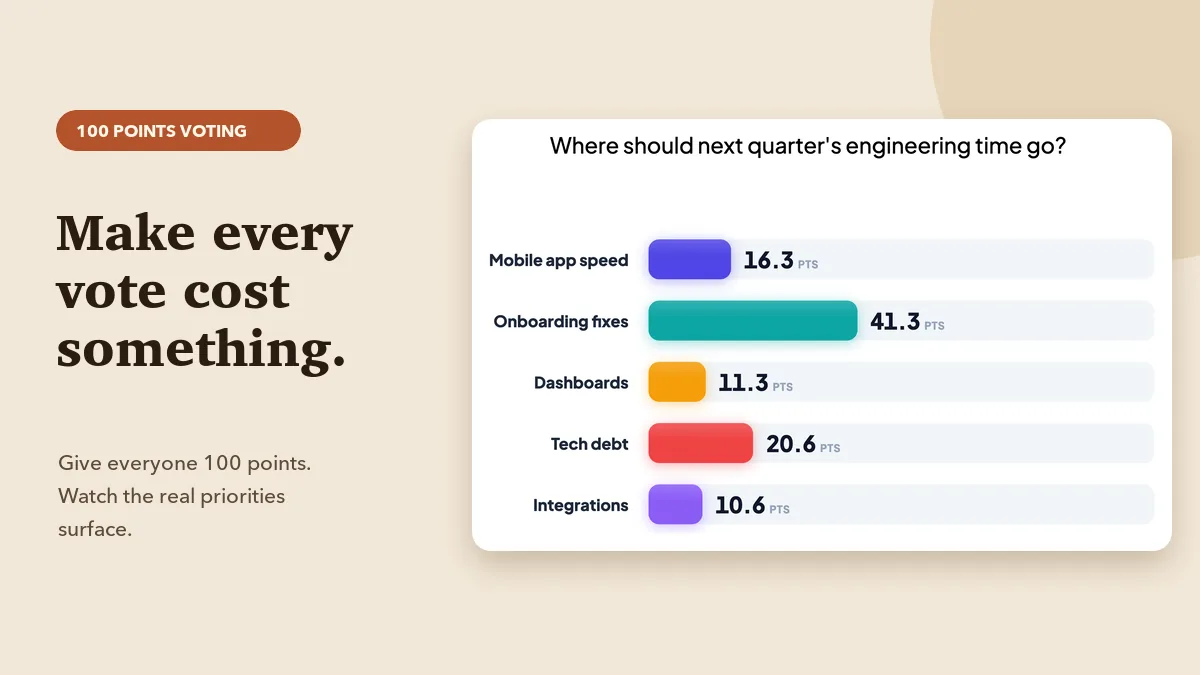
100 points voting gives everyone a fixed budget to spread across options, revealing real priorities. Learn when to use it, how to run it live and read results.
Confidence-based marking scores how sure students are, not just if they are right. See the research and how to run it in class with a live wager quiz round.
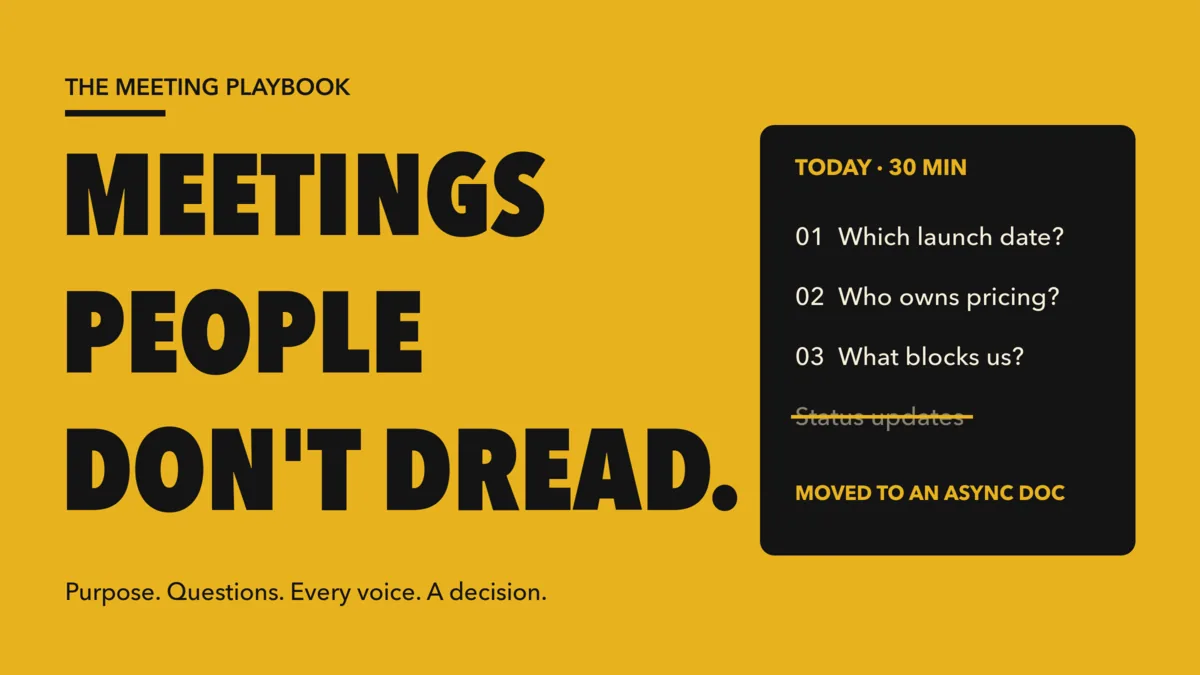
Why people dread meetings and 7 practical fixes: a purpose test, agendas written as questions, live polls so every voice counts, and decisions with owners.
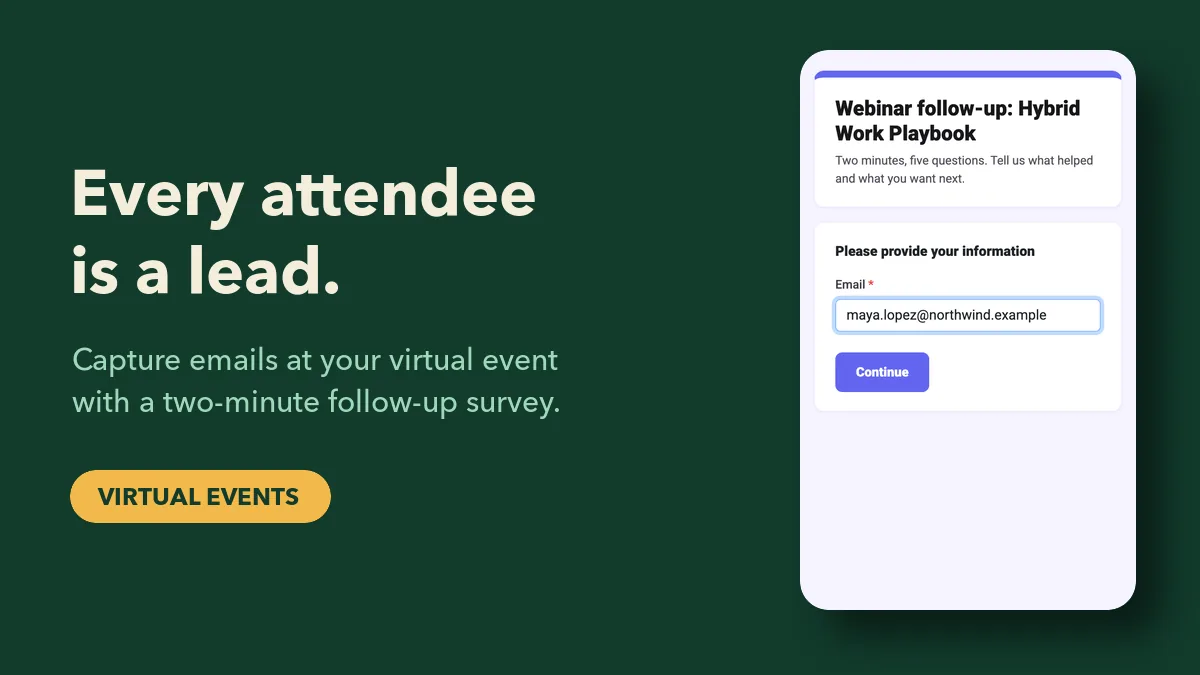
A practical virtual event lead capture plan: collect emails at join, qualify with polls and Q&A, close with a follow-up survey, then score and hand off fast.
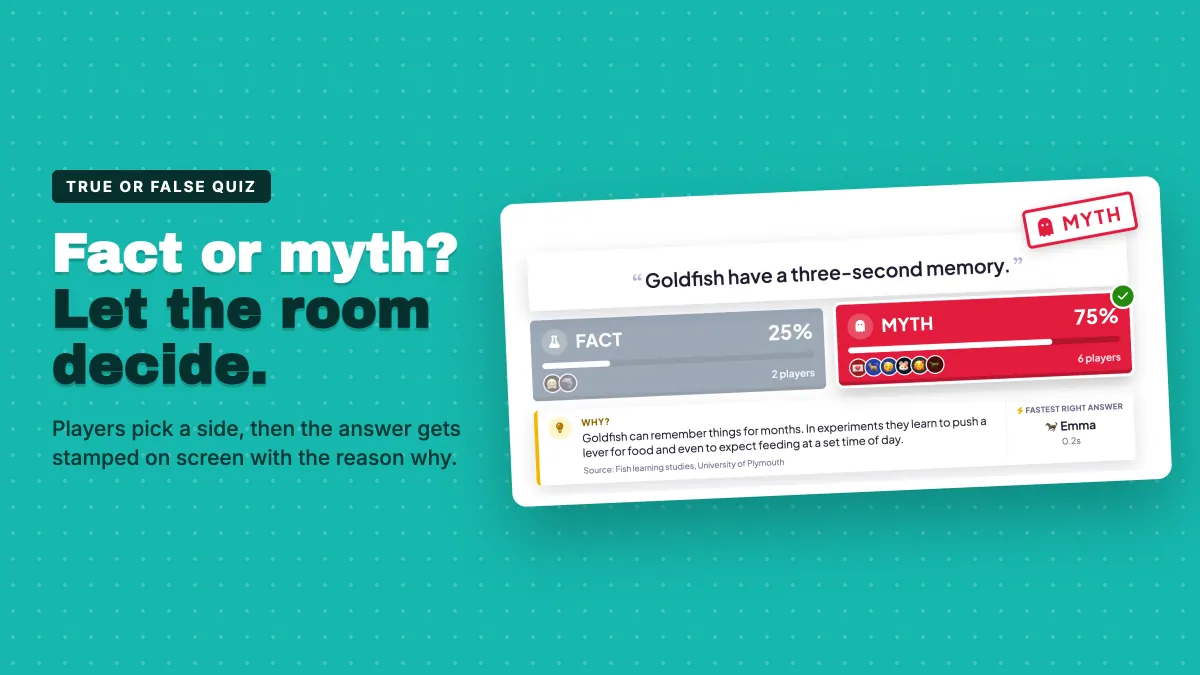
Run a 10-minute Fact or Myth onboarding quiz in week one to surface the rumours new hires bring with them and correct them with a clear, memorable answer.
Remote training fails quietly. Five practical fixes and a before, during and after plan to keep remote employees engaged with polls, quizzes and follow-ups.
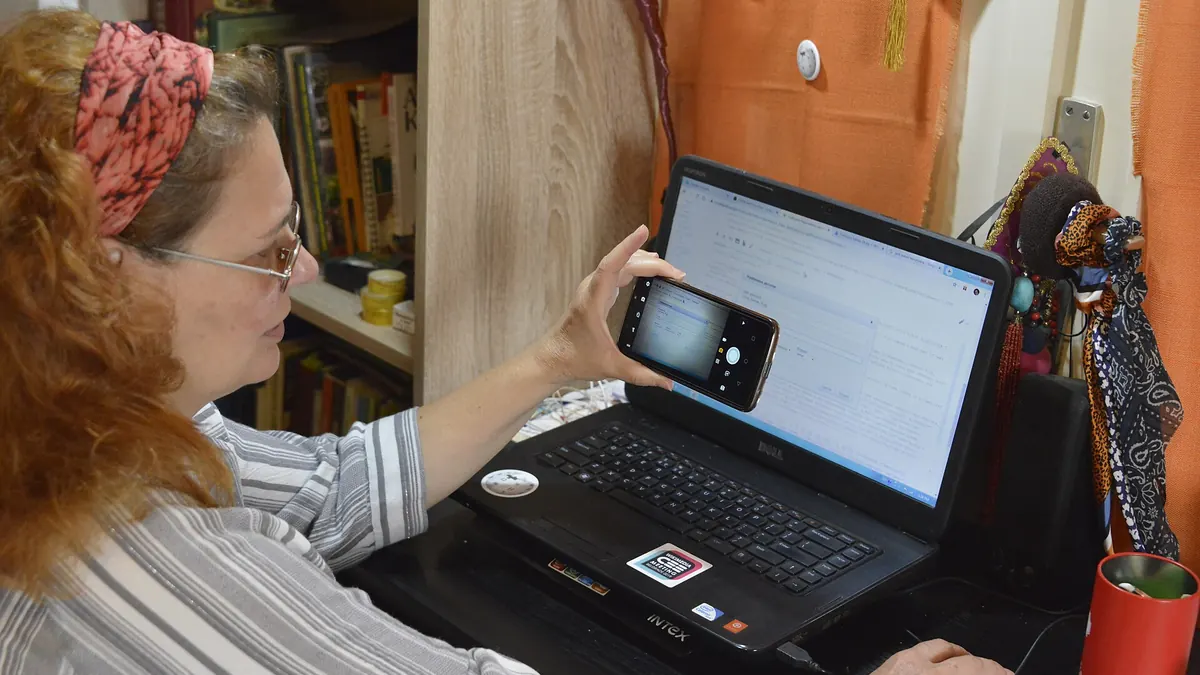
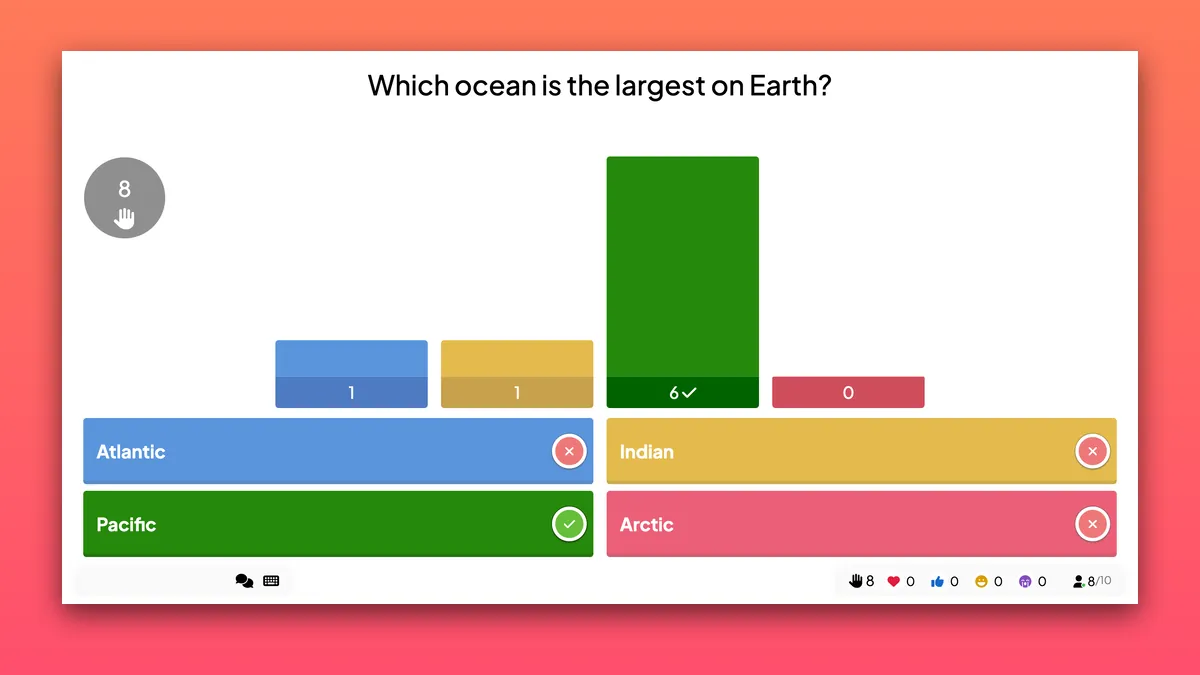
Add a live quiz to Zoom in four steps: build it, share your screen, let people answer on their phones and show a leaderboard. Plus fixes for common hiccups.
20 remote team icebreakers grouped by purpose, from quick check-ins to reflective retro openers, plus how to run them so everyone on the call answers at once.
Stop guessing whether your talk worked. Learn the 7 presentation metrics to track before, during and after a session, and how to collect each in EngageSlide.
Run a live true or false quiz: players pick a side, the answer is stamped on screen and a short Why explains it. Fact/Myth, Real/Fake or Yes/No labels.
A wager quiz lets players bet points before the options appear. Learn how betting, scoring and the Stakes panel work in EngageSlide, plus tips to run it well.
Auto-grading assignments cuts hours of marking every week. See where grading time really goes and how to set up auto-graded homework in EngageSlide today.
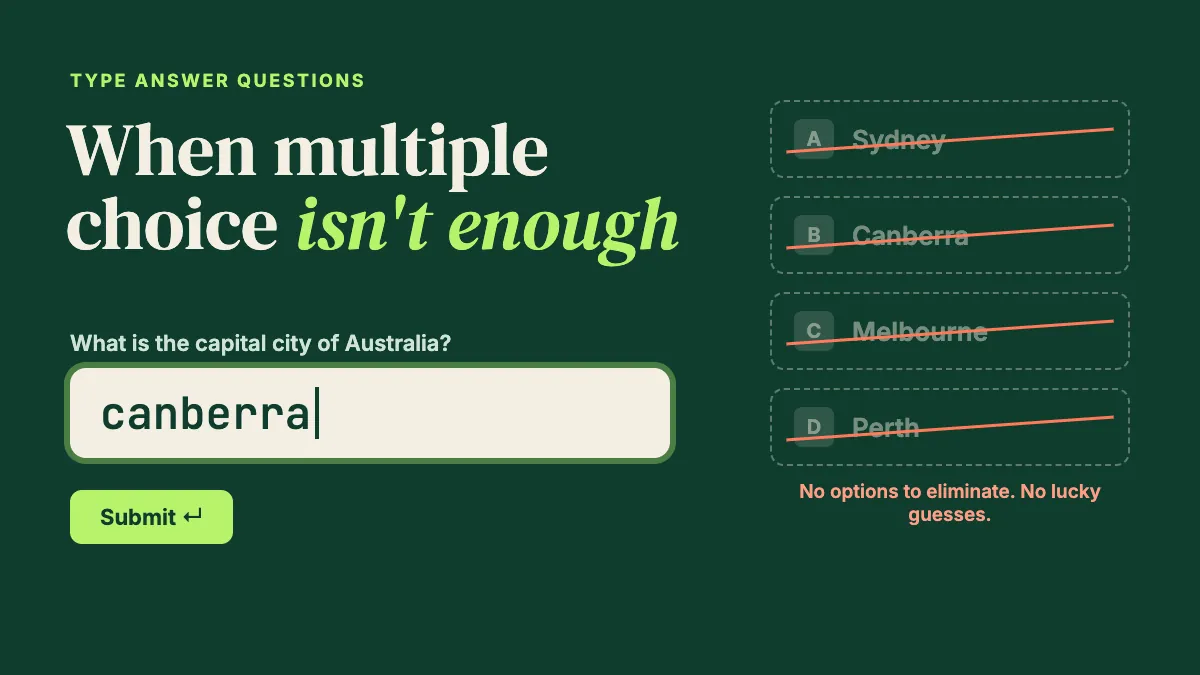
Type answer quiz questions test recall, not recognition. Learn when to use them, how to set accepted answers, and how to fix grading live in EngageSlide.
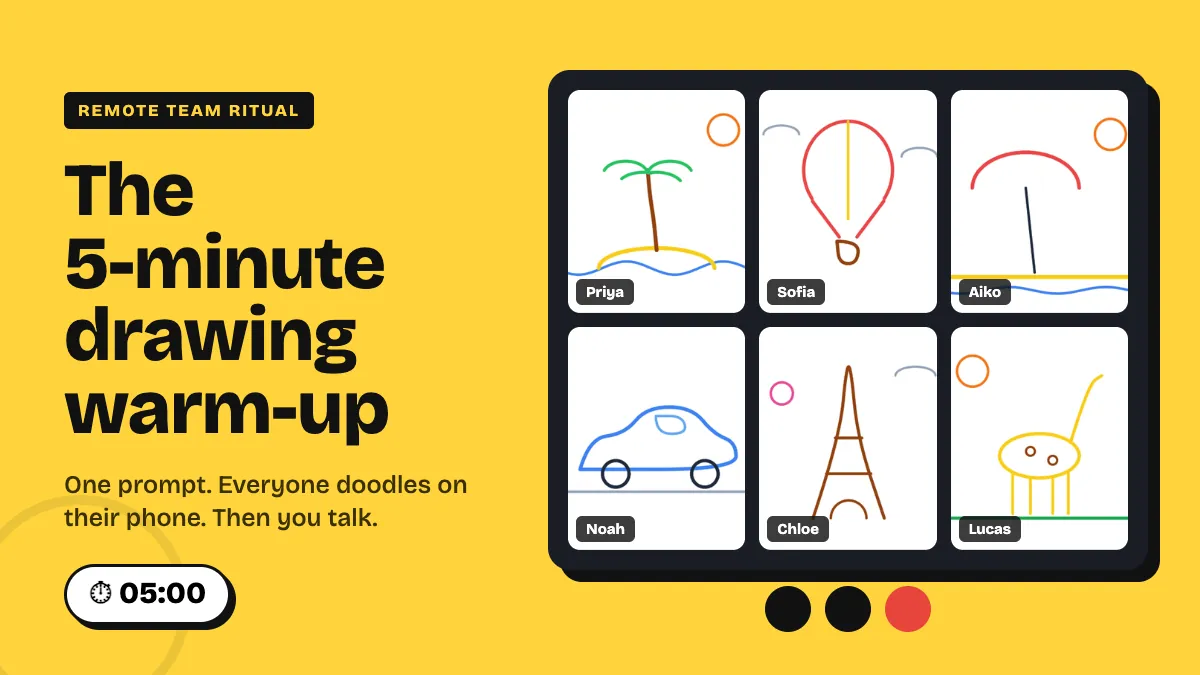
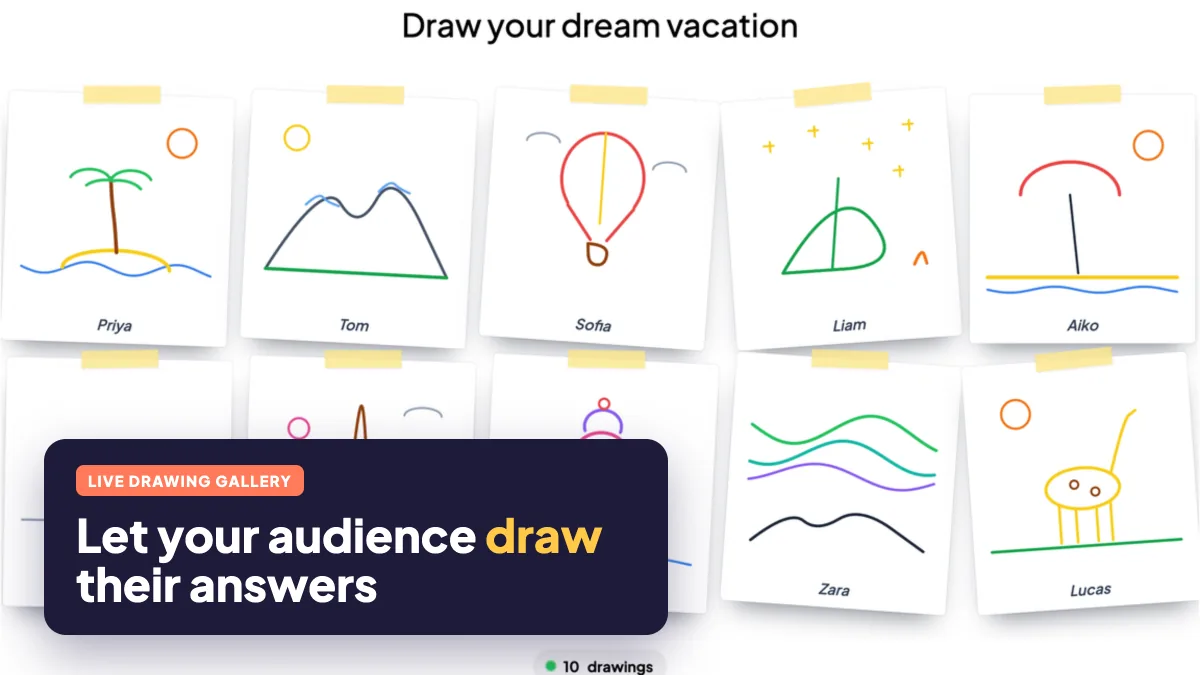
Start remote meetings with a 5-minute drawing warm-up: one prompt, phone doodles in a live gallery, two stories. Run of show, setup and prompts inside.
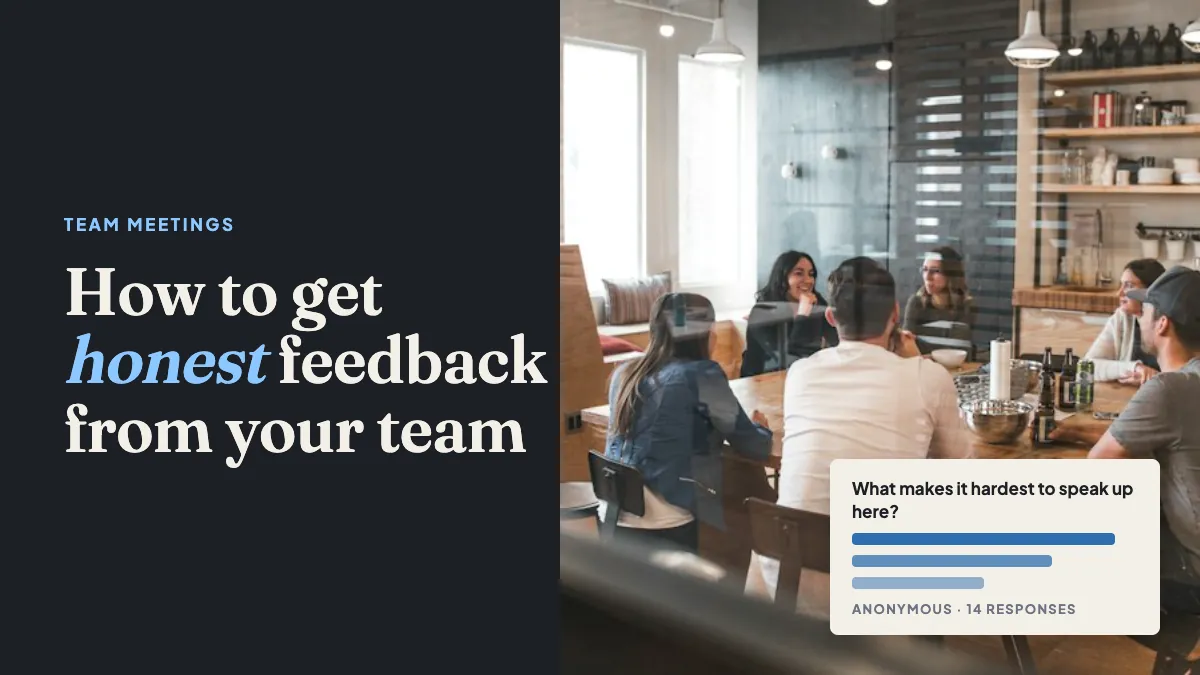
Why teams stay quiet in meetings and a repeatable 15-minute format for honest feedback, using anonymous polls, scales and upvoted Q&A to get candid answers.
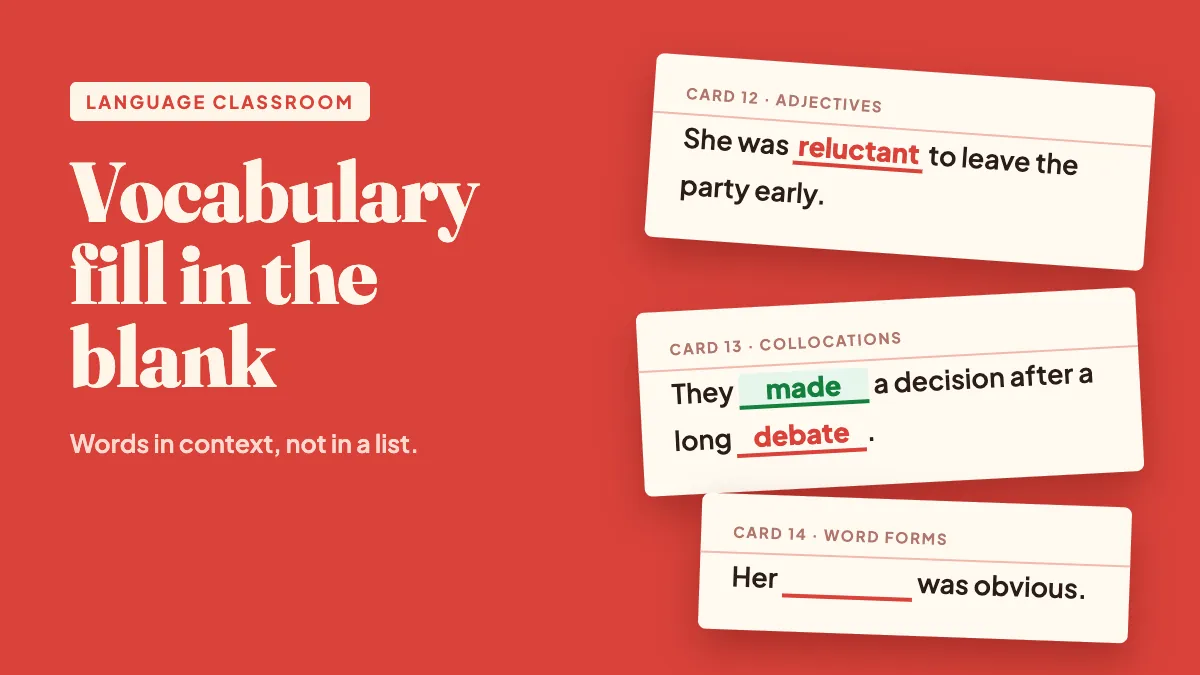
Build vocabulary fill in the blank quizzes that teach words in context: write strong gap-fill sentences, scaffold from word bank to typing, and run them live.
Put a live leaderboard on sales training: what to score, when competition backfires, team mode for mixed-tenure rooms, and a 20-minute format to reuse.
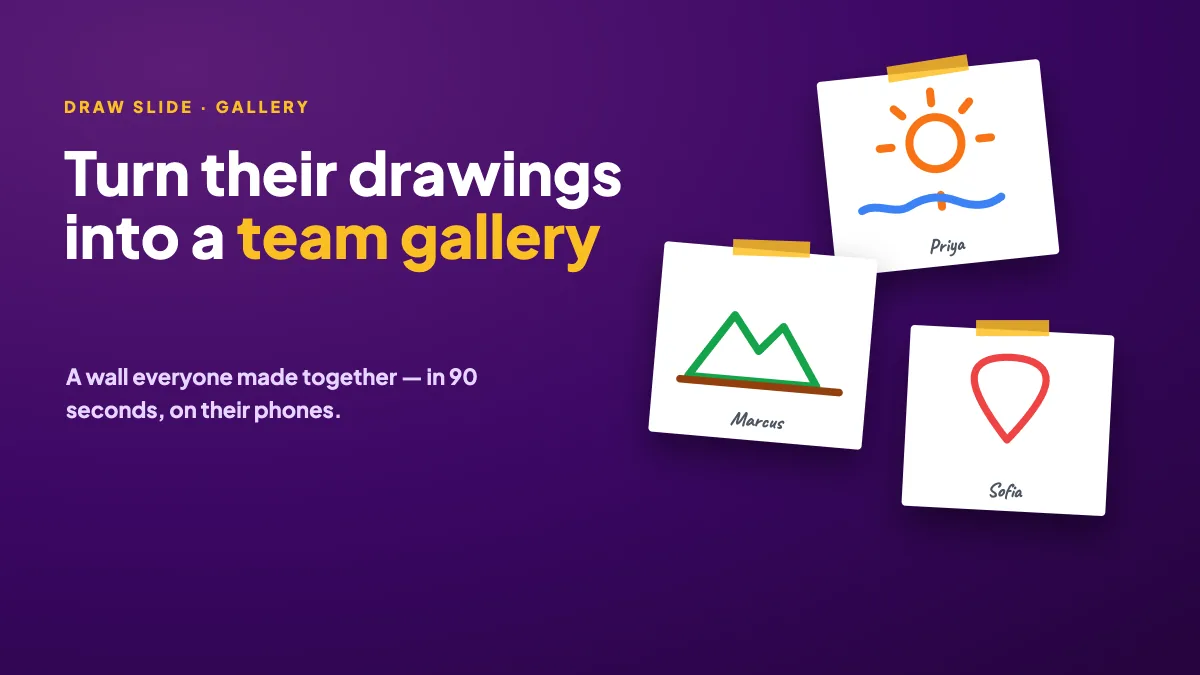
Collect a wall of drawings from your team in 90 seconds: prompts for offsites, retros and wrap-ups, how to set it up, and what to do with the gallery after.
Create a live fill in the blank quiz: bracket the missing words, pick typed answers or a word bank, and see which blanks everyone got right when you reveal.
Run a live drawing activity: everyone sketches on their phone and drawings pop into a gallery on the big screen. Setup steps, 12 prompts and practical tips.