
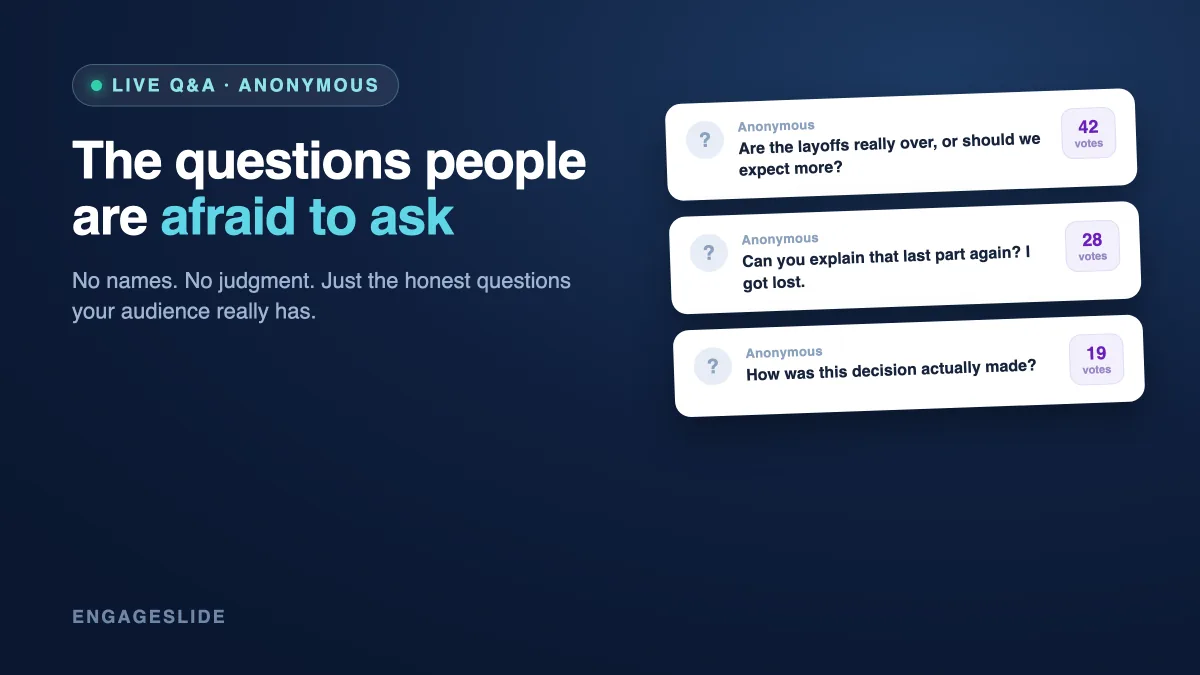
Every presenter knows the awkward silence that follows "Any questions?" It's rarely because people have none. More often, the room is full of unasked questions — the ones that feel too basic, too pointed, or too risky to say out loud in front of the boss, the professor, or 200 strangers. Anonymous Q&A removes that fear. When people can ask without attaching their name, the real questions finally surface: the confusion everyone shares, the concern nobody wants to be the first to raise, the follow-up that actually moves the conversation forward. This guide shows you why anonymity works and exactly how to run an anonymous Q&A in EngageSlide.
Why people stay silent (and what anonymity changes)
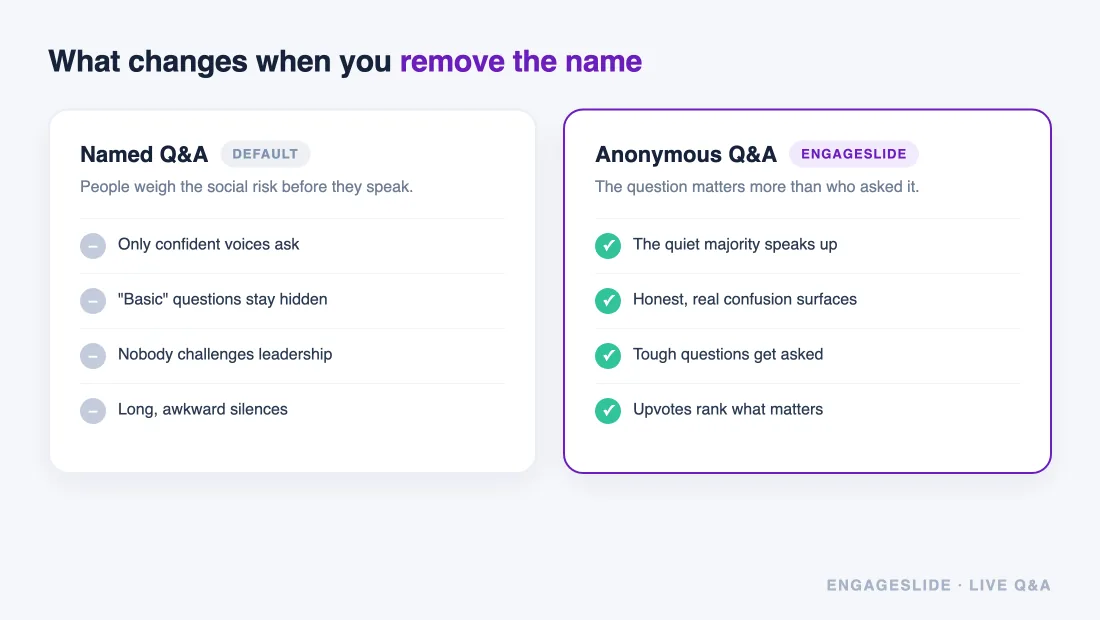
Speaking up in front of a group carries social risk. Ask a "dumb" question and you might look unprepared; challenge a claim and you might look difficult. Researchers call the antidote psychological safety — the shared belief that it's safe to take interpersonal risks. In most meetings and lectures that safety is thin, so questions go unasked and misunderstandings quietly compound.
Anonymity lowers the cost of asking to almost zero. Nobody can judge a question if nobody knows who wrote it. That single change flips the dynamic: instead of a handful of confident extroverts dominating, you hear from the quiet majority. You'll notice sharper, more honest questions — and often the most-upvoted one is the exact thing half the room was too shy to ask.
The goal of anonymous Q&A isn't to hide people — it's to make the question matter more than the person asking it.
When to make your Q&A anonymous
Anonymous mode isn't right for every session, but it's a clear win in these situations:
- Hierarchy in the room. All-hands, town halls, and skip-level meetings where junior staff won't challenge leadership by name.
- Sensitive topics. Reorganizations, policy changes, layoffs, compensation, or anything people fear looking naive about.
- Large audiences. Conferences and webinars where standing up to a microphone feels intimidating and slow.
- Classrooms. Students who won't admit in front of peers that they didn't follow the last concept.
For a friendly team retro or a small workshop where trust is already high, named questions can be fine — even better, since they invite follow-up conversation. Match the setting to the stakes.
How to run an anonymous Q&A in EngageSlide
EngageSlide's live Q&A is built for exactly this. Your audience joins from any phone — no app, no login — and questions appear on your screen in real time. Here's the setup.
1. Add a Q&A slide and turn on anonymity
Create a Q&A slide in your presentation. In the slide settings, enable the anonymous option so participants don't have to enter a name before submitting. You can build an entire interactive presentation around this — polls to open, a quiz in the middle, and an anonymous Q&A to close.
2. Let people join with a code or QR
Display the join code and QR code on screen. Participants scan or type the short code at the join URL and land straight on the question box. Because there's no sign-up step, even a skeptical audience is asking within seconds.
3. Collect questions live — and let the crowd rank them
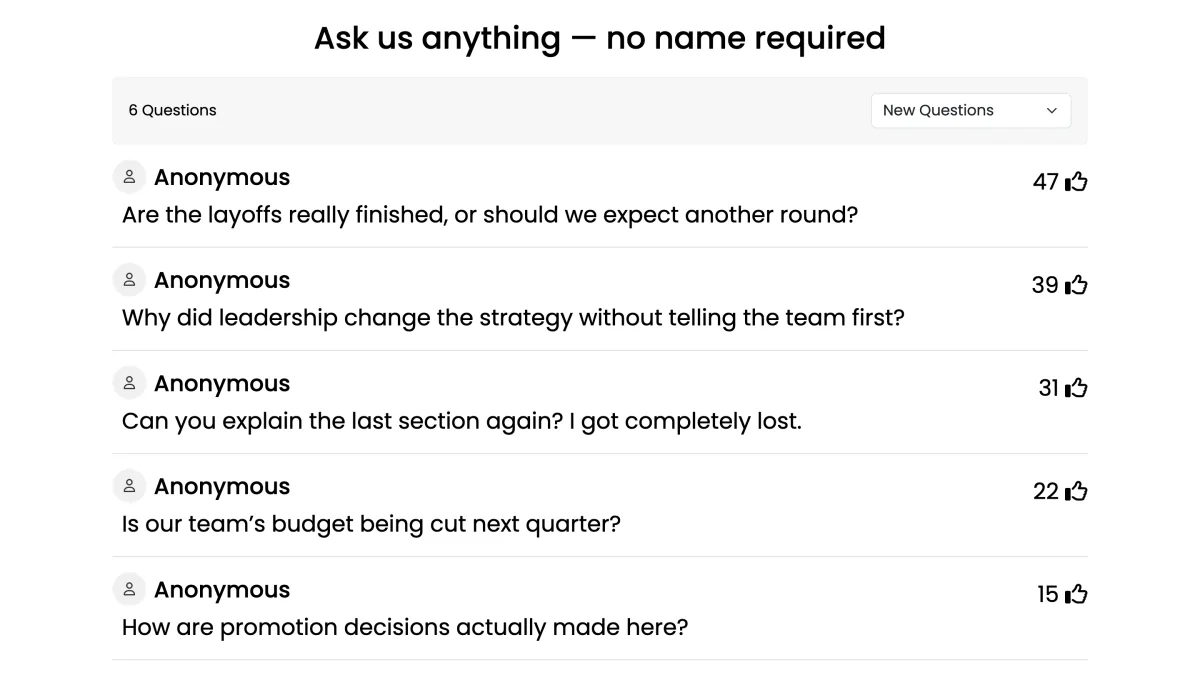
As questions come in, they stream onto your screen. Turn on upvoting so the audience can push the questions they care about to the top, and you'll always know what to answer next. (We go deep on that mechanic in our guide to running a Q&A that doesn't fall flat.)
4. Moderate if the stakes are high
For a large or sensitive session, use moderated mode: questions land in a queue for you (or a co-host) to approve before they go on the big screen. This filters duplicates and the occasional troll without discouraging genuine questions. For a trusting internal group, open mode keeps things fast and spontaneous.
5. Answer, mark as done, and keep momentum
Tap a question to highlight it on screen while you answer, then mark it answered so it moves out of the active list. Working top-down through the upvoted queue signals that you're addressing what the room actually wants — which encourages even more questions.
Facilitation tips that make anonymous Q&A shine
- Open the queue early. Share the join code at the start, not the end. People jot questions as they think of them instead of forgetting by Q&A time.
- Seed the first question. An empty board is intimidating. Drop in one honest starter question yourself to model that hard questions are welcome.
- Read questions verbatim. Don't soften or editorialize an anonymous question — answering it straight is what builds trust in the format.
- Never try to out the author. The moment you guess "who asked this?", anonymity is broken for everyone. Honor it completely.
- Leave the board open afterward. Let people keep adding questions during breaks or after a webinar ends, then follow up on the ones you couldn't reach.
Anonymous doesn't mean unaccountable
A fair worry: won't anonymity invite bad behavior? In practice, moderation plus upvoting handles it. Low-quality or hostile questions rarely get votes, so they sink; you can decline anything off-topic in moderated mode before it's ever seen. The overwhelming majority of anonymous questions are simply the honest ones people were afraid to ask with their name attached. If you want a full walkthrough of structuring the session end to end, see our complete guide to running a live Q&A session.
The payoff: the questions that actually matter
When you remove the fear, you change what gets asked. Instead of polite, safe questions that fill time, you get the ones that expose real confusion, real disagreement, and real curiosity — the questions worth your session. That's the difference between a Q&A that fizzles and one where people say, "I'm glad someone finally asked that." Set up an anonymous Q&A in EngageSlide before your next talk, and give the quiet majority a voice.