
You poured weeks into your event, the room was buzzing, and now you want to know what actually landed. So you send a feedback survey — and 4% of attendees respond. The problem is almost never that people didn't care. It's that the survey asked too much, arrived too late, or felt like a chore. A post-event survey that people actually complete is short, well-timed, and effortless to answer on a phone. This guide shows you how to design one and run it in EngageSlide so your response rate climbs from a trickle to a flood.
Why most post-event surveys fail
Three things kill completion rates, and they're all fixable:
- It's too long. A 20-question survey signals "this will take ten minutes," and people bounce. Perceived length matters more than actual length.
- It arrives too late. Email it three days later and the experience — and the goodwill — has faded. Attention is highest in the final minutes of the event, not on Thursday.
- It's awkward on mobile. Most people answer on their phone. A form that requires pinching, scrolling sideways, or a login gets abandoned instantly.
The best moment to ask for feedback is while people are still in the room. Every hour you wait, your response rate drops.
Design principles for a survey people finish
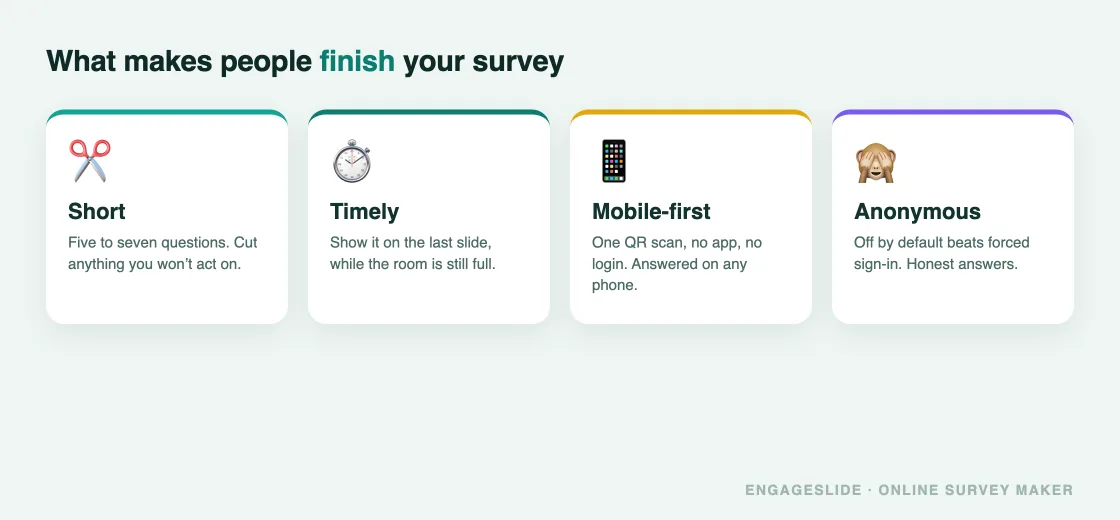
Keep it to 5–7 questions
Ruthlessly cut. For each question ask, "What will I actually do with this answer?" If the answer is nothing, delete it. Five focused questions beat fifteen vague ones every time. Lead with one easy rating question to build momentum before anything open-ended.
Mix quick ratings with one open-ended prompt
Rating and scale questions are fast to answer and easy to analyze; one well-placed open-ended question captures the surprises you'd never think to ask about. EngageSlide's survey builder gives you nine question types — short text, paragraph, multiple choice, checkboxes, dropdown, linear scale, file upload, date, and time — so you can match each question to the fastest way to answer it.
Make it anonymous (usually)
Anonymous responses are more honest, especially about what didn't work. Turn off name collection unless you specifically need to follow up with individuals. If you do want to reach out, ask for an email in a single optional field at the end — never as a barrier at the start.
The single biggest lever: timing
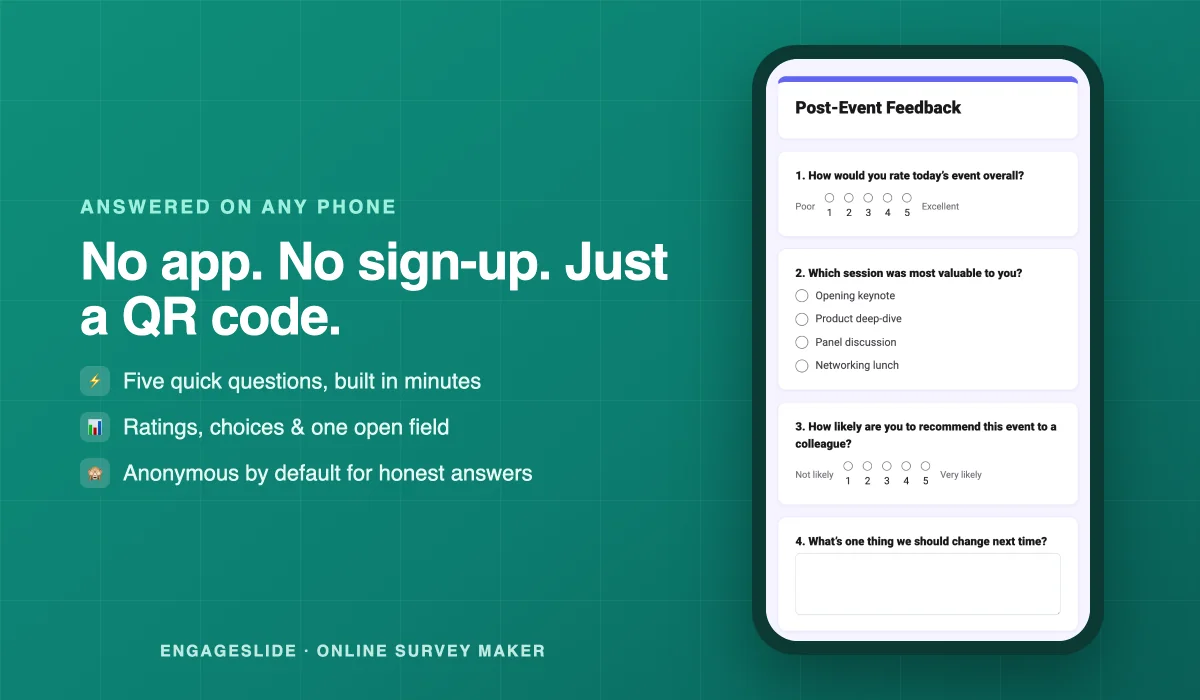
The highest-converting post-event survey is the one you show before people leave. In EngageSlide you can link a survey to your presentation and display it on the last slide, so a QR code appears on the big screen the moment your talk ends. Attendees scan, answer five questions on their phones, and you capture feedback while the experience is fresh and the room is still full. Build this into any interactive presentation and you'll routinely see completion rates a multiple of what email surveys deliver.
For events without a live closing slide, send the link within the hour — while people are still on the high — not the next day.
How to build it in EngageSlide, step by step
- Create a survey. In the online survey maker, start a new survey — standalone or linked to the presentation you just ran.
- Add 5–7 questions. Pick the question type that's fastest to answer for each: a linear scale for satisfaction, multiple choice for "what was most valuable," one paragraph field for open feedback.
- Set anonymity and one optional email field. Keep name collection off; add an optional email only if you plan to follow up.
- Share it where attention is. Show it on your last slide, drop the QR code in your closing, or paste the link in the chat and follow-up email.
- Watch responses land live. The Summary view aggregates results automatically, and you can switch to Individual responses or export everything to CSV for deeper analysis.
Questions that get useful answers
Once completion is solved, make sure the answers are worth reading. A few reliable formats:
- Overall satisfaction (linear scale): "How would you rate today's event?" 1–5. Your headline metric.
- Most valuable part (multiple choice): "Which session was most useful to you?" Tells you what to do more of.
- Likelihood to return/recommend (linear scale): your NPS-style loyalty signal.
- One open prompt (paragraph): "What's one thing we should change next time?" This is where the gold is.
For a ready-made bank you can lift straight into your survey, see our list of 25 event feedback survey questions. And if you want your questions to be neutral rather than leading, our guide to writing questions that get honest answers applies directly.
After the survey: close the loop
Completion isn't the finish line — acting on the feedback is. Skim responses the same day, pull two or three themes, and tell attendees what you heard and what you'll change. People who see their feedback taken seriously respond to your next survey at a far higher rate. Feedback is a relationship, not a transaction.
Put it into practice
A great post-event survey isn't about asking more — it's about asking less, at the right moment, in the right place. Keep it to five sharp questions, show it on your last slide while the room is full, make it anonymous and mobile-first, and then actually use what you learn. Build your first one in EngageSlide today and watch your response rate — and the quality of your next event — climb.