
Nothing warms up a room full of colleagues faster than a well-run trivia game. Whether it's a sales kickoff, a holiday party, an offsite, or the social half-hour after an all-hands, a company trivia game turns a passive crowd into cheering teams in minutes — no icebreaker awkwardness required. The best part is that you don't need a professional host or expensive kit. With everyone's phone as a buzzer and one big screen at the front of the room, you can build and run a trivia night that people actually talk about on Monday. This guide walks through planning the rounds, setting up the game, and hosting it live so the energy never dips. (Running it for a distributed team instead? See our companion guide on the virtual pub quiz for remote teams — this one is built for a room full of people in the same place.)
Why trivia works so well at company events
Trivia hits a rare trifecta for corporate gatherings: it's inclusive, it's fast, and it levels the org chart. The newest intern can out-answer the VP on a pop-culture question, and that little upset is exactly what breaks the ice. A good game also gives quieter people a low-stakes way to contribute — they whisper an answer to their team instead of having to speak to the whole room. Add a leaderboard and a small prize, and you've manufactured genuine, friendly competition that builds the cross-team relationships these team-building events exist to create.
The goal isn't to find the smartest person in the building. It's to get every table laughing, arguing over answers, and rooting for each other for twenty minutes.
Plan your rounds before you build
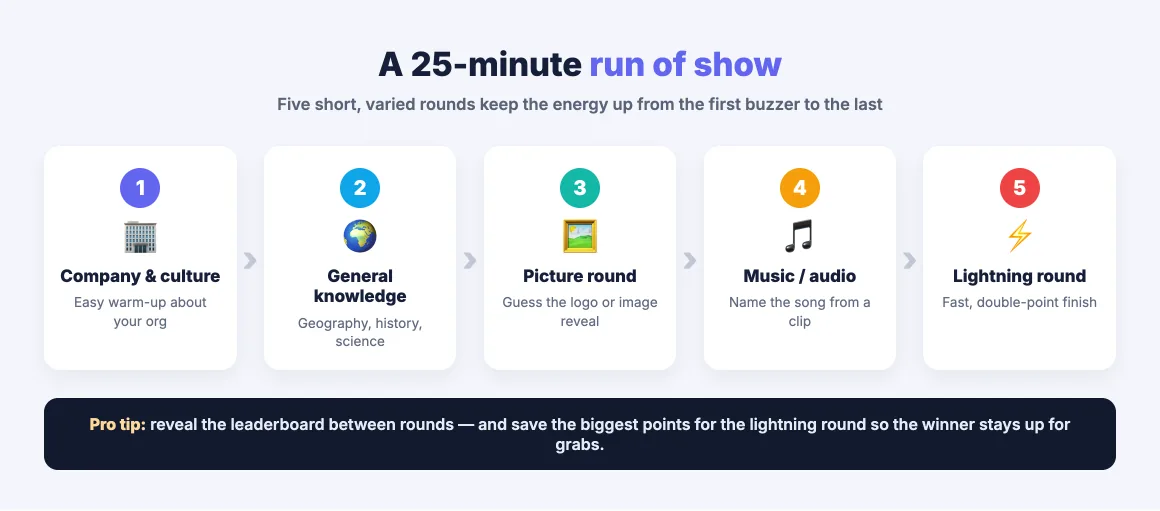
The single biggest driver of a fun trivia night is variety. Five rounds of straight multiple-choice will flatten the energy no matter how good your questions are. Mix formats and themes so every round feels new. A reliable structure for a 20–30 minute game:
- Round 1 — Company & culture. Easy, warm-up questions about your own organization: founding year, office locations, a funny fact about the CEO. Everyone can play, and it signals the game is about you, not a generic pub quiz.
- Round 2 — General knowledge. Classic multiple-choice across geography, history, and science to find out who the real trivia buffs are.
- Round 3 — Picture round. "Guess the logo," "name that landmark," or a slowly-revealed image. Visual questions are a proven energy spike.
- Round 4 — Music or audio. Play an intro clip and have teams name the song or artist. Sound wakes a room up instantly.
- Round 5 — Lightning round. Fast, timed questions worth double points for a dramatic finish that can flip the leaderboard.
Aim for 5–7 questions per round and keep difficulty balanced — a couple of gimmes, a couple of hard ones, and the rest in the middle. If you want more inspiration, our roundup of live quiz ideas to energize any meeting has formats you can drop straight into a round.
Build the game in EngageSlide
Once your questions are ready, building the game itself is quick. In EngageSlide's interactive presentation tool, each question is a quiz slide, and you can match the slide type to the round you planned:
- Select Answer for standard multiple-choice — assign points and set a countdown per question.
- Quiz Image Reveal for the picture round, uncovering a photo piece by piece as the clock ticks.
- Custom quiz audio to play a music clip during the countdown for your audio round.
- Match Pair or Puzzle to break up the rhythm with something more hands-on.
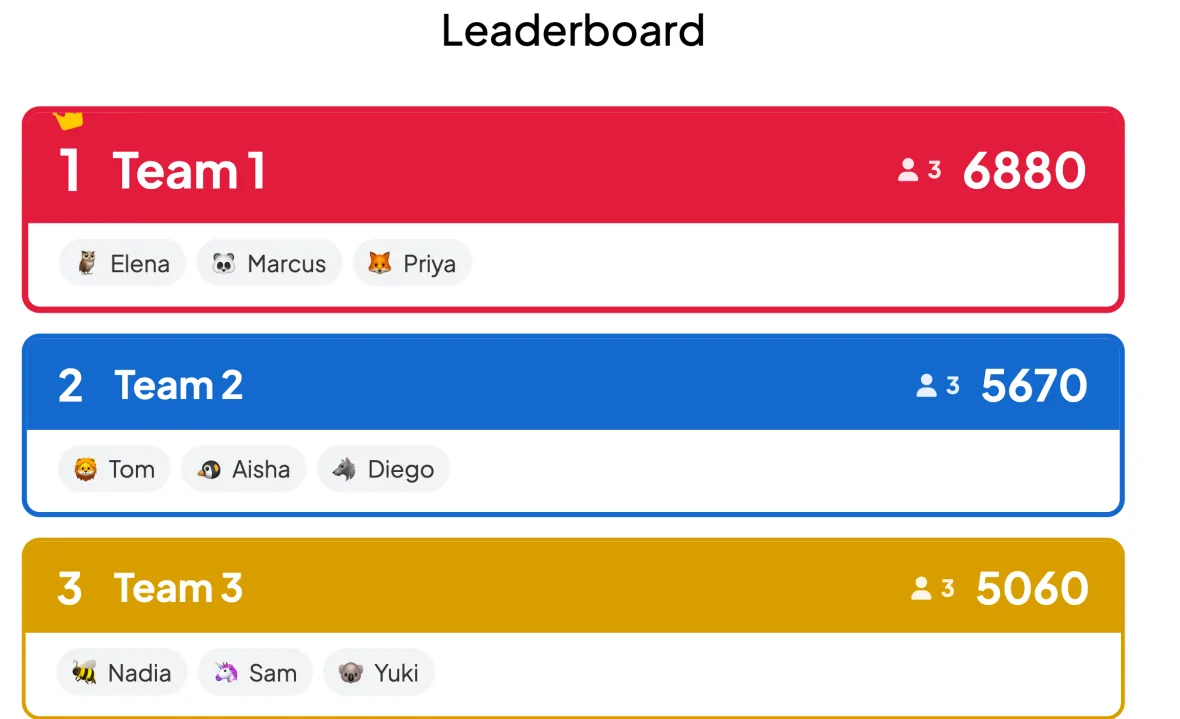
Turn on Team mode so tables compete as a group rather than as individuals — perfect for an event where you want people collaborating at each table. As answers come in, EngageSlide keeps score automatically and drives a live leaderboard that you reveal between rounds for maximum suspense.
Not sure whether to run it as teams or solo? Our breakdown of team quiz vs individual quiz covers when each format works best — for a company event, teams almost always win.
Set up the room for maximum energy
The tech setup is refreshingly simple. Put the quiz on the main projector or TV, and participants join from their own phones — no app to install. Display the join QR code and room code on the opening slide, and people scan and enter a team name in seconds. A few things that make the in-person experience shine:
- One device per team, or one per person on a shared team. For tables, let each person answer on their own phone with all of them grouped into the same team, or nominate one "captain" device per table.
- Host from your phone. Use EngageSlide's remote control to advance questions and reveal answers while you walk the room with a microphone instead of standing behind a laptop.
- Make results big. The whole point of an in-person event is the shared reaction — reveal each answer and the updated leaderboard on the big screen so the room gasps and cheers together.
Host it like a pro
The technology carries the scorekeeping; you carry the energy. A few hosting habits separate a flat quiz from a memorable one. Read each question aloud with a bit of showmanship, then start the timer. Between questions, banter — call out a team that's surging, tease the ones at the bottom, react to the correct answer. Keep the pace brisk; dead air is the enemy. Save the biggest points for the final round so the standings stay genuinely up for grabs until the last question, and no team mentally checks out early.
End with a real moment: reveal the winning team on the leaderboard, hand out a small prize, and take a quick photo. You can even use a spinner wheel for a surprise raffle among all participants so people who didn't top the board still have a reason to stay. That final flourish is what turns "we did a quiz" into "we should do this every quarter."
A few pitfalls to avoid
Keep the game tight by sidestepping the classics: don't write questions only the founding team could answer, or you'll lose newer hires; don't let any single round run long; and always test your audio and screen share before the room fills up. Finally, keep it optional and light — the aim is inclusion and fun, so make sure nobody feels put on the spot. Get those basics right and a company trivia game becomes the part of the event everyone remembers.
Ready to build yours? Start a free quiz in EngageSlide, plan your five rounds, and give your next company event the energy it deserves. Browse the EngageSlide blog for more quiz formats, leaderboard tips, and hosting ideas.