
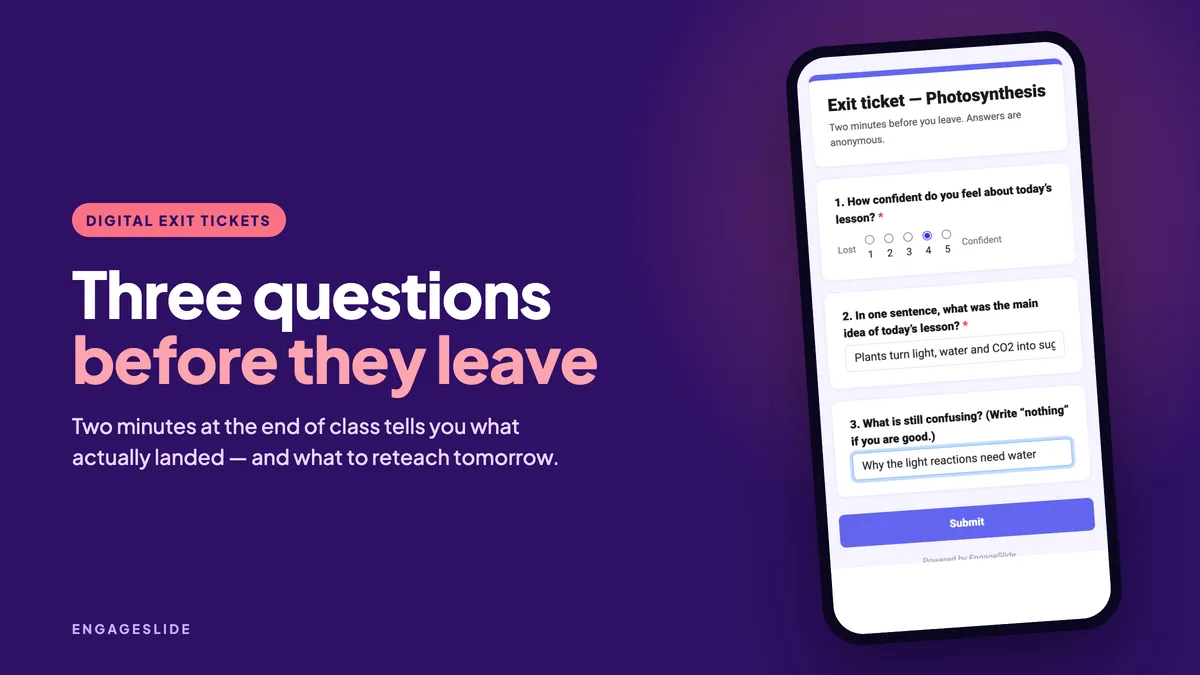
The bell rings, thirty students pack their bags, and you are left with the same question you had at the start of the lesson: did that land? A show of hands tells you almost nothing — the students who are lost rarely raise one. An exit ticket does the opposite. It takes two minutes, it asks everyone, and it hands you a short, honest list of what to do tomorrow.
Paper exit tickets have been around for decades. The problem was never the idea; it was the stack of thirty slips you had to read and sort in the evening. Digital exit tickets keep the idea and remove the stack. This guide shows what to ask, how to run it in under two minutes with EngageSlide surveys and live slides, and what to do with the answers.
What an exit ticket is — and what it is not
An exit ticket is a short, low-stakes check at the very end of a lesson. It is a snapshot of understanding, not a test. Two or three questions is the right size; five is already too many, because students answer the last ones carelessly while they are halfway out the door.
It works for a simple reason: asking someone to retrieve and state an idea both reveals and strengthens what they know. That is the same testing effect that makes low-stakes quizzing so effective — so the ticket itself is a small piece of learning, not just measurement.
If an exit ticket doesn’t change what you do tomorrow, it wasn’t worth the two minutes. Ask only questions whose answers would make you teach differently.
Questions that tell you something useful
The classic exit ticket asks “3 things you learned, 2 questions, 1 thing you enjoyed”. It is memorable, but the answers are often vague. These question types give you sharper data:
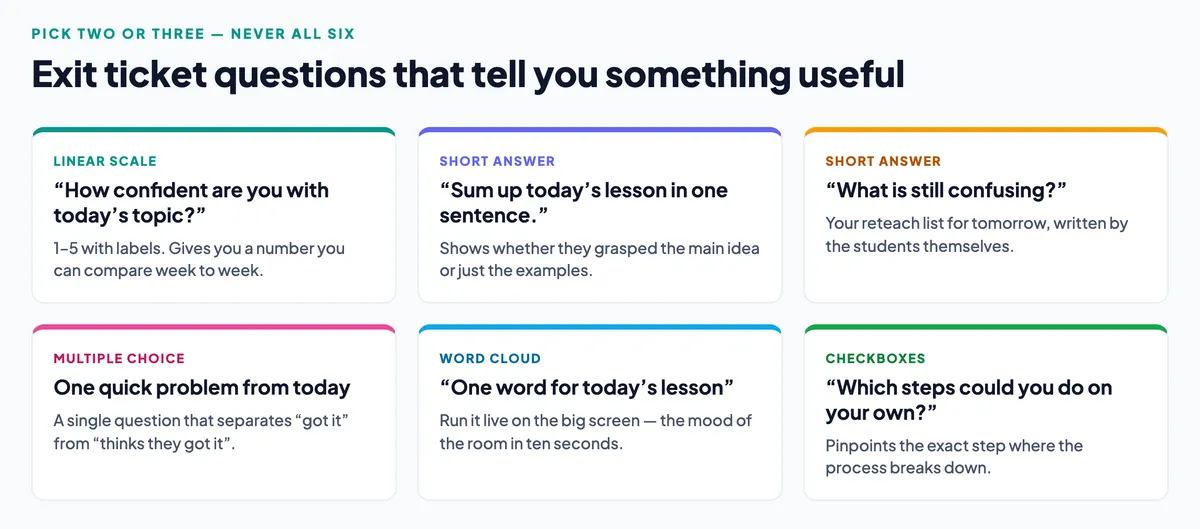
Two or three of these is a complete exit ticket. A pattern that works in almost any subject is one number, one sentence, one problem: a confidence scale, a one-sentence summary and a single question from today’s material.
Why the confidence scale earns its place
A 1–5 linear scale question takes three seconds to answer and gives you something you can track across lessons. It also surfaces the gap that matters most: students who are confident and wrong. When the average confidence is high but the quick problem went badly, you know the class has a misconception rather than a knowledge gap — and those need very different lessons.
How to run it in EngageSlide
There are two ways to do this, and they serve different moments.
Option 1: A survey link or QR code
Build a survey with your two or three questions. You can mix question types — linear scale, short answer, multiple choice, checkboxes, dropdown and more — and mark which ones are required. Share it with a link or a QR code on your last slide; students answer on their phones and you see the results collected in one place, with a summary view and individual responses. You can also export everything to CSV if you keep records per unit.
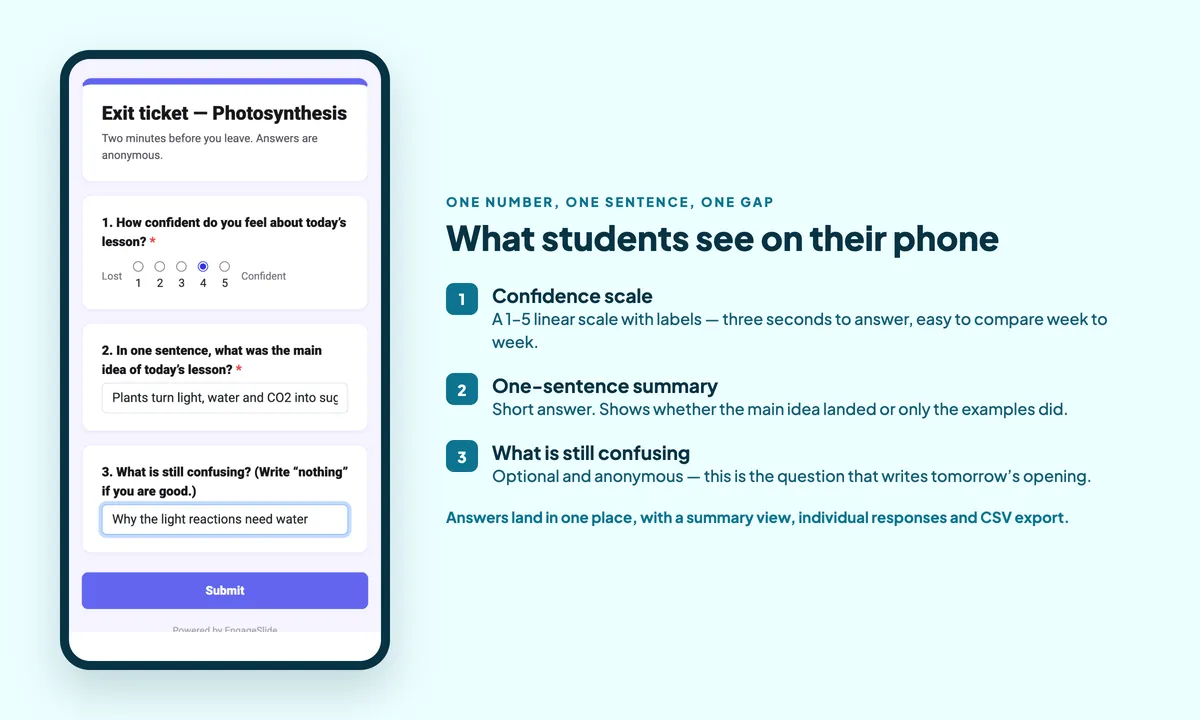
A survey can also be linked to a presentation so it appears on the last slide of the lesson — handy if you already present with EngageSlide, because the exit ticket becomes part of the deck instead of a separate thing to remember.
Option 2: Live slides at the end of the deck
If you would rather see the answers appear on the big screen while students are still in the room, put the exit ticket in the presentation itself: a linear-scale slide for confidence, an open-ended slide for the one-sentence summary, and a word cloud for a one-word reaction. The results build live, which turns the last minute of class into a short shared moment — and students see that their answer actually goes somewhere.
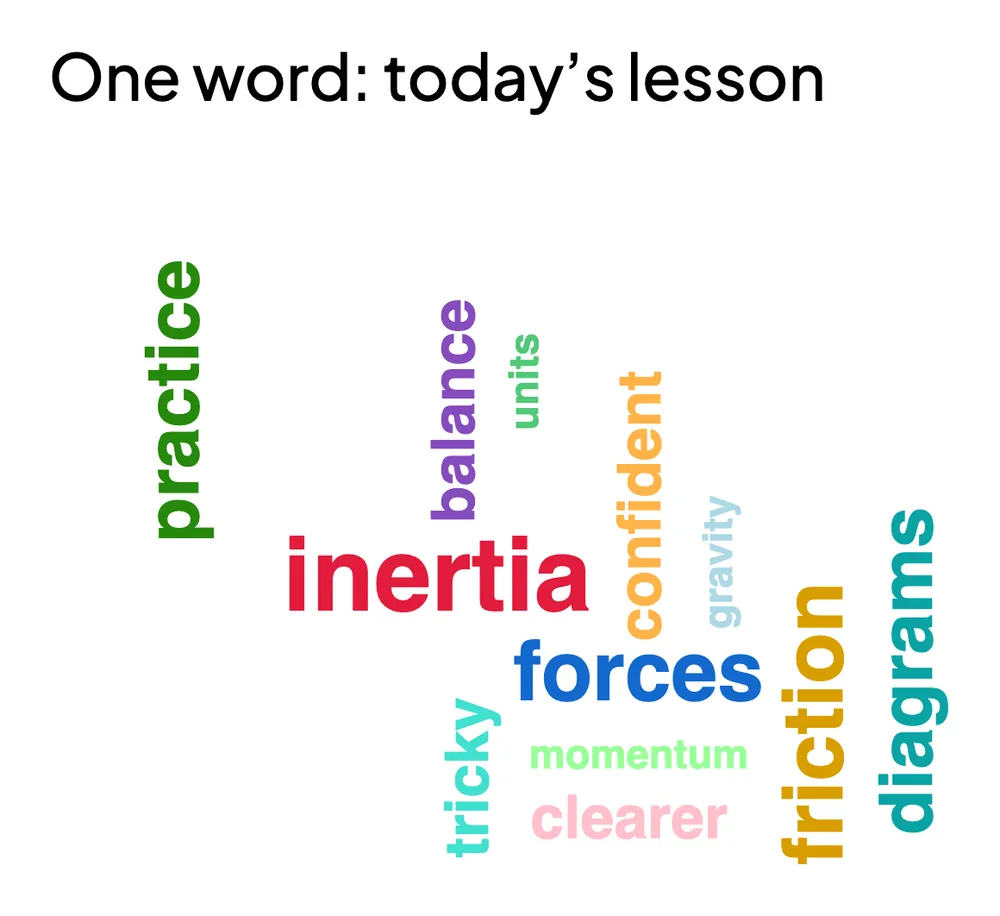
Use the live version when you want the room to see the pattern, and the survey version when you want quiet, private answers — particularly for “what is still confusing?”, which students answer more honestly when nobody else can read it.
Keeping it to two minutes
- Put the QR code on a slide you can reach instantly. Fumbling for a link costs more time than the ticket itself.
- Use the same exit ticket format every time. Once students recognise it, no explanation is needed.
- Start it before the packing-up begins — about three minutes before the end, not thirty seconds.
- Keep it anonymous unless you need names. Anonymous answers about confusion are far more honest. Collect names only when you plan to follow up with individuals.
What to do with the answers
Exit tickets only pay off if you act on them, and acting doesn’t have to take long. A five-minute routine:
- Scan the confidence numbers. Anything clustered at 1–2 is tomorrow’s opening topic.
- Skim the one-sentence summaries. Pick two: one that is exactly right, one that is subtly wrong. They are your opening slide tomorrow.
- Group the “still confusing” answers. Three or four students naming the same thing is a reteach; one student naming it is a quiet word after class.
- Close the loop out loud. Begin the next lesson with “Yesterday, eleven of you said X was unclear, so we’re starting there.” Students who see their answers change the lesson keep answering honestly.
Beyond the end of the lesson
The same format works in other spots:
- Entry tickets. The same three questions at the start of class, about last lesson, make a strong recap and a spaced-repetition check.
- Mid-lesson checks. After a hard concept, one scale question tells you whether to move on or slow down.
- End of a unit. A slightly longer version becomes a revision map before the test.
- Training and workshops. Exactly the same thing, with “what will you use first?” in place of “what is confusing?”.
If you want to go further than a snapshot and actually grade the understanding, an assignment with auto-graded questions is the natural next step — our guide to using quizzes to check understanding covers how to write those questions, and running a flipped classroom shows how the same data can shape the next lesson before it starts.
A two-minute exit ticket you can use tomorrow
- “How confident do you feel about today’s topic?” — scale of 1 to 5, labelled Lost to Confident.
- “In one sentence, what was the main idea of today’s lesson?” — short answer.
- “What is still confusing?” — short answer, optional.
Three questions, two minutes, and tomorrow’s lesson plan writes itself. For more classroom ideas, browse the EngageSlide blog.