
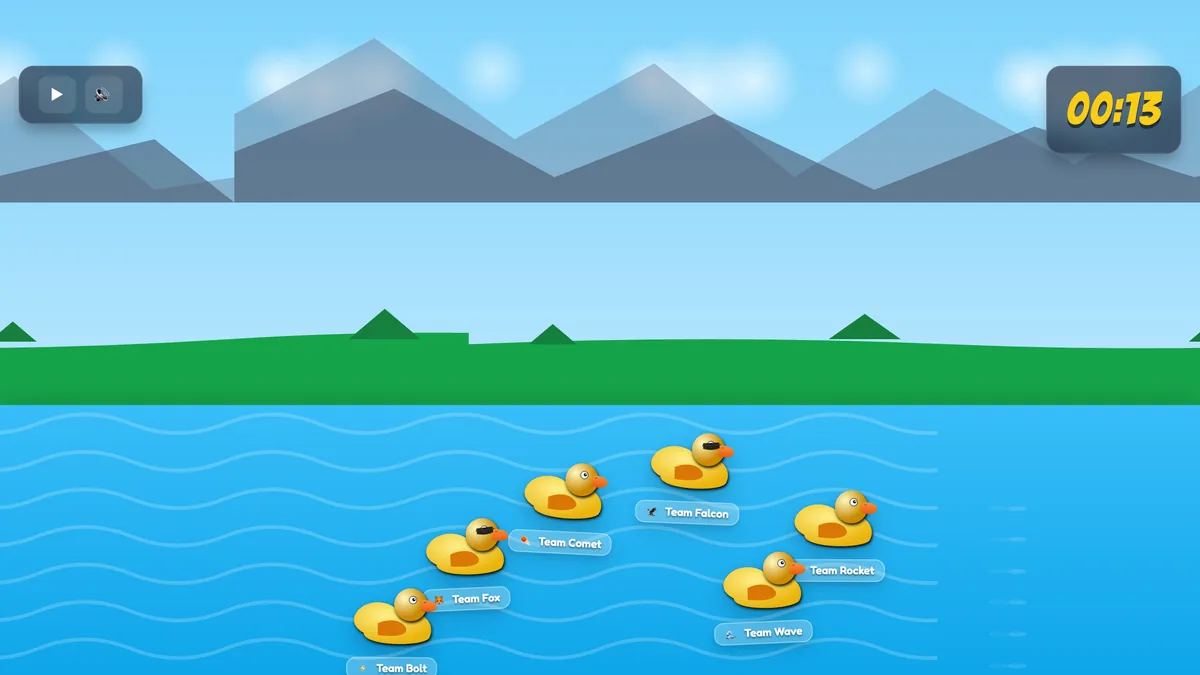
Every presenter knows the feeling: the slides are fine, the content is solid, but the room has gone quiet. Half the audience is on their phones — and not in a good way. What if that phone became the controller for a game the whole room played together? That is exactly what the Duck Race slide in EngageSlide does. It turns any moment of your presentation into a live, unpredictable, cheer-out-loud race where every person in the audience is a rubber duck bobbing down a river toward the finish line.
It sounds a little silly. That is the point. A duck race is a zero-pressure, zero-knowledge game: nobody needs to know the right answer, nobody feels put on the spot, and everybody watches the same screen at the same moment. In this guide you'll learn what the Duck Race is, how it works, exactly when to reach for it, and how to run one in your next meeting, class, or event.
What is the Duck Race slide?
The Duck Race is one of EngageSlide's game-style slide types, sitting alongside live quizzes, the spinner wheel, and the leaderboard in the "Quiz and Game Competitions" group. When you add it to a presentation, every audience member who joins your session — by scanning a QR code or entering a short join code — is automatically given a duck on an animated river. Press GO and the ducks surge forward through a scrolling, side-on world of water, clouds, and mountains until one crosses the finish line first.
Because it needs nothing more than a phone and a join code, a duck race works wherever your audience already is: a lecture hall, a boardroom, or a group scattered across a video call. It's free on every EngageSlide plan, so you can drop one into any deck without a paywall getting in the way. If you're new to running live activities, start with the basics of building an interactive presentation, then add a race as the fun payoff.
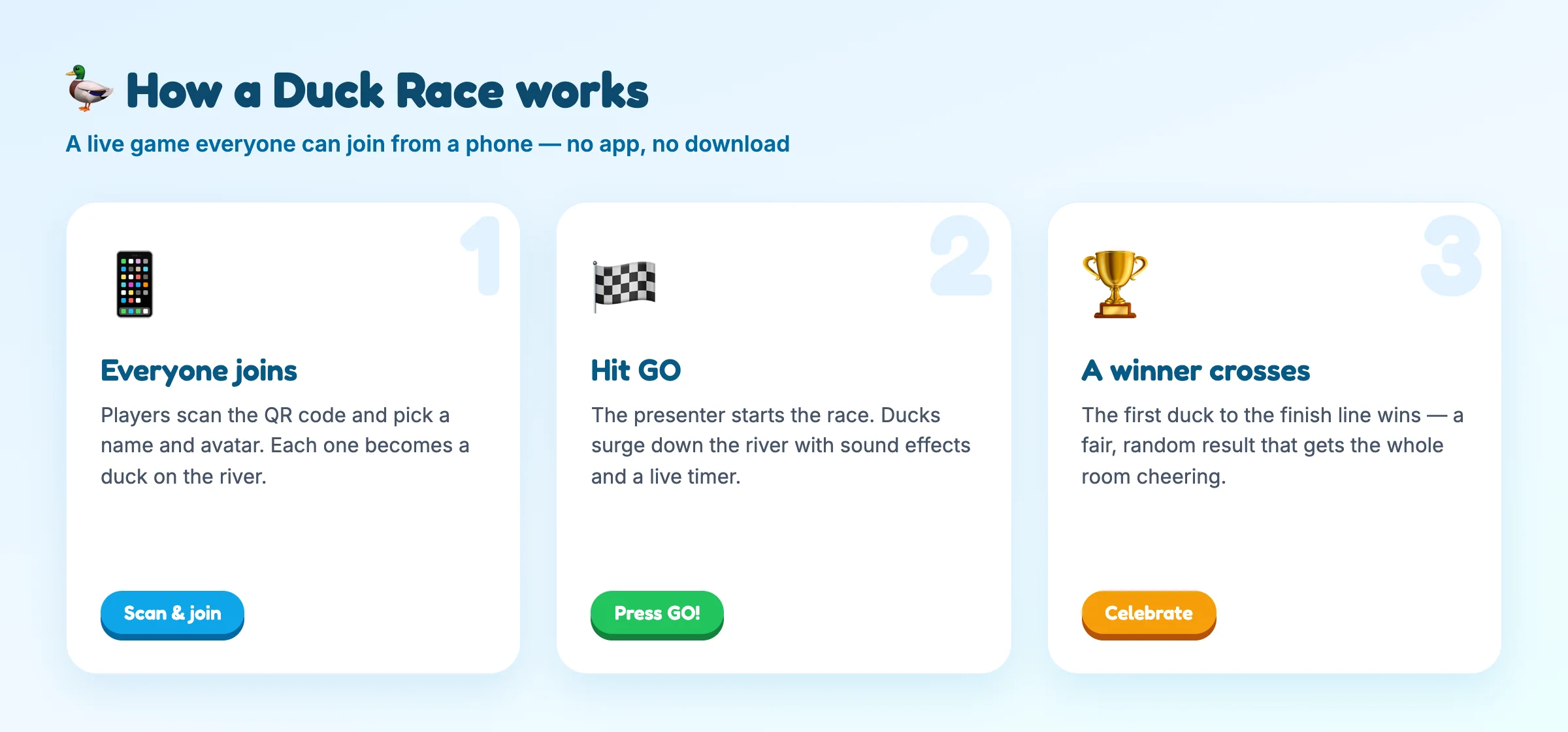
How a Duck Race works, step by step
The magic of a duck race is that it takes seconds to explain and needs no instructions for the audience. Here's the full flow from the presenter's side:
- Everyone joins in seconds. Players scan the QR code on screen or type the join code into their browser. There's no app to install and no account to create — they just pick a name and an avatar.
- Each player becomes a duck. As people join, a new duck appears on the river with their name on a little floating badge, so everyone can spot themselves in the pack.
- You control the start. When the room is ready, you hit GO. An air-horn sounds, a live timer starts counting, and the ducks race down the river with sound effects and cheering.
- A winner crosses the line. The first duck over the finish line wins, and a celebration screen shows their name to the whole audience.
Behind the playful animation, the one setting you'll actually touch is Race Duration — how many seconds the race runs before a duck reaches the finish. A short race of 10–15 seconds delivers a quick jolt of energy; a longer race of 30–60 seconds lets the suspense and the commentary build. One thing worth being upfront about: the winner is chosen fairly at random, so the newest intern has exactly the same odds as the CEO. That fairness is what makes it safe to play with any group — nobody can "lose" at something they never had to be good at.
A duck race doesn't test anyone. It gives an entire room a shared, harmless thing to react to — and a room that reacts together is a room that's paying attention again.
When to use a duck race (and when to skip it)
Because it's low-stakes and needs no prior knowledge, a duck race fits almost any audience — students, employees, conference crowds, or a remote team on a Friday call. These are the moments where it shines:
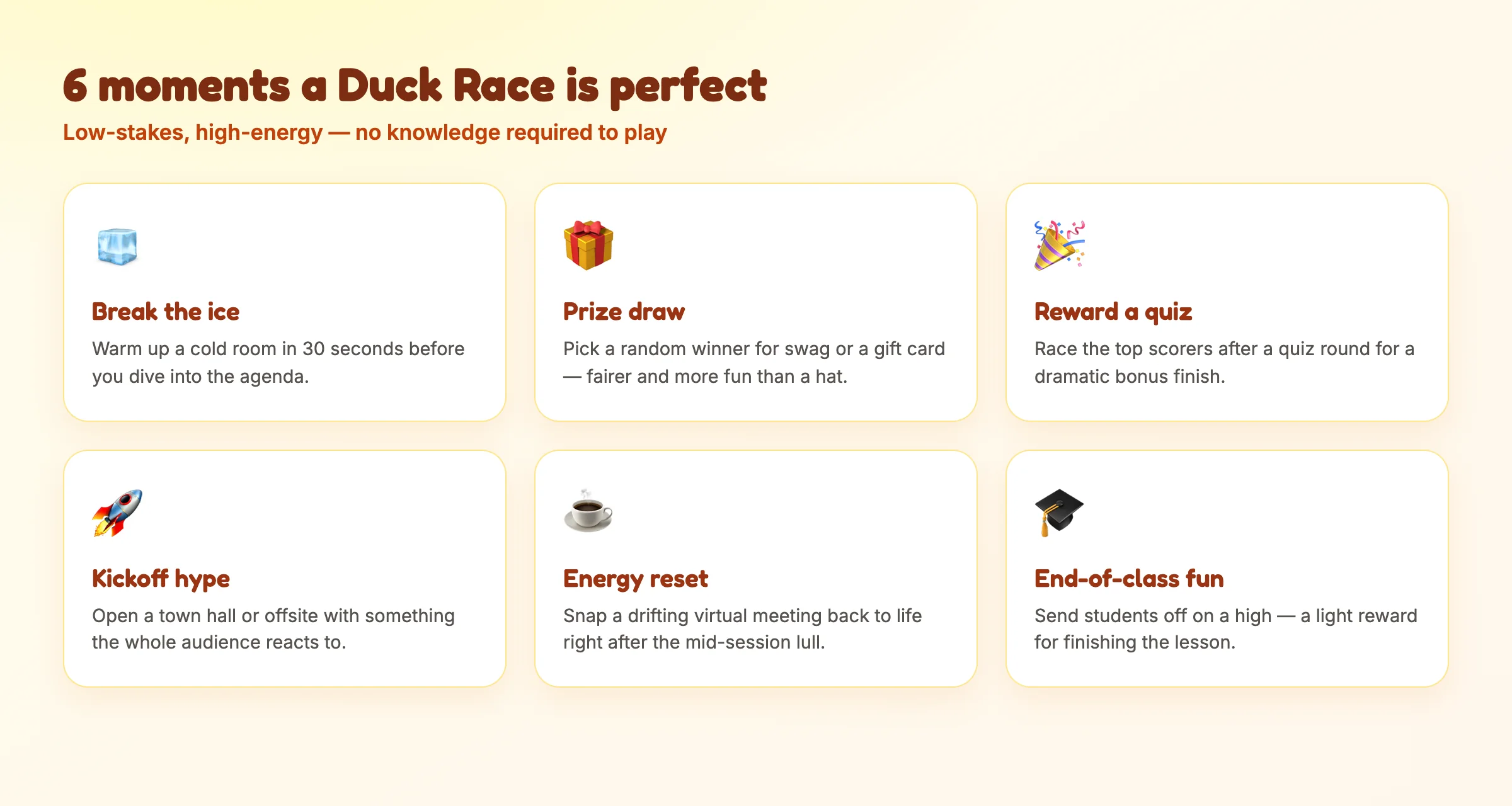
- Break the ice. Warm up a cold room in 30 seconds before you get into the agenda — far livelier than "let's go around and introduce ourselves."
- Draw a prize fairly. Need to pick a winner for swag, a gift card, or a door prize? A random duck race is more transparent and far more fun than pulling a name from a hat.
- Reward a quiz. Race the top scorers after a live quiz round for a dramatic bonus finish that doesn't punish anyone for getting answers wrong.
- Reset the energy. Snap a drifting virtual meeting or a post-lunch class back to life the moment attention starts to sag.
When should you not use it? A duck race is pure fun, not assessment. If your goal is to measure what people actually know or to reward genuine effort, use a scored quiz and a leaderboard instead. Save the race for celebration, warm-ups, and prize draws — the places where randomness is a feature, not a flaw.
How to add a Duck Race to your presentation
Setting one up takes about a minute:
- In the slide editor, add a new slide and choose Duck Race from the "Quiz and Game Competitions" group.
- Give the slide a title your audience will see, such as "Which team's duck will win?"
- Set the Race Duration in seconds to match the drama you want — shorter for a quick hit, longer for suspense.
- Present the slide, let people join via the QR code or link, and hit GO when the room is ready.
Because the race runs live and syncs to every joined device, you can even trigger it from your phone using remote control, so you're free to stand with your audience and watch the finish together rather than being stuck behind a laptop.
Make the race part of a bigger loop
The best presenters rarely use a duck race in isolation. They wrap it around real content: run a poll to open, teach the material, check understanding with a quiz for points, then race the leaders as the grand finale. Used this way, the duck race becomes the reward at the end of an effort — and rewards are what make people want to participate in the first place. That's the core idea behind gamification in presentations, and a race is one of the simplest, most inclusive ways to do it well.
There's real science under the silliness, too. Shared, playful activities are a proven team-building tool, and a light game works as a classic icebreaker — lowering social barriers so people feel comfortable contributing to everything that follows. A duck race delivers both in under a minute.
So the next time a room goes flat, don't push harder on the slides. Let everyone grab a duck, hit GO, and watch the energy come rushing back. Explore more ways to bring an audience to life on the EngageSlide blog.