
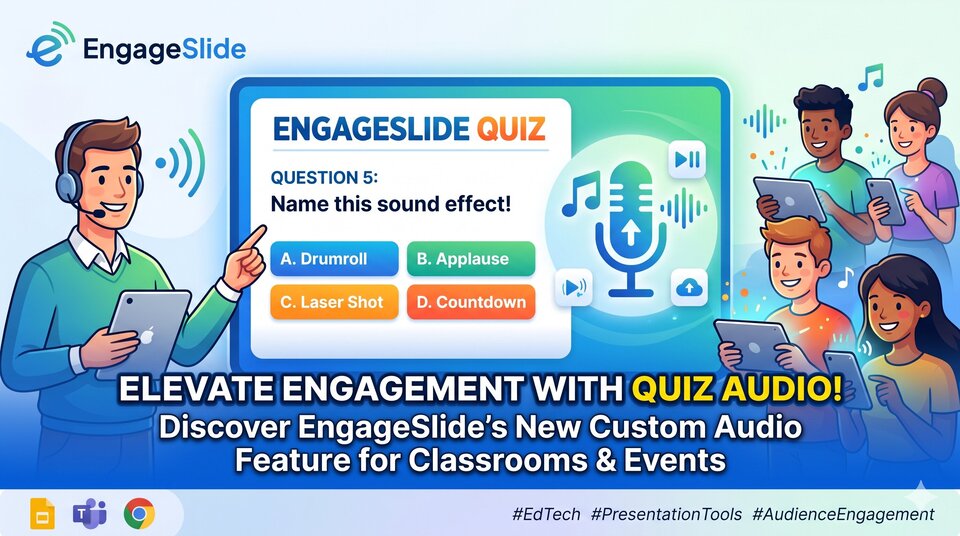
In the digital era of education and online event organization, audience engagement no longer relies solely on visually stunning presentation slides or standard multiple-choice questions. It requires a seamless combination of visual appeal, engaging content, and most importantly, audio. Understanding this, EngageSlide is proud to introduce the new Quiz Audio feature, allowing users to upload custom audio files for each quiz question. This brings a transformative auditory experience to both presenters and audiences alike.
This article explores why audio is crucial in quiz games, how the EngageSlide Quiz Audio feature works, and how you can leverage it to "wow" your audience and keep them highly engaged.
1. The Importance of Audio in Interactive Quizzes
Sound is more than just background noise; it is a powerful psychological tool. In a classroom presentation or an interactive event quiz, sound plays several critical roles:
Creating Positive Time Pressure: The countdown music encourages players to think quickly, generating a highly engaging, competitive, and thrilling atmosphere.
Brand Identity and Recognition: For businesses, using a signature corporate tune or a recognizable audio cue during quizzes deepens brand recall among participants.
Stimulating Emotions: A cheerful melody for an easy question or a dramatic, suspenseful track for a final, decisive question keeps the audience’s attention locked on the screen.
Relieving Anxiety: Sometimes, a gentle, calming melody can help students feel less stressed when facing difficult or complex questions.
With the new Quiz Audio feature, you are no longer limited by repetitive, default game tracks. You are the "audio director" of your own presentation.
2. Deep Dive into the EngageSlide Quiz Audio Feature
The Quiz Audio feature is designed with three core principles in mind: Simplicity, Professionalism, and Synchronization.
Effortless Uploading
Within the "Content" tab of any quiz slide, users will notice the new audio configuration section. It takes just one click to select and upload an audio file from your computer. The system supports a wide variety of audio formats and processes uploads quickly using highly secure cloud storage.
Overriding Default Audio
When a quiz slide contains a custom audio track, the system automatically detects it. Instead of playing the standard default game music, EngageSlide prioritizes and plays your uploaded audio file. This delivers a highly personalized and surprising element for every individual question.
Complete Control for the Presenter
On the presenter's control screen, an intuitive and sleek Play/Pause button appears directly beneath the countdown timer. Presenters can actively pause the audio to explain a concept or continue playing it to maintain the upbeat energy in the room.
Autonomy for the Audience
This is the feature's biggest differentiator: players and audience members also see a media controller directly on their mobile phones or personal computers. They can press Play to listen to the track clearly on their own devices, ensuring they experience the sound with perfect clarity even if they are seated far from the main hall's speakers.
3. Step-by-Step Guide to Using Quiz Audio
Getting started with the feature requires just a few simple, straightforward steps:
Step 1: Select a Quiz Slide — In the presentation editor, select your Quiz-type slide.
Step 2: Access the Content Tab — On the configuration panel to the right, ensure you are on the Content tab. Scroll down to the bottom of the Settings section to find the Quiz Audio (Optional) feature.
Step 3: Upload Your Audio File — Click the Upload audio file button and choose your preferred audio file (it is recommended to choose a length that matches the duration of the question timer). You can listen to the preview immediately to ensure the audio quality is perfect.
Step 4: Present and Enjoy — Click Present. When you reach the quiz slide and begin the countdown, your custom soundtrack will play automatically. Utilize the Play/Pause icon on your presenter screen as needed.
4. Creative Ideas to Maximize the Quiz Audio Feature
Wondering how to use this feature creatively? Here are some excellent use cases:
Music Trivia: The most direct application. Play an audio snippet of a famous song and ask your audience to identify the track or the artist.
Language Learning: Upload short conversations or individual vocabulary words and have students select the correct meaning. This turns a standard quiz into an effective and engaging listening comprehension task.
Humorous Sound Effects: Use funny meme sounds or unexpected sound effects to lighten the mood during internal corporate meetings.
Seasonal Themes: Incorporate festive soundtracks during the holidays (Christmas, New Year, or Halloween) to make your presentations feel fresh and culturally relevant.
5. Why EngageSlide is the Leading Choice for Interactive Quizzes
Beyond the Quiz Audio feature, EngageSlide offers a robust ecosystem of tools designed for modern creators:
Real-Time Synchronization: All changes regarding music status and countdown timers are synchronized seamlessly between the presenter and thousands of audience members in milliseconds using socket connections.
Premium Interface: A modern, minimalist design that removes distractions and focuses entirely on the user experience.
Detailed Analytics and Reports: After each quiz, receive a comprehensive leaderboard and a detailed analytical breakdown of every participant’s performance.
Cross-Platform Support: The platform runs smoothly on modern web browsers and features deep integration with Google Slides and Microsoft Teams.
6. Conclusion
The launch of the Quiz Audio feature marks a major step forward for EngageSlide in personalizing the user experience. We believe that with the ability to choose your own audio, each quiz question will become a work of art, and every presentation will become an unforgettable memory for your audience.
Log in to EngageSlide today, create a quiz slide, and try uploading your favorite soundtrack. You will immediately feel the difference that immersive audio brings!
EngageSlide – Elevating interaction, connecting hearts through sound.