
Modern presentations are no longer static slide decks. Today’s presenters need mobility, control, and real-time interaction with their audience. Whether you are running a live event, a workshop, or a hybrid meeting, being able to control your slides remotely is essential.
EngageSlide Remote Control is designed to give presenters full control over their presentation flow—without requiring any paid plan. Unlike many presentation platforms that lock remote control features behind expensive subscriptions, EngageSlide provides this functionality completely free.
What Is EngageSlide Remote Control?
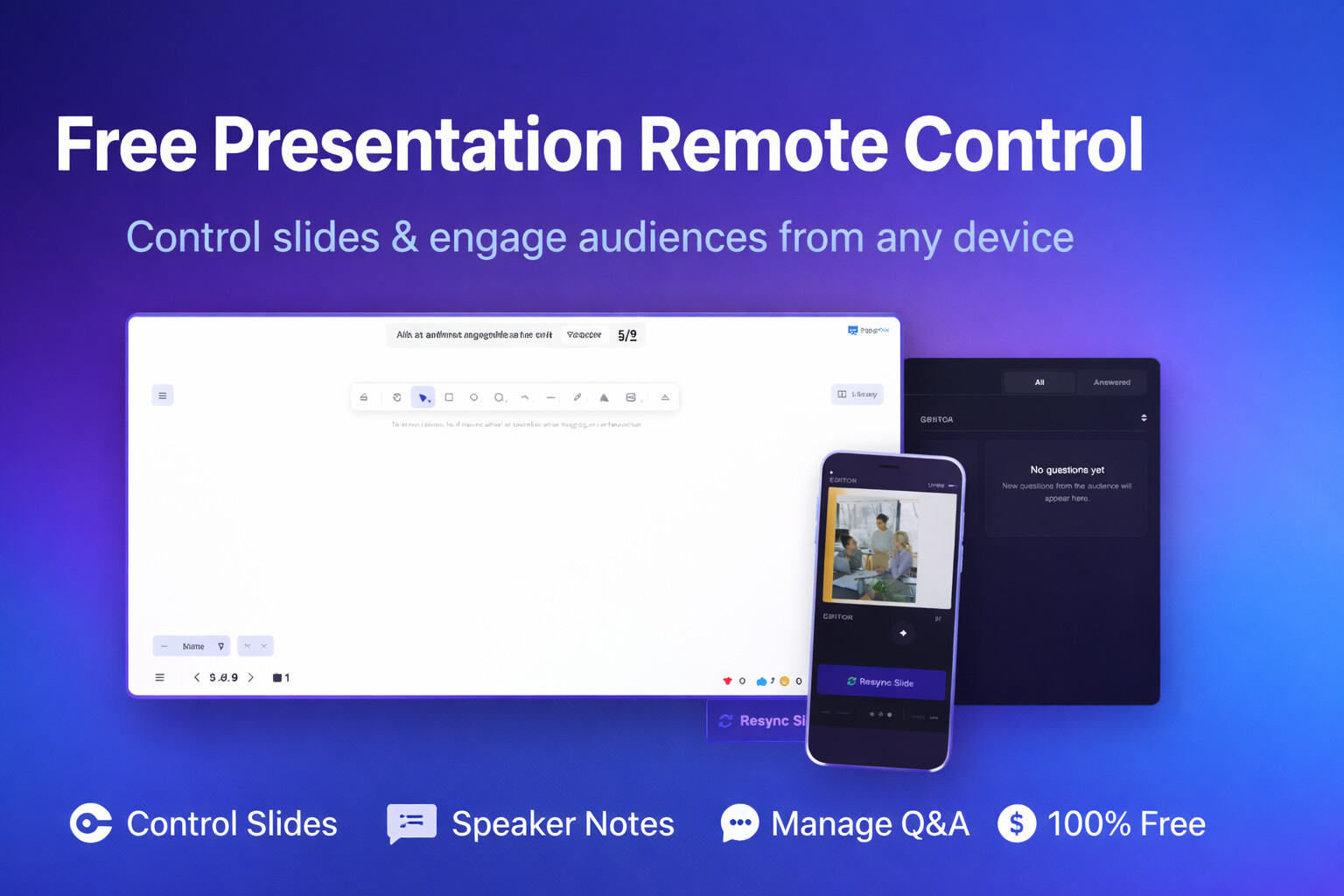
EngageSlide Remote Control is a dedicated presenter interface that allows you to manage your presentation from any device in real time. It acts as a centralized control panel where presenters can:
Move to the next or previous slide
Preview the current slide shown to the audience
Instantly resync slides if synchronization issues occur
View speaker notes during the presentation
Manage live audience Q&A
Show or hide QR codes and joining instructions
All of this is accessible directly from a web browser—no app installation, no extra hardware, and no paid upgrade required.
A Presenter-First Remote Control Interface
The EngageSlide Remote Control interface is designed around real-world presenter needs. Everything is visible at a glance, allowing you to focus on your message rather than technical distractions.
Slide Preview – Always Know What the Audience Sees
At the center of the remote control screen is a live preview of the current slide, including:
Clear slide boundaries
Visual focus highlighting
Slide progress indicator (e.g., 5/9)
This ensures presenters always know exactly what the audience is seeing, preventing confusion during fast-paced presentations or live events.
Next & Previous Controls – Smooth and Reliable Navigation
Large, easily accessible Next and Previous buttons allow presenters to:
Navigate slides with one tap
Control presentations from mobile, tablet, or desktop
Move freely on stage without returning to a laptop
The controls are optimized for touch devices, making EngageSlide ideal for presenters who prefer using their phone as a remote.
Resync Slide – Instant Recovery from Sync Issues
Slide desynchronization can happen due to:
Network instability
Multiple devices connected
Late-joining audience members
Long-running sessions
EngageSlide solves this with a dedicated “Resync Slide” button.
With a single click, presenters can:
Force all audience views to realign with the current slide
Recover instantly without refreshing the session
Avoid interruptions or awkward pauses
This feature is especially critical for large events and professional conferences.
Speaker Notes – Presenter-Only Guidance
Below the slide preview, presenters can view Speaker Notes that are:
Visible only to the presenter
Hidden from the audience
Updated per slide
Speaker Notes help presenters:
Stay on message
Follow a structured narrative
Manage timing and key talking points
This makes EngageSlide ideal for sales pitches, training sessions, and keynote presentations.
Live Q&A Management – Structured Audience Interaction
On the right side of the interface, the Q&A panel displays:
Incoming audience questions in real time
Filters for All and Answered questions
A clean, distraction-free layout
Presenters can:
Track audience engagement
Choose the best questions to answer
Maintain a professional and organized discussion flow
This approach replaces chaotic verbal Q&A sessions with a clear, manageable system.
QR Code & Joining Instructions – Fast Audience Onboarding
On the left panel, presenters can toggle:
QR codes for audience access
Joining instructions for new participants
Audience members can join in seconds by:
Scanning the QR code
Entering the session code
Interacting immediately
This drastically reduces onboarding friction, especially in large venues.
100% Free Remote Control – No Paywall, No Limitations
One of the strongest advantages of EngageSlide Remote Control is its pricing philosophy.
EngageSlide Remote Control
✅ Completely free
✅ No feature restrictions
✅ No subscription required
✅ Available for all presentation types
Presenters can use remote control features without worrying about upgrades or hidden costs.
Paid Alternatives Require Expensive Plans
Many presentation platforms restrict remote control functionality to high-tier paid plans. In some cases, presenters must purchase Pro or Business subscriptions at a significant cost just to unlock basic remote navigation features.
For:
Freelancers
Educators
Startup founders
Event organizers
These costs can quickly become a barrier.
EngageSlide removes this barrier entirely.
Who Should Use EngageSlide Remote Control?
EngageSlide Remote Control is ideal for:
Event organizers
Professional presenters
Trainers and coaches
Sales and marketing teams
Educators and instructors
Startup founders and product teams
It is especially useful for:
Live stage presentations
Workshops and training sessions
Hybrid and online events
Product demos and investor pitches
Key Benefits of EngageSlide Remote Control
Full presenter control from any device
Real-time slide synchronization
Built-in recovery from technical issues
Professional Q&A management
Improved audience engagement
Zero cost, no subscription required
Conclusion
EngageSlide Remote Control is more than just a slide navigation tool—it is a complete presentation control center designed for modern presenters.
With features like slide preview, resync control, speaker notes, live Q&A, and QR onboarding—all available completely free—EngageSlide empowers presenters to deliver confident, interactive, and professional presentations without financial barriers.
If you are looking for a powerful remote control solution without expensive upgrades, EngageSlide is the clear choice.
👉 Try it today at engageslide.com and take full control of your presentations.