
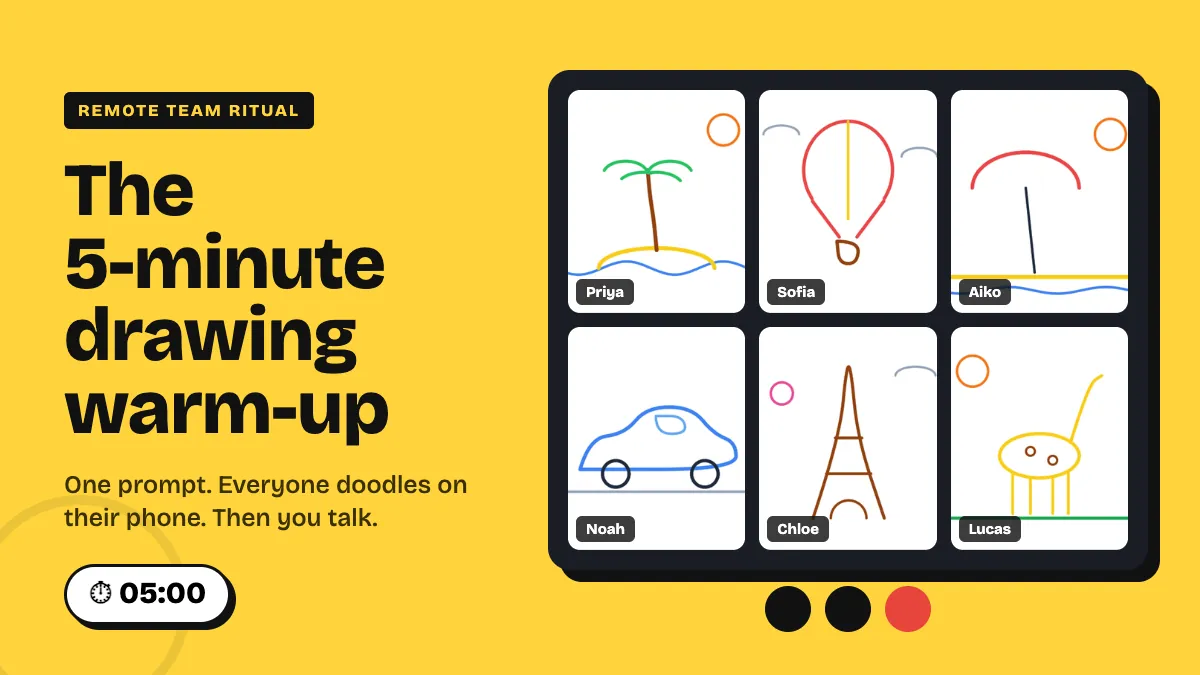
Most remote meetings start the same way: a few people say "can you hear me?", someone shares the wrong screen, and the first ten minutes belong to whoever talks loudest. A short warm-up fixes that, but only if it is quick, easy for everyone to join, and worth repeating. The best one we've found is a 5-minute drawing warm-up. Everyone gets one prompt, doodles an answer on their phone, and the drawings show up together on the shared screen. Then two people tell the story behind theirs, and you move on to the agenda.
This guide is about one small ritual you can repeat every week. It is not a list of team-building games. You'll get the exact 5-minute run of show, how to set it up in EngageSlide, a bank of prompts that work on video calls, and the mistakes that turn a fun warm-up into a chore.
Why a drawing warm-up works on video calls
Verbal check-ins ("one word for how you're feeling") are fine, but on a call they turn into a queue. Everyone waits for their turn, half the team is off mute at the wrong moment, and the quiet people say "good, thanks" and pass. A drawing warm-up gets around these problems in three ways:
- Everyone answers at the same time. Twelve people drawing at once take the same two minutes as one person. Nobody sits through eleven turns.
- It lowers the bar to take part. Nobody expects good art from a phone doodle. A wobbly palm tree gets a laugh, and that is the point. People who rarely speak up on calls still add something visible.
- Pictures give you something to talk about. "What's that balloon about?" is a far easier opener than "Does anyone have anything to share?" The drawing gives the person something to talk about, so they aren't just talking about themselves.
Researchers call the underlying idea the picture superiority effect: we remember images better than words. Next week, people will still remember that Noah drew his car, but nobody will remember who said "fine" in a verbal check-in.
The 5-minute run of show
The warm-up only becomes a ritual if it has the same shape every time. People learn the rhythm, and it stops needing an explanation. Here is the structure we recommend:
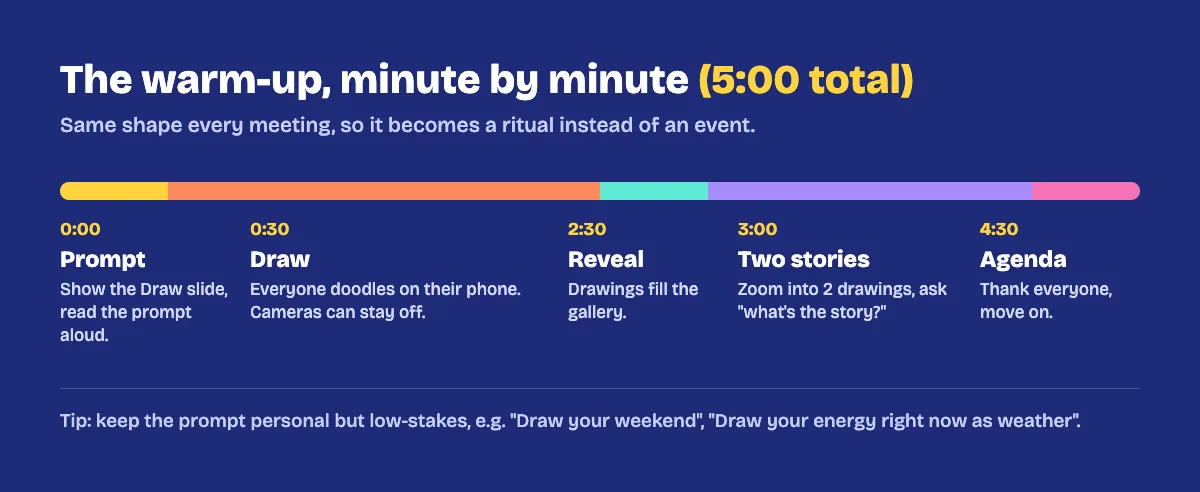
0:00 – Prompt (30 seconds)
Put the Draw slide on screen and read the prompt out loud. The join code is on the slide, so anyone who isn't connected yet can scan the QR code or type the code on their phone. Paste the join link in the call chat too, for people on a single laptop.
0:30 – Draw (2 minutes)
Everyone draws on their phone or in a second browser tab. Cameras can stay off here, and many people prefer it while they concentrate. As drawings come in, the counter on the slide goes up, so you can see who is still drawing without asking.
2:30 – Reveal (30 seconds)
Give everyone a few seconds to look at the gallery. If you turned on hide until reveal, this is when you click Reveal and all the drawings appear at once. The group usually reacts out loud here, and that reaction is what warms the room up.
3:00 – Two stories (90 seconds)
Pick two drawings, not everyone's. Click one to zoom it full screen and ask the artist, "What's the story here?" Pick different people each week so everyone gets a turn over a month. If a drawing is a mystery, play its stroke replay first and let the team guess before the artist explains.
4:30 – Into the agenda (30 seconds)
Thank everyone, say one line that connects to the meeting if you can ("lots of beaches this week, let's make this a short one"), and move to the next slide. Stop on time. A warm-up that runs over starts to feel like a chore.
How to set it up in EngageSlide
The warm-up uses the Draw slide type in EngageSlide's interactive presentation tool. If you have never used it, our complete guide to running a live drawing activity covers every setting. For a weekly remote warm-up, these are the ones that matter:
- Add a Draw slide at the start of your team meeting deck and type the prompt as the slide title.
- Choose the paper. White is clean on any screen. Dotted paper helps people who say they can't draw, and Chalkboard makes a nice change for a Friday session.
- Pick a pen palette. Vivid is bright and reads well on shared screens. Black & white keeps the focus on the idea, not the colours.
- Set drawings per person to 1. If someone submits again, the new drawing replaces the old one, so the gallery stays tidy and everyone has one tile.
- Use the grid layout for a quick scan of the whole team, or polaroid layout when you want it to feel more personal.
- Turn on hide until reveal if you want the big reveal moment. Leave it off if you want people to see drawings arrive one by one.
Here is what the gallery looks like on the shared screen after two minutes of drawing, with names under each tile:
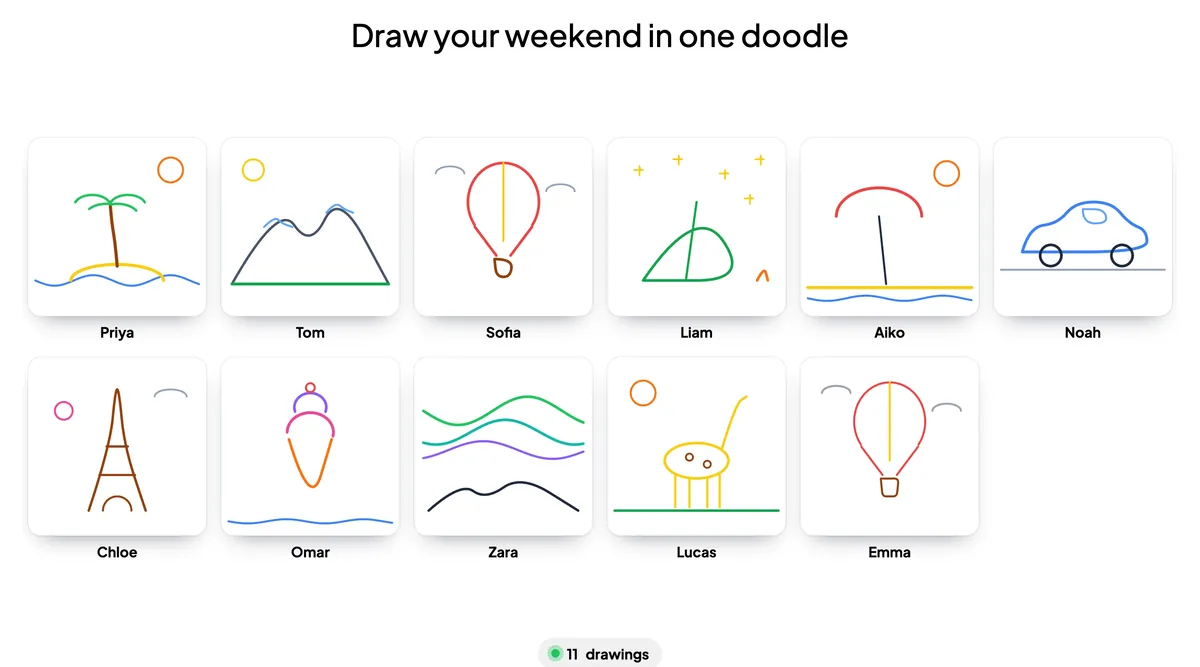
Keep the Draw slide in a reusable "team meeting" deck and just change the title each week. That takes about ten seconds, which is the only prep this ritual needs.
Prompts that work on remote calls
The prompt is the whole activity, so it's worth getting right. Good warm-up prompts are personal but low-stakes. People should be able to answer them in two minutes without having to share anything they'd rather keep private. Here are prompts sorted by what you want from the meeting.
Light and personal (any week)
- Draw your weekend in one doodle.
- Draw the view from your desk right now.
- Draw your perfect lunch.
- Draw where you'd rather be working today.
Mood check (Mondays and busy weeks)
- Draw your energy today as weather.
- Draw this week as a vehicle.
- Draw your inbox as an animal.
Work-adjacent (before planning or retros)
- Draw the biggest win of the last sprint.
- Draw what's slowing you down, as an obstacle.
- Draw our product as a house. What room are you in?
Rotate the categories so the ritual doesn't get stale. For a larger set of ideas grouped by meeting type, see how teams turn these drawings into a keepsake team gallery at the end of a quarter.
Common mistakes (and quick fixes)
- Letting it run long. Five minutes is the whole promise. If people are having fun, finish anyway and bring it back next week.
- Asking everyone to explain. Ten stories take ten minutes and turn the warm-up back into a queue. Two stories are enough, and change who tells them each week.
- Prompts that are too personal. "Draw your biggest fear" is not a Monday prompt. Keep it light unless the team has asked for more.
- Judging the art. Never pick the "best" drawing. The moment it becomes a contest, the people who think they can't draw stop taking part. If your team wants competition, run a separate game like virtual Pictionary instead.
- Skipping it when things are busy. A ritual only works if it is reliable. On a packed day, cut the stories to one, but keep the drawing.
A warm-up becomes a ritual when it's short, the same every week, and everyone takes part. One prompt, two minutes of drawing, two stories, done.
Make it a habit
Run the warm-up at the same point in the same meeting, for example at the start of the Monday stand-up or the weekly all-hands, for at least a month before you judge it. The first session may feel a bit awkward. By the third, people will join early to see the prompt, and new hires will see a whole wall of their teammates' personalities in their first week.
Your drawings also stay saved on the slide, so after a quarter you have a visual record of the team's weekends, moods and wins. For more ideas on keeping remote sessions lively, browse the rest of the EngageSlide blog.