
One of the most common challenges teachers face today is keeping students engaged during presentations.
Even with well-prepared slides, it’s easy for attention to drop after 10 or 15 minutes. Students start checking their phones, looking at other tabs on their laptops, or simply zoning out.
This was exactly the situation Emily Carter, a history teacher at Lincoln High School in Chicago, noticed in her classroom last year.
Emily had been teaching for more than eight years and was comfortable using slides in her lessons. But she often felt that students were only passively watching her presentation instead of actively thinking about the content.
That changed when she started experimenting with quiz slides in her presentations.
Today, Emily says the difference in classroom participation is noticeable.
A Typical Lesson Before Using Quiz Slides
Emily’s history classes usually followed a familiar structure.
She would present slides explaining key events, occasionally ask questions, and move through the material step by step.
Sometimes a few students would raise their hands, but most of the class stayed quiet.
“Usually the same three or four students would answer questions,” she recalls. “The rest of the class just listened.”
Even when students seemed attentive, it was hard to know whether they truly understood the material.
Emily realized that what her lessons needed was more active participation.
Introducing Quiz Slides Into the Classroom
Earlier this year, Emily started trying quiz slides during her lessons.
Instead of only explaining concepts, she began adding short questions directly into her presentation.
For example, during a lesson on the Industrial Revolution, she paused halfway through and showed a quiz slide asking:
“Which invention had the biggest impact on textile production during the Industrial Revolution?”
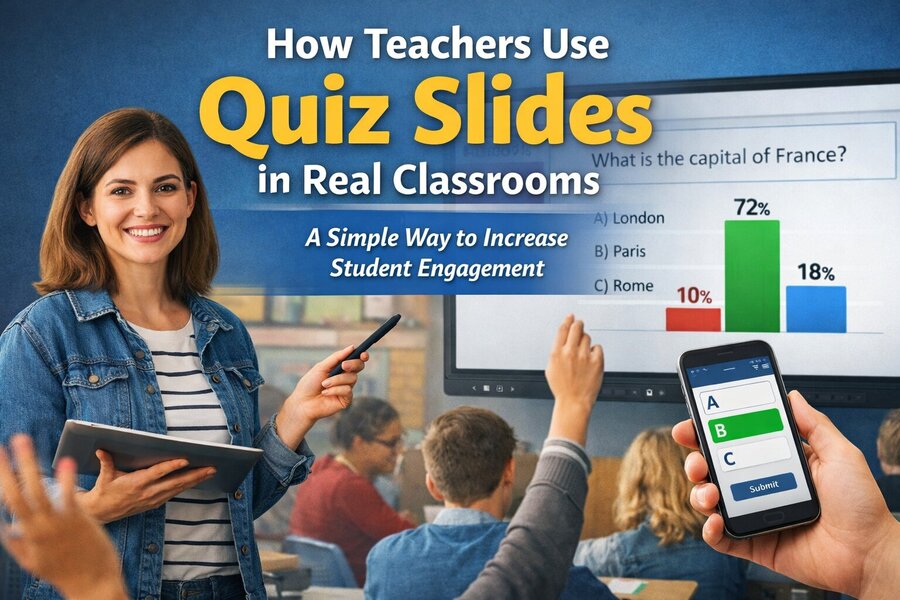
Students submitted their answers using their phones.
Within seconds, the results appeared as a bar chart on the classroom screen.
The moment the chart appeared, the energy in the room changed.
Students immediately started discussing the results.
“Why did so many people choose the steam engine?”
“Wait, I thought it was the spinning jenny.”
Suddenly, the class wasn’t just listening anymore — they were actively debating history.
Real-Time Feedback for Teachers
One of the biggest advantages Emily noticed was instant feedback.
Instead of waiting until a test to see if students understood the material, she could see the results immediately.
In one lesson, she asked a question about the causes of World War I.
To her surprise, more than half of the class chose the wrong answer.
“That moment told me I needed to slow down and explain the topic differently,” Emily says.
Without the quiz slide, she might have continued the lesson assuming students understood.
This kind of real-time insight helps teachers adjust their teaching on the spot.
How EngageSlide Fits Into the Workflow
To create these interactive questions, Emily started using EngageSlide, a platform designed to add live audience interaction to presentations.
The setup was surprisingly simple.
Before class, she would add a quiz slide with a question and a few answer options.
When the lesson started, students joined the session using a short code.
After that, they could answer questions whenever a quiz slide appeared.
Emily didn’t need to change the rest of her presentation. The quizzes simply became natural checkpoints during the lesson.
Another Example: A Biology Classroom
Quiz slides are not limited to history classes.
Daniel Nguyen, a biology teacher at Westlake Secondary School in Melbourne, has been using them in his science lessons as well.
During a recent class about ecosystems, Daniel displayed an image of a food chain and asked students a quiz question:
“Which organism in this diagram is the primary consumer?”
Students quickly submitted their answers.
What surprised Daniel was how quickly the discussion started.
Some students explained why they chose one option, while others changed their minds after seeing the results.
“It creates a moment where students are thinking out loud,” Daniel explains. “That’s when real learning happens.”
Participation From Every Student
One of the biggest changes teachers notice with quiz slides is participation.
In traditional classrooms, participation often depends on students raising their hands.
But many students hesitate to speak up.
Some are shy. Others worry about giving the wrong answer.
With quiz slides, every student can participate at the same time.
Because answers are submitted digitally, students feel more comfortable sharing their responses.
Teachers often see participation jump from a handful of students to the entire class.
Using Quiz Slides as Icebreakers
Teachers also use quiz slides at the beginning of class to warm up the room.
For example, Daniel sometimes starts his biology lessons with fun questions such as:
“Which animal can survive the longest without water?”
Students vote, guess, and discuss the answers.
This small interaction immediately captures attention before the lesson begins.
It turns the classroom into a more relaxed and curious environment.
Quiz Slides During Exam Reviews
Another useful moment for quiz slides is during exam review sessions.
Instead of reviewing material with long explanations, teachers can ask a series of quick questions.
Students answer, see the results, and immediately understand which topics need more review.
This makes exam preparation more interactive and less stressful.
Students often feel more confident when they can test their knowledge in real time.
Why Interactive Presentations Work
Educational research has shown that active learning improves retention.
When students are asked to think, answer, and discuss, they process information more deeply.
Quiz slides encourage exactly that type of interaction.
Instead of passively absorbing information, students actively engage with the lesson.
Even small moments of participation can significantly improve attention and understanding.
The Growing Role of Interactive Tools in Education
Digital tools are becoming an increasingly important part of modern classrooms.
Interactive presentation platforms like EngageSlide help teachers bridge the gap between traditional lectures and participatory learning.
What makes quiz slides particularly effective is their simplicity.
Teachers don’t need to redesign their entire teaching method.
They simply add a few interactive moments into their existing slides.
A Small Change That Makes a Big Difference
For teachers like Emily Carter and Daniel Nguyen, quiz slides have become a regular part of their teaching.
They help keep students focused, encourage participation, and provide valuable insight into classroom understanding.
Most importantly, they transform presentations from one-way communication into a shared learning experience.
And sometimes, that small shift can completely change the atmosphere of a classroom.