
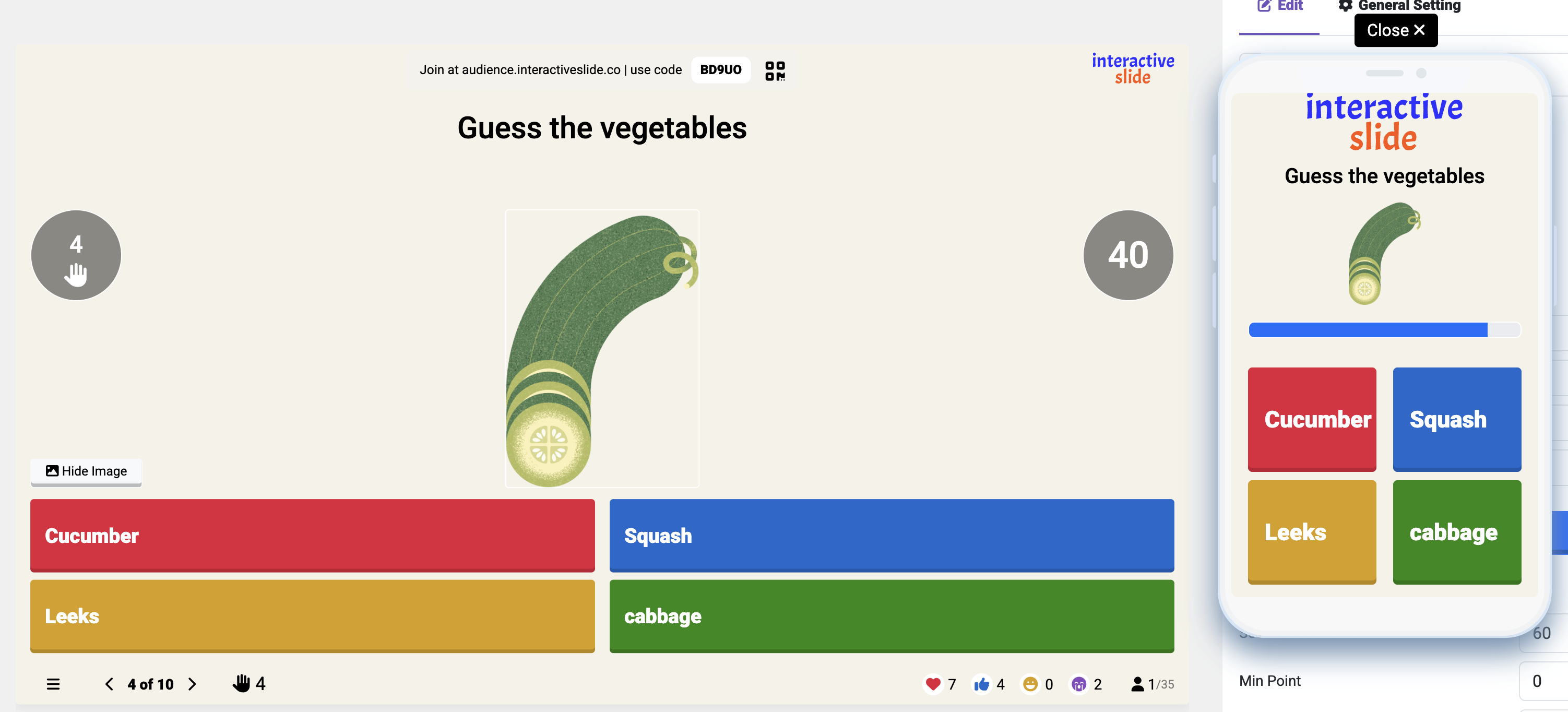
Why Interactive Quizzes Make Presentations Better
Most presentations are one-way: the speaker talks, the audience listens. But with an interactive quiz, you transform your session into a fun, engaging, two-way experience.
With quizzes, you can:
Increase audience engagement
Keep attention for longer
Create a fun, competitive atmosphere
Improve understanding and knowledge retention
Whether you’re teaching, running a workshop, presenting in meetings, or hosting an event — quizzes instantly boost audience participation.
Step-by-Step: How to Host a Quiz with EngageSlide
1. Start With a Clear Goal
Before creating your quiz, define what you want to achieve:
Test knowledge
Warm up the audience
Reinforce key points
Collect insights
Add a fun break in your session
Also decide where the quiz fits best: at the beginning, mid-presentation, or at the end.
2. Create Well-Designed Questions
Your questions should be:
Clear and easy to understand
Relevant to the topic
Engaging and not too long
A mix of formats (Multiple Choice, True/False, short answer if needed)
Variety keeps people interested. Add a humorous or surprising question if the tone fits your presentation.
3. Build Your Quiz in EngageSlide
EngageSlide allows you to create live quizzes instantly.
Tips for better experience:
Keep slides clean, readable, minimal
Use contrasting colors so answers are easy to see
Insert images if they help explain the question
Test your quiz before the actual presentation
Make sure it looks good on both desktop and mobile
EngageSlide is designed to be simple enough for new presenters, yet powerful for professionals.
4. Guide Your Audience Clearly
Before starting the quiz, explain in one sentence how to join:
“Open your phone, go to the website, enter the code, and choose your answers.”
Make sure everyone knows how to participate.
A quick onboarding increases the number of responses.
Then, during the quiz:
Read each question out loud
Give people enough time to answer
Encourage participation (“Give it a try!”)
Keep the energy high
5. Show Live Results & Celebrate Winners
One of the best parts of interactive quizzes is the real-time feedback.
Use this moment to:
Highlight correct answers
Explain the reasoning if needed
Celebrate the fastest or most accurate players
Display a leaderboard for motivation
This makes your session feel dynamic and fun rather than static.
Why Interactive Quizzes Improve SEO for Your Content
If you’re embedding or promoting your slide online, quizzes can even support SEO:
Increase time on page
Reduce bounce rate
Encourage sharing (people like interactive content)
Help generate backlinks
Create a positive user experience Google rewards
Adding an interactive element makes your content more competitive in search results.
Conclusion
EngageSlide quizzes help you turn passive viewers into active participants.
A simple quiz can make your presentation more exciting, memorable, and impactful.