
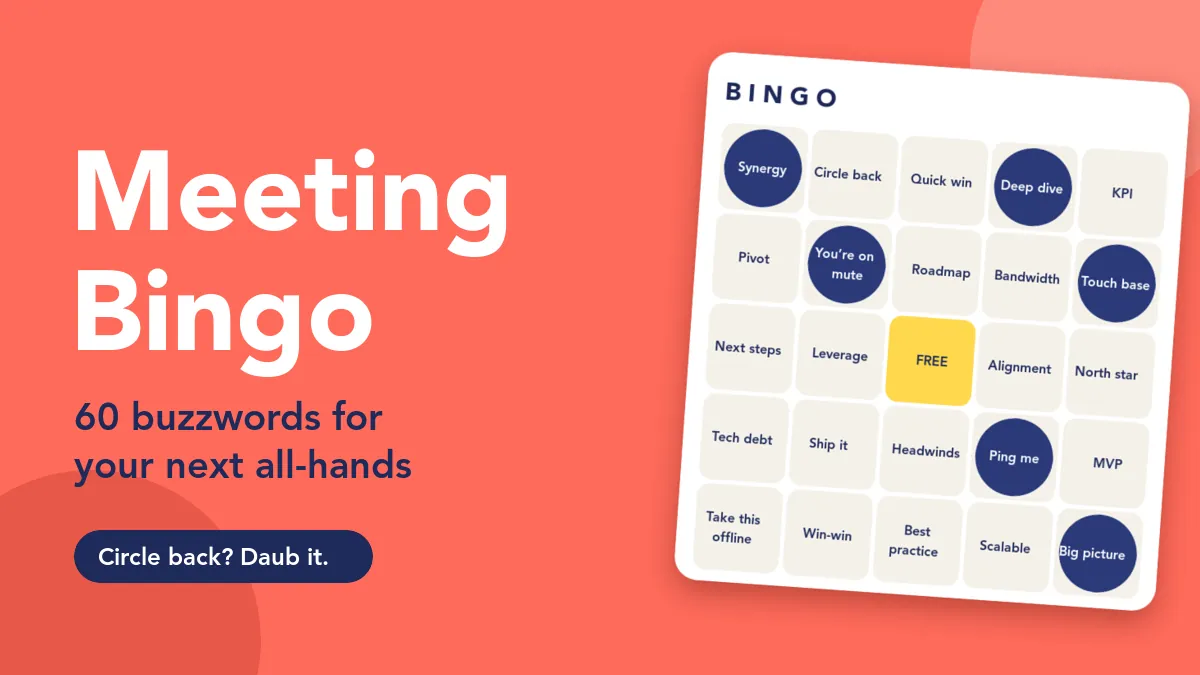
Every all-hands has its own soundtrack: someone wants to circle back, someone else promises a quick win, and at least one slide claims to move the needle. Meeting bingo turns that jargon into a shared joke instead of a private eye-roll. Everyone gets a card full of buzzwords, the room listens a little more closely, and the first person to complete a line gets a cheer. This post gives you 60 paste-ready buzzwords in four themes, plus the etiquette that keeps the game fun without derailing your agenda.
If you want the full setup walkthrough for the bingo slide itself, read Live Bingo for Presentations: Every Player Gets Their Own Card. Here we focus on the words and on running meeting bingo well.
What meeting bingo is (and why it works)
Buzzword bingo started as an office joke: a printed grid of overused phrases that people ticked off quietly while a meeting dragged on. The live version is friendlier. Instead of a secret game at the back of the room, the whole team plays together, in the open, with the host’s blessing.
That small shift matters. When the speaker is in on the joke, buzzwords stop being something to mock and become a light game that rewards attention. People who would normally check email keep one ear on the meeting because the next call might be on their card. And because it is a game the organiser chose, it signals that the all-hands is allowed to be fun.
How it runs in EngageSlide
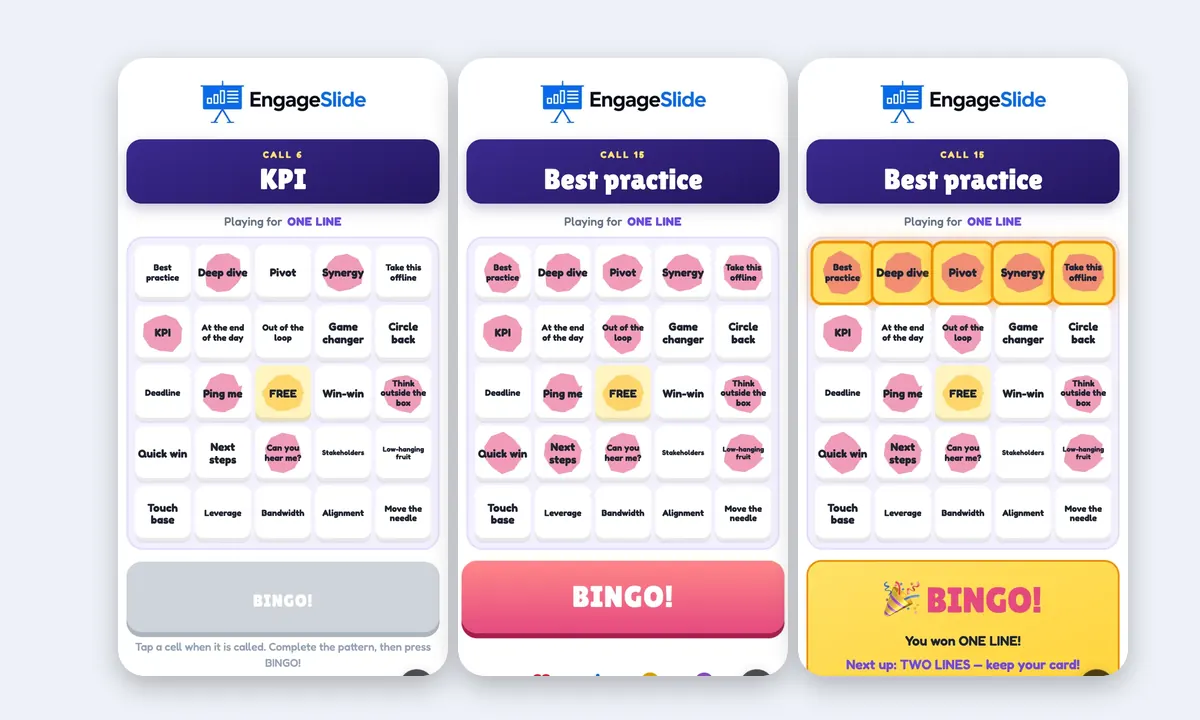
Add a Bingo slide to your deck and pick the Meeting Bingo template, which already holds 30 classic buzzwords on a 5×5 card. Paste your own list into the Words box (one per line) to replace or extend it. When people join with the code on the screen, every phone deals a different random card, so no two players have the same grid.

On the big screen, a glass ball drum spins and drops the next call. Players tap the matching cell to daub it. A cell can only be daubed once its word has been called, so nobody can fake a win. When a row, column or diagonal is complete, the BINGO! button lights up; the big screen checks the card and puts the winner in the spotlight. Meanwhile a banner such as “3 players need one more!” builds the tension.
60 meeting bingo buzzwords, ready to paste
Each theme below has 15 words. Copy a list straight into the Words box. A note on card size: a card needs at least as many words as it has cells, so 15 words suit a 3×3 card (8 words plus the FREE space) or a 4×4 card if you add one more. For a full 5×5 card you need at least 24, so combine two themes. A few extra words beyond the minimum make the cards more different from each other.
1. Corporate classics
For quarterly reviews, strategy updates and anything with a roadmap slide.
- Strategy talk: North star, Paradigm shift, Value add, Core competency, Holistic
- Action talk: Boil the ocean, Run it up the flagpole, Drill down, Double-click on that, Operationalise
- Results talk: Return on investment, Headwinds, Tailwinds, Scalable, Learnings
2. Remote and video calls
Perfect for hybrid all-hands where half the room is on a screen.
- Audio trouble: You’re on mute, Can you hear me?, You’re breaking up, Sorry, go ahead, Is there an echo?
- Screen trouble: Can you see my screen?, Next slide please, Let me share again, Camera off, Frozen
- Background moments: Dog barking, Someone joins late, Let’s give it a minute, Drop it in the chat, I have a hard stop
3. Tech and product
For engineering updates, product demos and sprint reviews.
- Planning: MVP, Backlog, Tech debt, Blocker, Scope creep
- Shipping: Ship it, Edge case, Rollback, Hotfix, Works on my machine
- Buzz: AI-powered, Single source of truth, Seamless, Under the hood, Best-in-class
4. Sales kick-off
For the start-of-year energy session or a quarterly sales meeting.
- Pipeline: Pipeline, Close rate, Quota, Upsell, Warm lead
- Customers: Pain point, Decision maker, Customer journey, Churn, Land and expand
- Motivation: Crush it, Stretch goal, Record quarter, All hands on deck, Let’s go
Want to make it personal? Swap in phrases your own leadership team really says. Inside jokes land best, as long as nobody would be embarrassed to see their catchphrase on screen.
How to play without derailing the meeting
The biggest risk with meeting bingo is that the game becomes the meeting. These habits keep it in the background.
Pick the right draw mode
Under Drawing the calls you choose between I press Draw (the default) and Automatic. For an all-hands, two patterns work well:
- Draw on the buzzword. Keep the host in charge of the pace and press Draw (or Enter) whenever a speaker uses a buzzword. The drum still decides which word is called, but the rhythm of the game follows the jargon in the room, and every draw gets a laugh.
- Slow automatic. Set Automatic to a new call every 15 or 20 seconds and leave the bingo slide on a second screen during a casual segment. Pause it with one click when a serious topic comes up.
Choose a prize ladder that fits your agenda
The Prizes setting decides how long the game lasts. One line is over in a few minutes, which suits a warm-up. One line, then full house (the default) keeps the same cards running for a longer stretch, so it fits a game that lives alongside the meeting. Avoid full house only in a busy all-hands; it can take a long time to finish.
Decide when the game lives
- Opening warm-up. Five minutes of bingo while people arrive, with one line as the prize.
- Background game. Cards stay on phones through the update segment; you only switch to the bingo slide when someone calls BINGO.
- Closing energiser. A quick round after the Q&A, so people leave on a high.
Late arrivals are fine. Anyone who joins mid-game gets a card straight away and can daub everything already called.
Meeting bingo etiquette
A good bingo round makes people feel included. A bad one makes a speaker feel mocked. A few ground rules:
- Tell the speakers first. Share the word list with presenters before the meeting. Most will happily drop a buzzword on purpose, which is half the fun.
- Laugh at the words, not the people. Keep names, accents and personal habits off the card. Jargon is fair game; individuals are not.
- Keep BINGO short. Celebrate the winner in a few seconds, then hand back to the speaker. The winner spotlight does the work for you.
- Make prizes symbolic. First pick of the snacks, a silly trophy, or bragging rights in the team chat. Big prizes turn a joke into a competition.
- Read the room. Skip bingo in meetings about layoffs, incidents or anything sensitive. It belongs in celebratory and routine all-hands.
Meeting bingo works when the host is in on the joke: everyone listens a little harder, the jargon becomes a shared laugh, and the agenda still finishes on time.
Make it part of a better all-hands
Bingo is a light touch, not the whole plan. Pair it with tools that give the meeting real substance: a quick poll to check how people feel about the quarter, an anonymous Q&A so tough questions surface, and a short word cloud to close. For more ideas on structure, see How to Run Meetings People Don’t Dread.
Everything runs from one deck in the EngageSlide interactive presentation tool, so your team joins once with one code and plays along from their own phones, whether they are in the room or on the call. Bingo announces winners for each prize but does not touch quiz scores, so you can mix it with a scored quiz later in the same meeting.
Pick a theme, paste the list, and let the next all-hands earn its first BINGO. For more meeting and team ideas, browse the EngageSlide blog.