
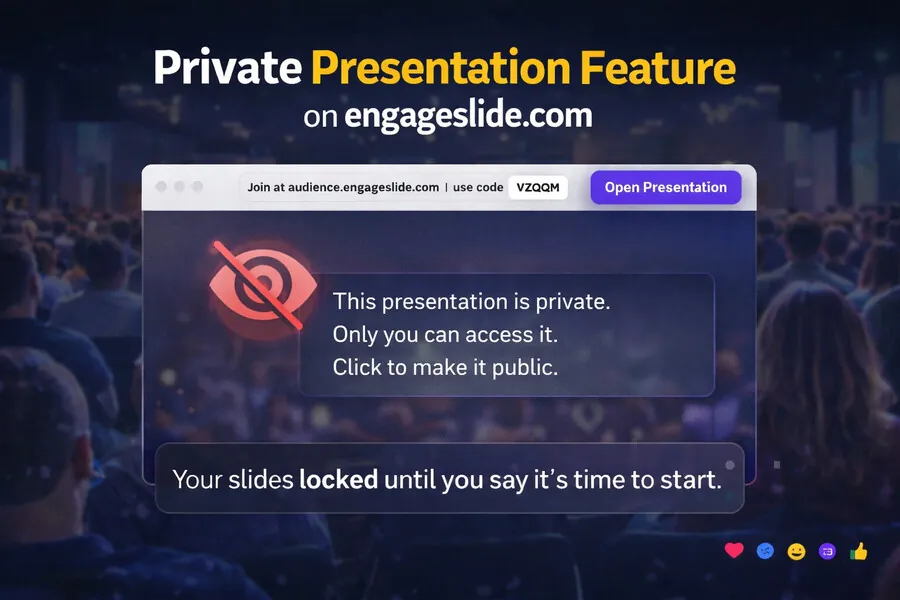
Private Presentation lets presenters lock their slides so the audience cannot see any content until the presenter explicitly opens the presentation. Even if attendees join early using the shared link, the slides remain hidden.
This gives presenters full control over timing, flow, and audience attention.
Why Private Presentation Matters
In many online or hybrid events, slides are often visible as soon as someone opens the link. This causes attendees to read ahead, lose focus, or misunderstand the context. Private Presentation solves this by ensuring everyone starts at the same moment, exactly when the presenter is ready.
How It Works
Create a presentation on engageslide.com
Enable Private Presentation
Share the link with your audience
Attendees see a waiting screen
Click Open Presentation to start
No new links. No page refresh. Instant sync for all viewers.
Common Use Cases
Webinars & online events: Prevent early access and keep the audience aligned
Hybrid conferences: Sync online and offline viewers
Training & education: Keep learners focused and curious
Pitch decks & sales: Protect sensitive content and control the narrative
Product launches: Create a strong reveal moment
Internal meetings: Avoid premature exposure of confidential slides
Key Benefits
Full presenter control
Better audience focus
Professional event flow
Reduced risk of content leaks
Higher engagement with interactive features
Private Presentation vs Traditional Sharing
| Traditional Slides | Private Presentation |
|---|---|
| Slides visible immediately | Slides locked until start |
| Audience controls timing | Presenter controls timing |
| Lower engagement | Higher engagement |
Conclusion
Private Presentation on engageslide.com helps presenters deliver cleaner, more professional, and more engaging sessions by controlling exactly when the audience sees the slides. It’s a simple feature with a powerful impact on events, training, and business presentations.