
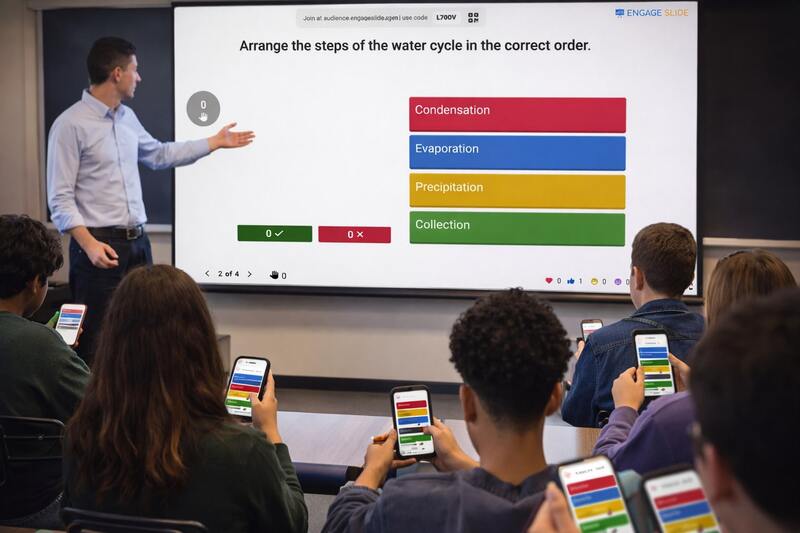
As interactive presentations become more common in education, training, and live events, puzzle quizzes (ordering and drag-and-drop questions) are increasingly valued for encouraging real thinking—not just fast guessing.
While Kahoot is widely known, its free plan does not support puzzle quizzes and limits audience size. This is where EngageSlide stands out as a modern engage presentation solution.
This article compares puzzle quizzes in EngageSlide vs Kahoot!, with a focus on free features and large audience support.
What Is a Puzzle Quiz in an Interactive Slide?
A puzzle quiz is a question type where participants must:
Arrange answers in the correct order
Drag and drop items logically
Demonstrate understanding, not guess speed
In an interactive slide, puzzle quizzes are ideal for:
Classrooms and higher-order learning
Corporate training and workshops
Engage presentations that require depth and participation
Unlike simple multiple-choice questions, puzzle quizzes transform a passive slide into a true interactive presentation.
Kahoot Free Plan: Key Limitations for Interactive Presentations
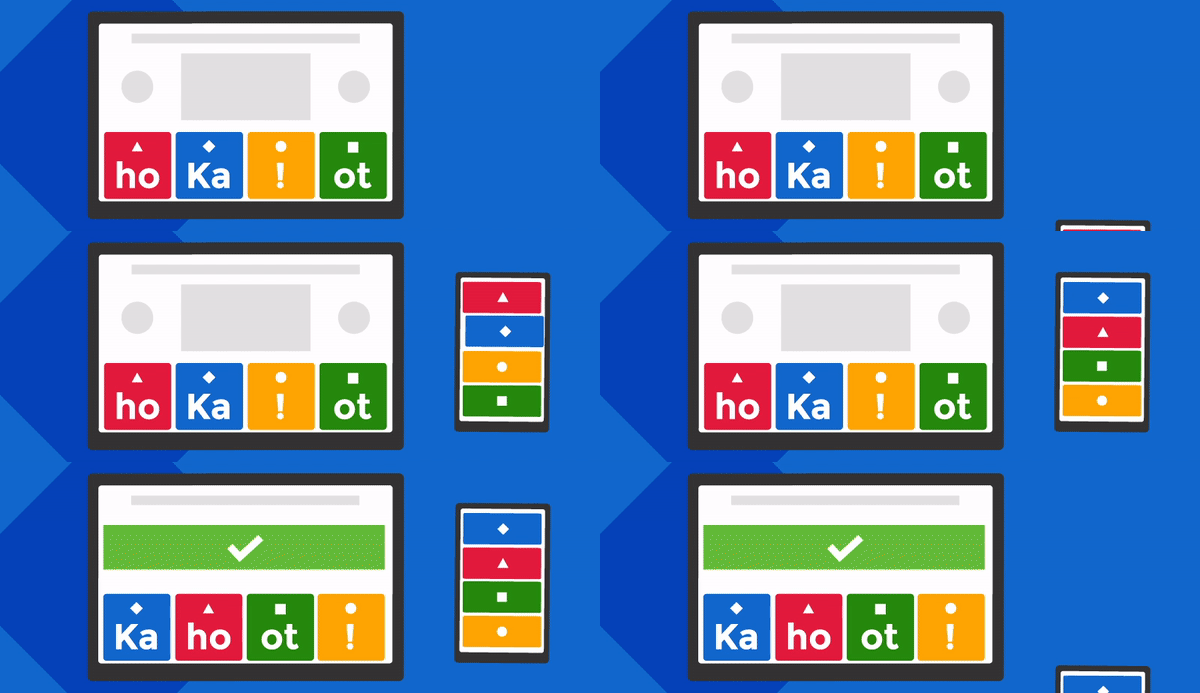
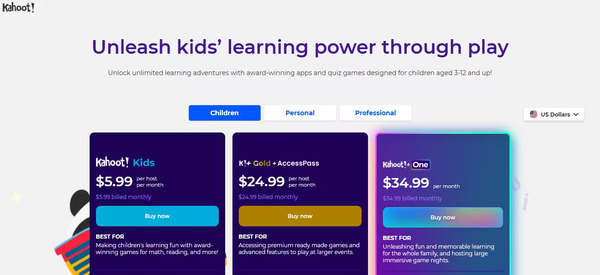
Kahoot is popular for gamified quizzes, but its free (Basic) plan has important drawbacks:
❌ No Puzzle Quiz on Free Plan
Puzzle (ordering) questions are locked behind paid plans
Free users can only create basic multiple-choice questions
❌ Limited Number of Participants
The free plan supports small groups only
Large classes, webinars, or events require upgrades
❌ Not Integrated Into Slides
Kahoot runs as a separate tool
Presenters must switch between slides and the quiz platform
These limitations make Kahoot Free less suitable for engage presentations with larger audiences or deeper interaction.
EngageSlide: Free Puzzle Quiz Built for Engage Presentations
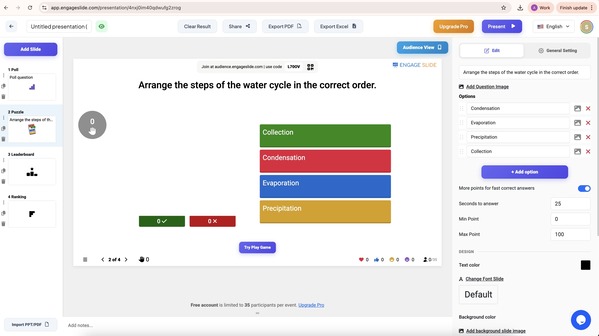
EngageSlide is designed from the ground up for interactive slides and engage presentations, not just standalone quizzes.
Free Puzzle Quiz (No Feature Lock)
Puzzle quiz is available in the free plan
No upgrade required to create ordering or logic-based questions
Perfect for teachers, trainers, and presenters starting out
H3: Supports Large Audiences
No feature-based cap on participants
Suitable for:
Large classrooms
Webinars & workshops
Hybrid and live events
H3: Seamless Interactive Slide Experience
Quiz appears directly inside the presentation
No app download required
Participants join instantly via QR code or link
This makes EngageSlide a powerful engage slide solution for real-time interaction at scale.
EngageSlide vs Kahoot (Free Plan Comparison)
| Feature | EngageSlide | Kahoot Free |
|---|---|---|
| Puzzle quiz | ✅ Yes (Free) | ❌ No |
| Free plan usability | ✅ Full interaction | ⚠️ Limited |
| Audience size | ✅ Large | ❌ Restricted |
| Interactive slide | ✅ Built-in | ❌ Separate tool |
| Engage presentation | ✅ Optimized | ⚠️ Basic |
When Should You Choose EngageSlide?
Choose EngageSlide if you need:
Free puzzle quiz for interactive slides
Engage presentations with many participants
Smooth, uninterrupted interactive presentations
A modern engage slide experience without feature locks
Choose Kahoot if you:
Only need basic multiple-choice quizzes
Work with small groups
Are willing to upgrade to paid plans
Conclusion
Puzzle quizzes are essential for meaningful interactive presentations, but Kahoot’s free plan does not support them and limits audience size.
EngageSlide removes these barriers by offering:
Free puzzle quizzes
Large-audience support
Native integration into interactive slides
For educators, trainers, and presenters looking to create engaging, scalable engage presentations, EngageSlide is a smarter alternative to Kahoot’s free plan.