
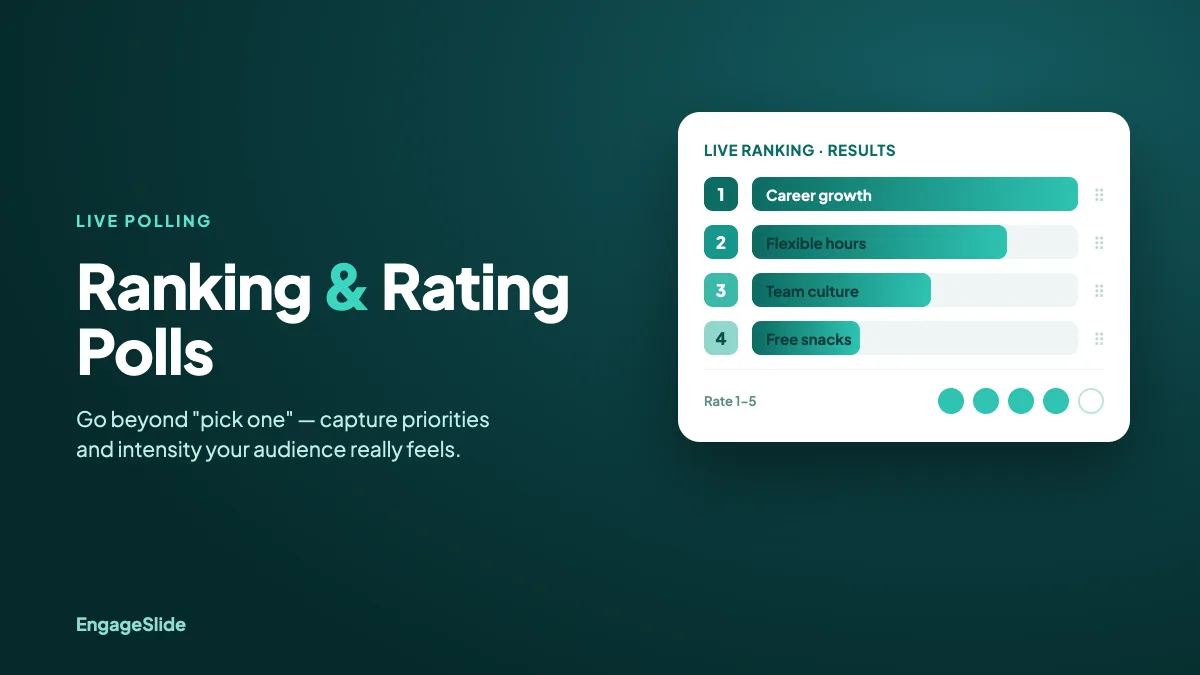
A simple multiple-choice poll tells you what your audience prefers. But it can't tell you how strongly they feel, how they'd prioritize a list of options, or where the real consensus lies. That's where ranking and rating polls come in. A well-designed ranking poll — or its cousin, the rating scale — turns a flat "pick one" into rich, ordered data you can actually act on. This guide explains when to use each, what deeper insight they unlock, and how to run them in EngageSlide.
Ranking vs. rating: two different questions
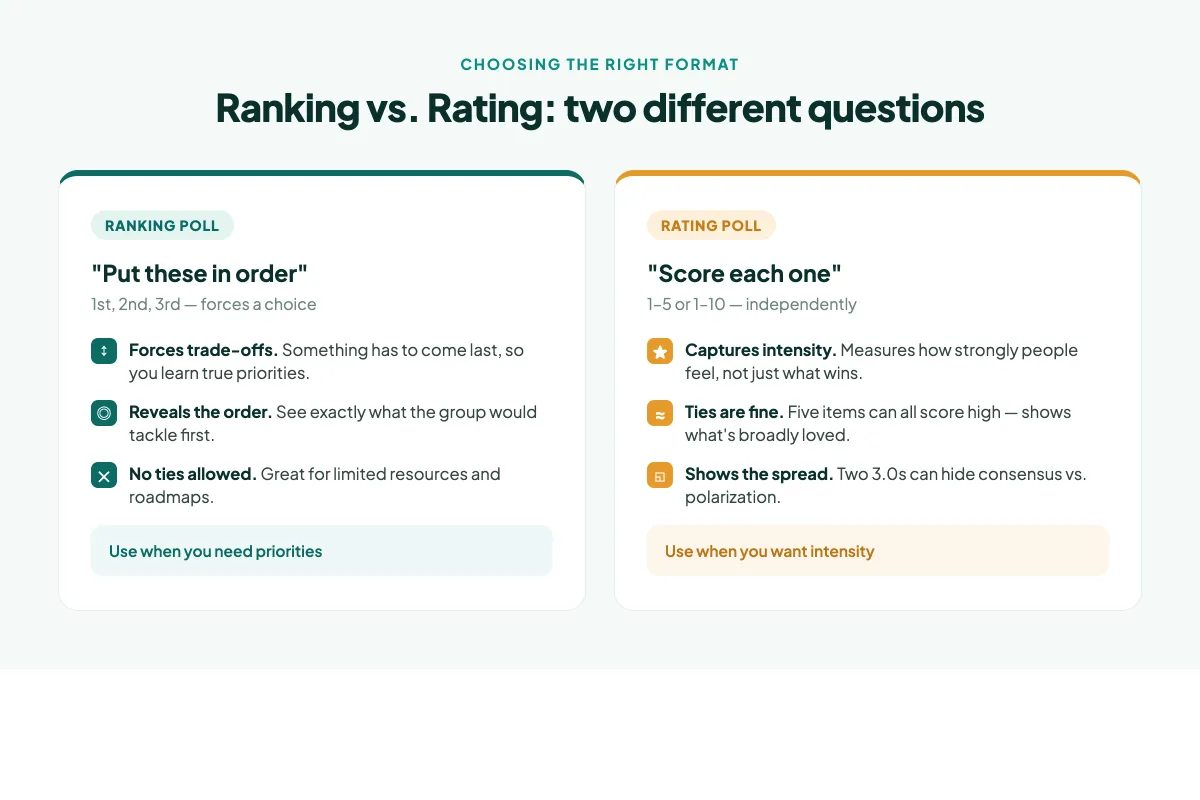
People often lump these together, but they answer fundamentally different questions. A ranking poll asks your audience to put a list of options in order — first, second, third. A rating poll (also called a linear or Likert scale) asks them to score each item independently, usually from 1 to 5 or 1 to 10.
The distinction matters. Ranking forces trade-offs: if a participant puts "salary" first, something else has to come lower — so you learn true priorities. Rating allows ties: someone can rate five features all a 9, which tells you what's broadly loved but not what to build first. Choosing the wrong one is a common reason polls produce data that looks precise but can't guide a decision.
Use ranking when resources are limited and you need priorities. Use rating when you want to measure the intensity of feeling across many items, even if several score highly.
What deeper insight each format unlocks
Beyond the mechanics, these formats surface things a standard bar-chart poll simply can't:
- True priorities, not just popularity. A ranking poll reveals the order of preference. "Feature A got the most first-place votes but the most last-place votes too" is a signal you'd never see in a single-choice poll — it means the room is divided, not aligned.
- Intensity of feeling. A rating scale captures how much. The difference between an average of 4.9 and 3.2 out of 5 is a whole different conversation, and it's invisible in a yes/no poll.
- Consensus vs. polarization. With ratings you can look at the spread, not just the average. Two options can both average a 3, but one because everyone is lukewarm and the other because half love it and half hate it. That spread is where the interesting decisions live.
- A defensible decision. When you tell a team "we're building this next," an ordered ranking from the whole group is far harder to argue with than a gut call.
How to run a ranking or rating poll in EngageSlide
EngageSlide gives you several purpose-built slide types for ordered feedback, and each takes a couple of minutes to set up:
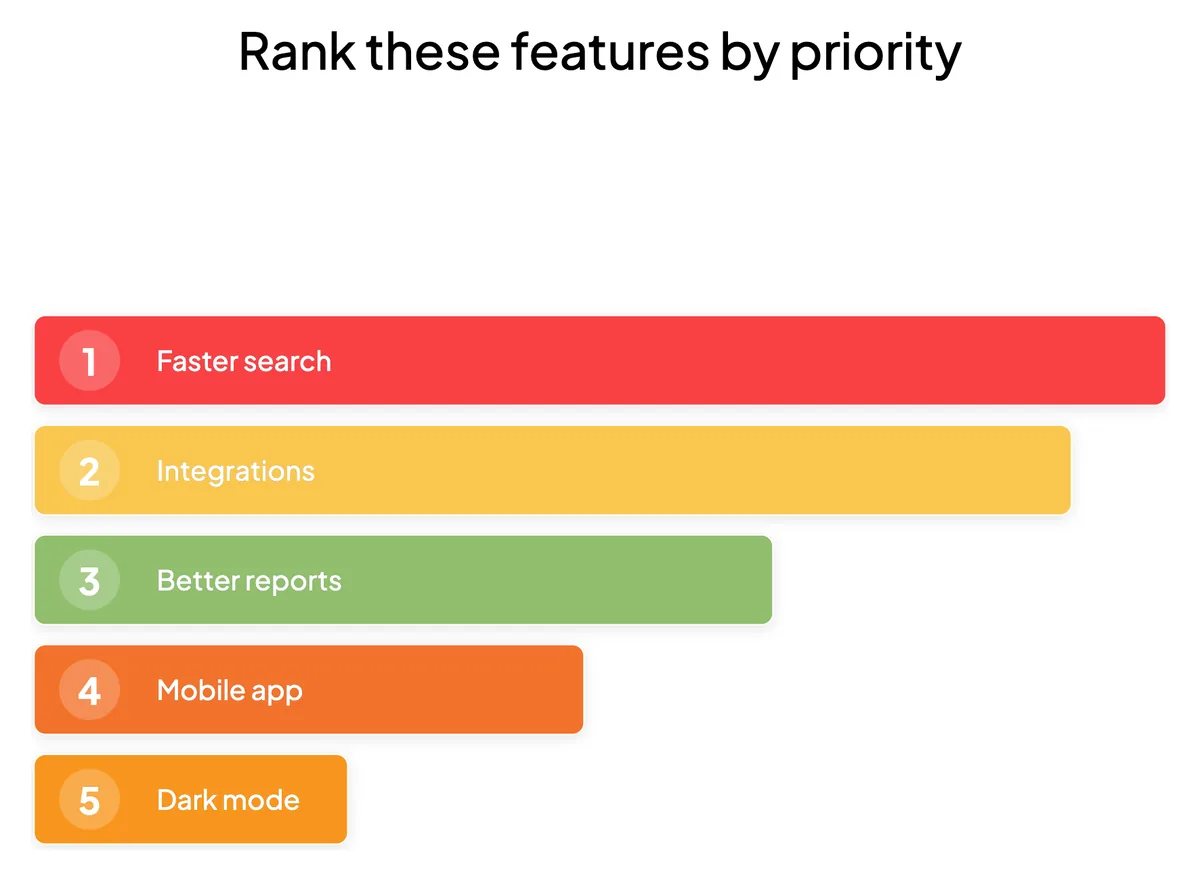
- Ranking slide. Add a slide, choose the ranking question type, and list the options. Participants drag them into order on their phones, and the live results show the aggregated ranking on the big screen.
- Linear scale. Perfect for "Rate this idea from 1 to 5." The audience taps a point on the scale and you see the distribution and average update in real time.
- 100-point question. When you want people to allocate importance, give them 100 points to spread across options. It forces harder trade-offs than a simple rank and shows relative weight, not just order.
- 2×2 grid. For two dimensions at once — plot ideas on effort vs. impact, for example — and watch the audience place dots live.
Because these run inside the same live session as your other polls, you can flow from a quick multiple-choice warm-up into a deeper ranking round without anyone re-joining. If you're weighing which format fits a given question, our guide on multiple choice vs. open-ended polls covers the trade-offs of the simpler formats, and live polling 101 covers the fundamentals.
Capturing ordered feedback beyond the live room
Ranking and rating aren't only for live audiences. When you need considered feedback — a post-event survey, a feature-prioritization form, or an employee pulse check — EngageSlide's online survey maker includes linear-scale and multiple-choice question types alongside seven others. You can run it standalone, collect responses anonymously or with email, and export everything to CSV for deeper analysis. The Summary view aggregates the scores automatically, so you get the average and distribution without touching a spreadsheet.
This is the ideal path when the ranking needs thought rather than a snap reaction. A live drag-to-rank is fantastic for energy in the room; a survey scale is better when you want people to reflect before answering. Many teams use both — a quick live ranking to spark discussion, then a survey to confirm the decision with a wider group afterward.
Design tips for polls that produce clean data
Ordered questions are only as good as their wording. A few rules keep your results trustworthy:
- Keep the list short. Ranking more than about seven items is exhausting on a phone and the bottom ranks turn to noise. If you have a long list, run a first-round poll to narrow it, then rank the finalists.
- Label your scale endpoints. "1 = Not at all, 5 = Absolutely" removes ambiguity. An unlabeled 1–5 means different things to different people.
- Use an odd-numbered scale for a neutral midpoint. A 1–5 or 1–7 Likert scale lets genuinely undecided people sit in the middle instead of being forced to pick a side.
- Keep options comparable. Don't mix "improve onboarding" with "buy new laptops" in the same ranking — people can't meaningfully order apples against oranges.
- Show the results. Revealing the aggregated ranking live validates that everyone's vote counted and sparks the discussion that turns data into a decision.
From ordered data to real decisions
The point of a ranking or rating poll is never the pretty chart — it's the clarity it gives you afterward. When a leadership team can see that "career growth" out-ranks "free snacks" three to one, or that a proposed feature scores a 2.1 while another scores a 4.7, the conversation shifts from opinion to evidence. That's the deeper insight these formats deliver: not just what your audience thinks, but how much and in what order.
Next time a plain poll leaves you wanting more, reach for a ranking or a rating scale instead. Set one up in EngageSlide, let your audience drag and score in real time, and watch a vague sense of "the room seems to like this" turn into a priority list you can act on with confidence. For more ways to get sharper feedback, explore the rest of the EngageSlide blog.