
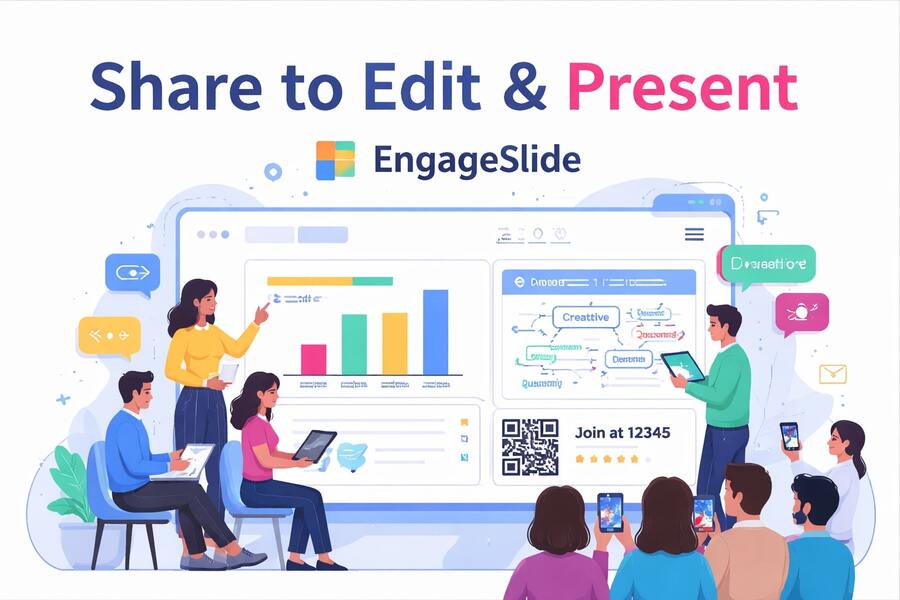
Presentations are no longer static slides shown by a single presenter.
In modern teams, a presentation is something that is built together, delivered together, and experienced together — by presenters and audience alike.
That’s exactly what EngageSlide is designed for.
EngageSlide combines interactive presentation features like live polls, word clouds, and quizzes with powerful collaboration tools that let teams share, edit, and present slides together — all in real time.
This article explores how share to edit and share to present transform presentations from static decks into living, collaborative experiences.
The shift from static slides to interactive experiences
Traditional presentations follow a one-way flow:
The presenter speaks
The audience watches
Engagement slowly fades
Interactive presentations flip that model.
By inviting the audience to respond, vote, and participate, presentations become conversations instead of monologues. Attention increases, feedback becomes instant, and ideas surface naturally.
EngageSlide is built around this shift — not as an add-on, but as the core experience.
Interactive presentations that feel effortless for the audience
Audience participation should never feel complicated.
With EngageSlide, participants can:
Join instantly via QR code or short PIN
Use any device with a browser
Participate without downloading an app
Interact seamlessly while the presentation continues
From live polls to word clouds and quizzes, every interaction happens in real time, directly connected to the slides being presented.
The result is an experience that feels natural, fast, and inclusive — whether you’re presenting in a meeting room, classroom, or hybrid event.
Share to Edit: build presentations together, not sequentially
In many teams, slide creation still happens in silos:
One person edits
Others review later
Feedback arrives too late
Versions get duplicated
EngageSlide replaces this outdated workflow with share to edit.
What share to edit enables
A single, shared presentation
Multiple editors working at the same time
Instant updates visible to the entire team
No file transfers or version conflicts
Teams can brainstorm, refine content, and align messaging directly on the slides — reducing friction and saving hours of back-and-forth.
Designed for real team workflows
EngageSlide is especially effective for teams that collaborate frequently on presentations, such as:
Marketing teams preparing campaign decks
Sales teams refining pitch presentations
Startup founders building investor decks
Trainers and educators co-creating learning materials
Event teams coordinating workshops and talks
Instead of passing files around, teams work in a shared space where ideas evolve together.
From editing to presenting — without breaking the flow
One of the biggest advantages of EngageSlide is that editing and presenting live in the same environment.
There’s no need to:
Export slides
Upload files
Worry about fonts or layouts breaking
Switch tools before presenting
When it’s time to present, you simply switch modes — and everything is ready.
Share to Present: co-present with confidence
Modern presentations often involve more than one speaker.
With share to present, EngageSlide allows:
Multiple presenters to control slides
Smooth handovers between speakers
Fully synchronized views for all participants
A single source of truth for the presentation
This is ideal for:
Panel discussions
Product demos
Team updates
Workshops with multiple facilitators
Hybrid or remote presentations
Everyone stays aligned, and the presentation flows naturally from one speaker to the next.
Audience engagement, built into every slide
EngageSlide doesn’t treat interaction as a separate layer.
Instead, engagement is woven directly into the presentation flow.
You can:
Trigger polls at key moments
Display live results instantly
Collect questions without interrupting the speaker
Visualize audience input with word clouds
Reinforce learning through quizzes
This keeps energy high and ensures the audience remains actively involved from start to finish.
Full control while sharing openly
Sharing doesn’t mean losing control.
EngageSlide gives you clear permissions for:
Who can edit
Who can present
Who can view only
Which interaction features are enabled
You decide how open or structured the experience should be — depending on your audience, team size, and presentation goals.
Better collaboration leads to better presentations
Teams using EngageSlide often notice:
Faster slide creation
Fewer review cycles
Clearer messaging
More confident presenters
More engaged audiences
By combining collaboration and interaction in one platform, EngageSlide removes friction and lets teams focus on what truly matters: communicating ideas effectively.
Use cases across industries
Business & Sales
Collaborate on pitch decks and engage prospects during live demos.
Marketing
Build campaign presentations together and gather instant feedback from stakeholders.
Education & Training
Create interactive lessons where learners actively participate instead of passively listening.
Events & Workshops
Run dynamic sessions where presenters and audience interact throughout the program.
A new standard for collaborative presentations
Presentations shouldn’t be static files or one-person performances.
They should be:
Collaborative to create
Easy to share
Flexible to present
Engaging for everyone involved
EngageSlide brings all of this together in one seamless experience.
Conclusion
Share to edit empowers teams to build presentations together.
Share to present allows speakers to deliver them together.
Interactive features ensure the audience becomes part of the experience — not just observers.
If you’re looking to move beyond static slides and create presentations that are truly collaborative and engaging, EngageSlide offers a modern, intuitive approach designed for today’s teams.