
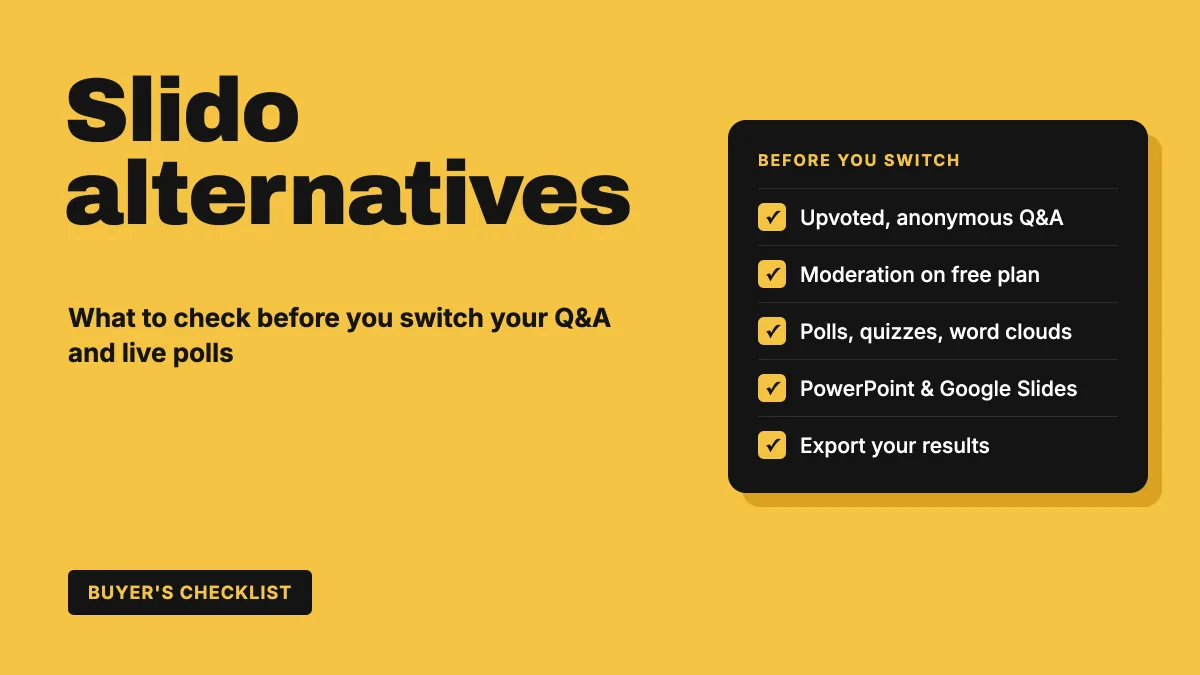
Slido is one of the best-known tools for live Q&A and polling. It has been around since 2012, it is now part of Cisco, and many people meet it for the first time as a QR code on a conference screen. So when teams start looking for Slido alternatives, it is usually not because Q&A stopped working. It is because their needs grew: they want quizzes as well as questions, feedback surveys after the session, more control on a smaller budget, or one tool for the classroom, the webinar and the all-hands.
This guide won't give you another ranked "top 10" list. Instead, it helps you work out what you actually use Slido for, what an alternative must do to replace it, and how to test one properly before your next big event.
Start with how you use Slido today
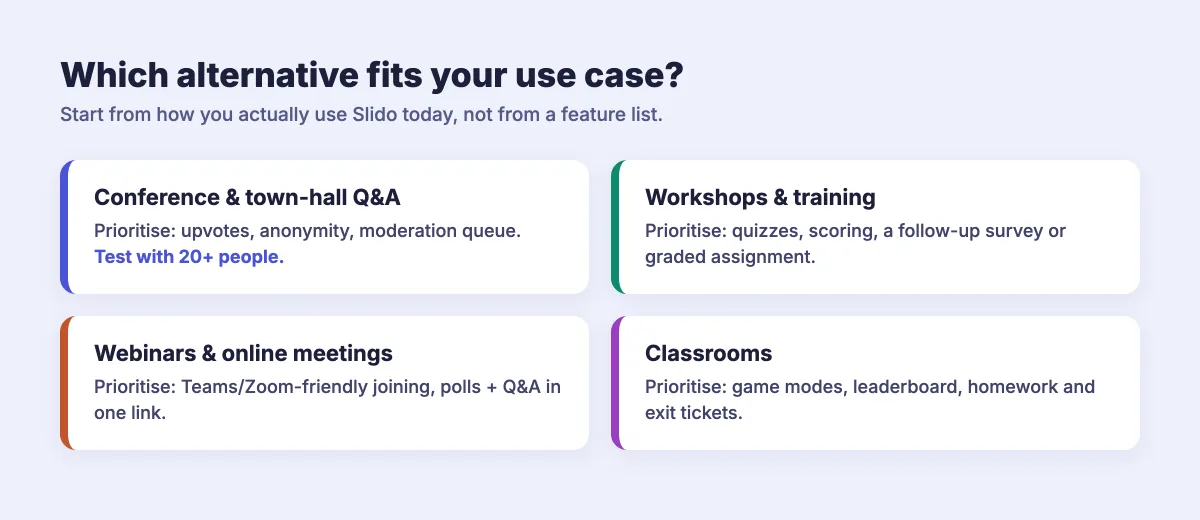
Before comparing tools, write down the last three sessions where you used Slido and what you used in each. Most people fall into one of four patterns:
- Q&A first. Town halls, panels and conference talks where the main job is collecting questions, letting the audience upvote them and keeping inappropriate ones off the screen.
- Polls for engagement. Meetings and webinars where a few multiple-choice polls, word clouds or rating questions keep people involved.
- Quizzes and games. Training sessions, onboarding and classrooms where you want scoring, a leaderboard and some energy in the room.
- Feedback and data. Sessions where the real deliverable is what you learn from the audience — survey answers, exports and reports you share afterwards.
Your pattern decides which features matter. A tool that is perfect for classroom quizzes may be weak at moderated Q&A for 800 people, and the reverse.
The must-have checklist for a Slido alternative
If you rely on Slido for Q&A and polls, any replacement should cover these basics without extra workarounds.
1. Q&A that the audience can shape
The heart of Slido is audience-driven Q&A: anyone can submit a question from their phone, and the room upvotes the ones it cares about most. Check that an alternative offers upvoting, sorting by popularity or by newest, and anonymous questions. Anonymity matters more than people expect — the hardest and most useful questions are often the ones nobody wants their name on. Our guide to upvoting questions in Q&A explains why this changes the quality of the conversation.
2. Moderation you can actually afford
For large or public events, a moderation queue — where questions wait for approval before they appear — is not optional. Look at which plan includes moderation, not just whether the product has it. If you are unsure whether you need it at all, read moderated vs open Q&A.
3. Polls beyond multiple choice
You probably use more than one poll type: multiple choice, word cloud, rating scale, ranking, open text. Make a list of the ones you used in the last month and check each is available — and whether the free or entry plan limits how many you can run per event.
4. Joining in seconds
Participants should join from a browser with a short code or QR code, with no app download and no account. Every extra step costs you participants, especially in large rooms.
5. Works where you present
If your deck lives in PowerPoint or Google Slides, or your sessions happen in Microsoft Teams or Zoom, check how the alternative fits in. Can you run polls inside your existing slides, or do you have to switch windows mid-talk?
6. Your data, exportable
After the event you will want the questions, poll results and participation numbers in a spreadsheet. Check what can be exported and on which plan.
Don't compare Slido alternatives on the length of their feature lists. Compare them on the three sessions you actually ran last month — and test the winner with a real group before it matters.
Where the common alternatives fit
There is no single "best" Slido alternative, but the main options do lean in different directions:
- Mentimeter is built around a presentation editor with polls, word clouds and quizzes, and is popular for workshops and meetings. We compare it in more depth in the best Mentimeter alternatives.
- Kahoot! is focused on game-based quizzes and is strongest in classrooms and fun team events, rather than moderated Q&A.
- Poll Everywhere is a long-standing audience response tool, widely used in universities and corporate training.
- Built-in meeting polls in tools like Teams and Zoom are fine for a quick vote inside a call, but usually lack upvoted Q&A, word clouds and scoring.
- All-in-one platforms such as EngageSlide combine Q&A and polls with quizzes, surveys and assignments, so one tool covers the meeting, the training and the follow-up.
Plans and limits change often, so always check each vendor's current pricing page rather than relying on a comparison from last year.
How EngageSlide covers the Slido use cases
EngageSlide was built to handle Slido's core jobs — live Q&A and polling — and then keep going into quizzes, surveys and graded work. Here is how it maps to the checklist above.
Live Q&A with upvotes, anonymity and moderation
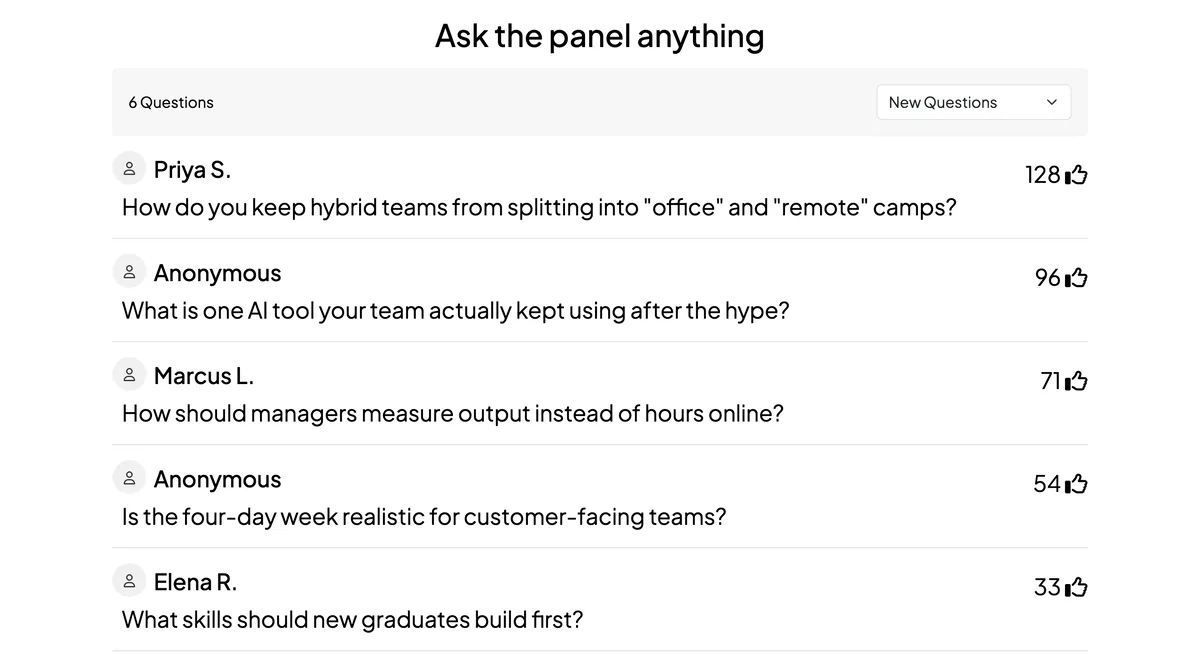
Add a Q&A slide, or let the audience ask questions throughout the session. Participants submit from their phones, upvote each other's questions and can post anonymously. On the big screen you can sort by new or popular questions, and moderation lets you approve questions before they are shown. Moderation is included on the free plan.
Polls, word clouds and more interactive slide types
Multiple-choice polls, word clouds, open-ended questions, rating scales, ranking, a 2×2 grid and a 100-point question are all available, alongside a spinner wheel and live chat. All slide types are unlocked on the free plan, so you don't have to count polls per event.
Quizzes when you want energy
When a session needs a lift, switch from polls to a quiz with points, a speed bonus for fast correct answers and a live leaderboard — individually or in teams. This is where many Slido users feel the gap, because Q&A tools rarely do games well.
Surveys and assignments after the session
You can link a feedback survey to your presentation and show it on the last slide, or send a graded assignment that is auto-marked. That turns a one-hour session into a loop: poll to warm up, Q&A in the middle, a survey at the end.
Present from where you already work
EngageSlide has a PowerPoint add-in, Google Slides integration and a Microsoft Teams app, plus a remote control so you can move slides from your phone. Results can be exported to Excel or PDF. For a side-by-side look, see our Slido alternative comparison.
How to test an alternative before you switch
A tool that looks great in a demo can still surprise you in front of 300 people. Run this five-step trial first:
- Rebuild one real session. Take a deck you used with Slido and recreate it — same polls, same Q&A.
- Run it with 15–20 colleagues. Ask them to join from different phones and networks, submit questions, upvote and vote.
- Test moderation under pressure. Have two people post off-topic questions and see how quickly you can hide them.
- Present it the way you really will. In PowerPoint, Google Slides or a Teams call, with a second screen if you use one.
- Export the results. Check the spreadsheet contains what your stakeholders will ask for.
If the tool passes all five, move one low-stakes event across first — a team meeting or a webinar — before you trust it with the annual conference. For tips on running that first webinar, see how to use polls and Q&A to make webinars two-way.
The bottom line
Slido does Q&A and polls well, and for some teams that is all they need. But if you also want quizzes, surveys, assignments and full moderation without stepping up to an expensive plan, it is worth testing an all-in-one alternative. Start from your real sessions, check the six must-haves, and run a proper trial. The right tool is the one your audience barely notices — because joining, asking and voting simply work.