
Running live events is stressful enough.
You manage slides, timing, audience energy, questions, and sometimes even technical issues on stage.
For years, I used Mentimeter to make my presentations interactive. It worked reasonably well—until I started running larger events and noticed several friction points during live presentations.
Eventually I switched to EngageSlide, a PowerPoint add-in that integrates live polls, quizzes, word clouds, and Q&A directly into PowerPoint.
In this article, I’ll share my real experience running an event using both tools—and why the EngageSlide add-in solved several problems I constantly faced with Mentimeter.
The Goal: Make Presentations Interactive
Modern audiences don’t want passive presentations anymore.
They want to:
Vote in live polls
Share opinions in word clouds
Compete in quizzes
Ask questions in real time
Interactive presentations help speakers:
Keep attention longer
Understand audience sentiment instantly
Turn talks into conversations
That’s why tools like Mentimeter became popular. They allow presenters to create interactive slides like multiple choice polls, word clouds, quizzes, and Q&A sessions.
But once I started running larger workshops and conferences, I realized that the workflow with Mentimeter had several limitations.
My First Setup: Using Mentimeter in Events
Let me describe a typical setup.
For a startup workshop with about 150 attendees, I used Mentimeter for live audience interaction.
The process looked like this:
Build slides in PowerPoint
Build polls and quizzes in Mentimeter
During the presentation, switch between PowerPoint and Mentimeter
Participants would join by:
Opening menti.com
Entering the join code
Or scanning a QR code displayed on the slide
Once people joined, they could submit answers and see the results live.
In theory, it sounds simple.
In practice, it created several problems on stage.
The Real Pain Points I Experienced with Mentimeter
1. The “Start Presentation” Activation Problem
Every Mentimeter session requires the presenter to click “Start presentation” before the audience can participate.
That means before every session you need to:
Open the Mentimeter dashboard
Click Start presentation
Switch to presentation view
When you run multiple sessions in one day, forgetting this step happens more often than you'd expect.
More than once, I showed a slide asking the audience to vote… only to realize the presentation wasn’t activated yet.
Awkward silence.
2. Switching Between PowerPoint and Mentimeter
In many setups, presenters still need to switch between PowerPoint and Mentimeter windows during the presentation.
During live events, this becomes risky:
You can accidentally show the wrong window
Animations break
Timing becomes messy
When you're presenting on stage in front of hundreds of people, even small friction feels huge.
3. Presentation Clicker Problems
One of the biggest issues I faced:
Mentimeter slides often don't work smoothly with PowerPoint clickers.
Most speakers rely on:
Keyboard arrows
Presentation clickers
Remote slide controllers
But when the presentation switches to Mentimeter in a browser, clickers sometimes stop working as expected.
Instead of clicking a button to move forward, you may need to:
Move the mouse
Click UI controls
Navigate differently
That breaks the natural rhythm of presenting.
4. Losing PowerPoint Animations
Another challenge happens when importing slides.
When PowerPoint slides are imported into Mentimeter, they are often converted to static images, meaning animations and transitions may not be preserved.
For presenters who carefully design their slides, losing animations can ruin the storytelling flow.
Discovering EngageSlide
After several frustrating event experiences, I started looking for alternatives.
That’s when I discovered EngageSlide, an interactive presentation add-in designed specifically for PowerPoint.
The idea is simple but powerful:
Instead of running a separate platform like Mentimeter, EngageSlide runs entirely inside PowerPoint.
You can add:
Poll slides
Quiz slides
Word clouds
Q&A slides
directly into your presentation.
No switching apps.
No separate presentation mode.
A Real Event Using EngageSlide
I tested EngageSlide during a product innovation workshop with about 180 attendees.
The difference was noticeable immediately.
Here’s how the session went.
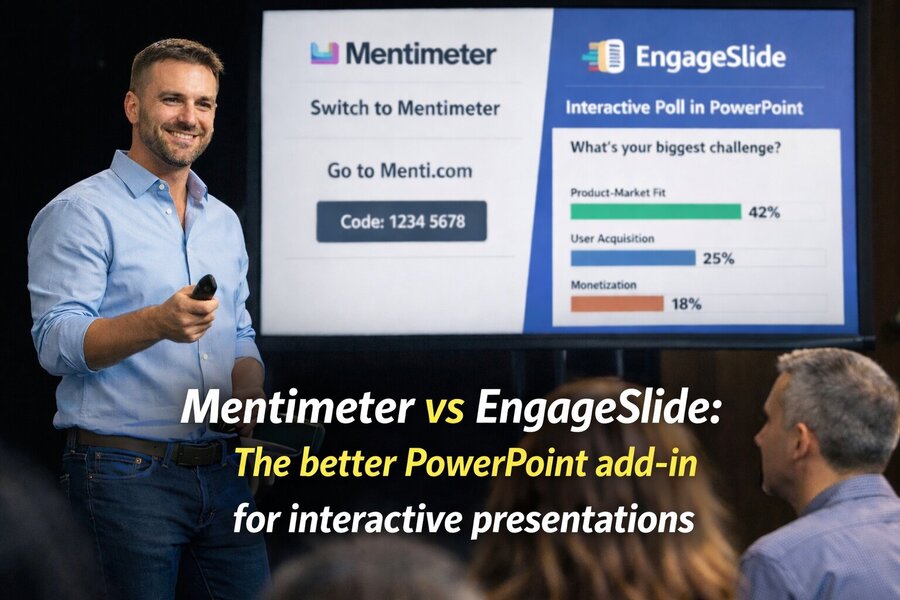
Step 1: Opening Poll to Understand the Audience
Instead of a typical introduction slide, I started with a poll:
“What is your biggest product challenge right now?”
Options included:
Product-market fit
User acquisition
Retention
Monetization
Participants joined using their phones and voted instantly.
Results appeared live on the slide.
Within seconds, we had a clear picture of the room.
The biggest challenge?
Product-market fit.
That insight helped me adjust the presentation immediately.
Step 2: Word Cloud Activity
Later in the workshop, I asked:
“Describe your startup in one word.”
Attendees submitted answers that formed a real-time word cloud.
Words like:
AI
Fintech
Marketplace
SaaS
started appearing on the slide.
This activity worked perfectly as an icebreaker and helped participants see what others were building.
Step 3: Live Quiz Competition
To make the workshop more engaging, I introduced a quiz.
The question:
“Which slide matters most to investors in the first 3 minutes of a pitch?”
Participants competed live.
EngageSlide displayed:
Real-time results
Correct answers
Leaderboard
Suddenly the room became energetic.
People started cheering when their names appeared on the leaderboard.
Why EngageSlide Works Better in Live Presentations
After using both tools extensively, several advantages became clear.
1. Everything Runs Inside PowerPoint
No browser switching.
No separate presentation software.
You stay in one presentation environment.
That alone reduces a lot of stress during live events.
2. Clickers and Keyboard Work Naturally
Because EngageSlide runs inside PowerPoint:
Keyboard arrows work
Presentation clickers work
Slide transitions work
This keeps the presentation flow smooth.
3. No Activation Step
Unlike Mentimeter, there’s no extra “Start presentation” activation step.
You simply run your PowerPoint slideshow.
The interactive slides are already ready to go.
4. Your Presentation Design Stays Intact
Since slides remain inside PowerPoint:
Animations stay intact
Layout stays consistent
Fonts and branding remain unchanged
For professional presentations, this is a huge advantage.
Mentimeter vs EngageSlide: Quick Comparison
| Feature | Mentimeter | EngageSlide |
|---|---|---|
| Runs inside PowerPoint | Partial | Yes |
| Requires session activation | Yes | No |
| Works with presentation clicker | Sometimes | Yes |
| Switching between apps | Often required | No |
| Keeps PowerPoint animations | Sometimes lost | Fully preserved |
| Interactive features | Polls, quizzes, word clouds | Polls, quizzes, word clouds, Q&A |
When Mentimeter Still Makes Sense
Mentimeter is still a good tool for certain situations:
Online meetings
Simple classroom polls
Quick surveys
But when it comes to professional presentations, conferences, and live events, the workflow can become complicated.
Who Should Use EngageSlide?
EngageSlide is ideal for:
Conference speakers
Run polls and Q&A without switching apps.
Corporate trainers
Add quizzes and interaction during workshops.
Educators
Check student understanding during lectures.
Event organizers
Keep large audiences engaged.
Startup mentors
Get real-time feedback from founders.
Final Thoughts
Interactive presentations are no longer optional.
They’re becoming the standard.
Tools like Mentimeter helped introduce audience interaction into presentations, but they often require switching tools, activating sessions, and managing multiple interfaces.
By integrating interaction directly into PowerPoint, EngageSlide simplifies the entire experience.
For me as an event speaker, that difference matters.
Instead of worrying about tools, I can focus on what matters most:
engaging the audience and delivering a great presentation.