
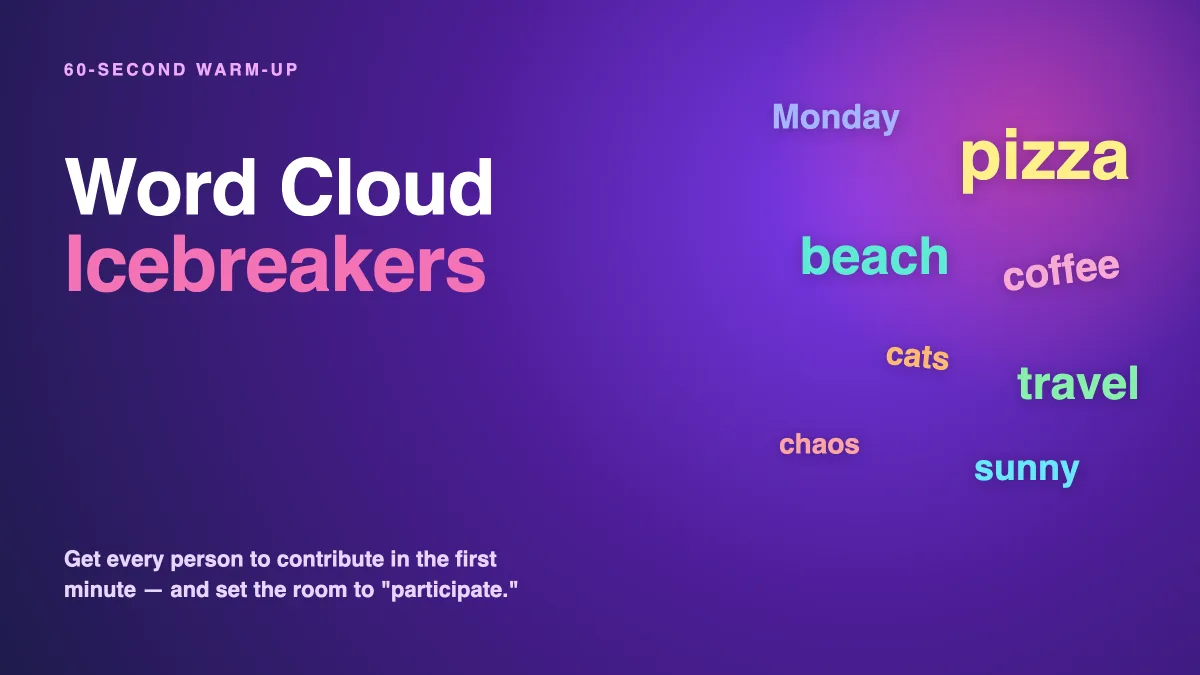
The first ninety seconds of any session set the tone for everything that follows. Open with "Let's get started" and a wall of bullet points, and you've trained the room to stay passive. Open by getting every single person to contribute something — before you've even reached slide two — and you've set a completely different expectation: this is a session where you participate. A word cloud icebreaker is the fastest way to do exactly that. It's low-pressure, works with any group size, and turns a cold room warm in under a minute. Here are the best word cloud icebreakers and how to run them.
Why word clouds make the best icebreakers
Plenty of icebreakers fall flat. "Go around and introduce yourself" eats fifteen minutes and bores everyone by person four. Forced-fun games make people cringe. A word cloud icebreaker avoids both traps because it's fast, anonymous, and inclusive. Everyone answers at once from their phone, so it takes seconds regardless of whether you have 8 people or 800. No one is put on the spot. And because the answers appear together as one shared picture, the group gets an instant sense of "we're all here, together" — which is the whole point of breaking the ice.
The goal of an icebreaker isn't to be clever — it's to get every person to make one small contribution early, so the next contribution feels easy.
That first low-stakes answer matters more than it seems. Once someone has typed a single word onto the screen, they've crossed the line from spectator to participant, and they're far more likely to answer your next poll, join your next discussion, or ask a question. New to the format? Our guide to what a live word cloud is covers the mechanics in two minutes.
15 word cloud icebreakers that always work
Pick one that matches your group and your goal. Run them in EngageSlide's interactive presentation tool — your audience scans a QR code and types their answer while the cloud builds live on the big screen.
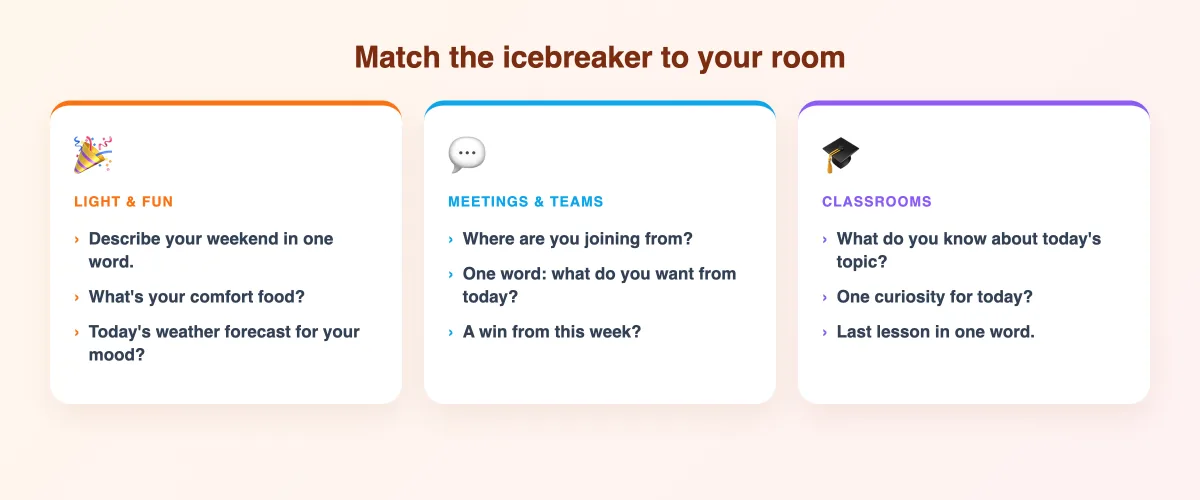
Light and fun (for any group)
- "Describe your weekend in one word." An instant classic — relatable, revealing, and often funny.
- "What's your comfort food?" Guaranteed smiles and a surprising amount of cross-table chatter.
- "If today were a weather forecast, what would it be?" A playful, metaphorical way to read the room's mood at the same time.
- "One word: coffee, tea, or how you survive mornings?" Low-stakes and universally answerable.
- "What's a hobby you'd do all day if you could?" Sparks "wait, who put skydiving?" moments.
Warm-ups for meetings and teams
- "Where are you joining from today?" Perfect for distributed teams — the map of places builds belonging.
- "One word for what you're hoping to get out of today." Sets intention and tells you what the room actually wants.
- "What's a win — big or small — from this week?" Starts the session on a positive, energizing note.
- "Describe our team in one word." A quick identity-builder that doubles as a culture snapshot.
- "What's one word on your mind coming into this meeting?" Clears mental clutter so people can focus.
Openers for classrooms and training
- "What do you already know about [today's topic]?" Activates prior knowledge while it warms the room.
- "One word for how you feel about [subject]." Surfaces enthusiasm — or dread — you can then address.
- "What's one thing you're curious about today?" Turns passive learners into people with a question to answer.
- "Sum up last week's lesson in one word." A warm-up and a retrieval-practice review in one.
- "If you could learn any skill instantly, what would it be?" Aspirational, fun, and revealing.
How to run a word cloud icebreaker in under a minute
The beauty of this icebreaker is that setup is almost nothing:
- Add a Word Cloud slide before your title slide and type your chosen prompt.
- Show the join instructions — a QR code or short join code on screen. No app to download, no accounts.
- Give it 30–60 seconds. Read the prompt aloud, then watch the cloud fill. The live build-up is part of the fun.
- React out loud. Call out the biggest word, laugh at a surprising one, ask "who's the skydiver?" This is where the actual ice-breaking happens.
For the full click-by-click setup, including how to limit words per person and moderate submissions, follow the step-by-step word cloud guide.
Tips to get the energy right
- Match the prompt to the room. A senior leadership meeting and a first-day training class need different openers. Playful lands better with groups that already know each other; keep it simple and safe with strangers.
- Always react to the result. A cloud you show and then ignore kills momentum. The energy comes from your response, not the graphic.
- Keep it to one. One strong icebreaker beats three mediocre ones. Break the ice, then move into your content while the energy is high.
- Then keep them engaged. An icebreaker only opens the door. Follow it with a poll, a live quiz, or a Q&A so the participation you just unlocked doesn't fizzle out. Prefer a poll-based opener? See how to use live polls to break the ice.
Break the ice, then keep it broken
A word cloud icebreaker is the single easiest way to turn a silent room into a participating one — and it costs you sixty seconds and your audience one word. Pick a prompt that fits your group, put it on your very first slide, and watch the energy shift before you've even started. For more ready-to-run ideas, explore the EngageSlide blog and turn every session into a two-way conversation.