Every interactive slide type, in one place
20 interactive slide types — live polls, quizzes, word clouds, Q&A, games and more. Click any one to try it live in seconds — no sign-up, no app.
Interactive slides beat static ones because they give people something to do. Below is every interactive slide type in EngageSlide, grouped by what it is best for. Click any one to open it in the editor instantly — no sign-up needed — and your audience joins from their phones with a QR code.
Quiz & Game Competitions
Turn any topic into a competition. These game slides keep score automatically and rank players on a live leaderboard, so the room plays to win.
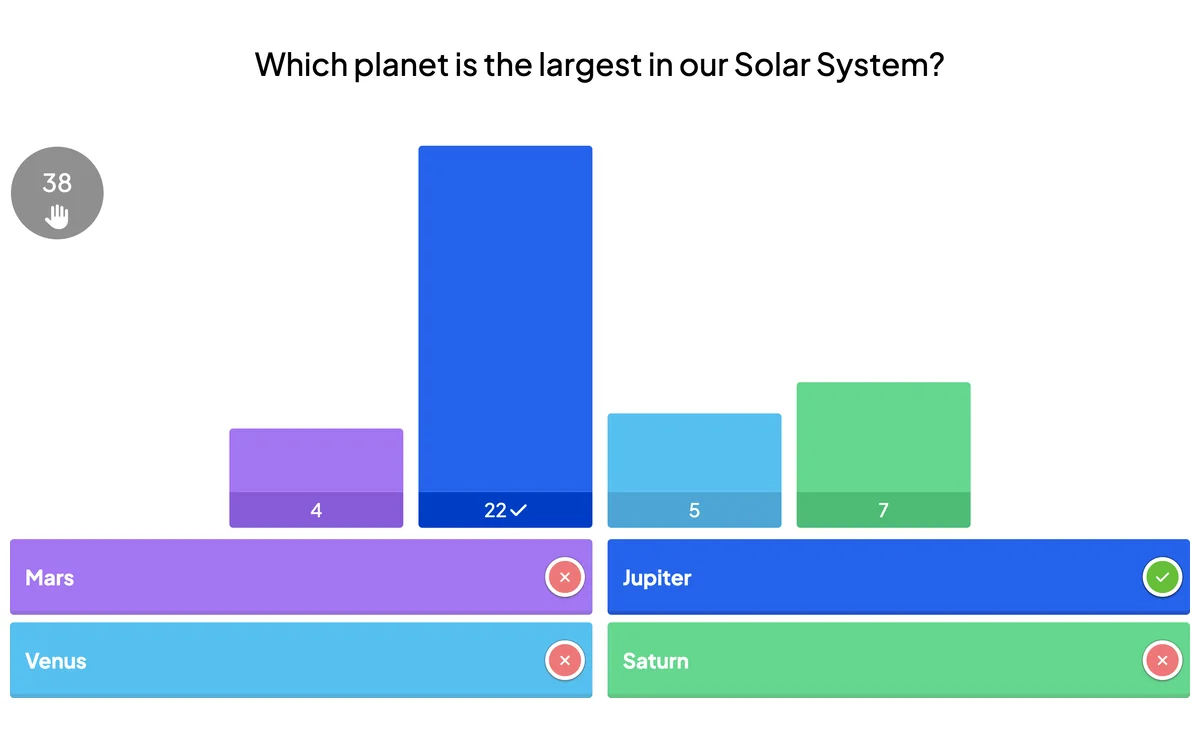
Select Answer →
Classic multiple-choice quiz questions with scoring and a live leaderboard.
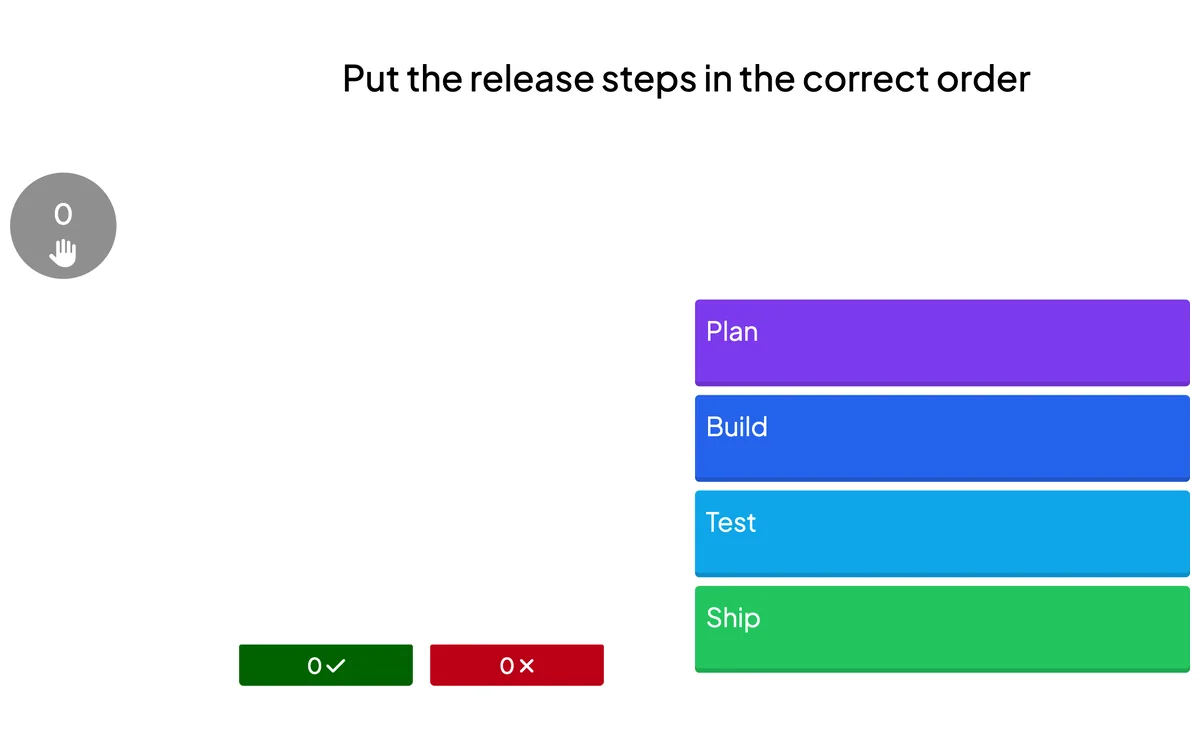
Puzzle →
Players arrange the choices in the correct order to score points.
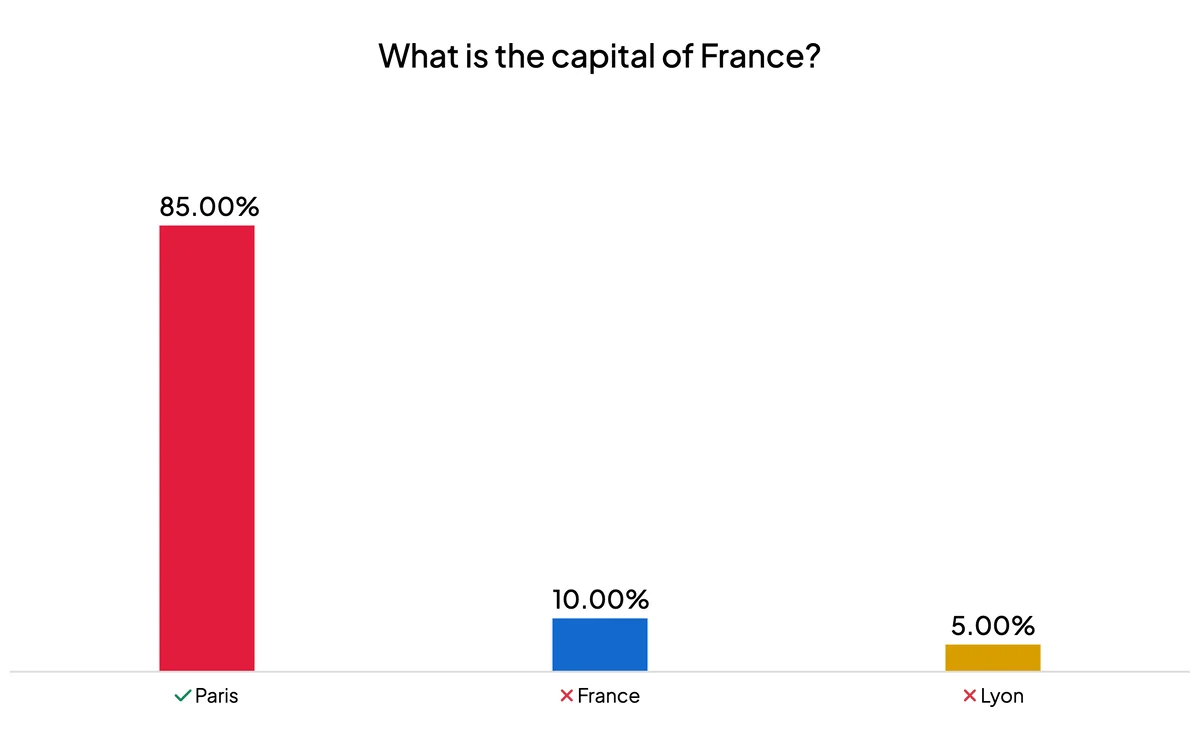
Type Answer →
Players type a short text answer that is automatically matched to the correct response.
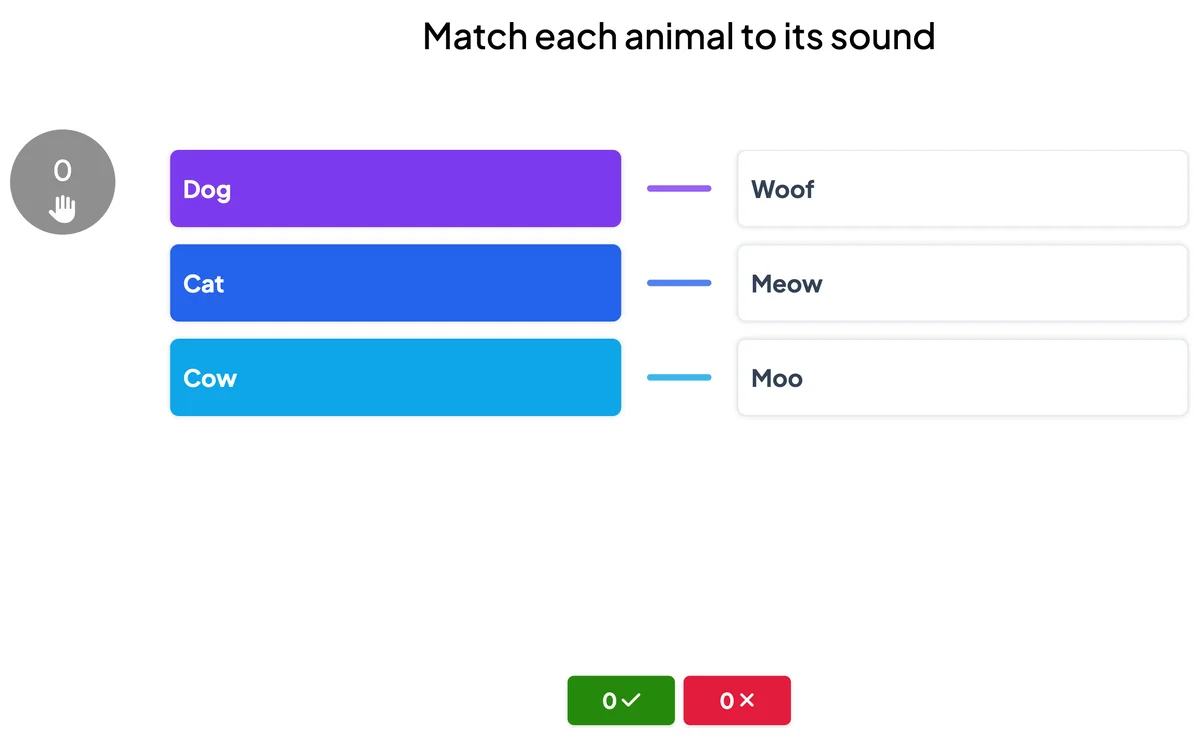
Match Pair →
Match pairs of items between two columns as fast as you can.
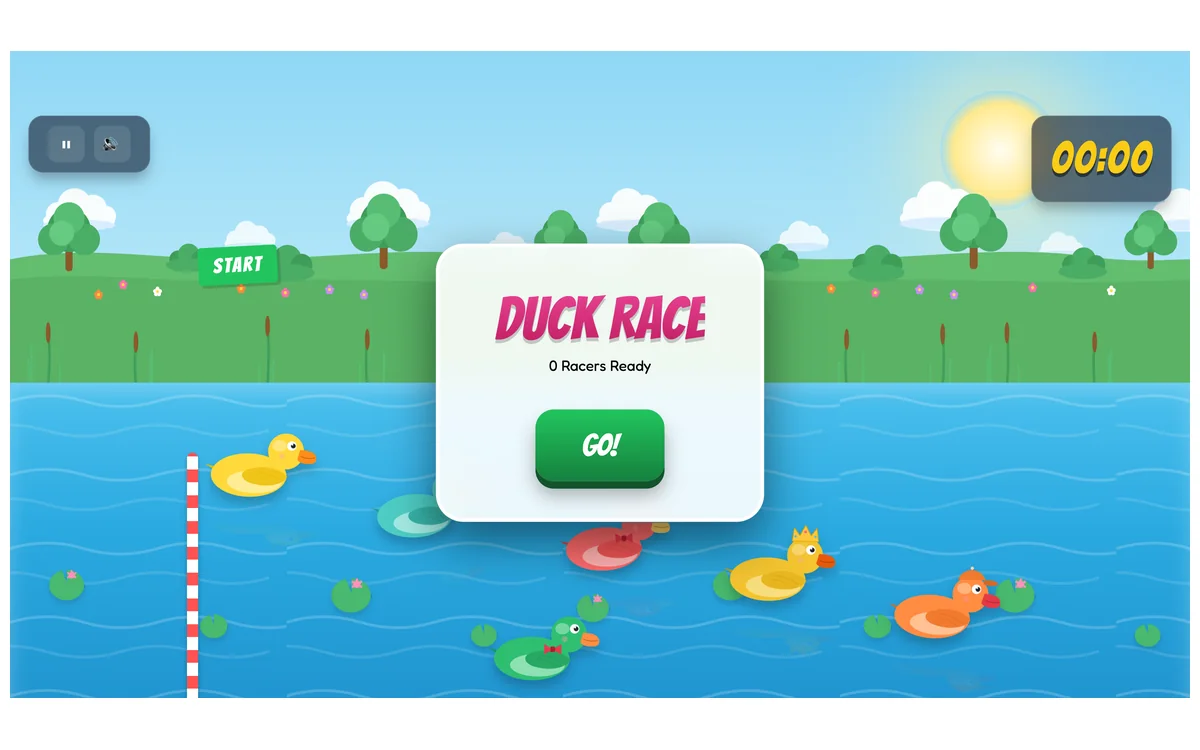
Duck Race →
A playful animated race that visualises how players are progressing.
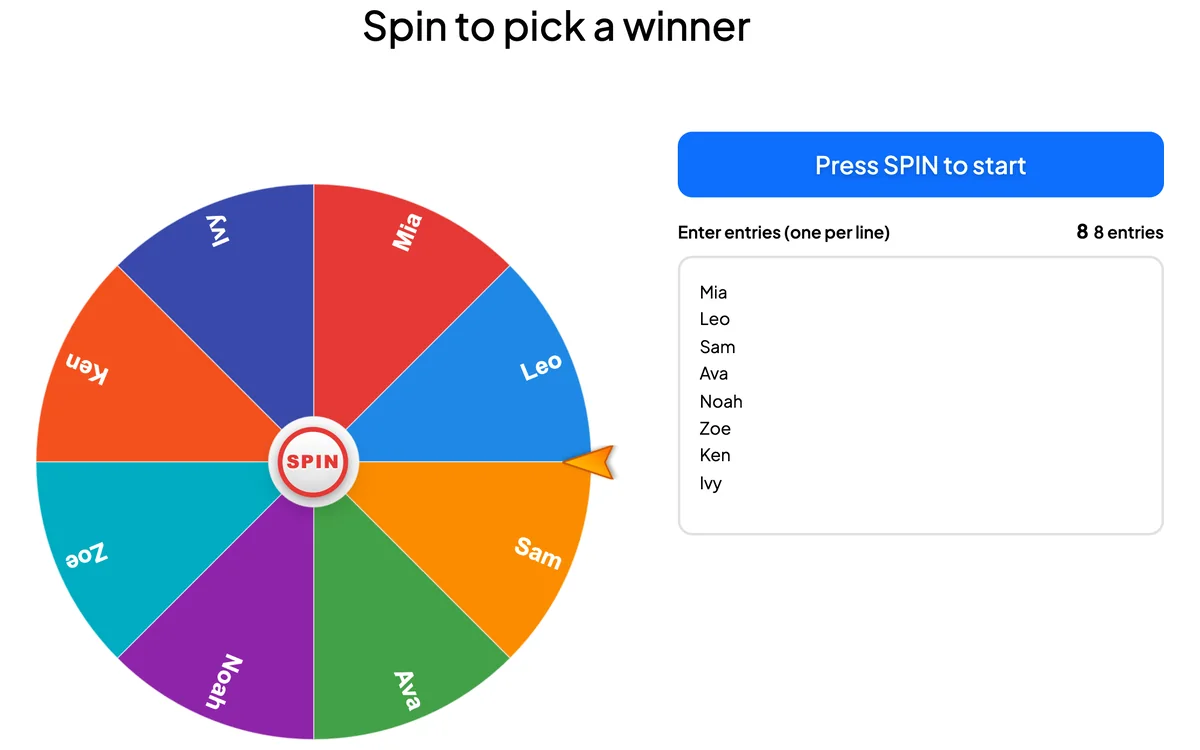
Spinner Wheel →
A lucky wheel that randomly picks a player, a prize or an option.
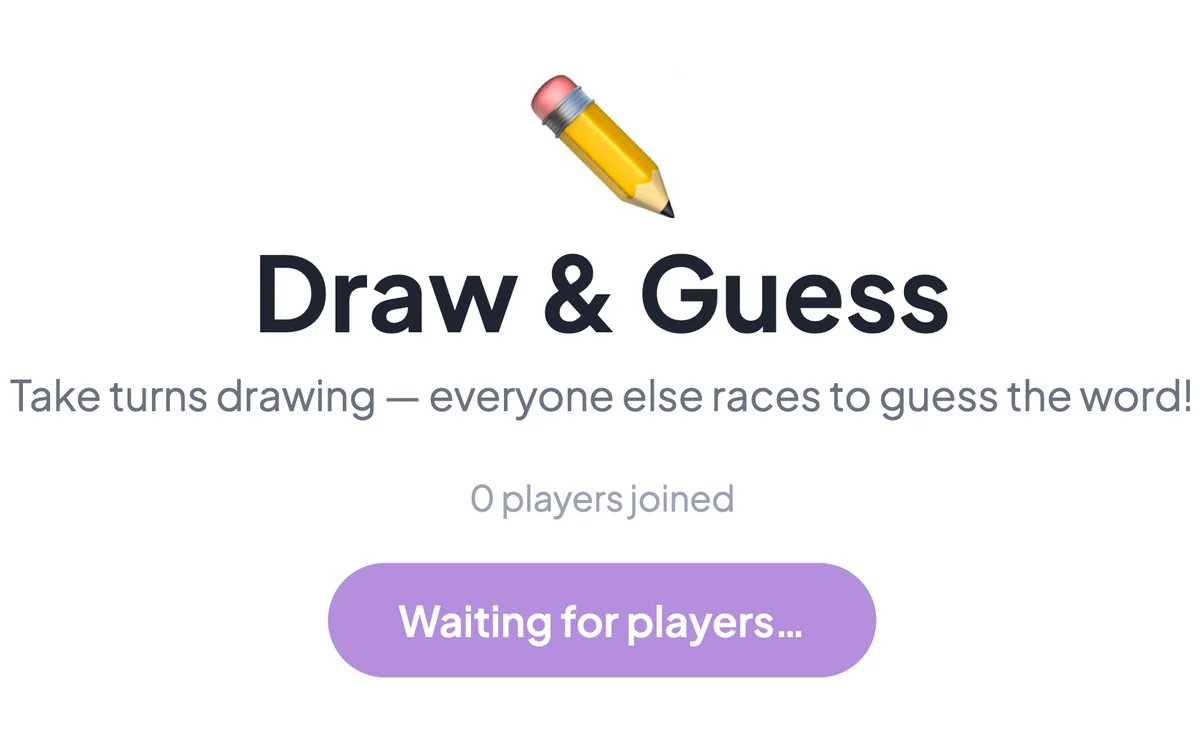
Draw & Guess →
A live Pictionary game: one player draws while everyone races to guess the word.
Interactive Questions
Collect opinions, questions and ideas from the whole room in real time. Results appear on screen the moment people answer from their phones.
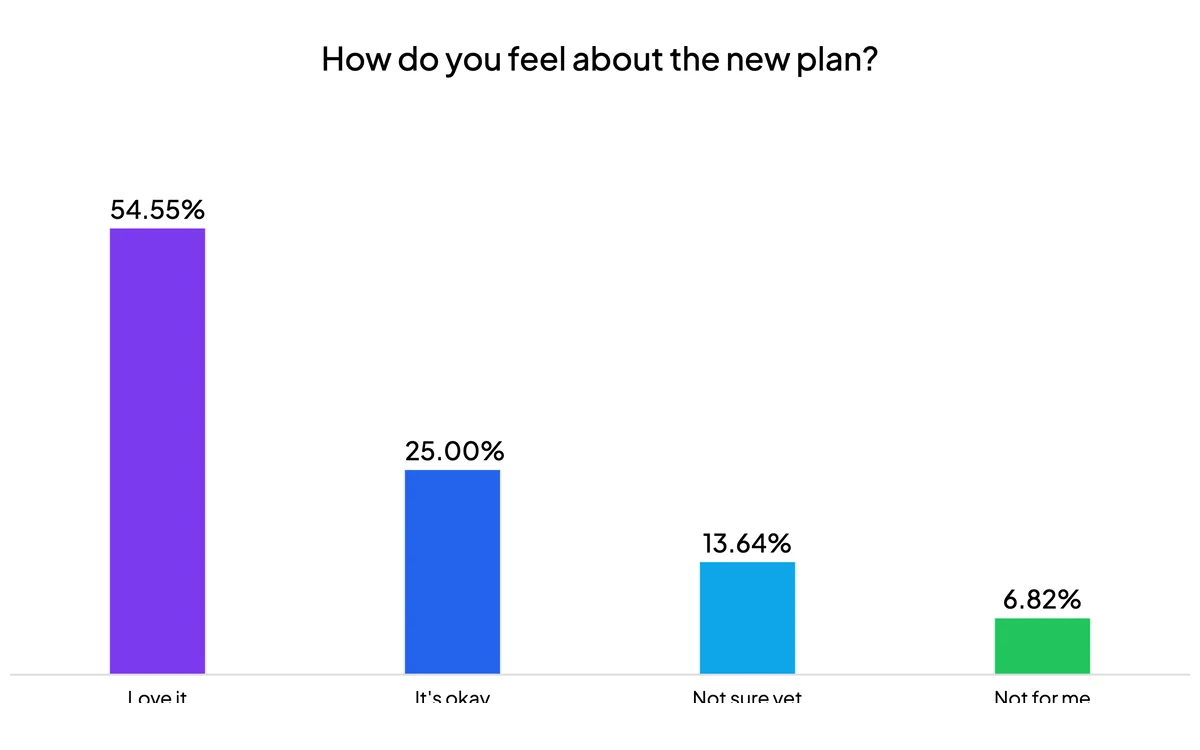
Poll →
Survey the audience and show the results live as a bar or pie chart.
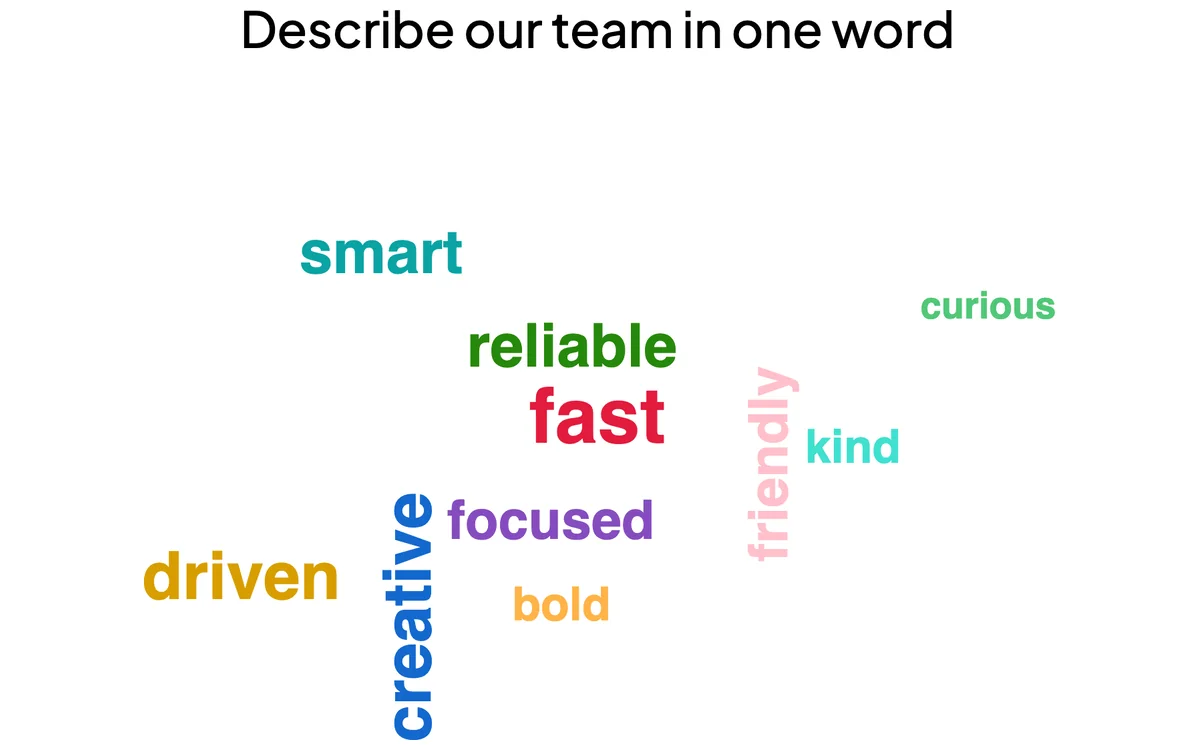
Word Cloud →
Turn short text answers into a live word cloud where popular words grow bigger.
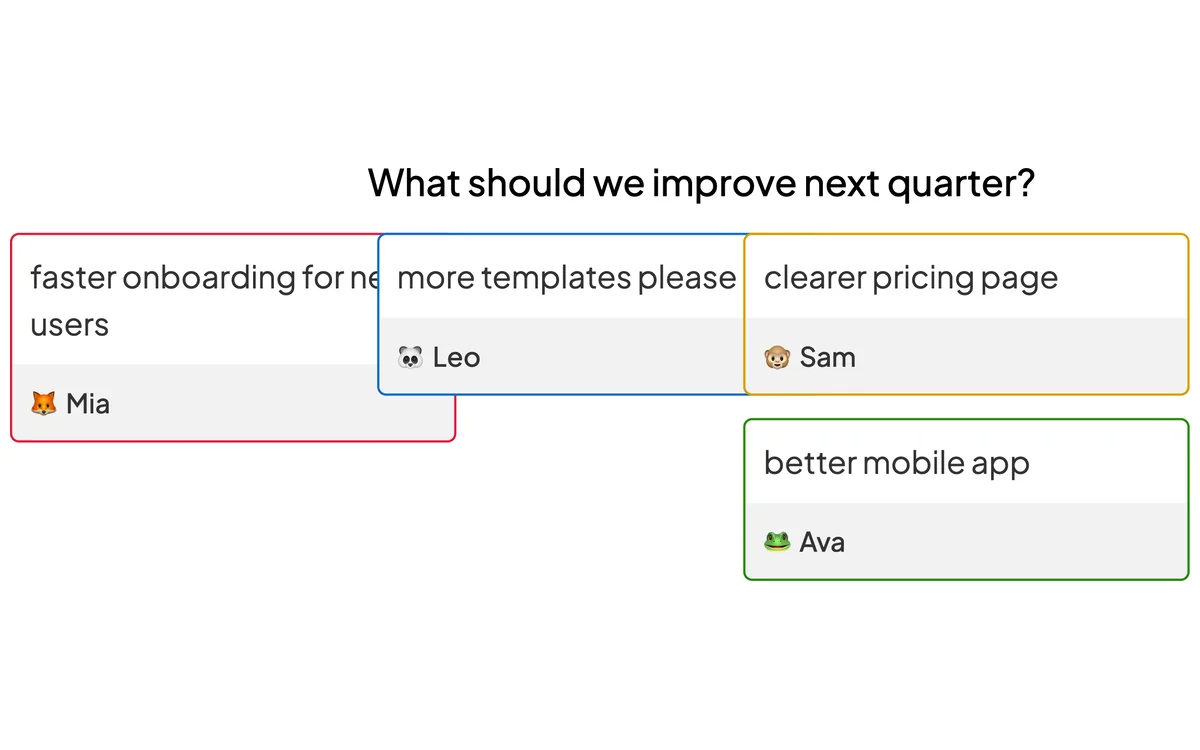
Open Ended →
Collect longer, free-form answers and feedback from the audience.

Quick Form →
Gather participant details through a custom form with multiple fields.
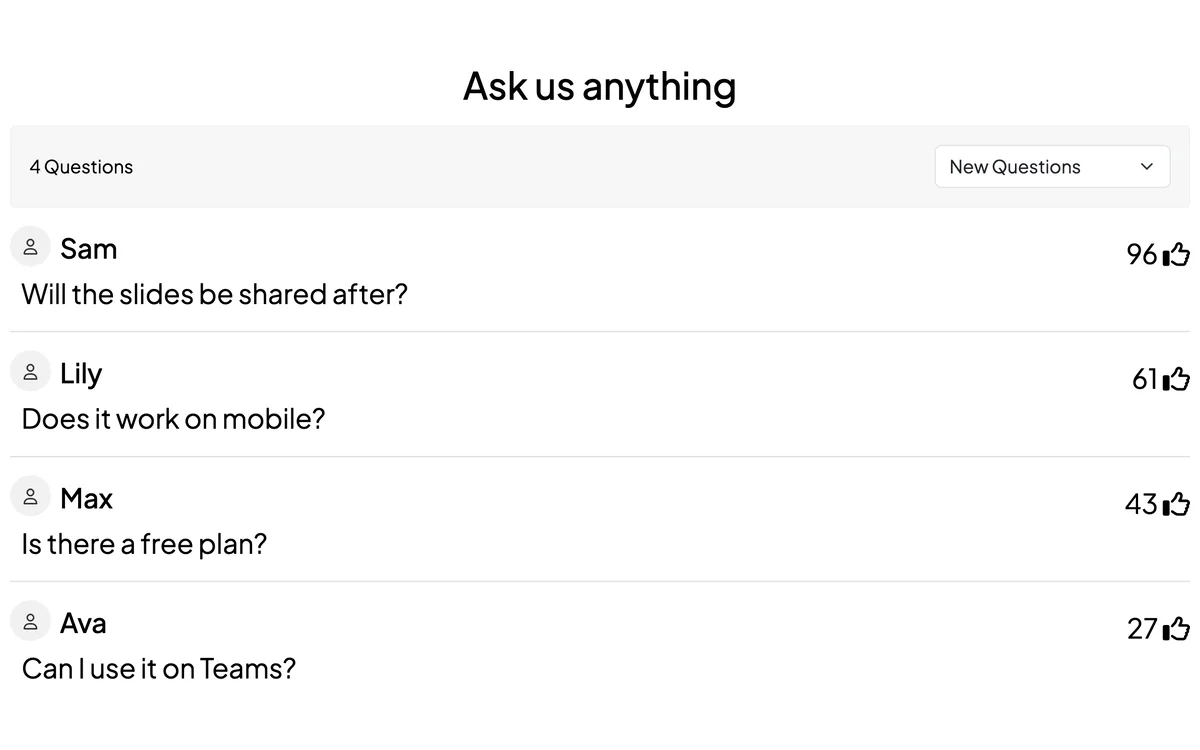
Q&A →
The audience asks questions and upvotes their favourites to the top.
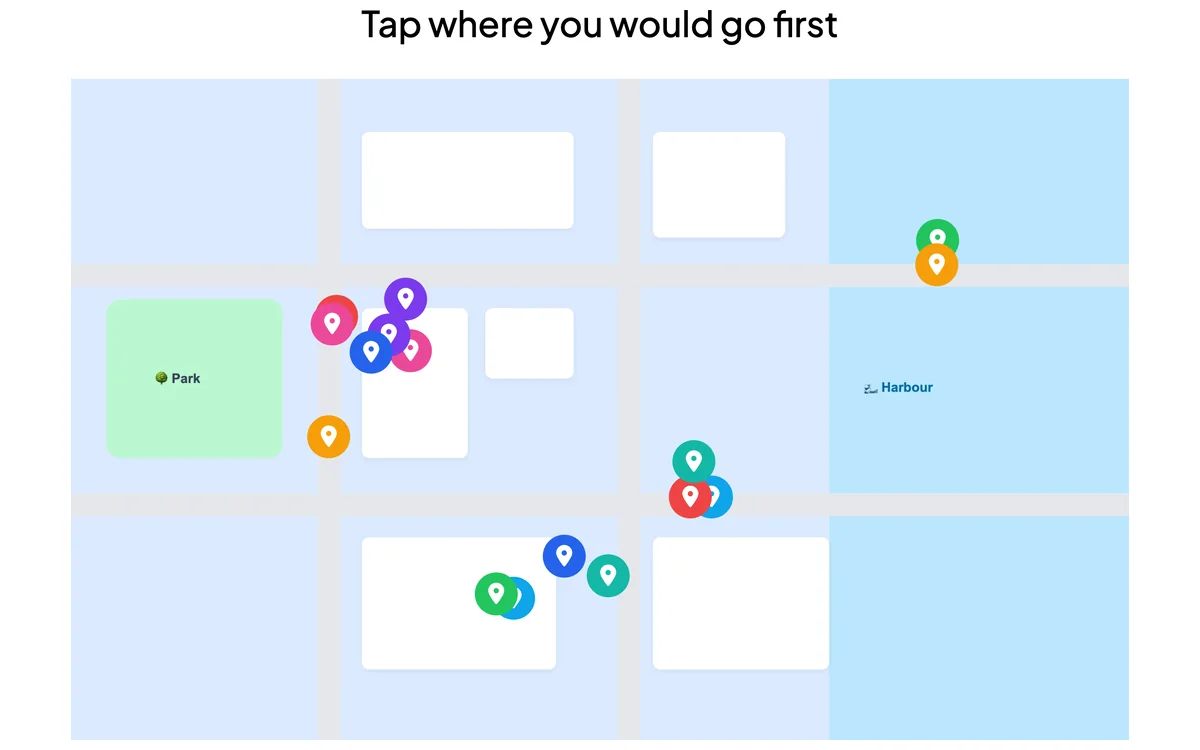
Pin on Image →
Participants tap to mark a spot or area on an image you share.
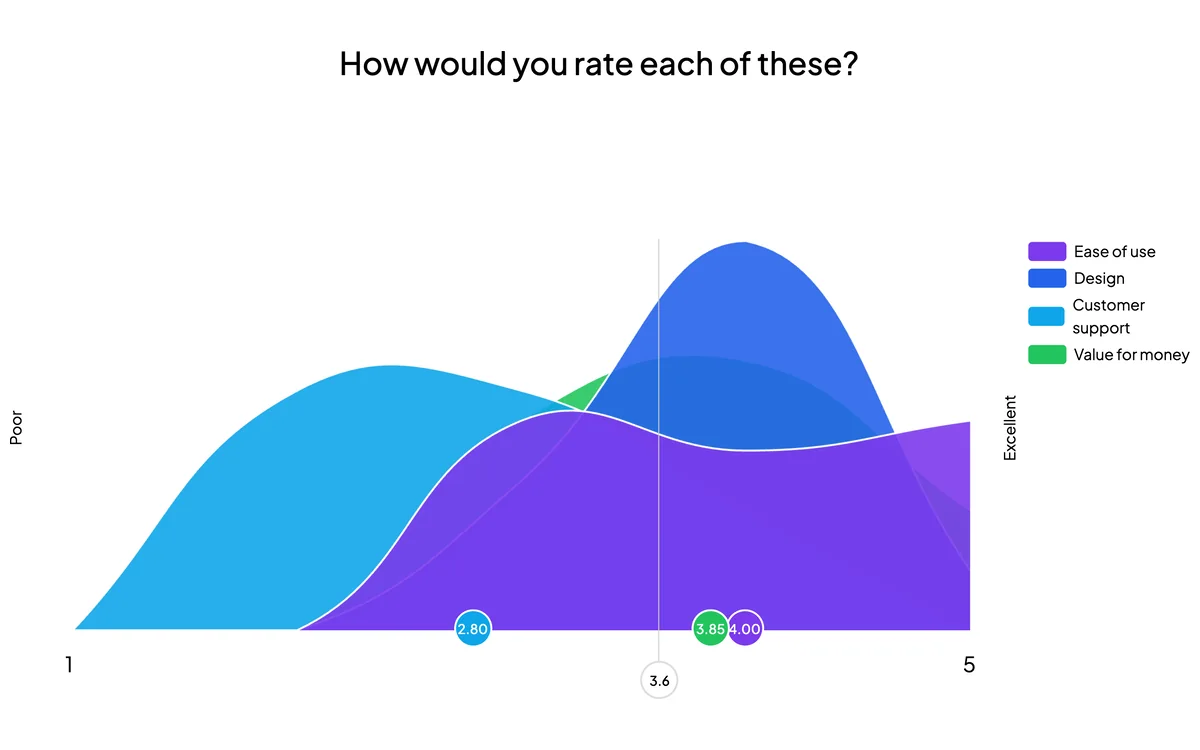
Scale →
Measure how strongly the audience agrees with a set of statements.
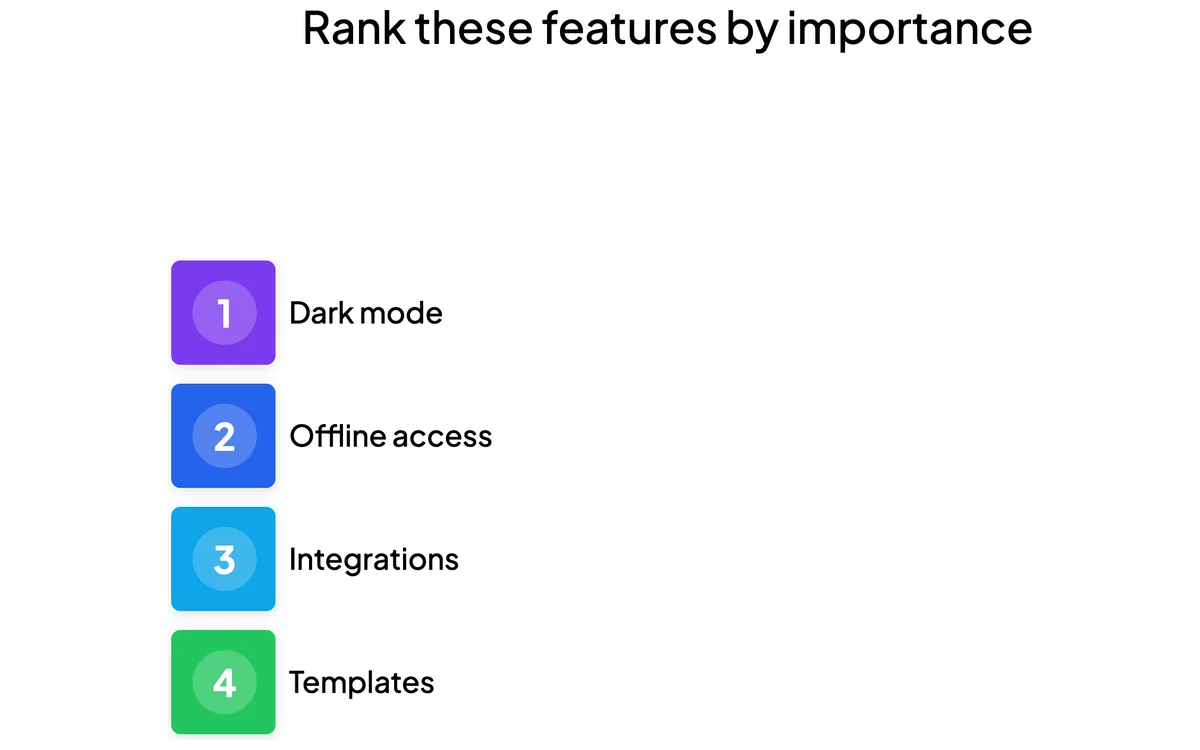
Ranking →
Ask participants to rank options in their order of preference.
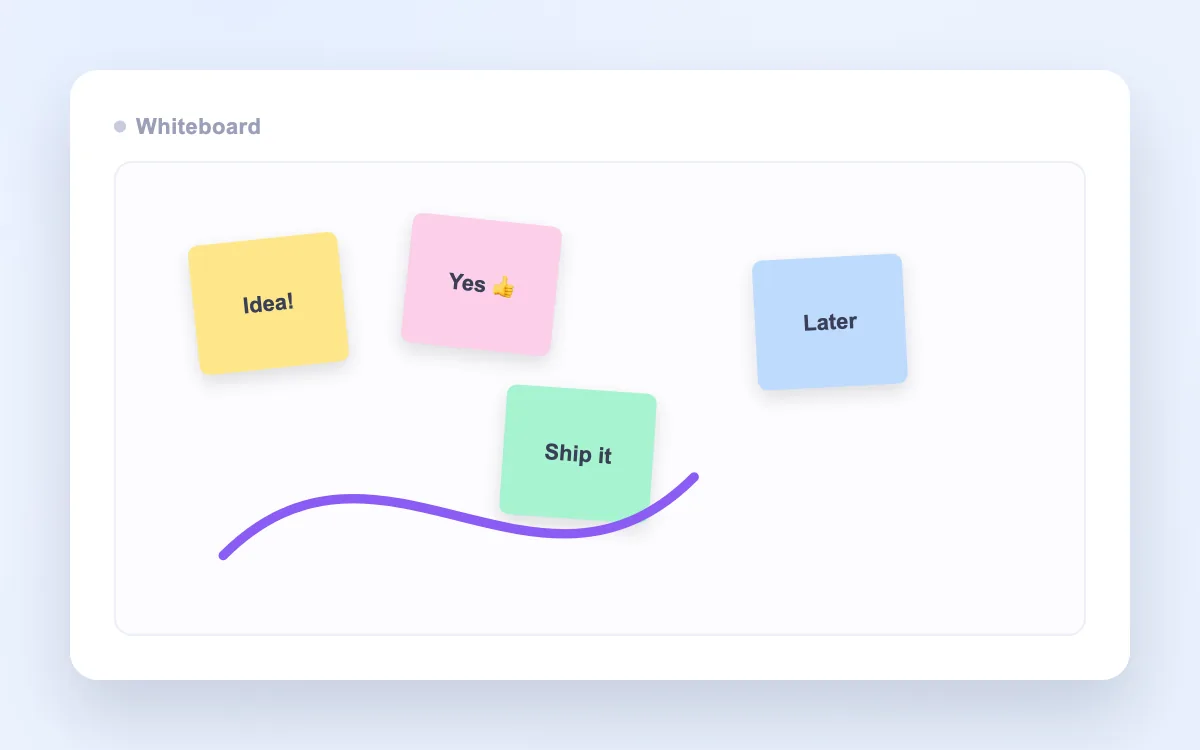
Whiteboard →
A shared, interactive whiteboard for visual brainstorming and collaboration.
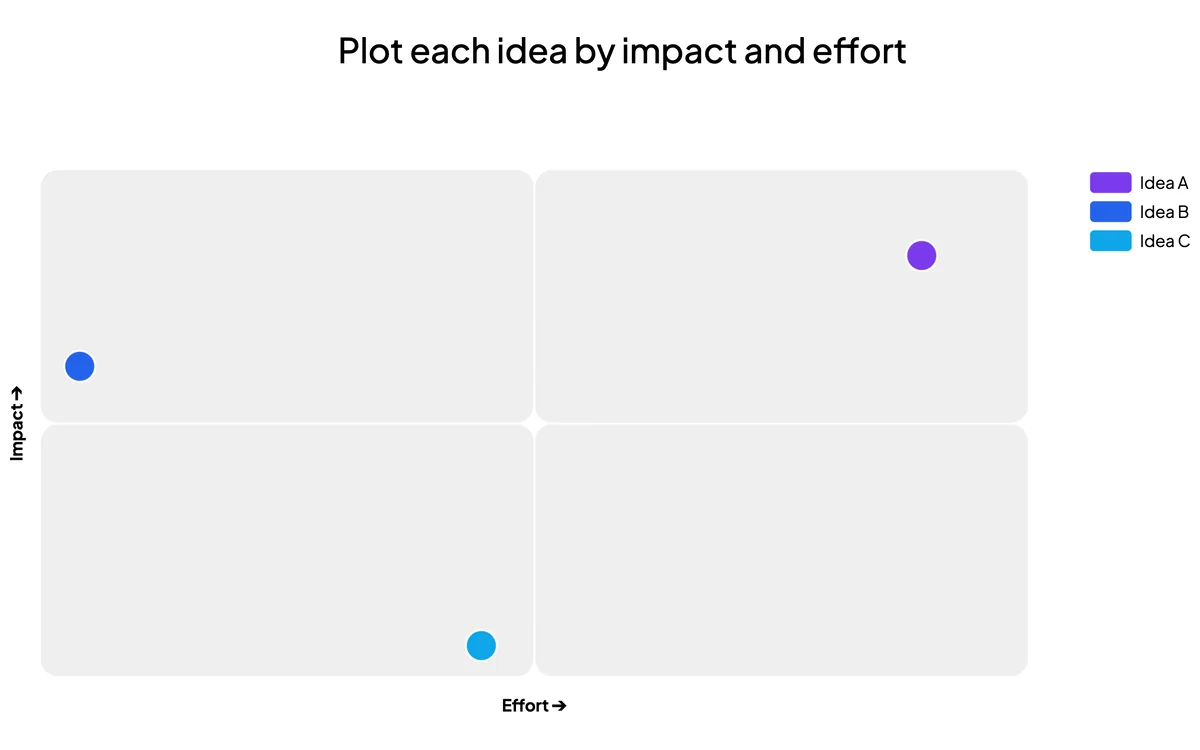
2x2 Grid →
Plot responses onto a two-dimensional grid to compare and prioritise.
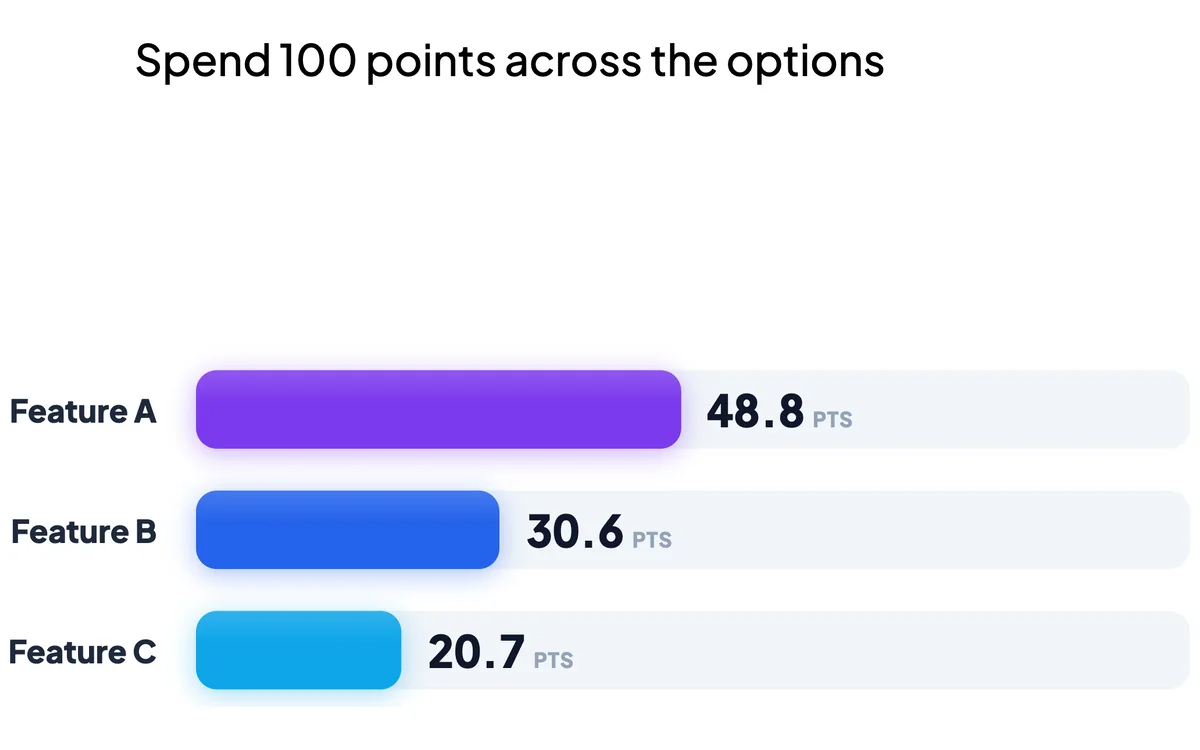
100 Points →
Let each participant distribute 100 points across the options that matter most.
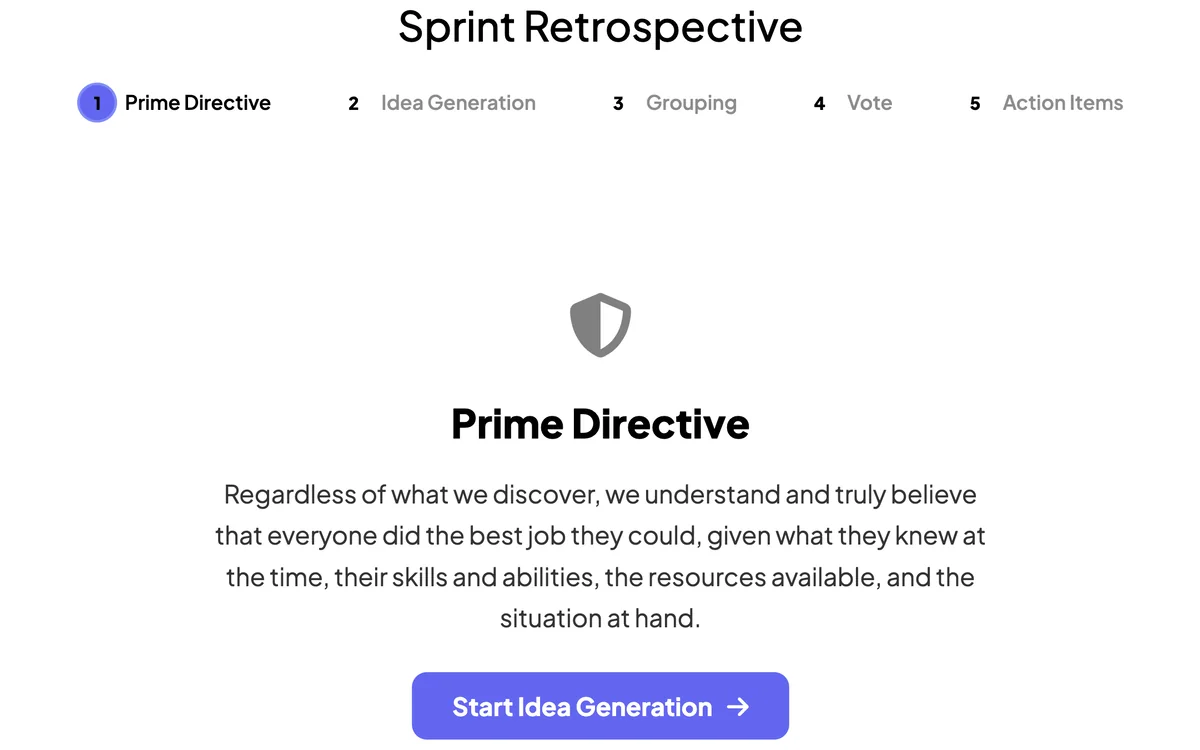
Remote Retro →
Run a sprint retrospective with sticky notes, voting and discussion.
Education
Slide types made for classrooms and training — practice, memorise and check understanding in a way that sticks.
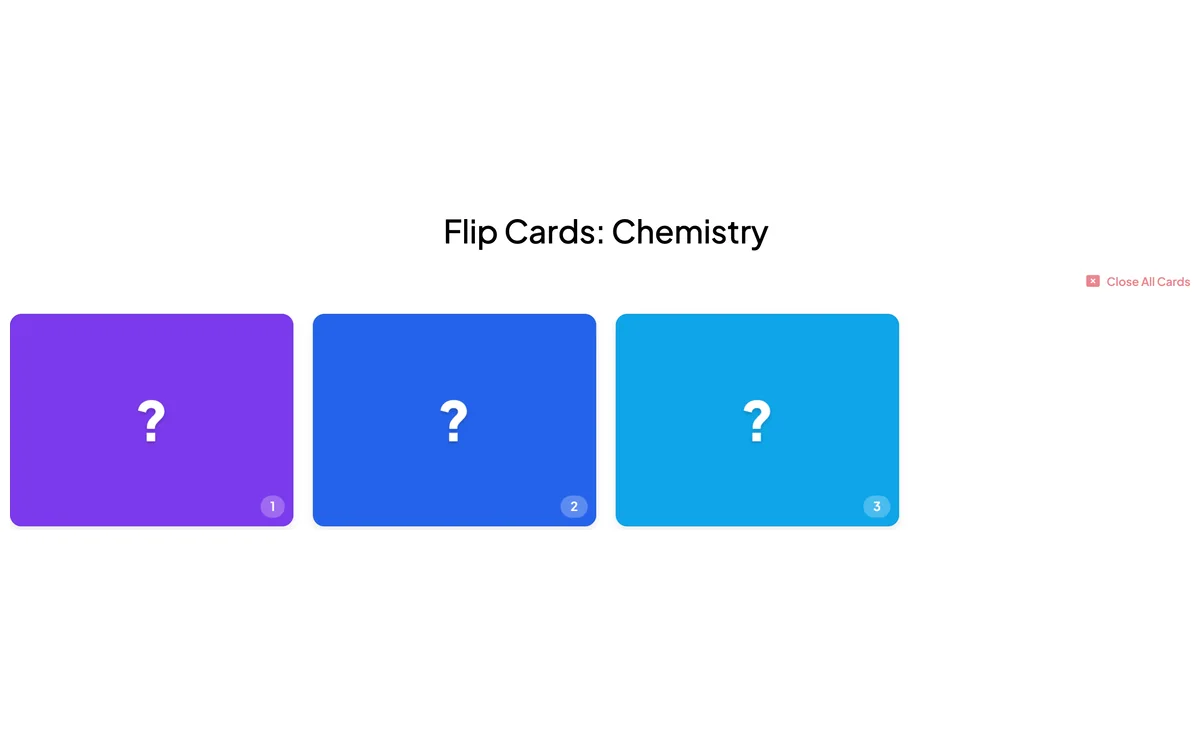
Try any slide type in seconds
Click a slide type and it opens in the editor straight away — no sign-up, no app, no limits. Add your email later only if you want to keep your work.
Start now — no sign-up