What is EngageSlide?
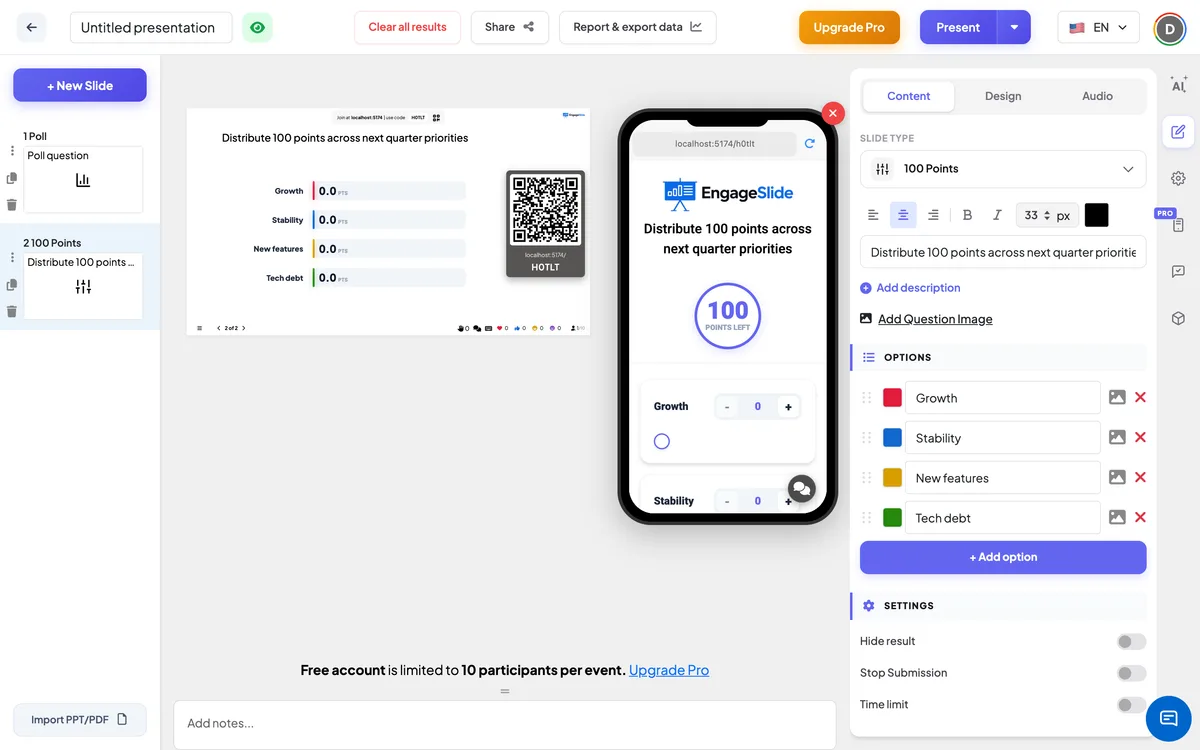
It’s a platform built to turn one-sided presentations into interactive conversations. You can create live polls, word clouds, quizzes, and more on a generous free plan, with paid upgrades when you need to host larger audiences.
Is EngageSlide completely free?
EngageSlide is free to start, and the free plan unlocks every slide type—no feature is Pro-only. Paid plans (from $4.79/mo) simply raise the number of live participants per session, from 10 on Free up to 5,000 on Pro and beyond.
Can I create unlimited interactive slides?
Yes. You can create unlimited polls, quizzes, word clouds and other interactive slide types without restrictions.
Does EngageSlide integrate with Google Slides or PowerPoint?
Yes. EngageSlide integrates with Google Slides, PowerPoint, and Miro—so you can embed interactive elements directly into the presentation tools you already use.
Do participants need to install an app?
Nope. Your audience just needs a basic smartphone browser. They join by scanning a QR code or entering a short PIN, so you can get right to the good stuff.
Are reactions, Q&A, and word clouds limited?
No. Every interaction type (reactions, Q&A, word clouds, etc.) is included on the free plan. Paid plans only increase how many live participants can join your session.
How many participants can join a session?
The free plan supports up to 10 live participants per session. Need more? Basic covers 100, Pro up to 5,000, and Enterprise offers flexible limits for large-scale events.
How does EngageSlide compare to other presentation tools?
EngageSlide offers a unique blend of simplicity and power. Unlike complex software that requires hours of training, our platform is designed to be intuitive and fast. We provide all the essential interactive features—like word clouds, live polls, and quizzes—on our free plan, without the restrictive per-feature paywalls found in many other tools. You only upgrade when you need larger audiences, keeping high-quality engagement accessible to everyone.
Can I customize the look and feel of my interactive slides?
Absolutely. We believe that your presentation should reflect your personal or brand identity. EngageSlide allows you to customize colors, fonts, and images to ensure your interactive elements blend perfectly with your overall theme. Our templates are also designed to be aesthetically pleasing right out of the box, helping you look professional with minimal effort.
Is my data secure with EngageSlide?
Security and privacy are our top priorities. We use industry-standard encryption to protect your data and ensure that your presentation sessions are private. We do not sell your personal information to third parties. Our commitment to privacy means you can focus on your audience without worrying about your data.
What kind of reports can I generate after my session?
Once your session concludes, you can access detailed analytics that give you a clear picture of audience participation. You can export results to PDF for easy sharing or Excel for deeper data analysis. These reports include breakdown of poll results, quiz scores, and all questions asked during the Q&A session, providing valuable insights for future improvements.