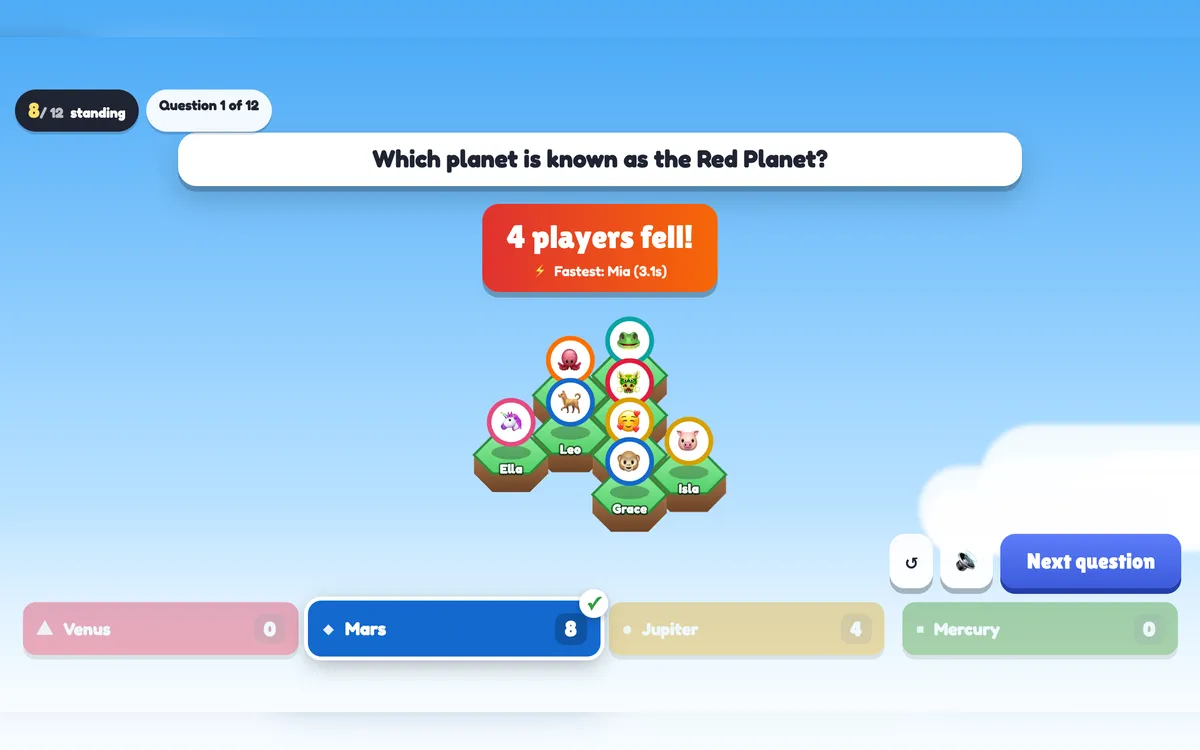
Last One Standing is a knockout quiz for the whole room. Every player gets a tile on a floating floor; each wrong answer makes tiles shake, crack and drop into the abyss while the camera closes in on the survivors. When two are left they face off in a final showdown — first to two wins is the last one standing.
Opens in the editor instantly — no sign-up, no app.
What you can use Last One Standing for
Classroom review
An end-of-unit quiz turned into a survival game — and you see which question knocked most students out.
Training recap
Ten questions on the key points; the toughest question shows what to revisit.
Company events
A trivia knockout with a real final, a crown and a podium.
Big audiences
Hundreds of players on one floor — the camera zooms in as it empties.
How to set up a Last One Standing slide
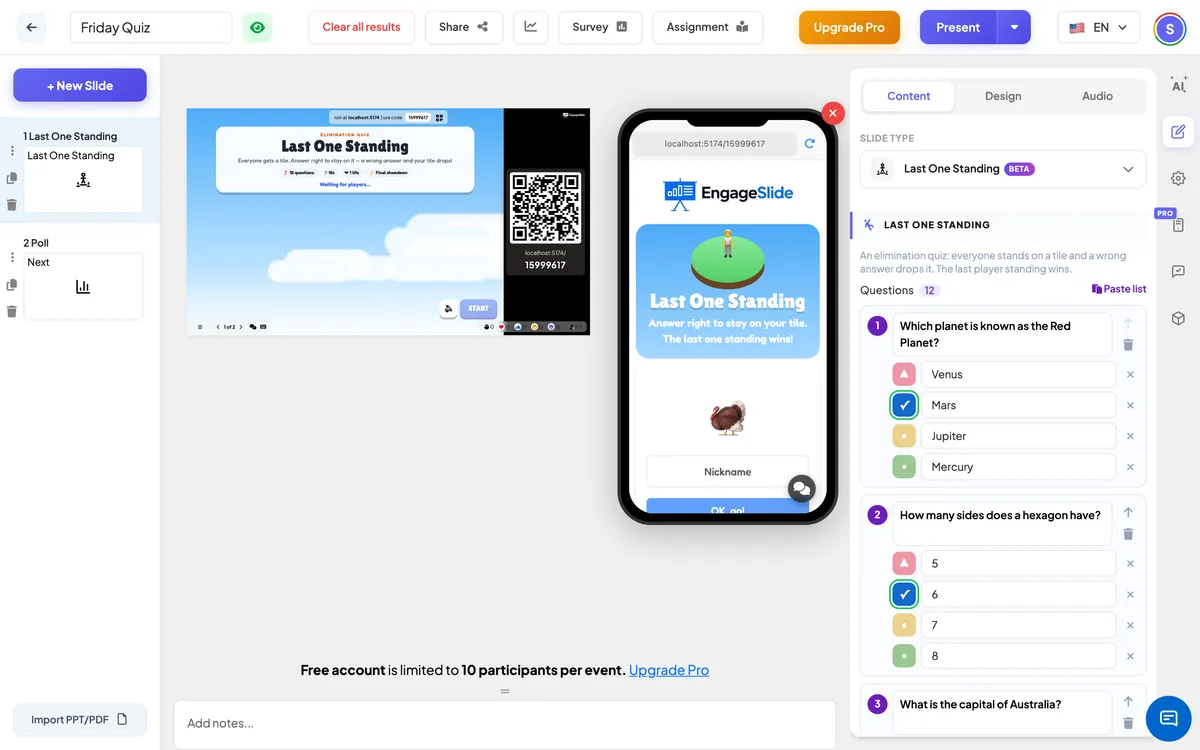
1Add a Last One Standing slide from the Games tab and write (or paste) your questions.
2Choose the time per question, 1 or 2 lives, the final showdown and the theme.
3Present — answer right to stay on your tile, wrong and it drops, until one player is left standing.
Setting up the Last One Standing slide in the EngageSlide editor.
Try the Last One Standing slide free
Click play and the Last One Standing slide opens in the editor right away — no sign-up, no app, no limits. Add your email later only if you want to keep it.