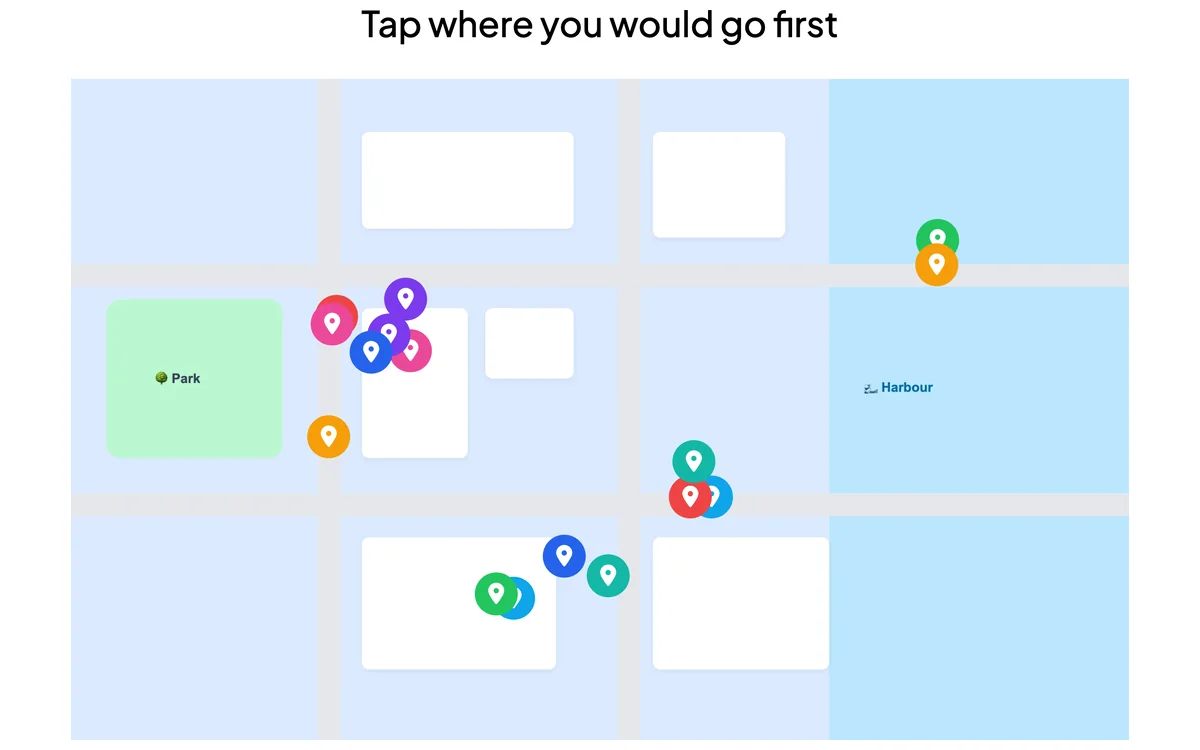
Pin on Image lets participants tap a point on an image you share — a map, a diagram, a screenshot. Every pin appears live, revealing where the room’s attention lands.
Opens in the editor instantly — no sign-up, no app.
What you can use Pin on Image for
Maps & geography
Ask people to pin where they are from or where to go.
Diagrams & anatomy
Have students mark the right part of an image.
Design feedback
Let people pin what they like or would change on a mockup.
How to set up a Pin on Image slide
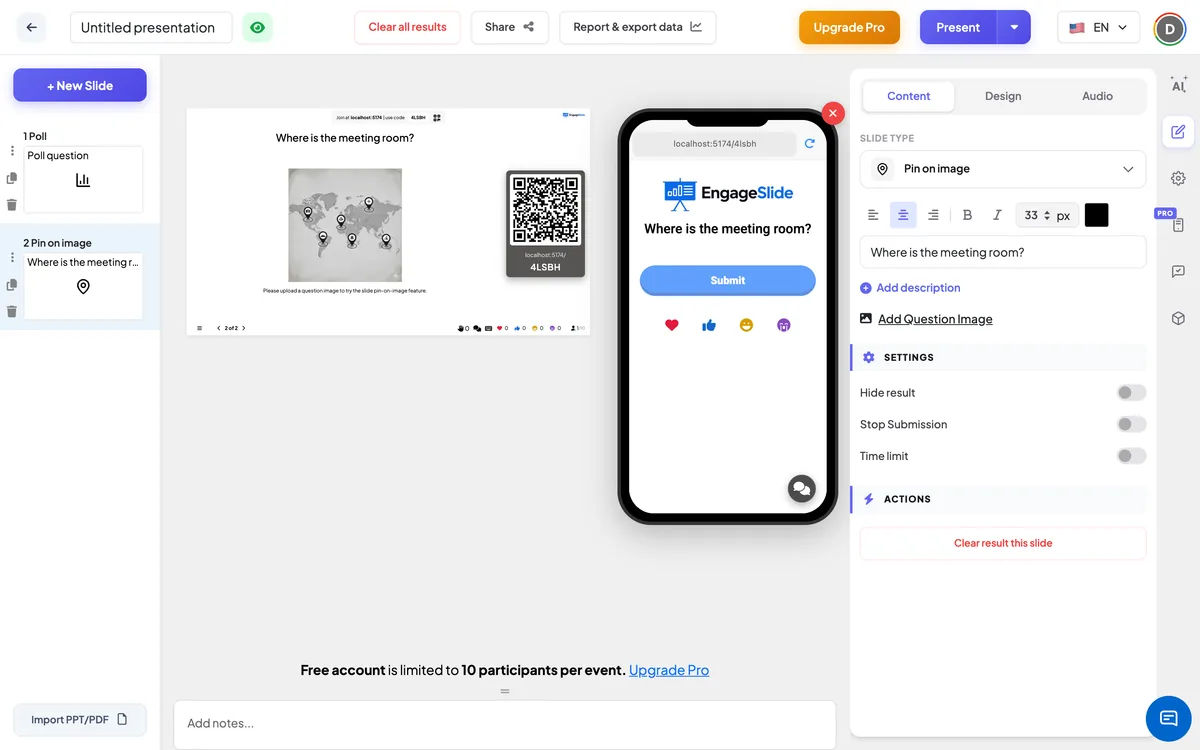
1Add a Pin on Image slide and upload your image.
2Set the prompt.
3Participants tap the image on their phone and pins appear live.
Setting up the Pin on Image slide in the EngageSlide editor.
Try the Pin on Image slide free
Click play and the Pin on Image slide opens in the editor right away — no sign-up, no app, no limits. Add your email later only if you want to keep it.