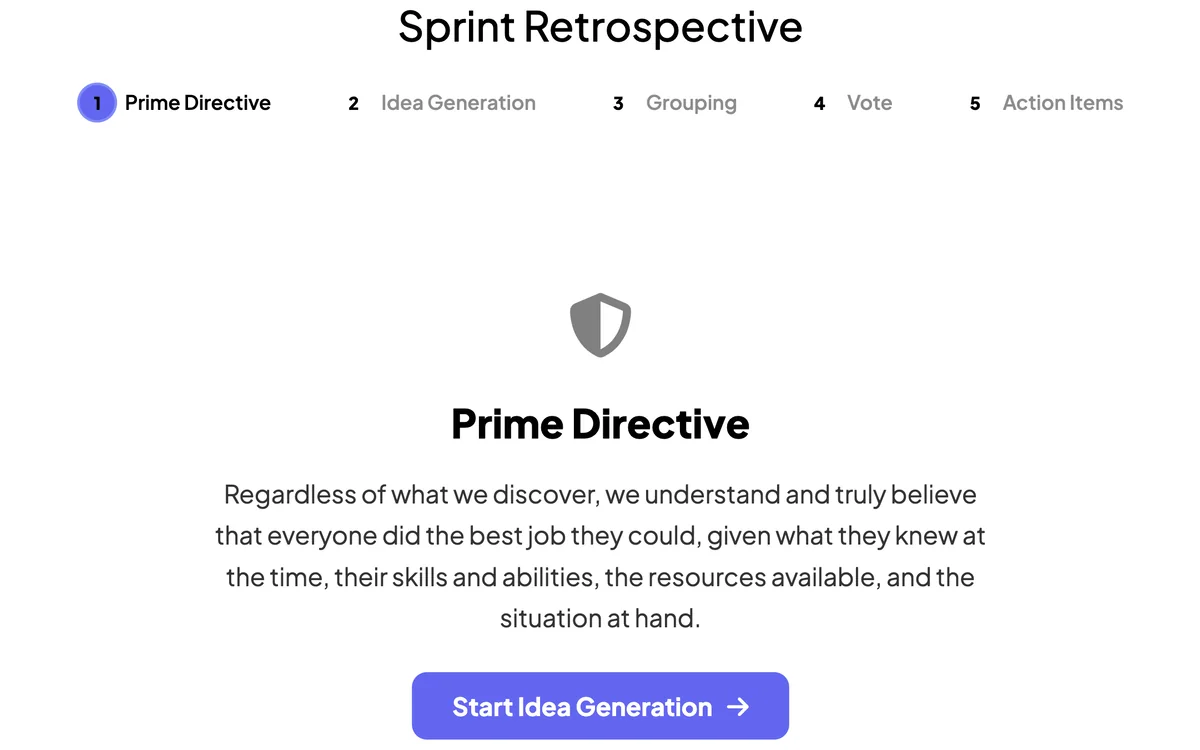
Remote Retro runs a full sprint retrospective — collect notes in columns, vote on what matters, and discuss action items — all guided, all in one place.
Opens in the editor instantly — no sign-up, no app.
What you can use Remote Retro for
Agile retrospectives
What went well, what to improve, action items.
Project post-mortems
Reflect structured feedback after a launch.
Team health checks
Gather honest input, then vote on what to fix.
How to set up a Remote Retro slide
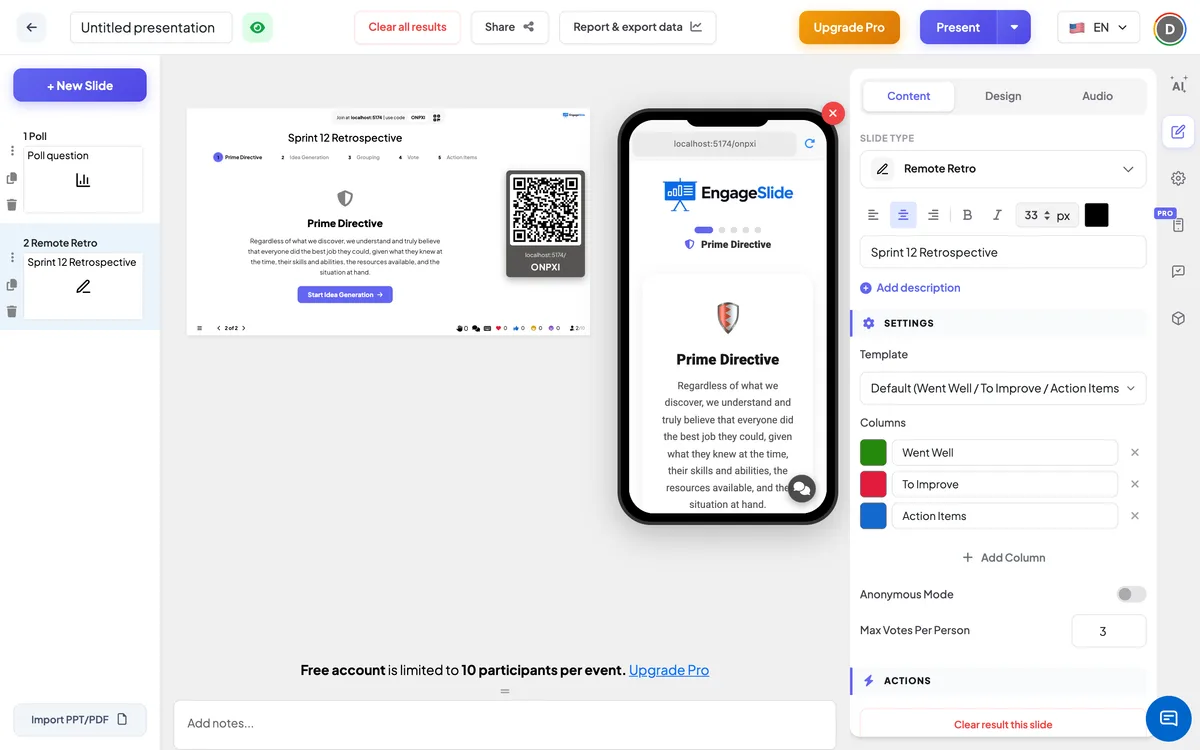
1Add a Remote Retro slide.
2The team adds notes to each column and votes.
3Group, discuss and capture action items together.
Setting up the Remote Retro slide in the EngageSlide editor.
Try the Remote Retro slide free
Click play and the Remote Retro slide opens in the editor right away — no sign-up, no app, no limits. Add your email later only if you want to keep it.