⚙️Presentation Settings 4 min read
Self-paced mode for homework and training
Let people go through the presentation on their own, without presenting live.

Presenter-led or self-paced
Under ⚙️ Presentation settings → Engage Type you choose Who takes the lead. Presentation (the default) means you control the flow and everyone follows along live. Self-Paced hands control to the audience: each person moves through the slides on their own phone, at their own speed, whenever they like — perfect for homework, pre-work and onboarding.
Step by step
- 1Open ⚙️ Presentation settings and expand Engage Type.
- 2Choose Self-Paced.
- 3Share your link or join code. You don’t need to press Present.
- 4Each participant starts on slide 1 and uses ← Back and Next → at the bottom of the phone. The counter shows where they are (for example 2 / 4).
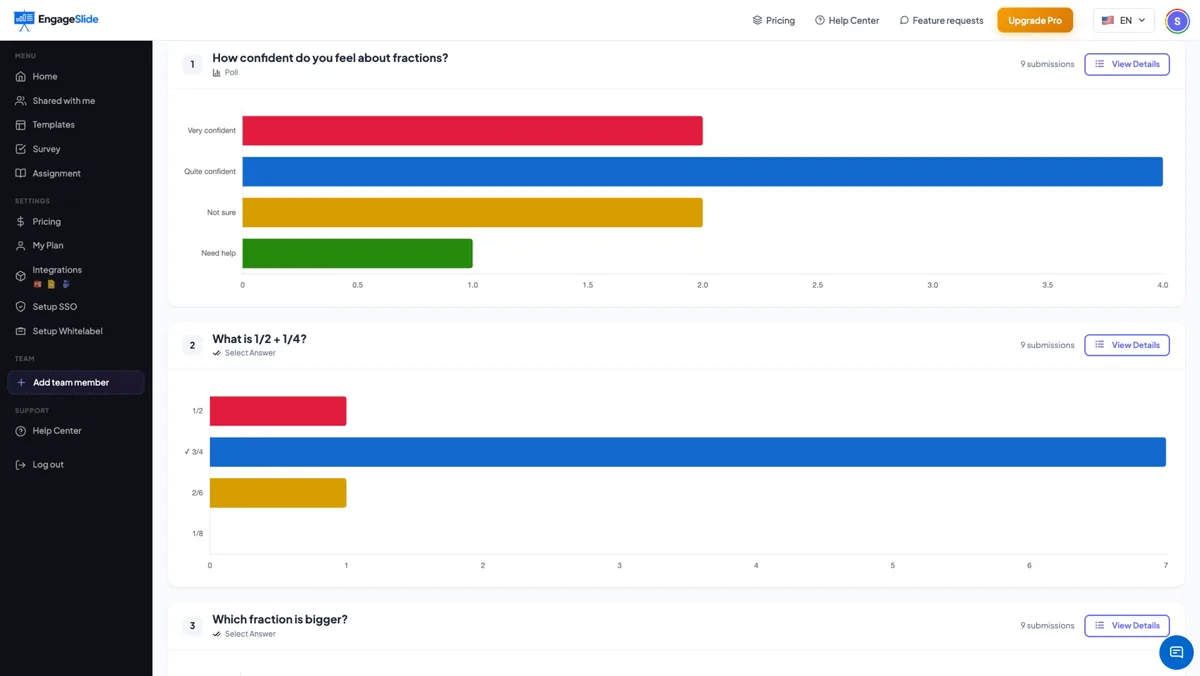
- 5Open the Report any time to see the answers that have come in.
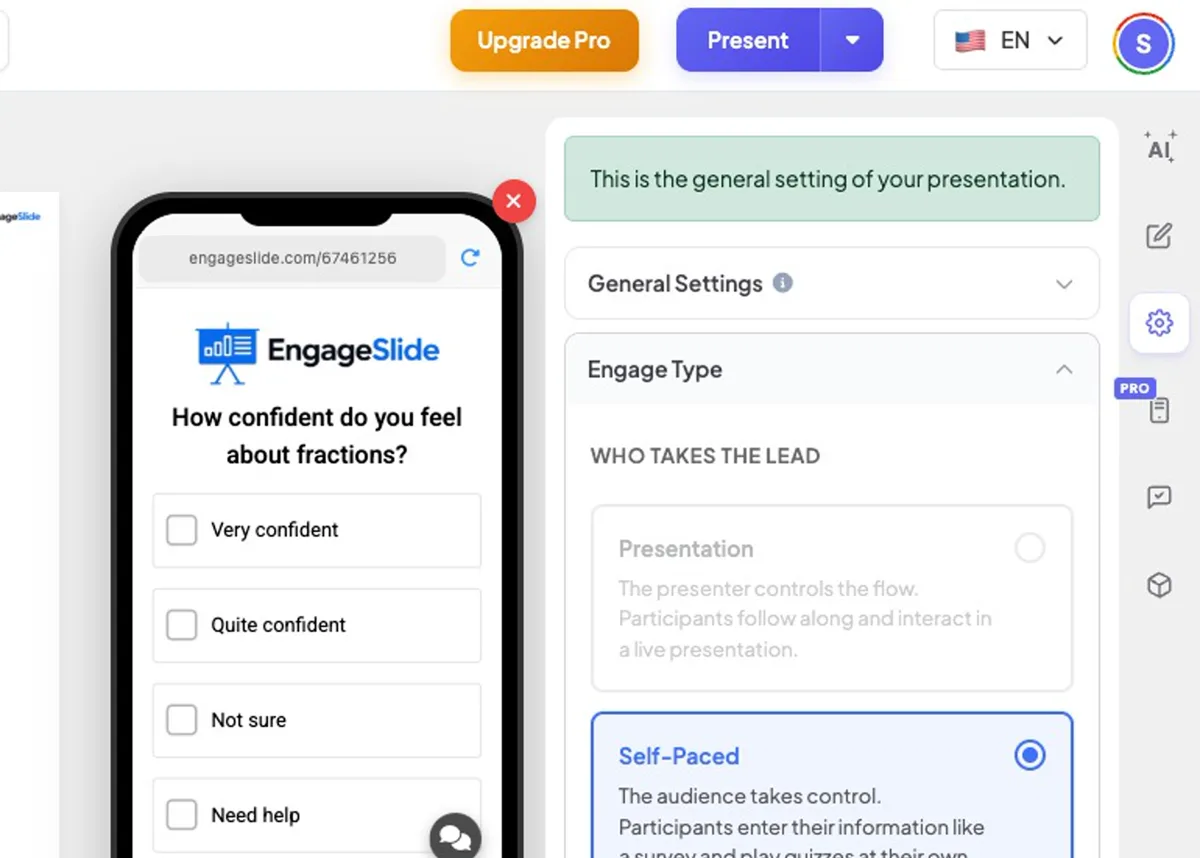
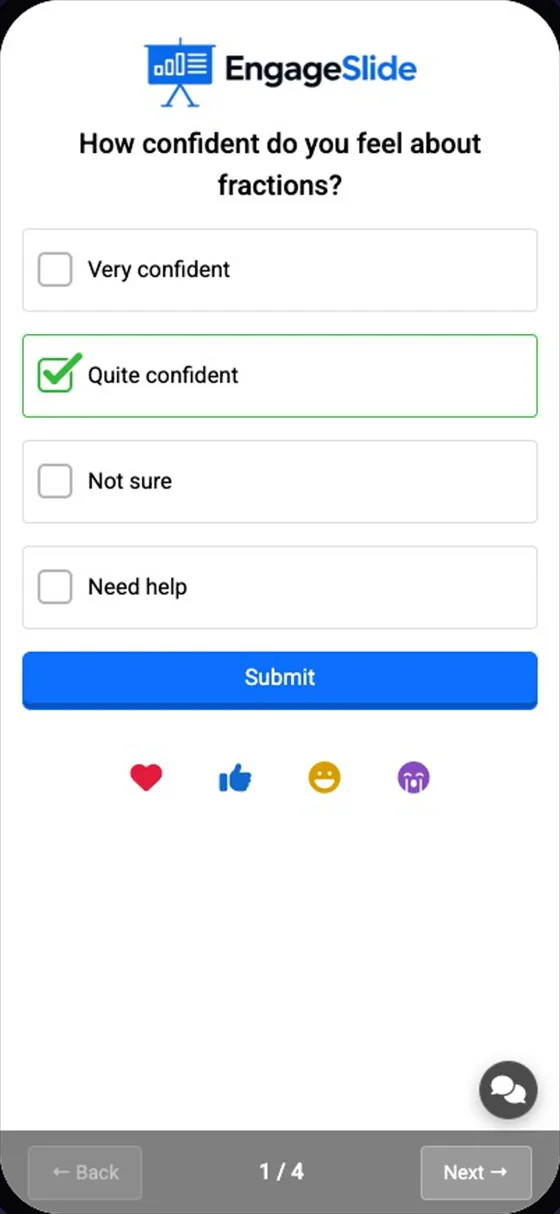
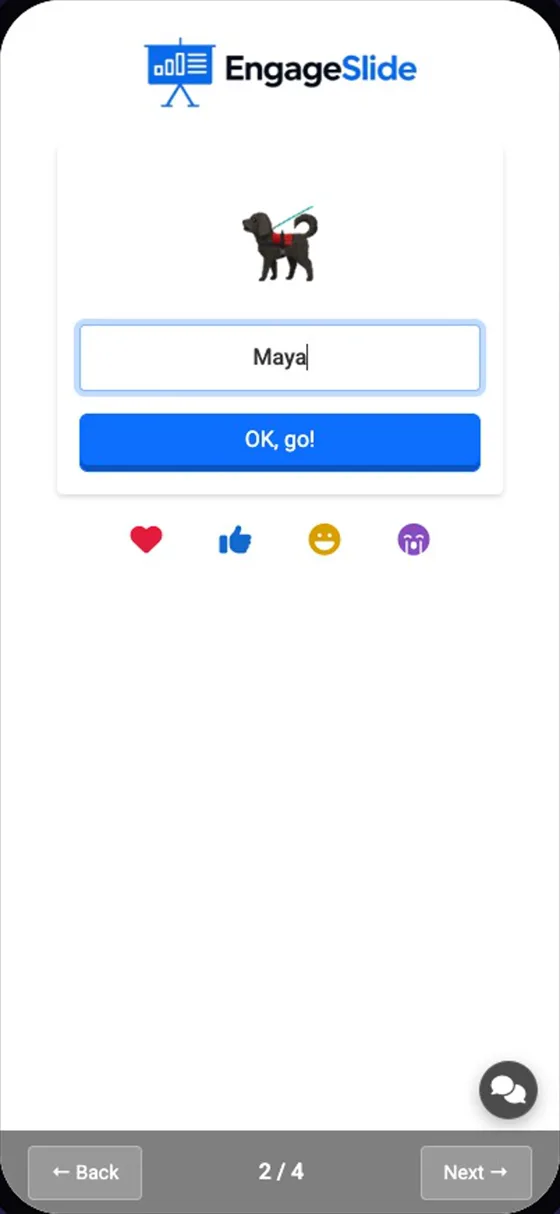
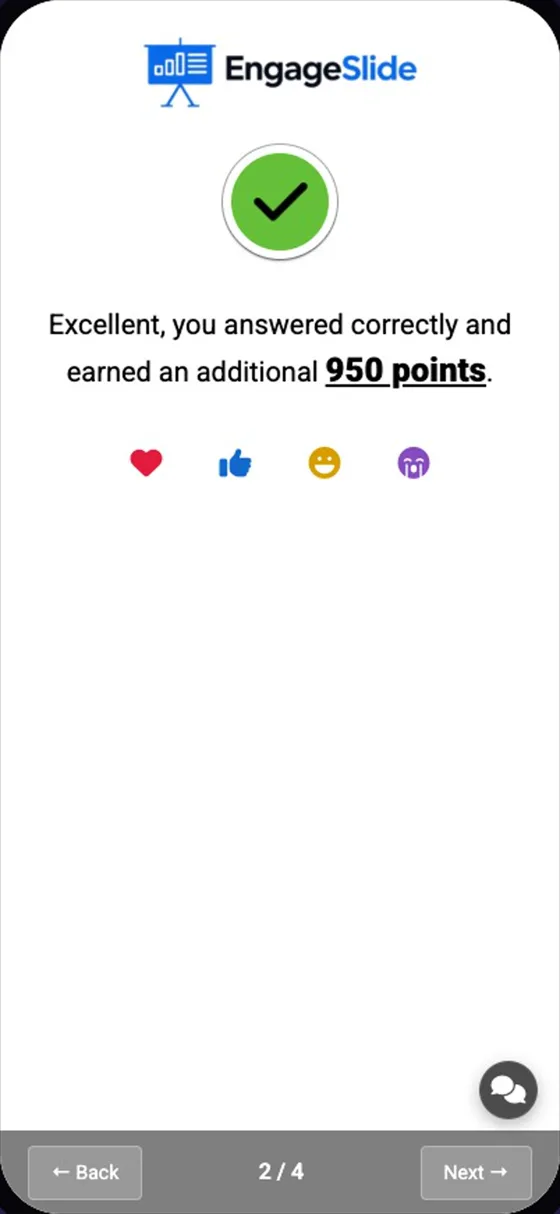
real screenshots
Good to know
- Quizzes still have their countdown, points and instant feedback; each player starts a question when they are ready.
- Polls, word clouds, open questions and content slides all work.
- Games that are run from the big screen are meant for presenter-led sessions; a Vote · Discuss · Revote question plays as a normal question in self-paced mode.
- Combine with Collect Audience Information to know who completed the homework.
- For graded homework with a deadline and marking, see Assignments.
Frequently asked
Do I need to keep the presentation open?
No. In self-paced mode people can take part while you are not presenting.
Can I switch back?
Yes — choose Presentation under Engage Type to lead it live again.