🎮Quiz & Game Slides 5 min read
Heads or Tails
Everyone calls the coin on their phone, the big screen flips it, and wrong calls are out — until your winners are left.
What is Heads or Tails?
Heads or Tails is the simplest elimination game there is — and a much more exciting way to run a prize draw. Everyone calls the coin on their phone: heads or tails. A big gold coin on the screen spins, lands, and everyone who called it wrong (or didn’t call) is out. Flip after flip the room halves, until your winners are left. You choose how many: one winner, or two, three, five or ten for a giveaway with several prizes. The room can see the live split of calls before every flip, which makes each landing a genuine cheer-or-groan moment.

Presenter creates the slide Click Present Share code / QR Audience enters code Respond & submit Real-time results
Create a Heads or Tails slide
- 1On Home, click + Create new presentation (or add a slide to an existing one).
- 2In Choose Slide Type, pick Heads or Tails. You can also type it into Search slide types….
- 3The slide is created and the right panel opens on the Content tab.
Set up the content
- 1Add a Heads or Tails slide from the Games tab of the slide picker. There is nothing to prepare.
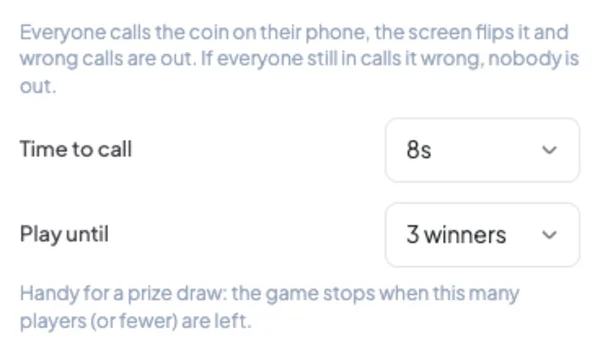
- 2Type a title for the big screen, for example Three prizes — call it!.
- 3Open Settings to choose the time to call and how many winners to play for.
- 4Present the slide, let everyone join, and press START (or Enter).
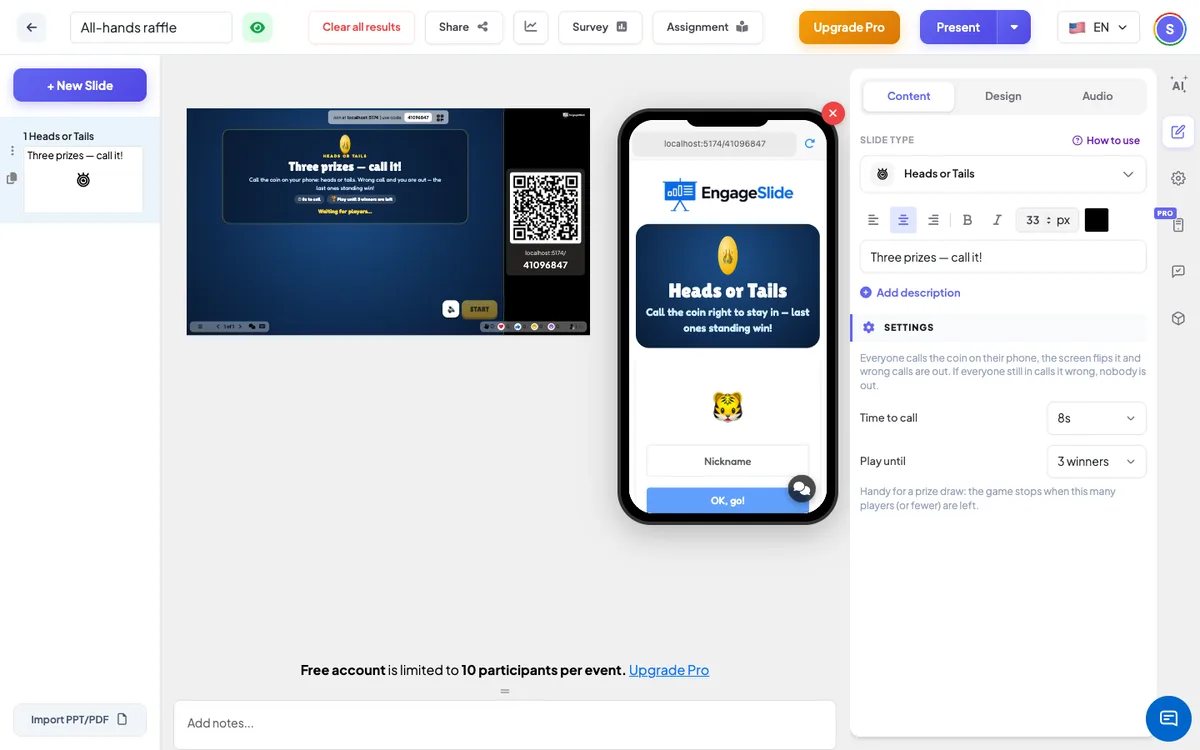
Heads or Tails settings
Time to call
5, 8 (default) or 10 seconds per flip. The coin flips early once everyone still in has called. Players can change their call until then.
Play until
1 winner (default), 2, 3, 5 or 10 winners. The game stops when that many players — or fewer, if a flip knocks out more — are left. Always fewer than the players who started.
Nobody loses everyone
If every player still in calls it wrong, nobody goes out and the coin is flipped again.
Present & share the join code
- 1Click Present in the top bar to put the slide on the big screen.
- 2A join code and a QR code appear (e.g.
36Y56). - 3Participants open the Audience app at join.engageslide.com, type the code and press Enter — or simply scan the QR.
- 4When everyone has joined, the responses start flowing in live.
How the audience responds
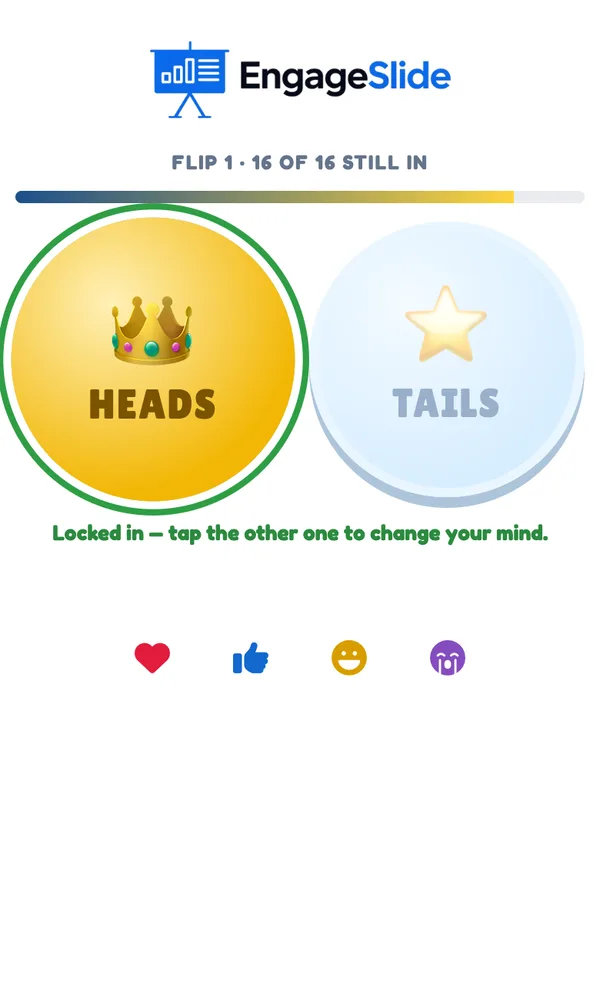
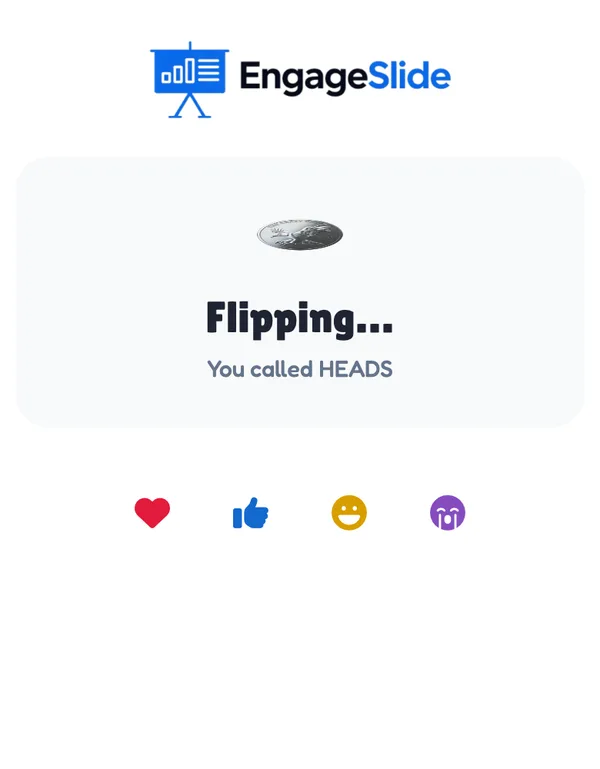
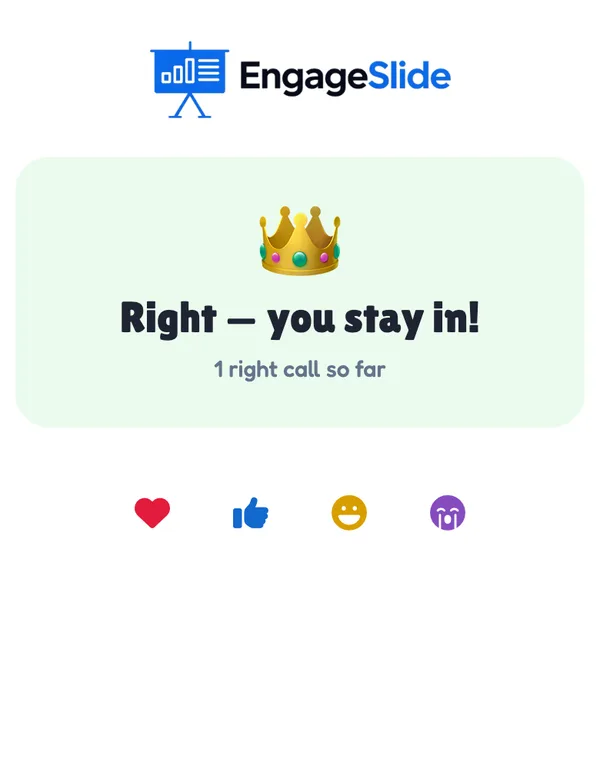
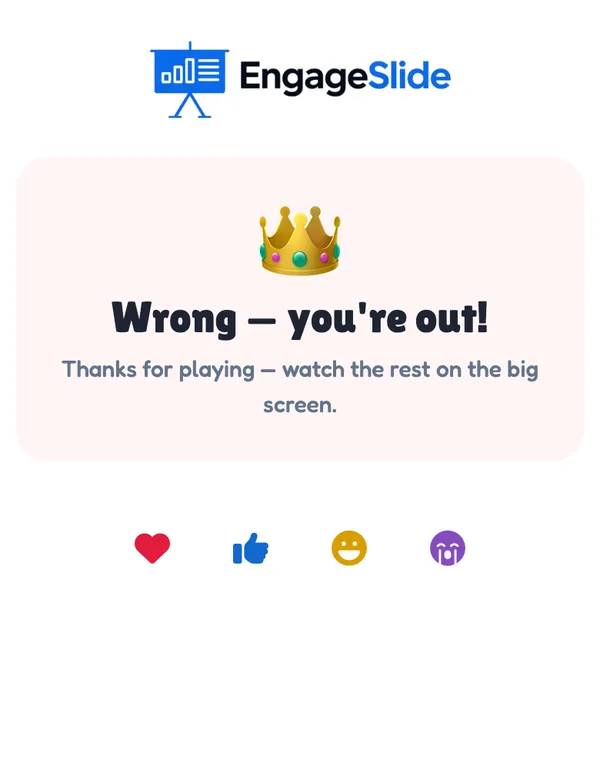
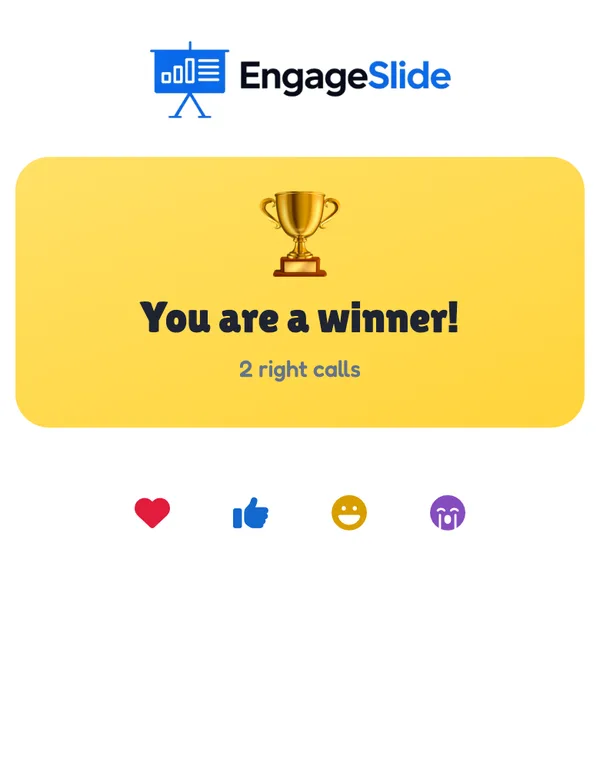
Players join with your code; the phone says You’re in! and explains the rule. For each flip the phone shows the flip number, how many are still in, a time bar and two big coins to tap — HEADS 👑 and TAILS ⭐. The chosen coin gets a green ring (Locked in — tap the other one to change your mind.). While the coin spins, the phone shows Flipping… and the call. When it lands: Right — you stay in! (with the streak), Wrong — you’re out! or, when everyone was wrong, Wrong — but saved!. No call counts as wrong. Players who are out see You’re out and watch. At the end the winners see You are a winner! and everyone else their place and number of right calls. Players who join after the start watch until Play again.
View results
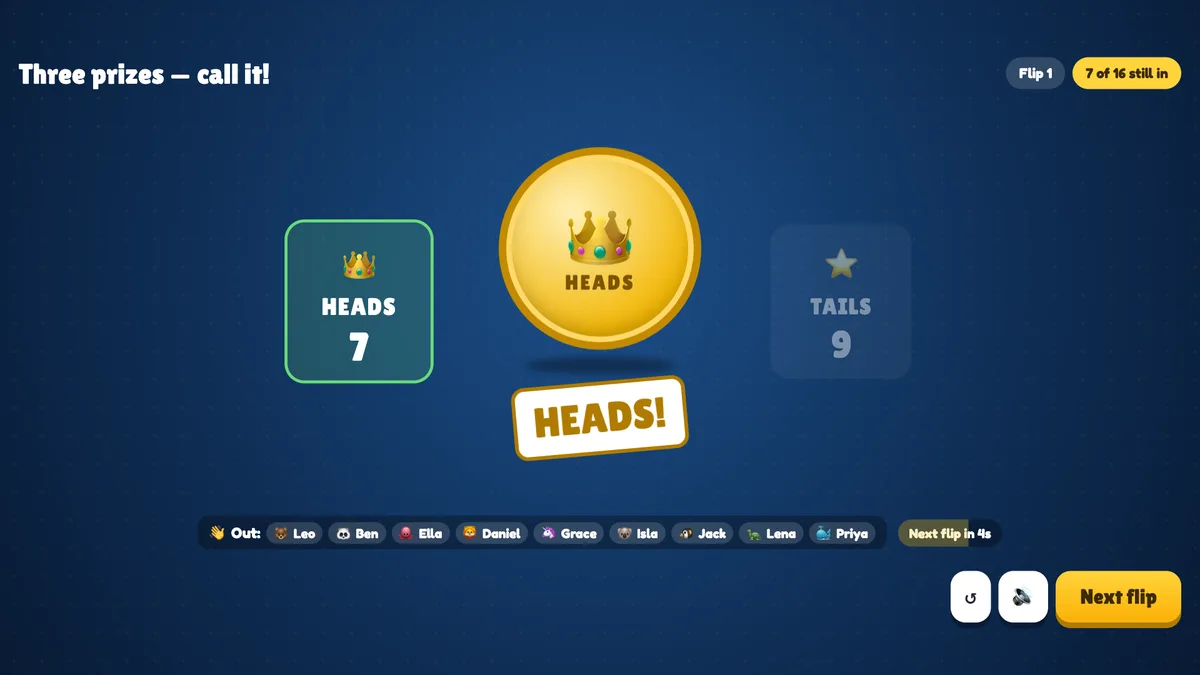
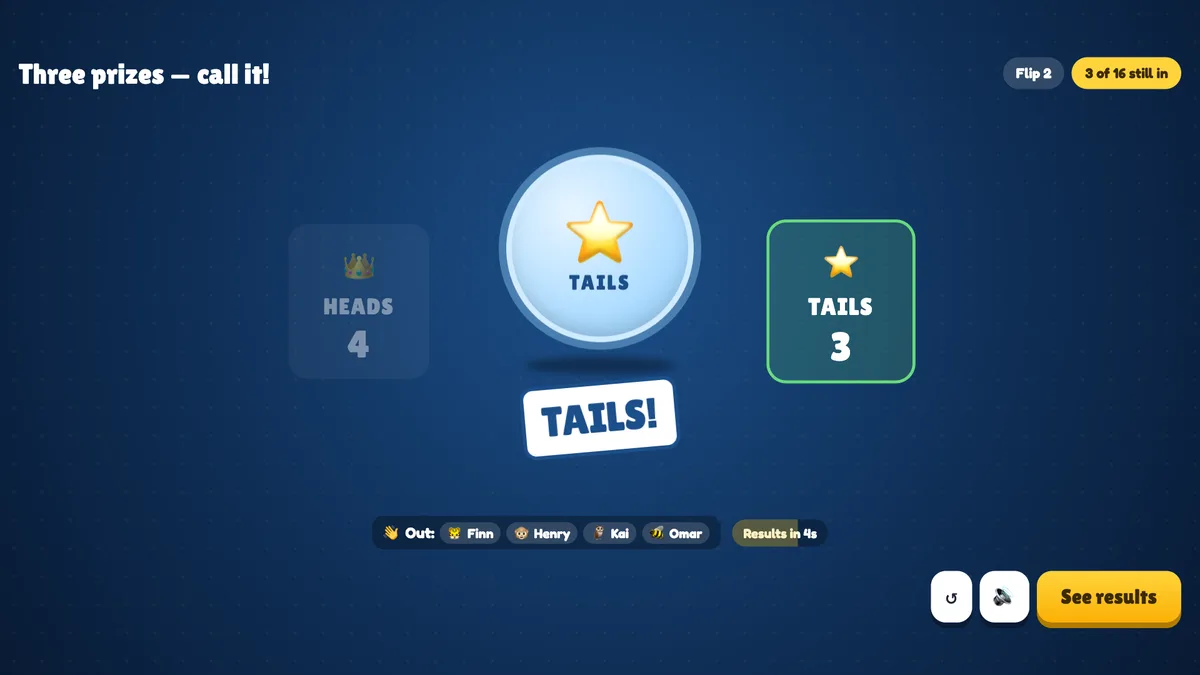
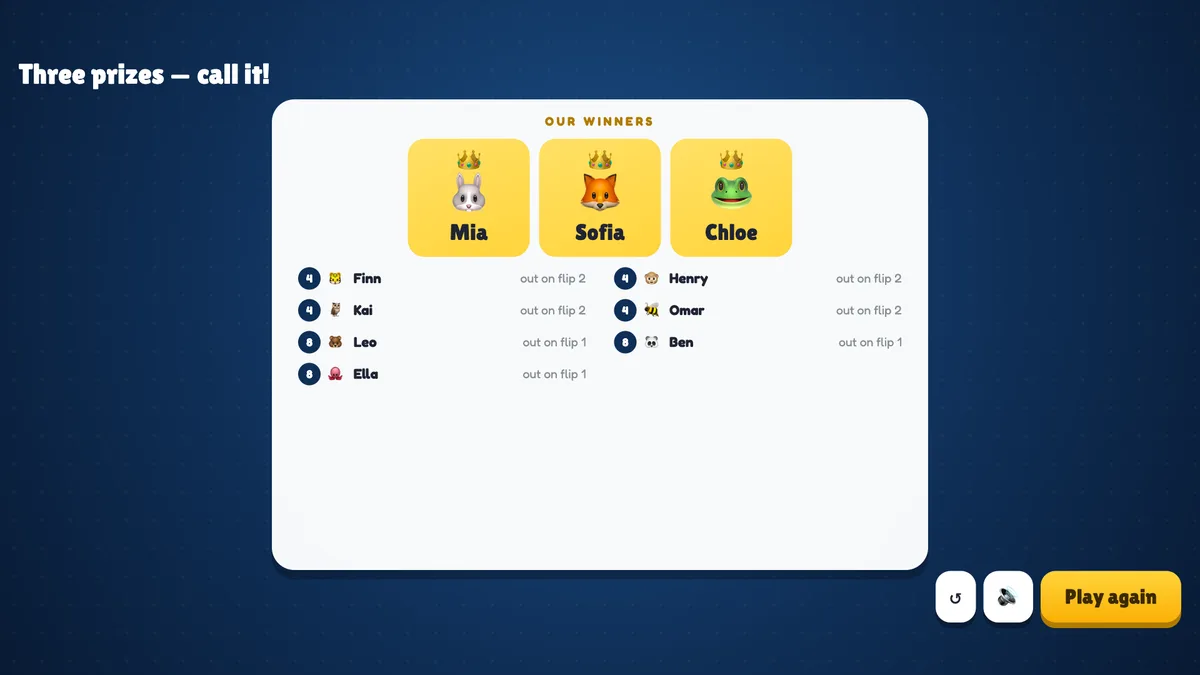
Before the game the big screen shows the title, the rules, the time to call, how many winners it plays for and everyone who joined. Press START. A gold coin wobbles in the middle with Call it on your phone! and a countdown ring; on each side a panel counts the calls live — HEADS 5, TAILS 7. Chips at the top show the flip number, how many players are still in and how many have called; the avatars of the players still in line up at the bottom, with the results of earlier flips (H/T). Press Flip now to flip before the timer ends. The coin spins for about two seconds and lands with a stamp — HEADS! or TAILS! — the winning side lights up, and everyone who called it wrong is listed under Out:. The next flip starts by itself after a few seconds, or press Next flip. When your winners are left, press See results: the winners get crowns, and everyone else is listed with the flip they went out on. Play again starts a new game with the same players.
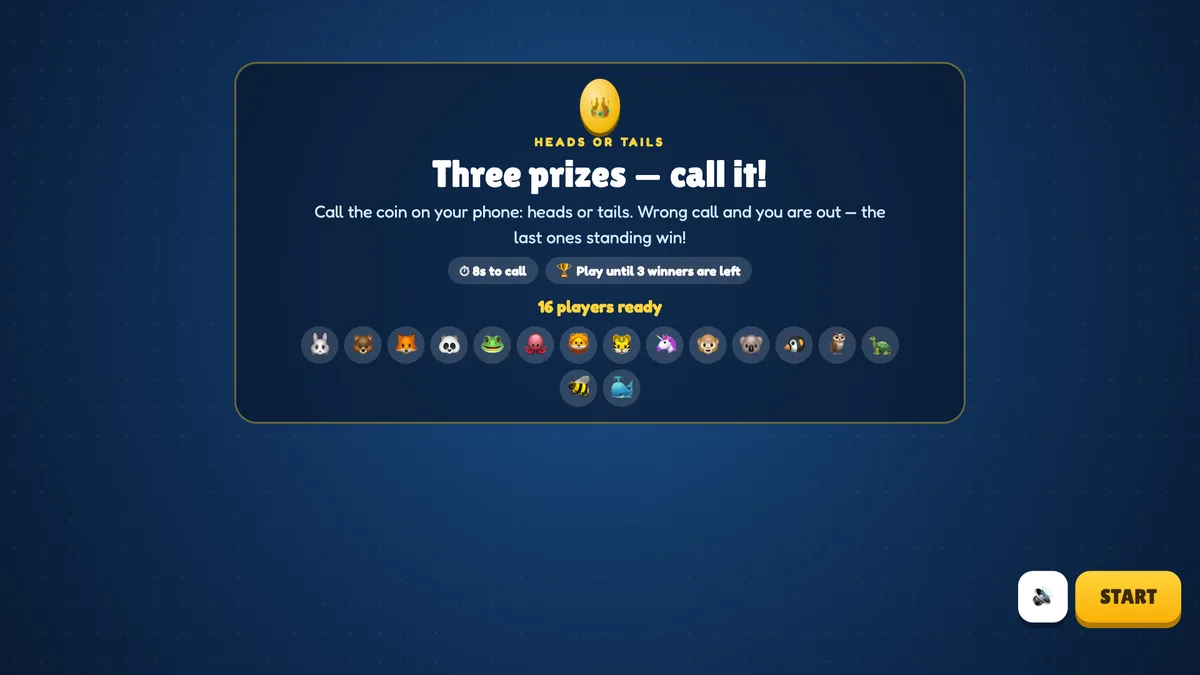
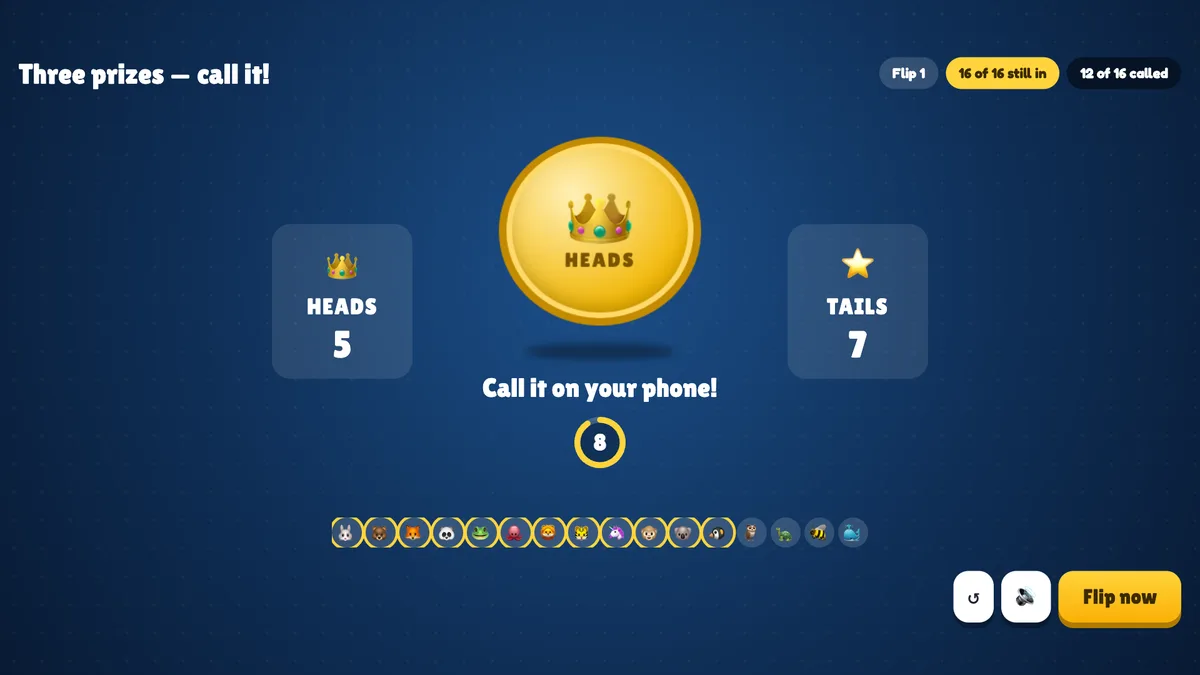
real screenshots

real screenshots
Ways to use Heads or Tails
- Prize draws and raffles: transparent, fair and far more exciting than drawing names.
- Closing a session: a one-minute game while you hand over to the next speaker.
- Big events: everyone plays at once, and the live split of calls keeps the hall watching.
- Classroom: a quick reward — or a real-life probability lesson: how many flips does it take to go from 30 to 1?
Frequently asked
Is the coin really random?
Yes. The side is chosen at random at the moment the calling closes; nobody knows it in advance.
What if I don’t call in time?
No call counts as wrong — you go out, unless everyone still in is wrong, in which case nobody does.
Why did the game end with fewer winners than I chose?
A flip can knock out more players than needed: if 4 are left, you play for 3 and 2 of them call it wrong, the game ends with 2 winners. It never goes on until everyone is out.
Can I play alone?
Yes. Playing alone, you keep calling until you get one wrong — a fun way to see how long your streak lasts.
Can players join late?
They can join, but they watch until you press Play again.
What if I close or refresh the presenting window?
Everyone who joined shows up again straight away. If the slide is still open in another window, the game carries on: a call that was still open starts again, and a landed coin or the results stay. If it was the only window, the game goes back to the start screen.