🎮Quiz & Game Slides 5 min read
Hot Potato
A bomb with a hidden fuse jumps from phone to phone. Tap PASS to get rid of it — whoever holds it when it blows is out.
What is Hot Potato?
Hot Potato is the party classic with a bomb instead of a potato. When a round starts, the bomb lands on a random player’s phone — the whole screen turns red with a big PASS! button. Tapping it sends the bomb to another random player, and on the big screen it jumps around the circle of players. Somewhere along the way the hidden fuse runs out: BOOM! Whoever is holding it is out. Round after round the circle shrinks until one player survives. Nobody — not even the host — knows when the bomb will blow; the only hint is that the screen pulses faster the longer it burns.

Presenter creates the slide Click Present Share code / QR Audience enters code Respond & submit Real-time results
Create a Hot Potato slide
- 1On Home, click + Create new presentation (or add a slide to an existing one).
- 2In Choose Slide Type, pick Hot Potato. You can also type it into Search slide types….
- 3The slide is created and the right panel opens on the Content tab.
Set up the content
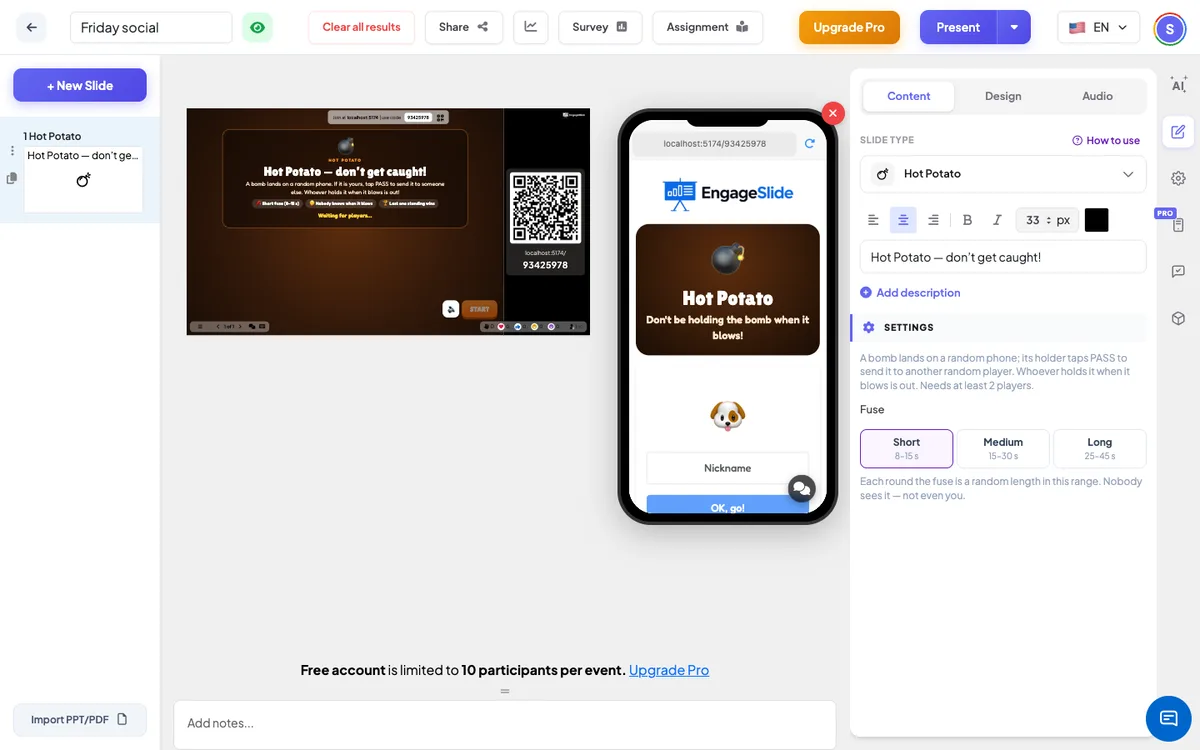
- 1Add a Hot Potato slide from the Games tab of the slide picker. There is nothing to prepare.
- 2Type a title for the big screen, for example Hot Potato — don’t get caught!.
- 3Open Settings and choose the fuse: short, medium or long.
- 4Present the slide, let at least two people join, and press START (or Enter).
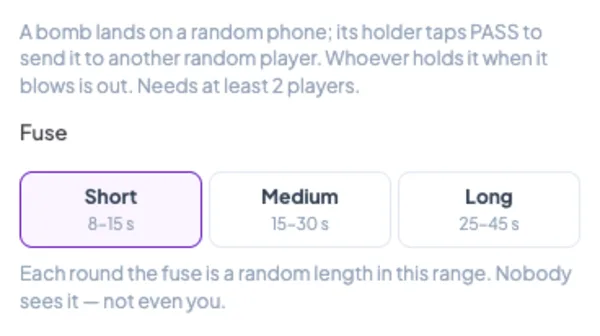
Hot Potato settings
Fuse
Short (8–15 s), Medium (15–30 s, default) or Long (25–45 s). Each round the fuse is a random length in that range, and it is never shown anywhere.
Where the bomb goes
Each round starts with the bomb on a random player still in. Every pass sends it to another random player still in — players whose phone is connected first, so it doesn’t get stuck with someone who walked away.
Players
At least 2. The circle on the big screen shows up to 40 players.
Present & share the join code
- 1Click Present in the top bar to put the slide on the big screen.
- 2A join code and a QR code appear (e.g.
36Y56). - 3Participants open the Audience app at join.engageslide.com, type the code and press Enter — or simply scan the QR.
- 4When everyone has joined, the responses start flowing in live.
How the audience responds
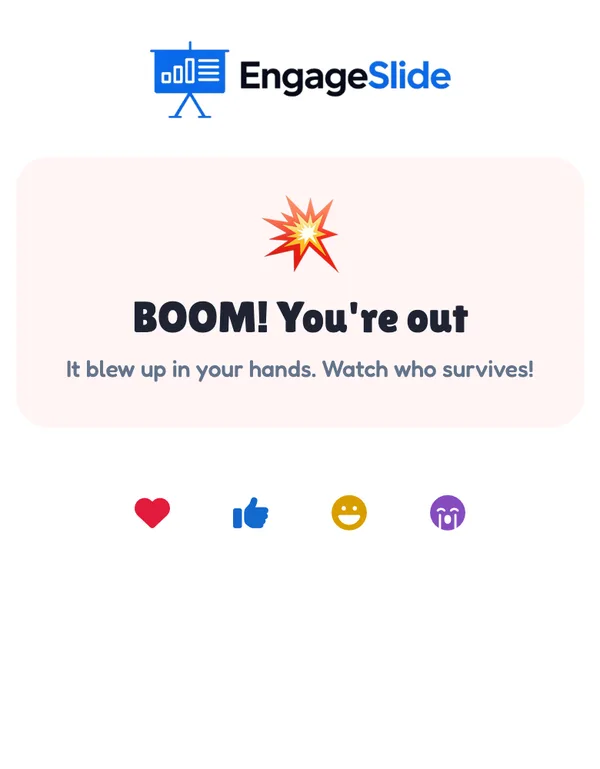
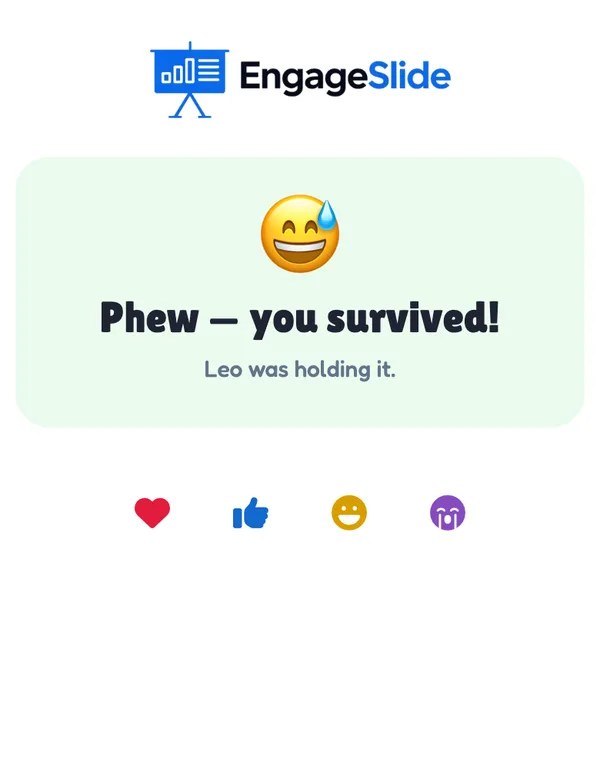
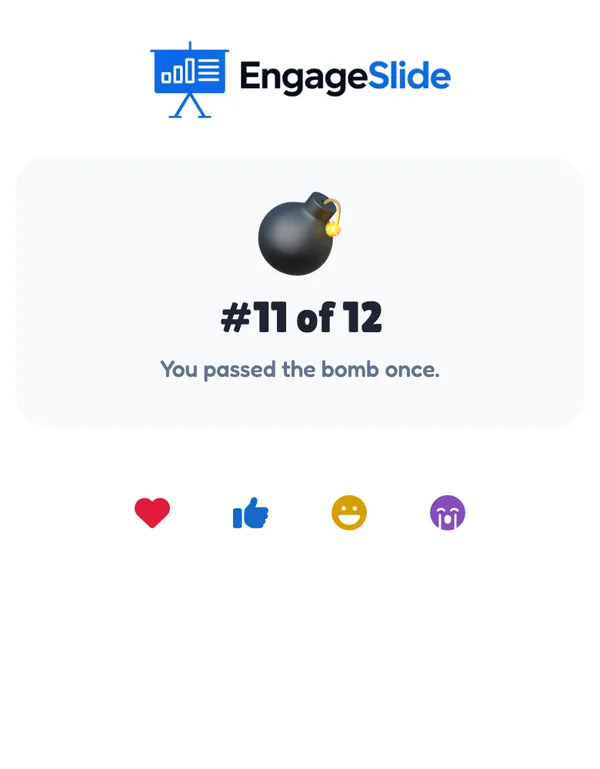
Players join with your code; the phone says You’re in! and explains the rule. When a round is running, the phone of the player who holds the bomb turns red and pulses, with a ticking 💣 and a huge PASS! button (You have the bomb — get rid of it!) — and it vibrates. Tapping it sends the bomb on at once. Everyone else sees whose turn it is: Mia has the bomb — Stay ready — it could come to you next!. When it blows, the player holding it sees BOOM! You’re out; everyone else sees Phew — you survived! and who was holding it. Players who are out watch the rest. At the end everyone sees their place and how many times they passed the bomb. Players who join after the start watch until Play again.
View results
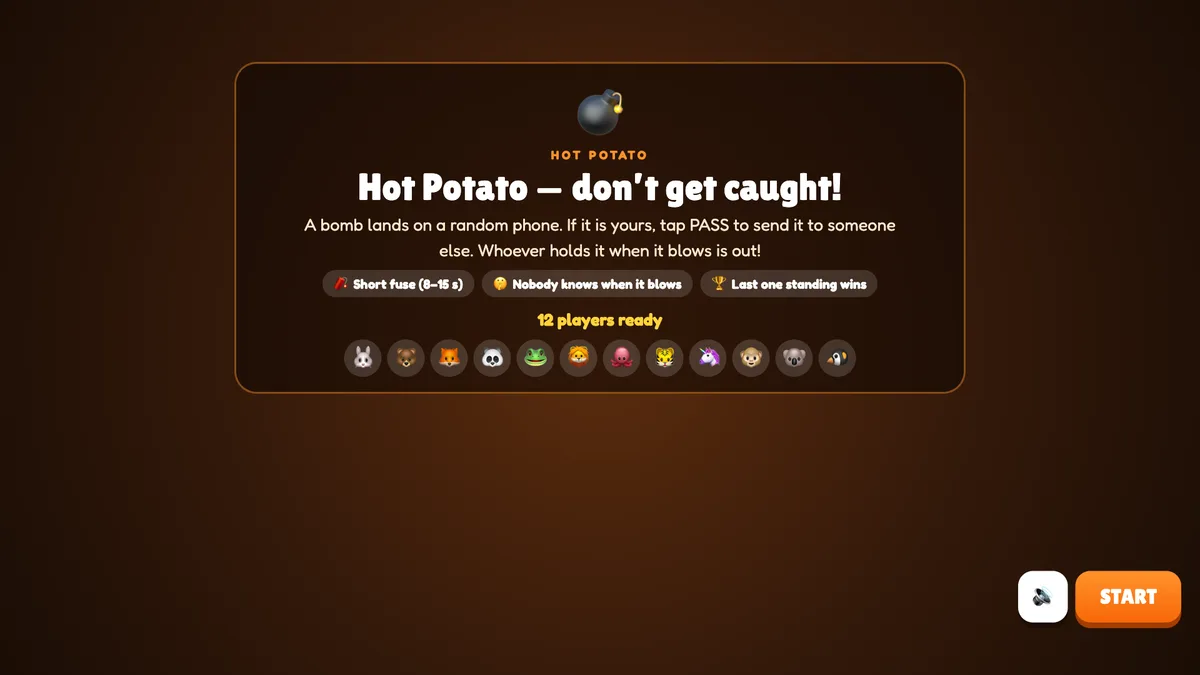
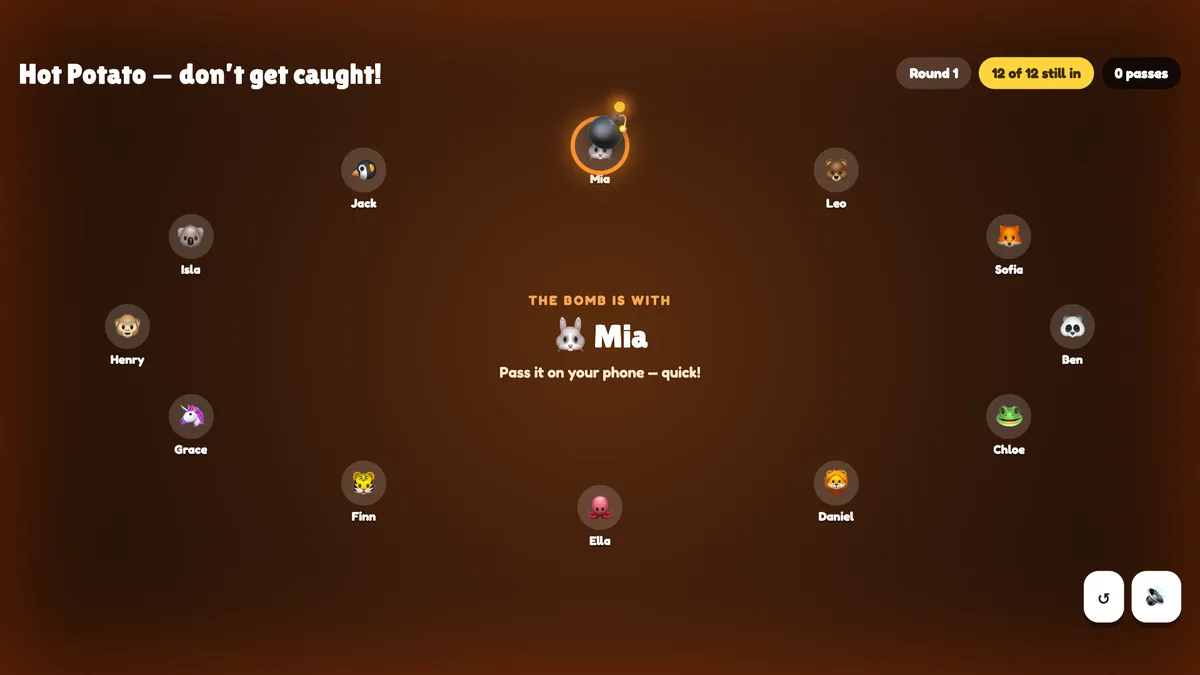
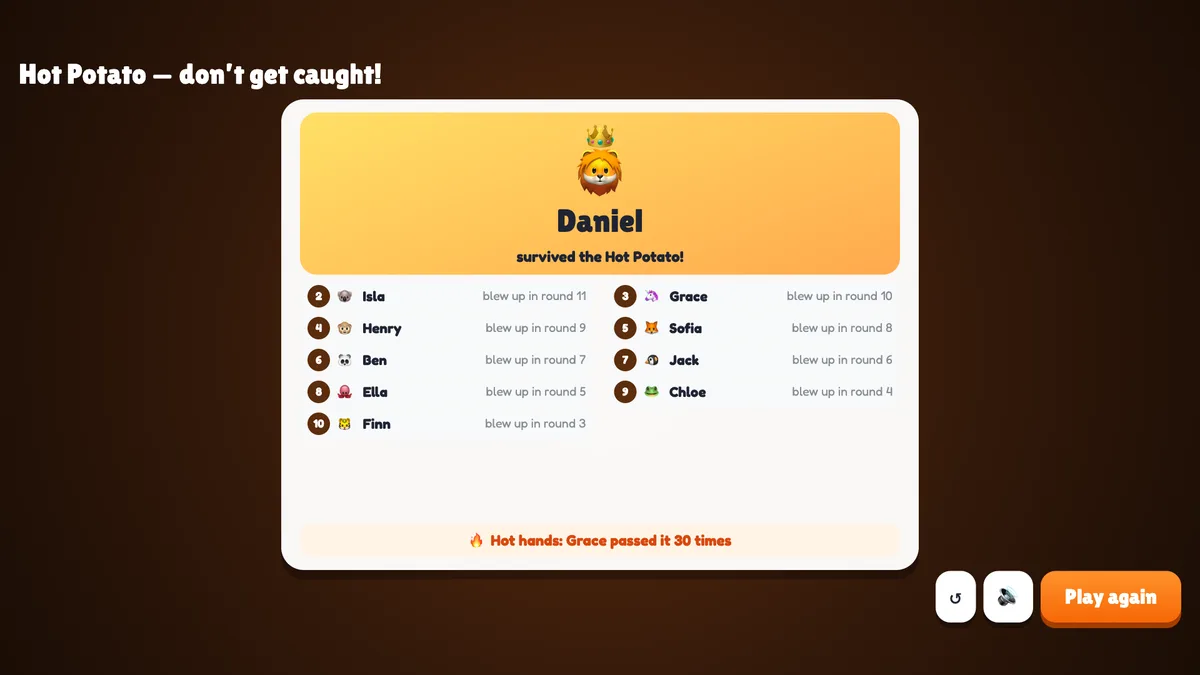
Before the game the big screen shows the title, the rules, the fuse and everyone who joined (you need at least 2). Press START. The players stand in a circle; the bomb sits on the holder with a sparkling fuse and a glowing ring, and the middle of the screen says The bomb is with Mia. Each pass makes the bomb fly to the next player, and chips at the top count the round, the players still in and the passes. The background pulses and ticks faster the longer the bomb burns — it says nothing about how much fuse is left. When it blows, an explosion covers the holder, BOOM! Leo is out! appears in the middle and that player turns grey in the circle. The next round starts by itself after a few seconds, or press Next round. When one player is left, press See results: the survivor is crowned, everyone else is listed with the round they blew up in, and Hot hands names the player who passed the bomb most often.
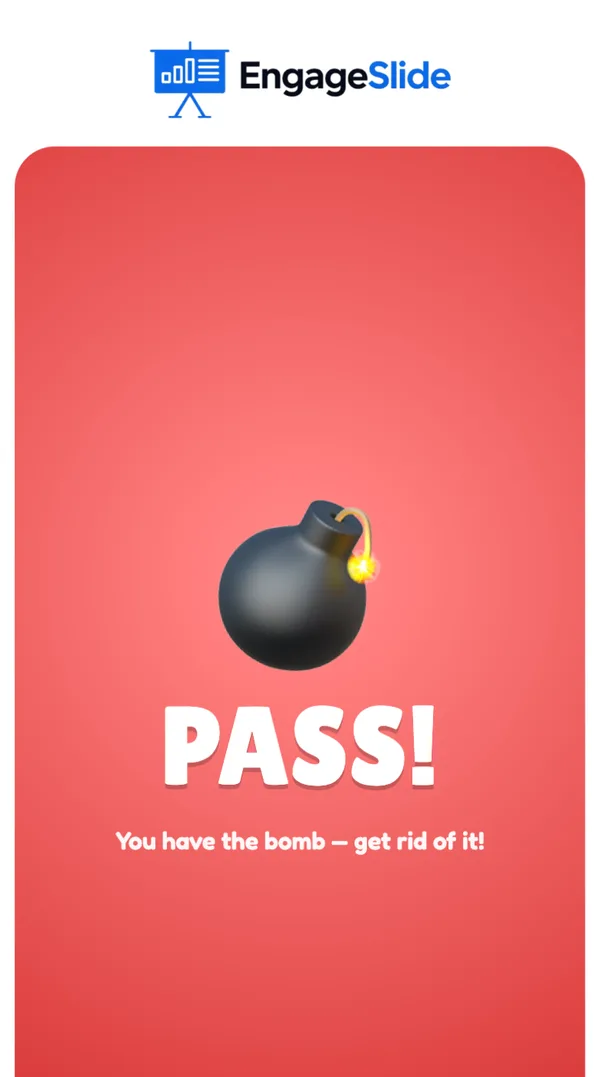
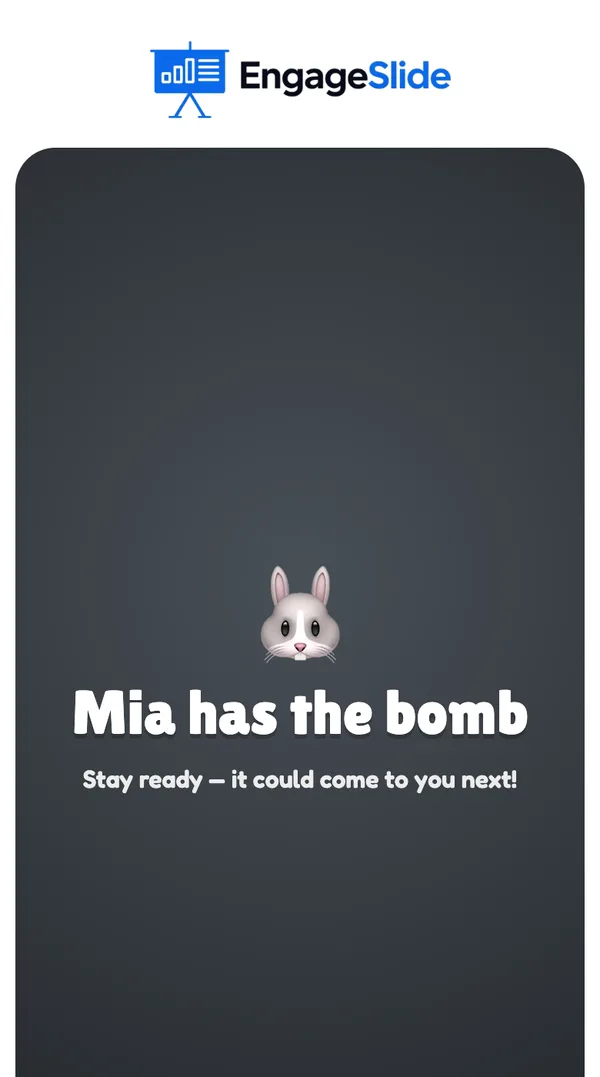
real screenshots
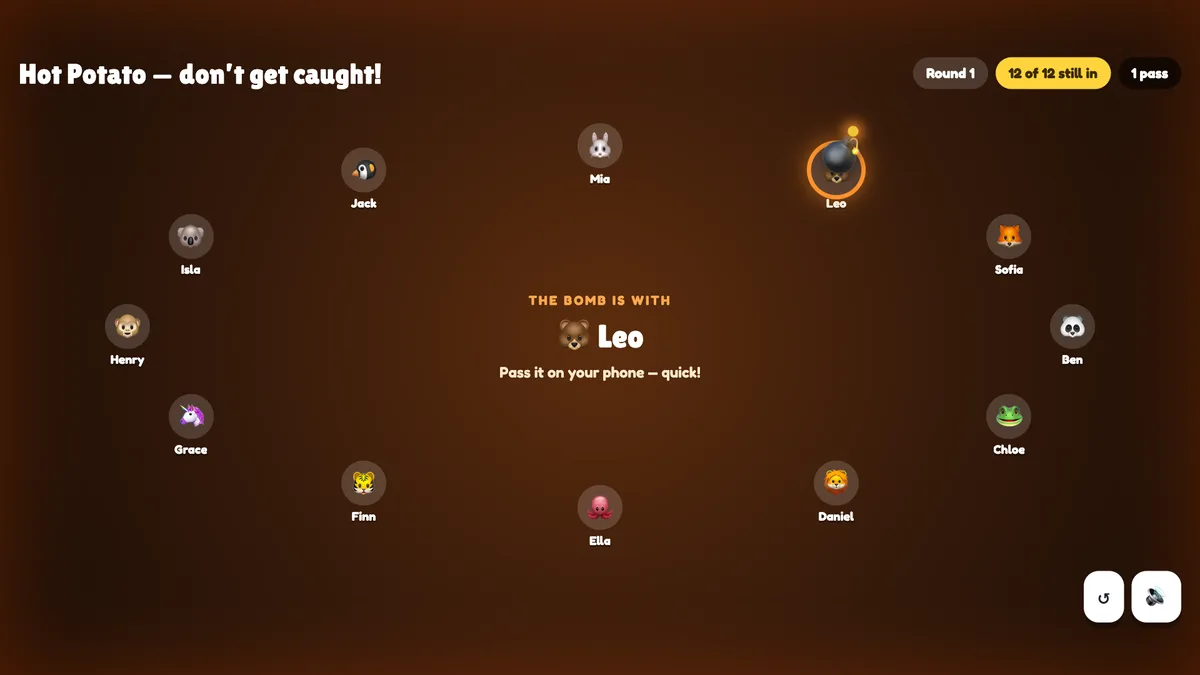
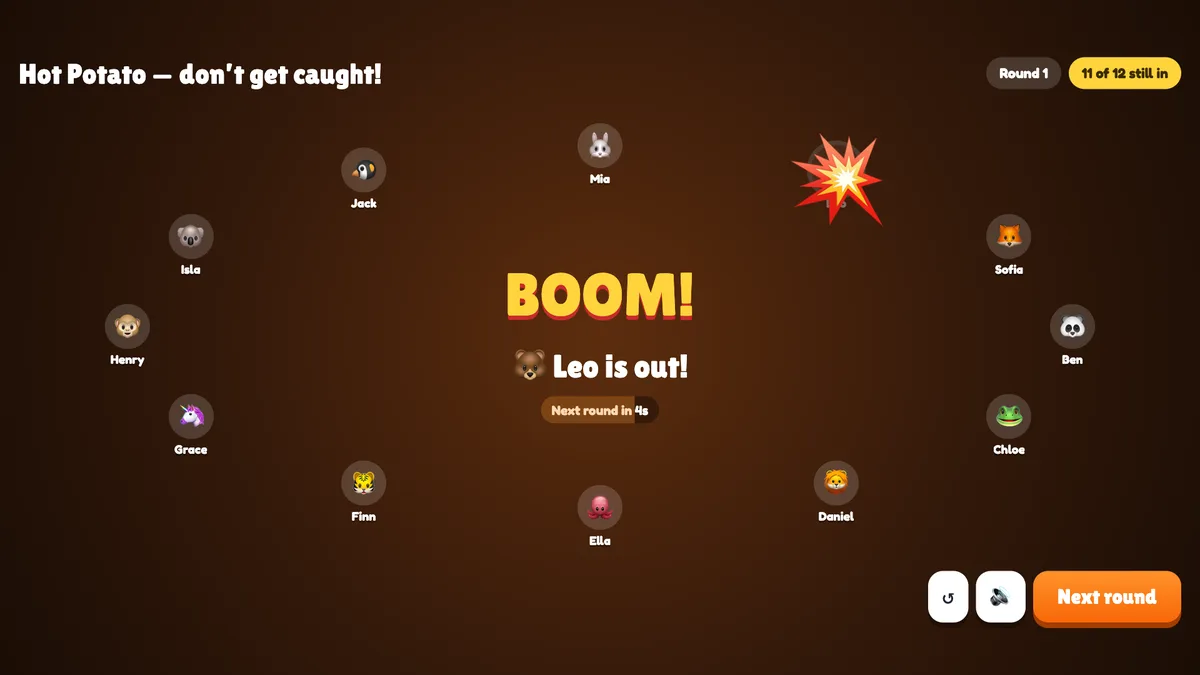
real screenshots
Ways to use Hot Potato
- Energizer: phones out, everyone alert — nobody wants to be caught holding it.
- Team socials and parties: loud, fast and over in a few minutes.
- Remote meetings: works just as well on a video call — share the big screen and play from phones.
- Picking a volunteer: the last player left (or the first one out) does the next task.
Frequently asked
Does passing quickly help?
Yes — the bomb can only blow up on the player who holds it at that moment, so getting rid of it fast keeps you safe. But it can come straight back.
Who decides when it blows?
Nobody. Each round the fuse is a random length in the range you chose, and it is never shown on any screen.
What if the player with the bomb doesn’t react?
They keep holding it — and if the fuse runs out, they’re out. Passes go to connected phones first, so a player who left the room rarely gets the bomb.
Can I play with two people?
Yes — two is the minimum. The bomb goes back and forth until it blows.
Can players join late?
They can join, but they watch until you press Play again.
What if I close or refresh the presenting window?
Everyone who joined shows up again straight away. If the slide is still open in another window, the game carries on; a round that was burning starts again with a new random fuse, and an explosion or the results stay. If it was the only window, the game goes back to the start screen.