🎮Quiz & Game Slides 6 min read
Last One Standing
An elimination quiz: everyone stands on a floating tile, a wrong answer drops it, and the last player standing wins.
What is Last One Standing?
Last One Standing is an elimination quiz for the whole room. Every player gets a tile on a floating floor on the big screen — over the clouds, a lava pit or icy water. Each question is a race against the clock on everyone’s phone: answer right and you stay on your tile; answer wrong (or not at all) and your tile shakes, cracks and drops into the abyss. The camera zooms in as the floor empties. If everyone still standing gets a question wrong, nobody falls. When only two players are left, they face off in a final showdown, and the winner is crowned the last one standing. It turns any set of review or trivia questions into a nail-biting game that ends with one champion and a podium.

Presenter creates the slide Click Present Share code / QR Audience enters code Respond & submit Real-time results
Create a Last One Standing slide
- 1On Home, click + Create new presentation (or add a slide to an existing one).
- 2In Choose Slide Type, pick Last One Standing. You can also type it into Search slide types….
- 3The slide is created and the right panel opens on the Content tab.
Set up the content
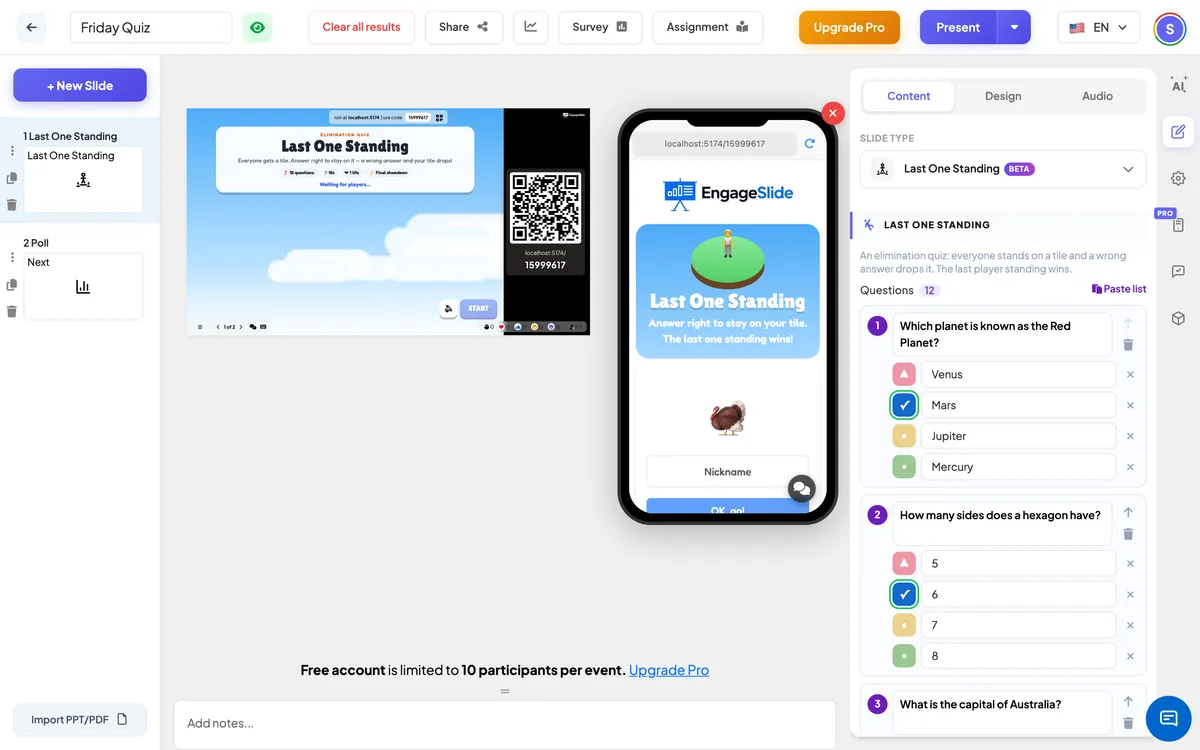
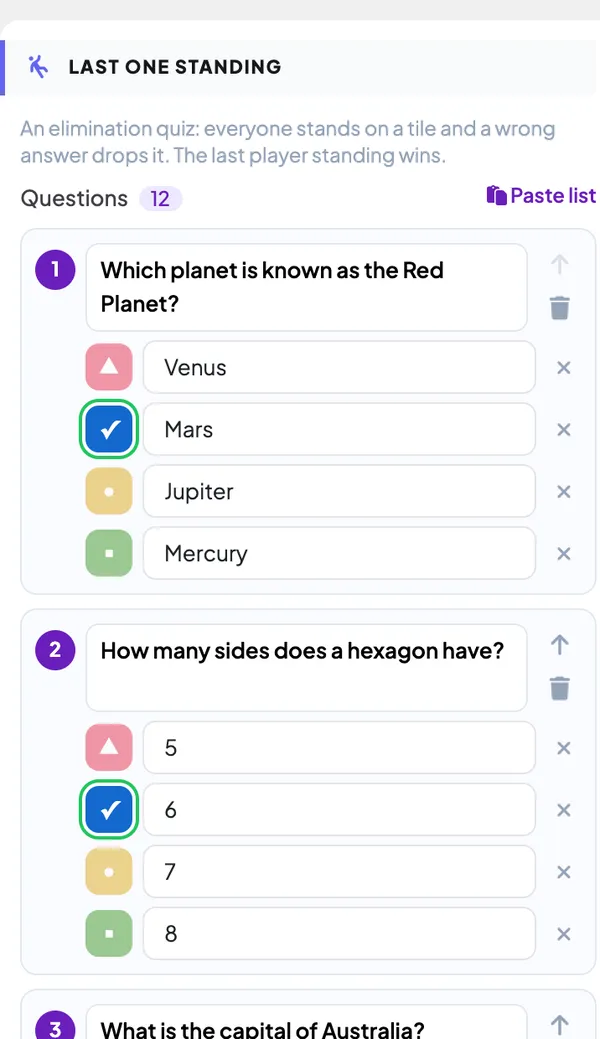
- 1Under Questions, edit the 12 sample questions or write your own. Each question has 2–4 answers; click the coloured shape next to an answer to mark it correct (it turns into a ✓).
- 2Use + Add answer, ✕ to remove an answer, ↑ to move a question up and the bin to delete it. Click + Add question for a new one.
- 3To add many questions at once, click Paste list and paste one question per line: Question | *Correct answer | Wrong | Wrong — the star marks the right answer. Click Add.
- 4Add 10 or more questions so the floor has time to empty: when the questions run out, everyone still standing shares the win.
- 5Open Settings to choose the time per question, one or two lives, the final showdown and the theme.
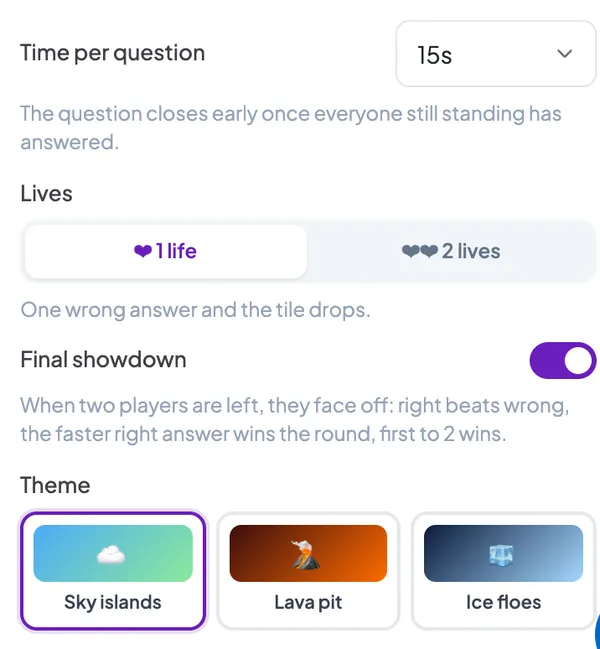
Last One Standing settings
Time per question
10, 15 (default), 20 or 30 seconds. The question closes early once everyone still standing has answered.
Lives
1 life (default): one wrong answer and the tile drops. 2 lives: the first wrong answer cracks the tile, the second one drops it — good for younger players or harder questions.
Final showdown
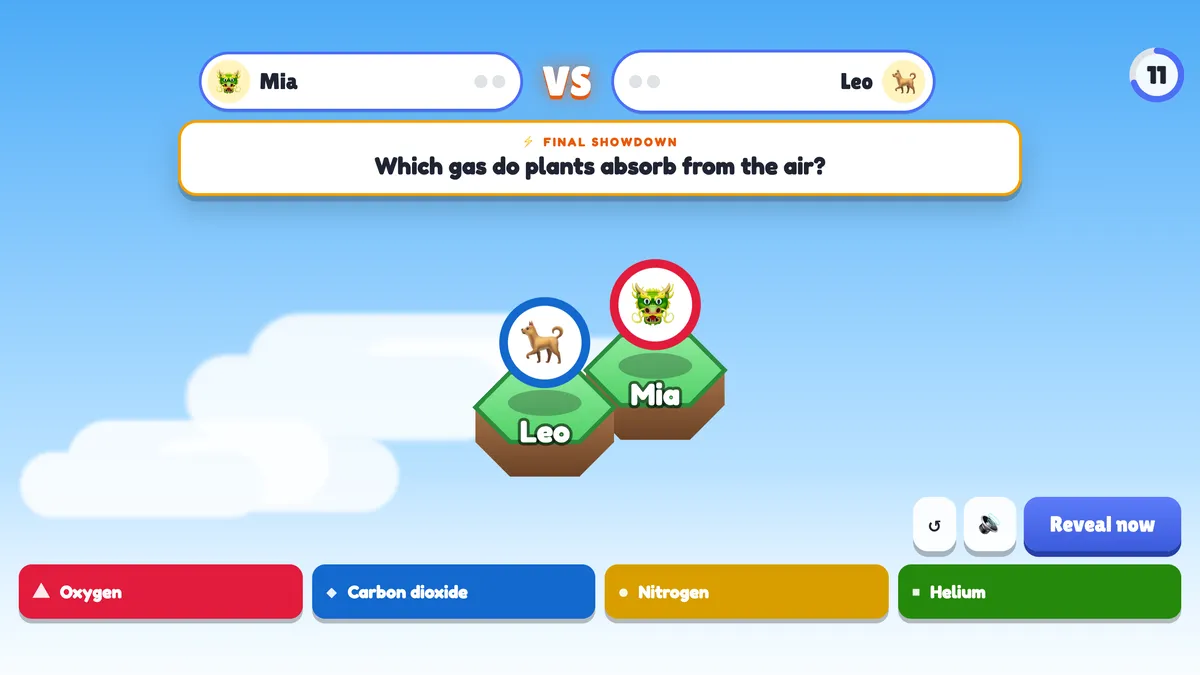
On by default. When a game of three or more is down to two players, they duel: a right answer beats a wrong one, if both are right the faster answer wins the round, and the first to win 2 rounds is the last one standing. Off: the two keep playing normal questions until one falls.
Theme
Sky islands (grass tiles over the clouds), Lava pit (stone tiles over glowing lava) or Ice floes (ice tiles over dark water).
Present & share the join code
- 1Click Present in the top bar to put the slide on the big screen.
- 2A join code and a QR code appear (e.g.
36Y56). - 3Participants open the Audience app at join.engageslide.com, type the code and press Enter — or simply scan the QR.
- 4When everyone has joined, the responses start flowing in live.
How the audience responds
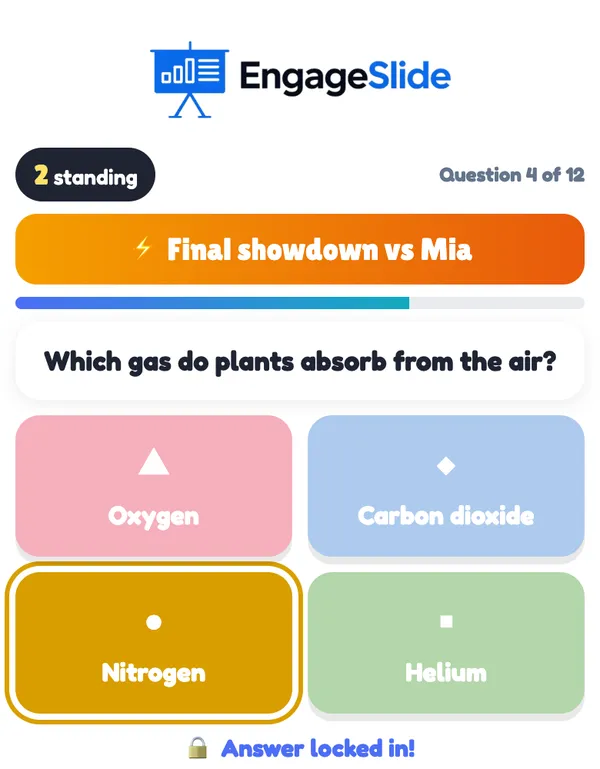
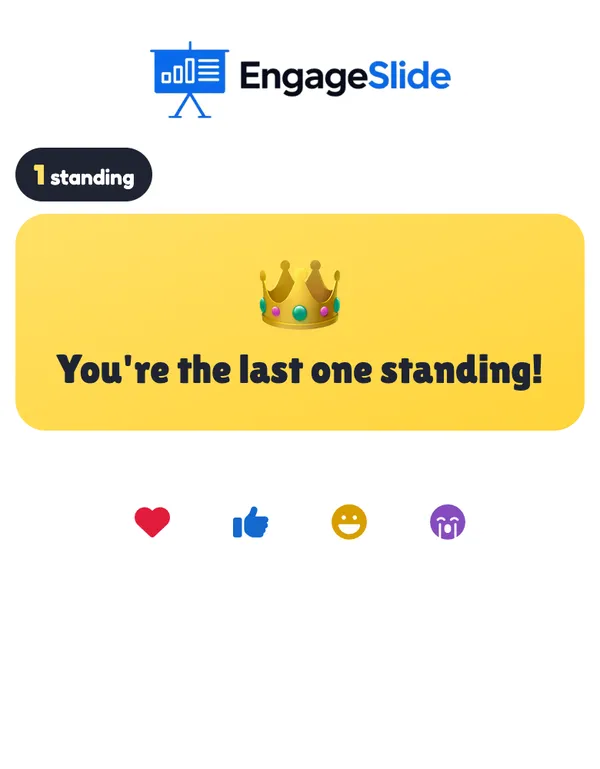
Players join with your code and enter their name; their phone says You’re on the floor! and their avatar appears on a tile on the big screen. For each question the phone shows the question, a countdown bar and big coloured answer buttons; after tapping, the choice locks in. At the reveal the phone says Still standing! with the number of players left, Your tile cracked! (with two lives) or Your tile dropped! with their final place, such as #7 of 12. Players who have fallen keep watching the questions. In the final showdown the two finalists see Final showdown vs Mia; at the end the winner sees You’re the last one standing! and everyone else their place. Players who join after the start watch that game and get a tile in the next one.
View results
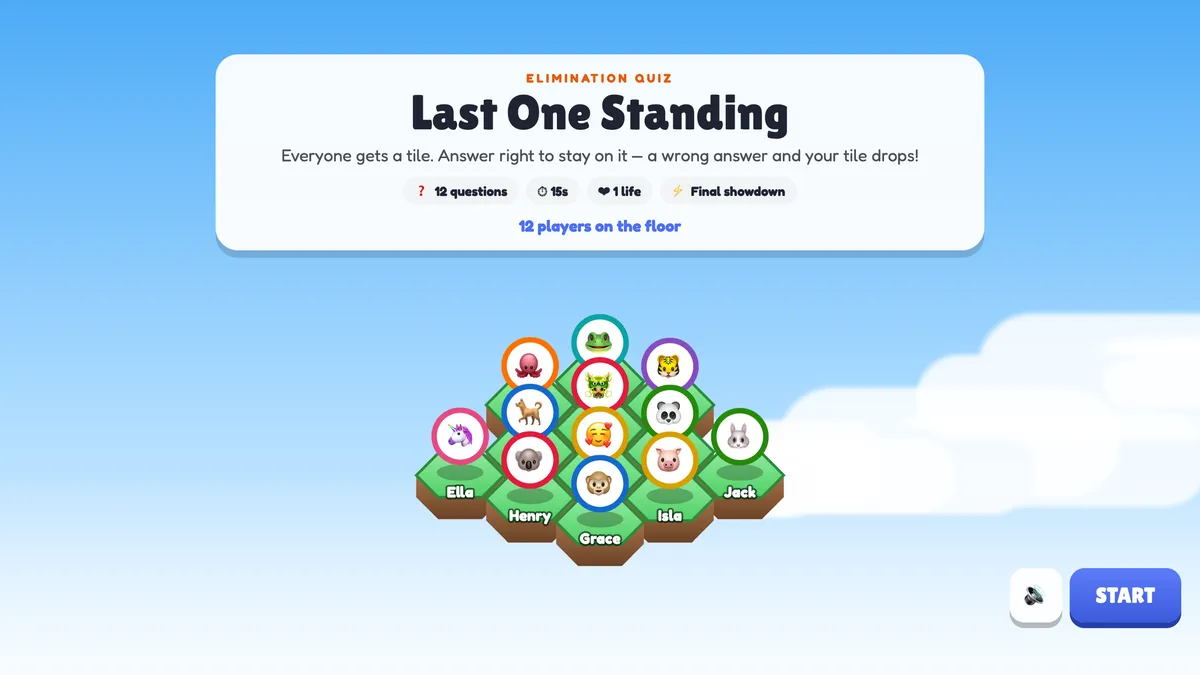
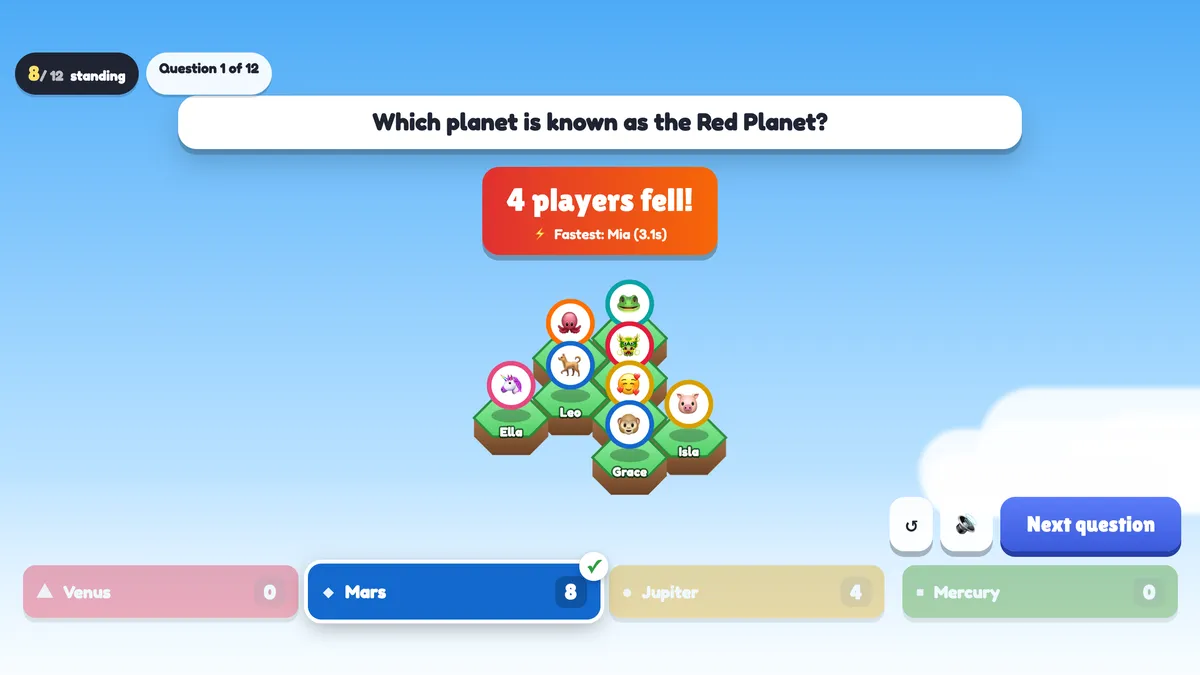
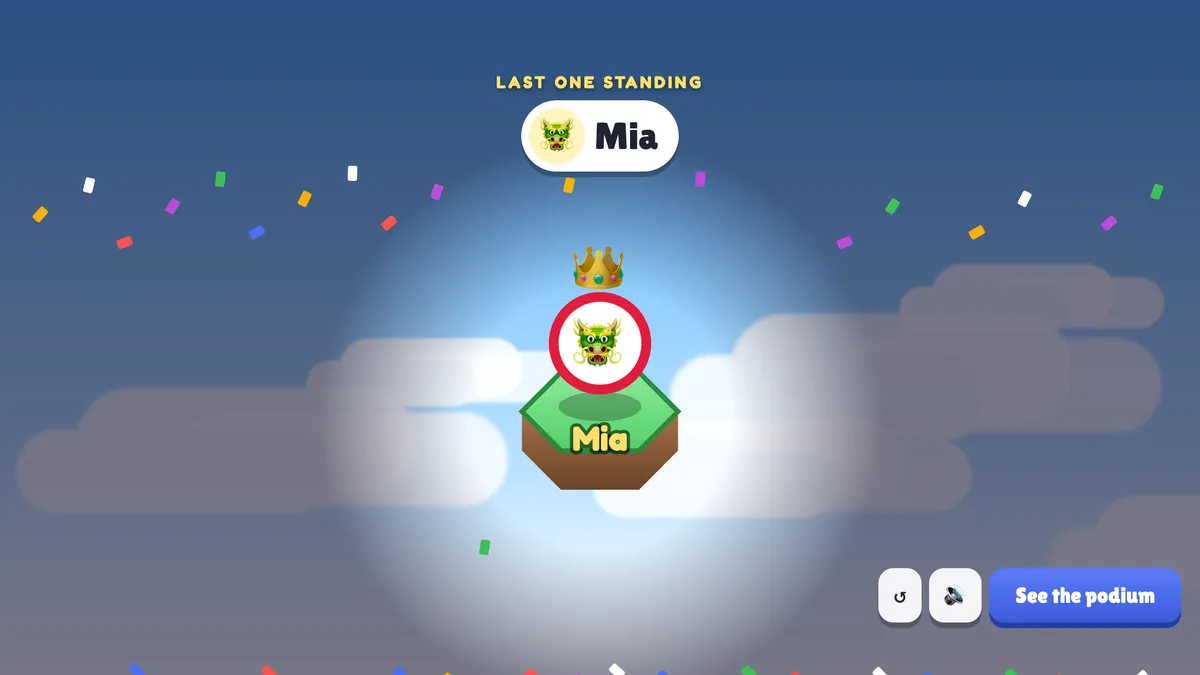
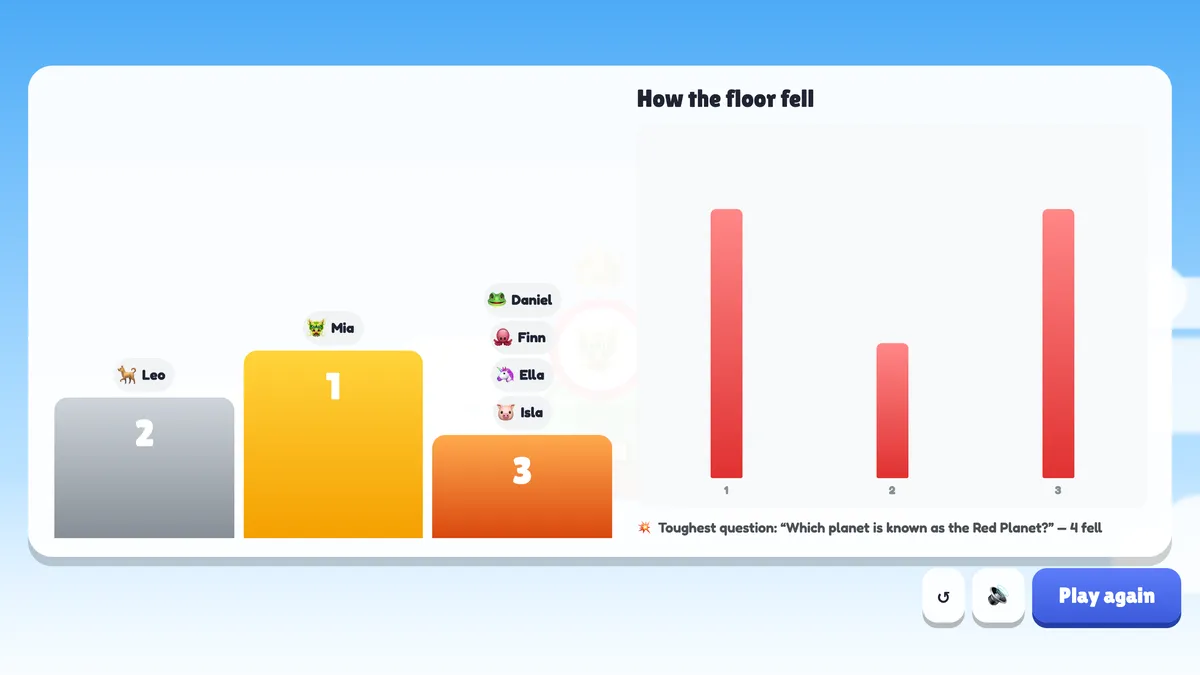
Before the game the big screen shows every player on their tile, the number of questions, the time, the lives and whether there is a final showdown. Press START (or Enter). During a question it shows how many are still standing, the question, a countdown ring, the answer buttons and how many have answered. Press Reveal now to close it early. The right answer lights up with the number of votes on each answer, then the floor reacts: tiles of wrong answers shake and drop, and a banner says 5 players fell!, Nobody got it — everyone survives! or Everyone got it right!, with the fastest right answer. Press Next question. In the showdown the two finalists face each other with a VS header, their round wins and their answer times; Point to Mia! after each round. The winner gets a crown and confetti, then See the podium shows first, second and third place (players who fell on the same question share a place), a chart of how many fell on each question and the toughest question. Play again puts everyone back on the floor; ↺ restarts.
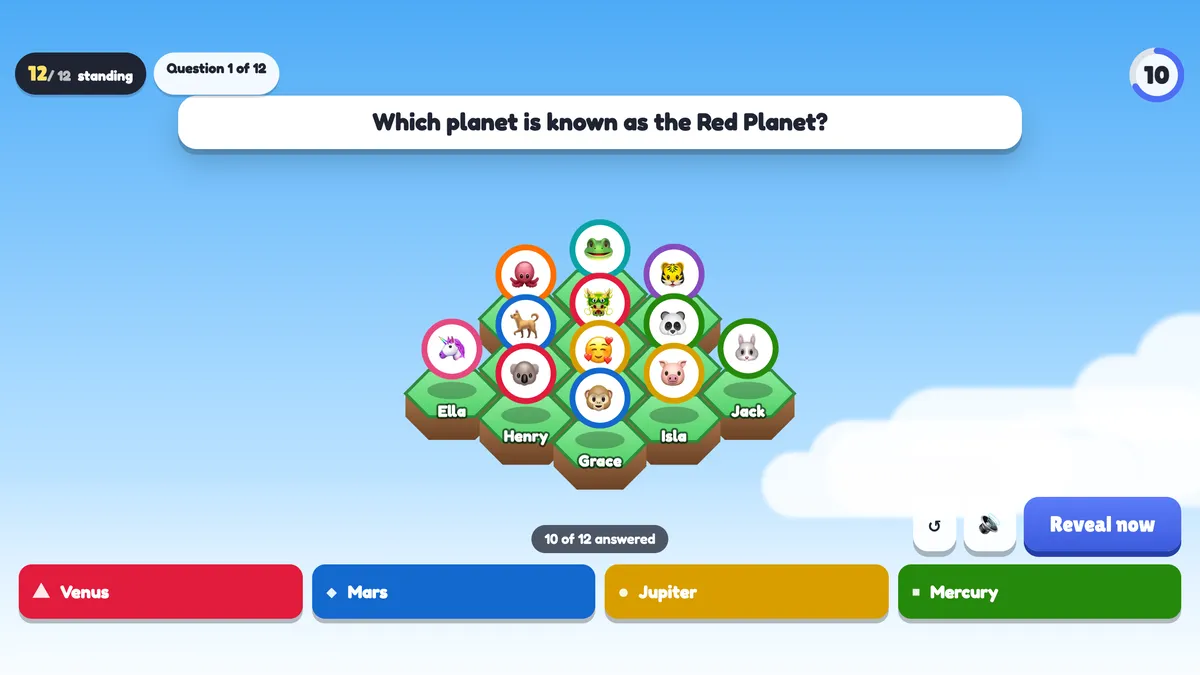
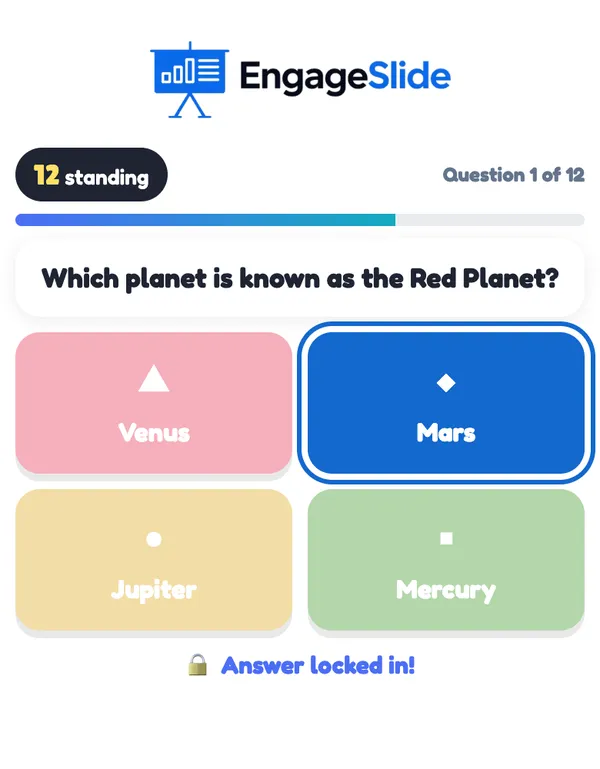
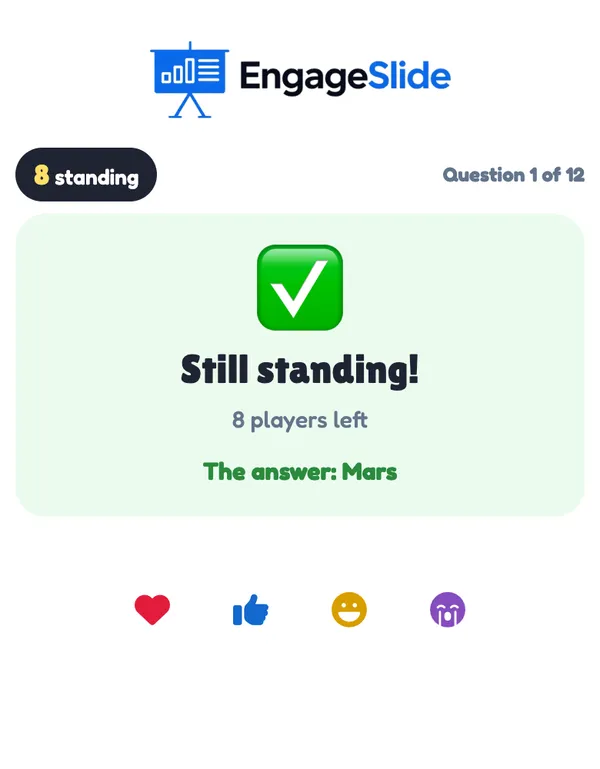
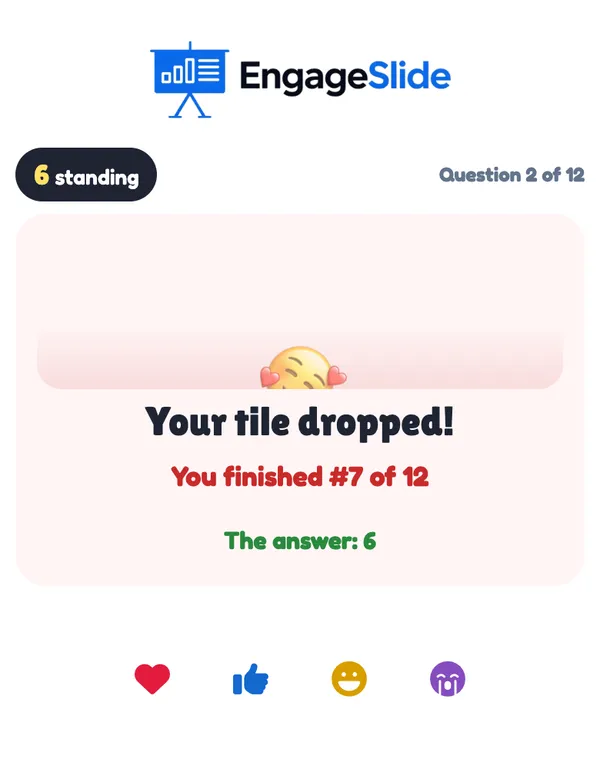
real screenshots
real screenshots
Ways to use Last One Standing
- Classroom review: the end-of-unit quiz becomes a survival game — and the class sees which question knocked most people out.
- Training recap: 10 questions on the key points of a session; the toughest question shows what to go over again.
- Company events and all-hands: a trivia knockout with a real final and a podium.
- Conferences: hundreds of players on one floor — the camera zooms in as it empties.
Frequently asked
What happens if nobody gets a question right?
Nobody falls. If everyone still standing answers wrong (or doesn’t answer), the whole floor survives that question.
Does not answering count as wrong?
Yes. When the time runs out, players who didn’t answer lose their tile (or a life, with 2 lives).
How is the final showdown decided?
Each round, a right answer beats a wrong one; if both are right, the faster answer wins the round; if both are wrong, nobody scores. The first to win 2 rounds wins. If the questions run out, the player with more round wins (then the faster total time) wins.
What if the questions run out with several players standing?
They all win and share first place. Add more questions to make a single winner likely.
How are places worked out?
Players who fall on the same question share a place: if 5 drop when 7 are standing, the 2 left are still playing and all 5 are 3rd. The loser of the final showdown is 2nd.
Can players join late?
Yes, but they watch the current game and get a tile when you press Play again.
Can I try it on my own, or with just two players?
Yes. With one player the game runs through every question (and a wrong answer doesn’t drop you, because nobody got it right), so you can rehearse alone. With two players there is no showdown: you play normal questions until one of you falls.
What if I close or refresh the presenting window?
Everyone who joined shows up again straight away. If the slide is still open in another window (the editor or a second presenting window), the game continues from the same question and everyone who fell stays out. If it was the only window, the game goes back to the start screen.