🎮Quiz & Game Slides 5 min read
Quick Draw
A reaction game: every phone turns red, then green after a random wait — the fastest tap wins. Tap too early and it’s a false start.
What is Quick Draw?
Quick Draw is the simplest game in EngageSlide: no questions to write and nothing to explain beyond one sentence — wait for green, then tap. Every round, the phones and the big screen turn red, then switch to green after a random wait of a few seconds. Players tap their phone as fast as they can, and the big screen lists the fastest reactions in milliseconds as they come in. Tapping before green is a false start. After a few rounds the player with the best average reaction time wins. The reaction time is measured on each player’s own phone, from the moment their screen turned green, so a slow Wi-Fi connection never decides who wins. A round takes about ten seconds, which makes Quick Draw a perfect energizer at the start of a session, after a break or to pick who goes first.

Presenter creates the slide Click Present Share code / QR Audience enters code Respond & submit Real-time results
Create a Quick Draw slide
- 1On Home, click + Create new presentation (or add a slide to an existing one).
- 2In Choose Slide Type, pick Quick Draw. You can also type it into Search slide types….
- 3The slide is created and the right panel opens on the Content tab.
Set up the content
- 1Add a Quick Draw slide from the Games tab of the slide picker. There are no questions or answers to set up.
- 2Type a title in Enter your question or title — it is shown on the big screen, for example Fastest fingers in the room.
- 3Open Settings to choose the number of Rounds and whether to use Fake-outs.
- 4Present the slide, let everyone join with the code or QR code, and press START (or Enter).
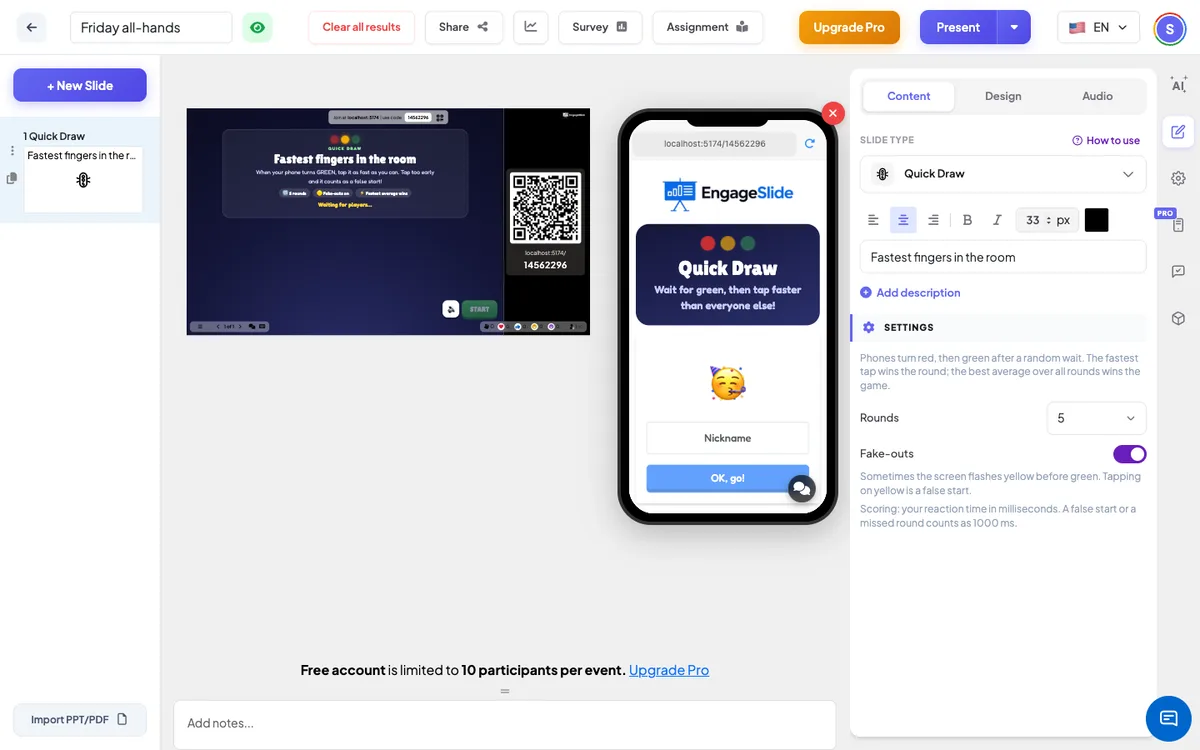
Quick Draw settings
Rounds
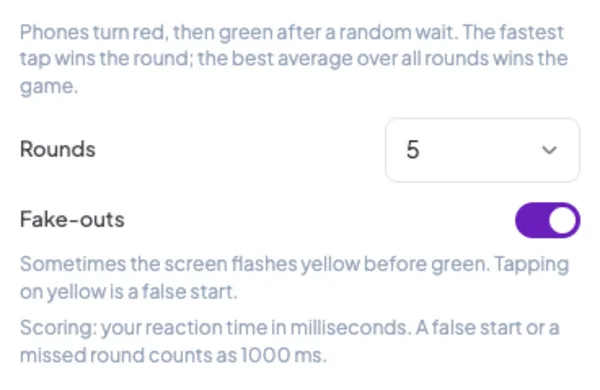
3, 5 (default), 7 or 10 rounds. Each round is one red-to-green; the next round starts by itself 5 seconds after the result.
Fake-outs
Off by default. On: in most rounds the screen flashes yellow for a moment during the red. Tapping on yellow counts as a false start, so players have to wait for real green.
Scoring
Your reaction time in milliseconds: lower is better. A false start, a tap faster than 100 ms (a guess, not a reaction) or no tap within 3 seconds of green counts as 1000 ms. The winner has the lowest average over the rounds they played; a tie goes to the faster single reaction.
Present & share the join code
- 1Click Present in the top bar to put the slide on the big screen.
- 2A join code and a QR code appear (e.g.
36Y56). - 3Participants open the Audience app at join.engageslide.com, type the code and press Enter — or simply scan the QR.
- 4When everyone has joined, the responses start flowing in live.
How the audience responds
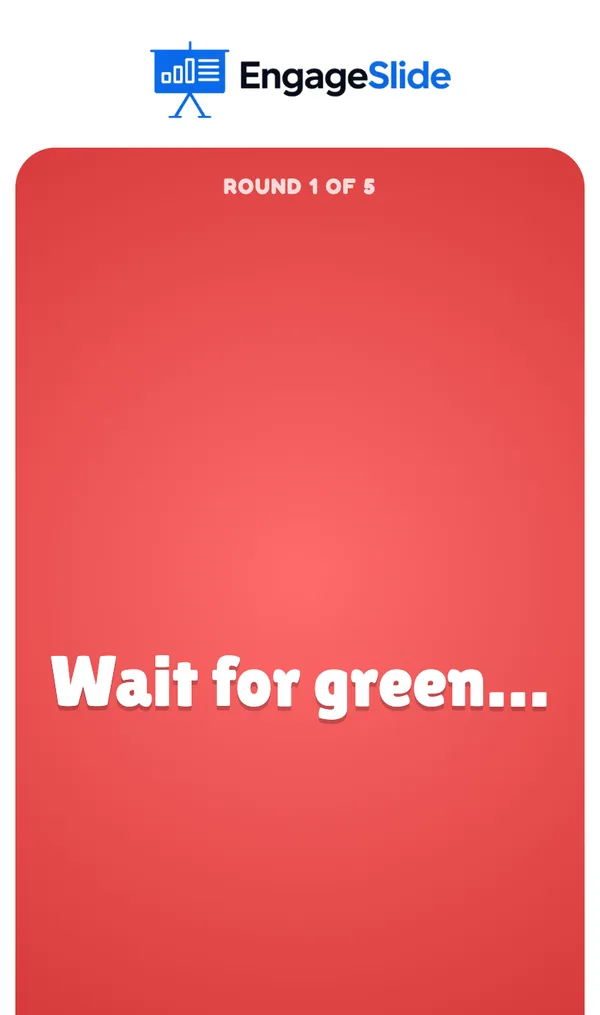
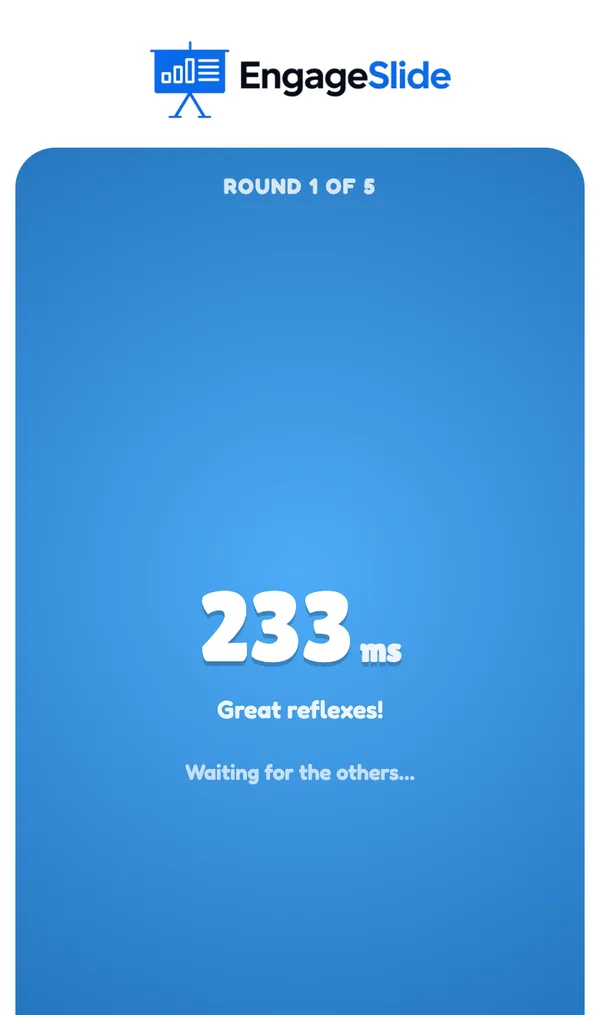
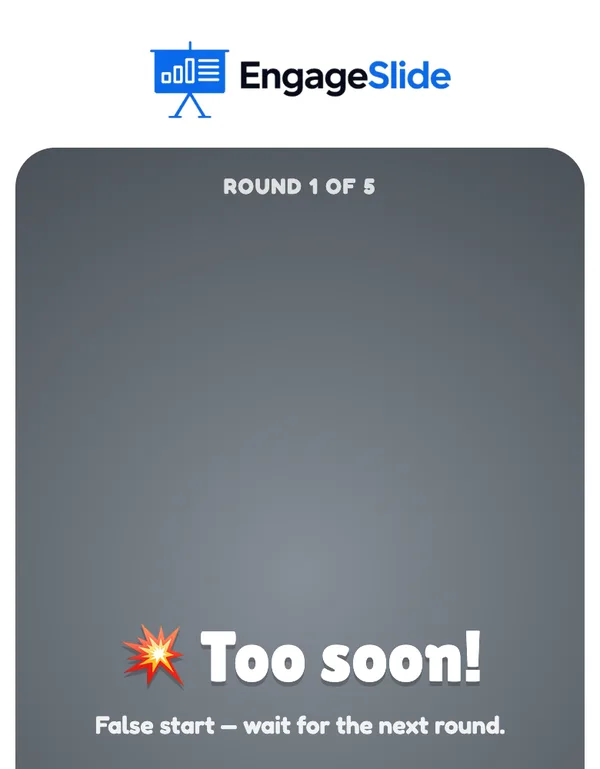
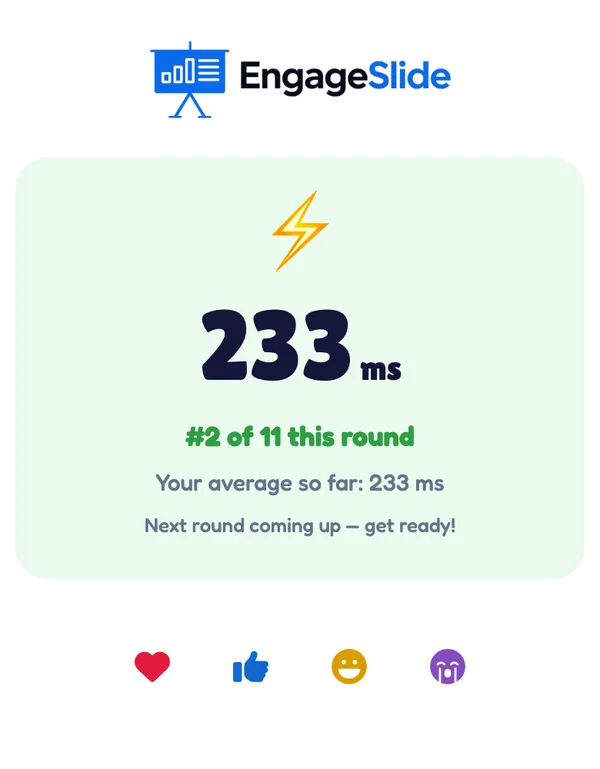
Players join with your code and pick a name and avatar; the phone says You’re in! with the rules in three coloured chips — Red: wait, Green: TAP! and, with fake-outs on, Yellow: trap!. When a round starts, the whole phone screen becomes one big button: grey with Get ready…, then red with Wait for green…, then green with TAP!. As soon as the player taps, the phone shows their time, for example 233 ms with Great reflexes!. Tapping on red or yellow shows 💥 Too soon! — the player sits out the rest of that round. After each round the phone shows the result — the time and the place in that round (#2 of 11 this round), or False start / Missed it — and the average so far. At the end the phone shows the final place, the average and the best reaction.
View results
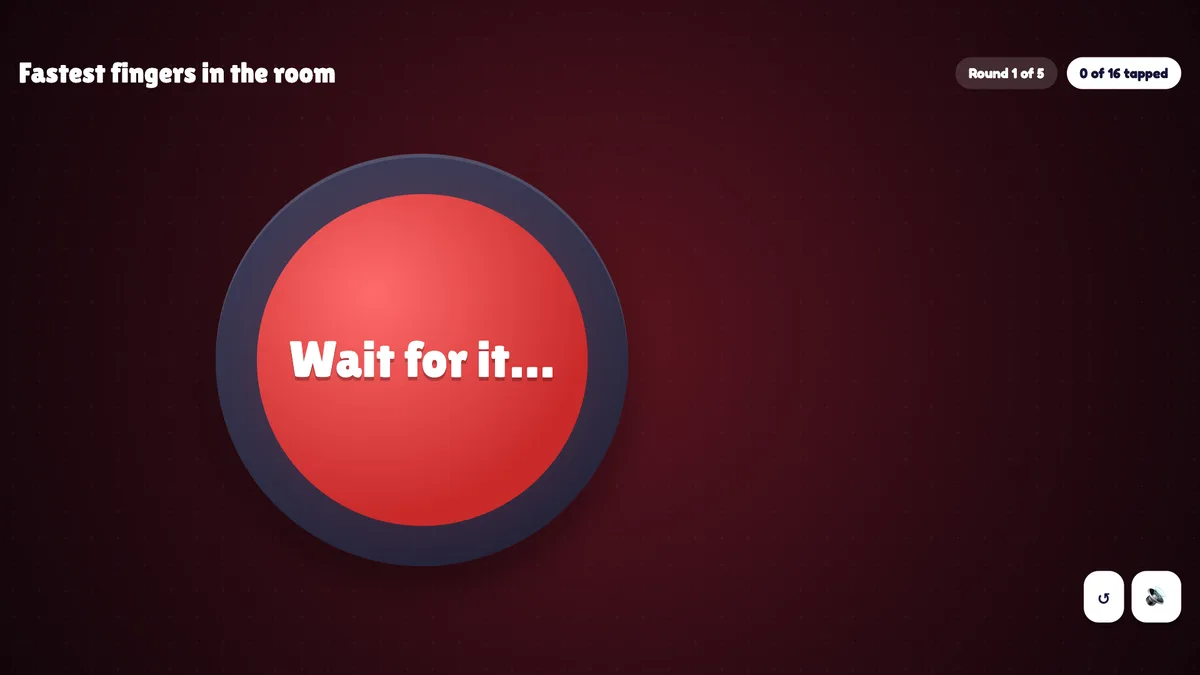
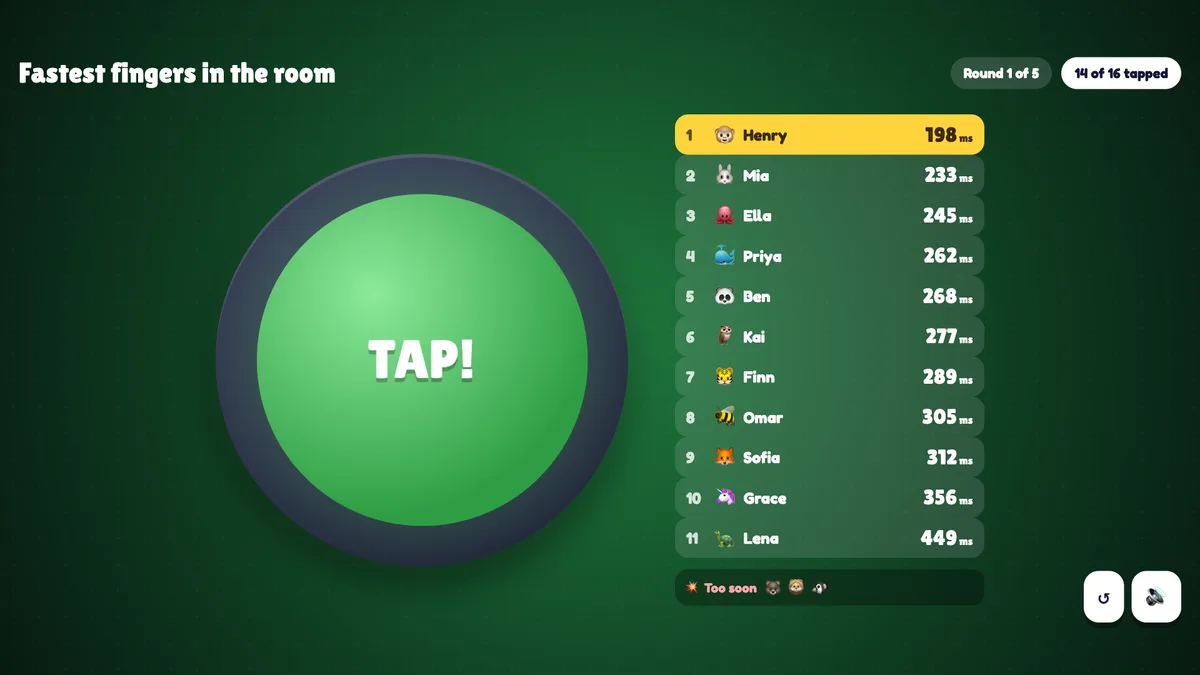
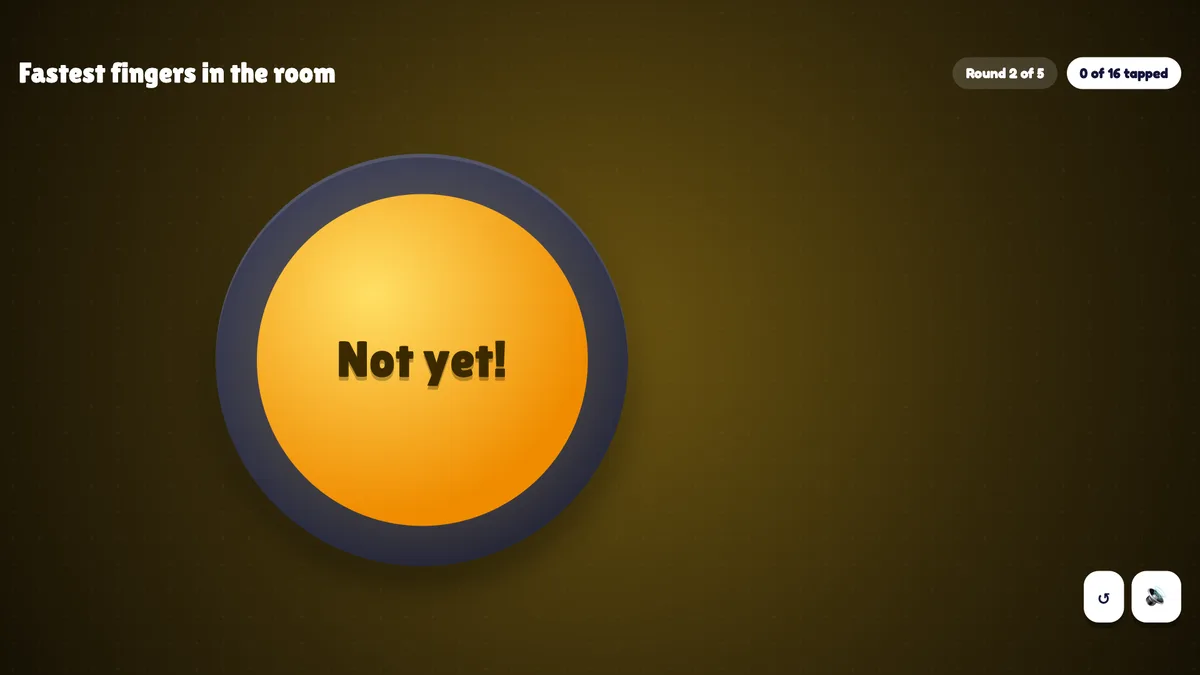
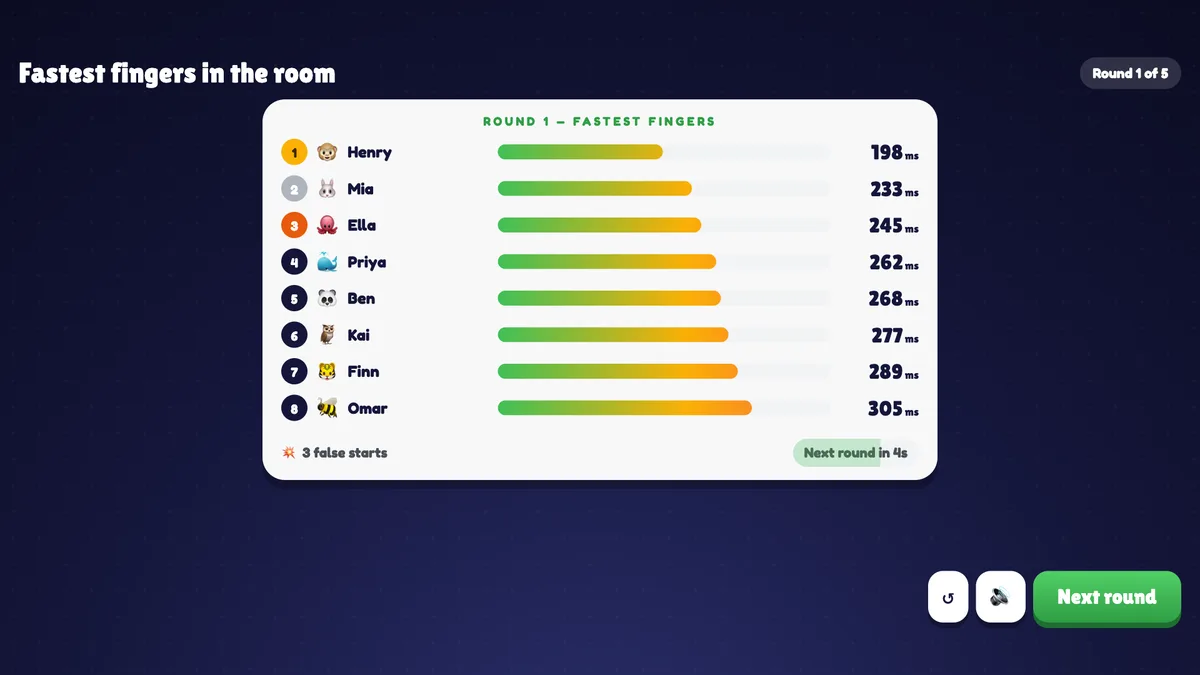
Before the first round the big screen shows the title, the rules, the number of rounds and the avatars of everyone who joined. Press START. A big lamp in the middle shows Get ready…, then turns red (Wait for it…) and, after a random 2.5 to 6 seconds, green (TAP!) — at the same moment as the phones. Next to the lamp, every tap appears in a list sorted fastest first with its time in milliseconds, and the avatars of players who jumped the gun line up under Too soon. Chips at the top show the round (Round 1 of 5) and how many have tapped. The round closes as soon as everyone has tapped, or 3 seconds after green. The round result shows the fastest fingers as bars with their times and the number of false starts; the next round starts by itself after 5 seconds, or press Next round. After the last round press See results: a podium for the three best averages, places 4 to 10 and the fastest single reaction of the game. Play again starts a new game with the same players; ↺ goes back to the start screen.
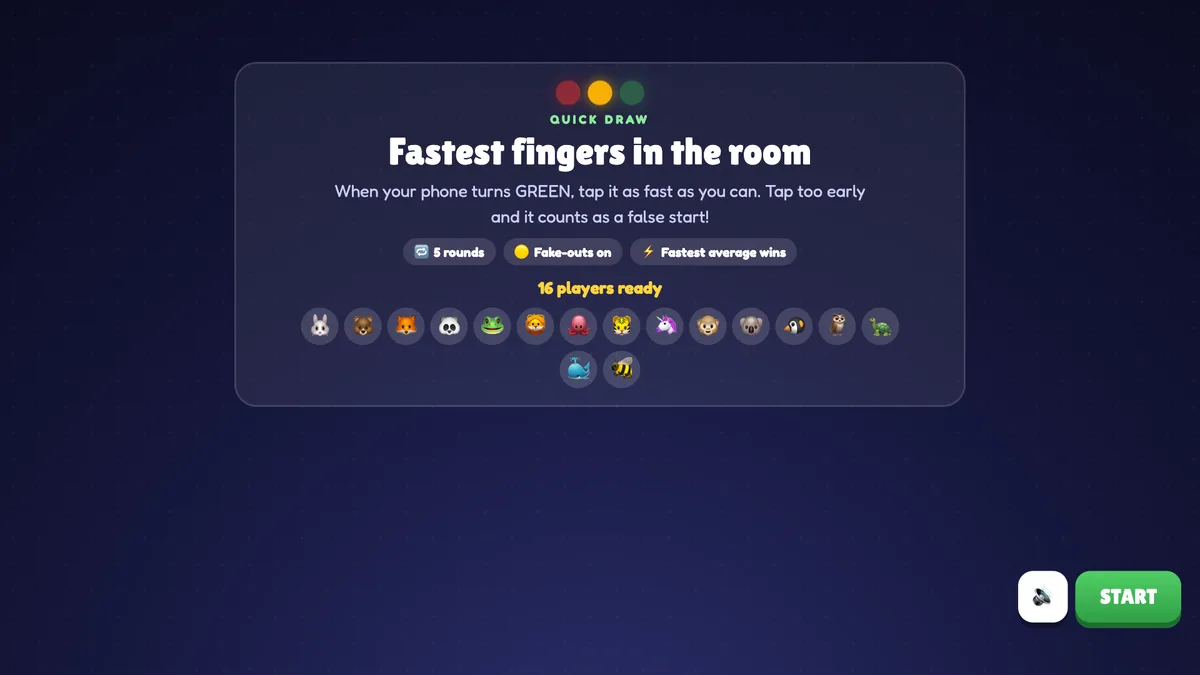
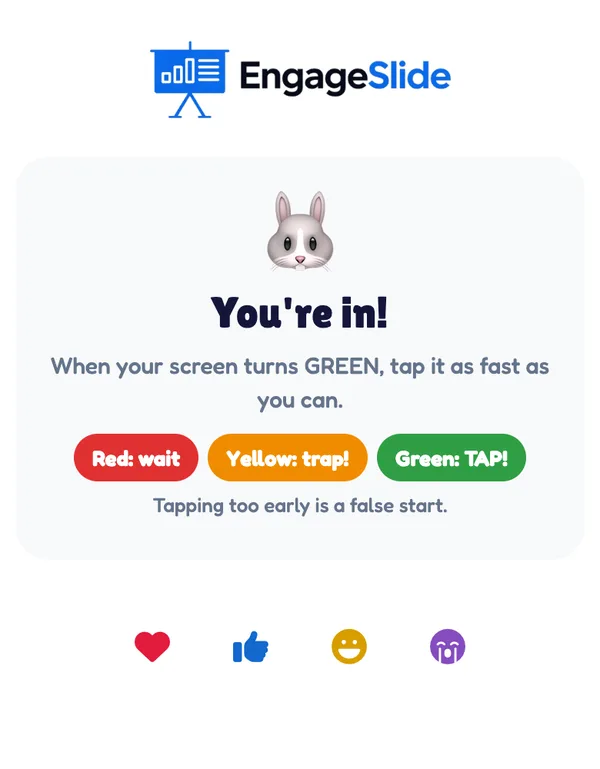
real screenshots
real screenshots
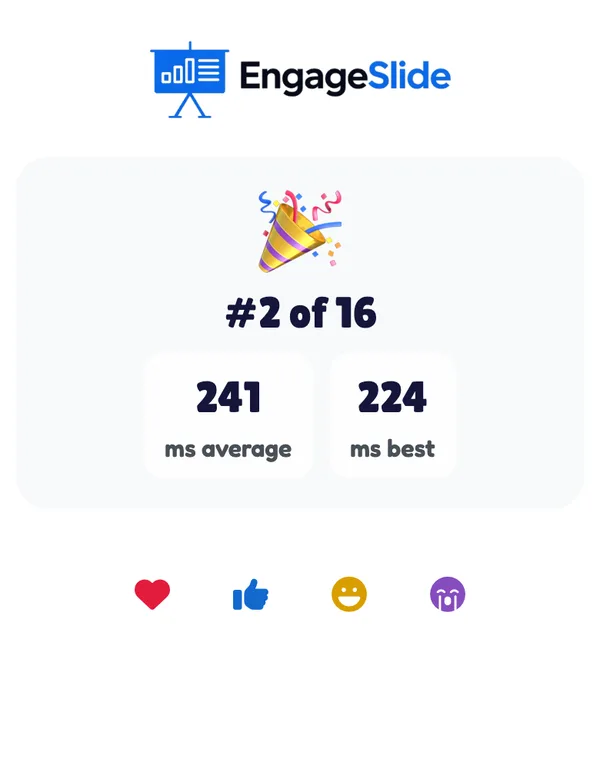
real screenshots
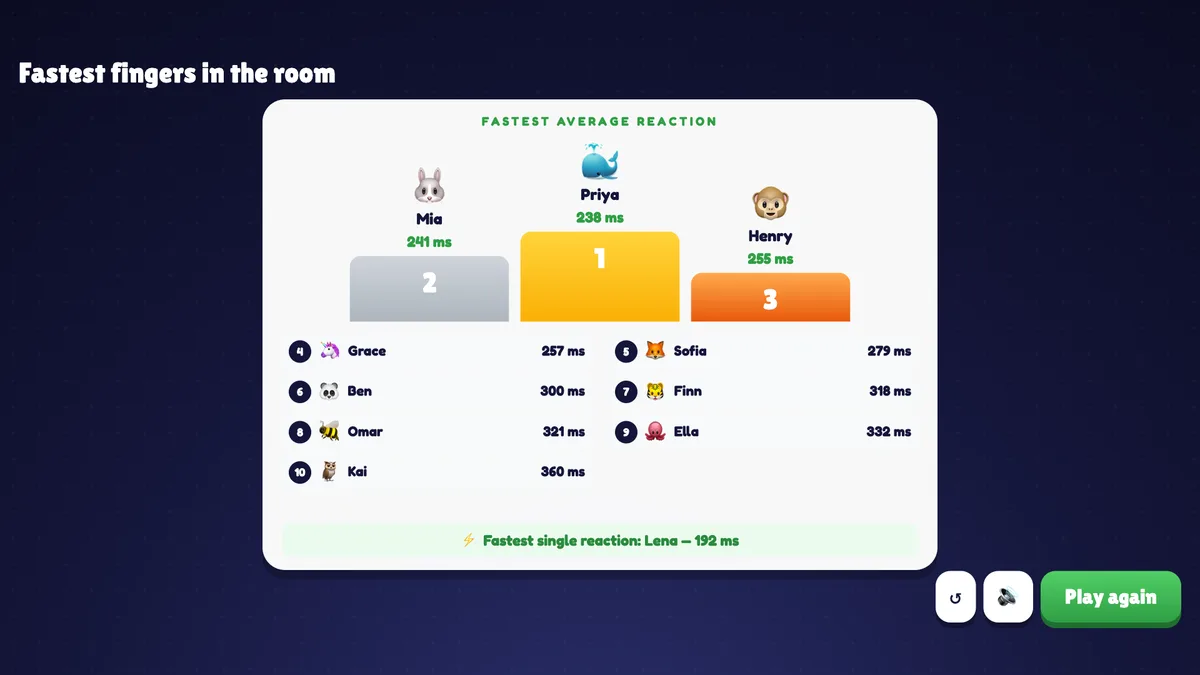
Ways to use Quick Draw
- Energizer: wake a room up after lunch or a long talk in under a minute.
- Icebreaker: a first activity that needs no knowledge at all, so everyone can win.
- Picking an order: the fastest player chooses first, presents first or picks the next topic.
- Classroom: a quick reward between activities, or a fun way to talk about reaction time in a science lesson.
Frequently asked
Does a slow internet connection make a player slower?
No. The phone learns when to turn green and then measures the time between its own green screen and the tap. Network delay only changes when the green appears, not the time that is measured.
What counts as a false start?
Tapping while the screen is red or yellow, or a tap less than 100 ms after green — nobody reacts that fast, so it was a guess. A false start counts as 1000 ms for that round.
What if a player doesn’t tap?
The round waits up to 3 seconds after green. A player who hasn’t tapped by then is counted as Missed it (1000 ms).
How is the winner decided?
By the lowest average time over the rounds each player played, with false starts and missed rounds counted as 1000 ms. If two players have the same average, the one with the faster single reaction wins.
Can players join late?
Yes. A late player can play from the round they join; their average is worked out over the rounds they actually played.
What if I close or refresh the presenting window?
Everyone who joined shows up again straight away. If the slide is still open in another window (the editor or a second presenting window), the game carries on: a round result or the podium stays as it was, and a round that was in the middle of red/green starts again. If it was the only window, the game goes back to the start screen.
Does it add points to the leaderboard slide?
No. Quick Draw has its own results and does not change quiz scores.