🎮Quiz & Game Slides 5 min read
Rock Paper Scissors
The whole room plays rock, paper, scissors against the big screen. Lose and you’re out — the last two face off in a final duel.
What is Rock Paper Scissors?
Rock Paper Scissors turns the playground classic into a game for the whole room. Everyone picks rock ✊, paper ✋ or scissors ✌️ on their phone, the big screen chants Rock… paper… scissors… and then throws its own hand. Beat it or tie and you stay in; lose — or don’t pick in time — and you’re out. Throw after throw the room shrinks, and when only two players are left they stop playing the screen and face each other in a final duel: first to win two throws takes the game. There is nothing to prepare and nothing to explain, which makes it a perfect energizer, icebreaker or tie-breaker for any group size.

Presenter creates the slide Click Present Share code / QR Audience enters code Respond & submit Real-time results
Create a Rock Paper Scissors slide
- 1On Home, click + Create new presentation (or add a slide to an existing one).
- 2In Choose Slide Type, pick Rock Paper Scissors. You can also type it into Search slide types….
- 3The slide is created and the right panel opens on the Content tab.
Set up the content
- 1Add a Rock Paper Scissors slide from the Games tab of the slide picker. There are no questions to write.
- 2Type a title in Enter your question or title — it is shown on the big screen, for example Beat the screen!.
- 3Open Settings to choose the time to pick and whether the last two play a final duel.
- 4Present the slide, let everyone join, and press START (or Enter).
Rock Paper Scissors settings
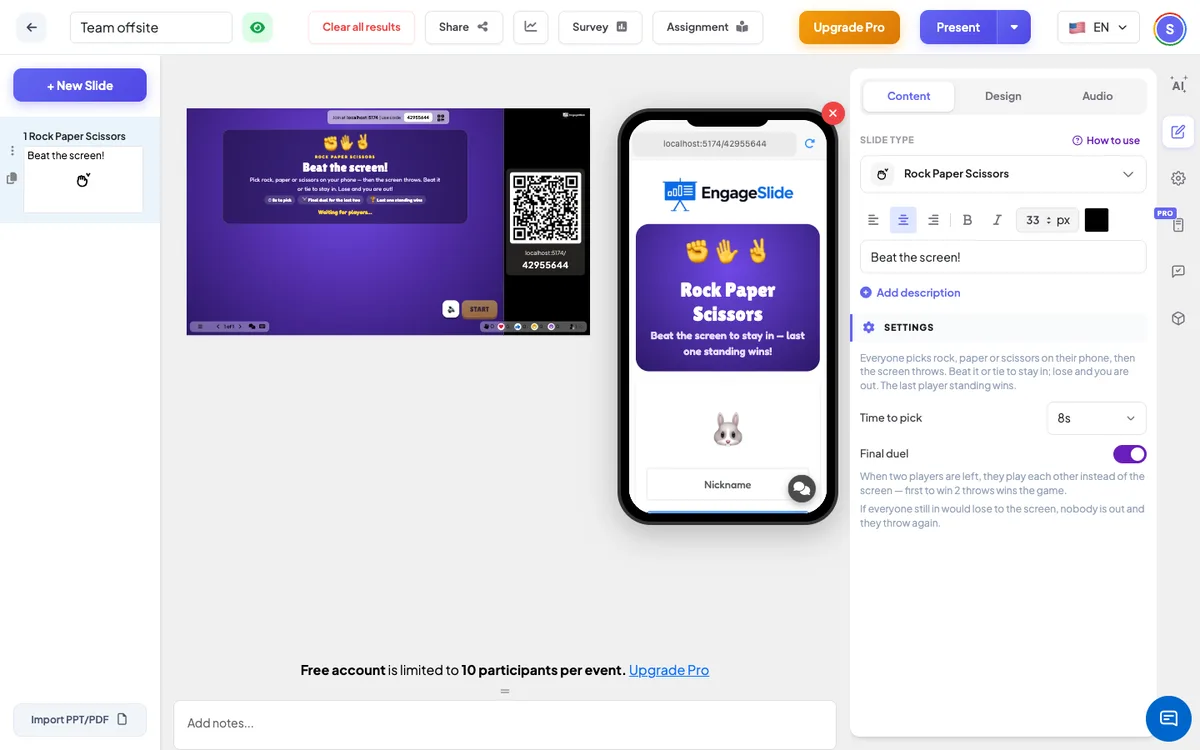
Time to pick
3, 5 (default) or 8 seconds per throw. The throw happens early once everyone still in has picked. Players can change their pick until then.
Final duel
On by default. When two players are left (of a game that started with three or more), they play each other instead of the screen. A win scores a point, a tie scores nothing, and the first to 2 points wins. Off: the last players keep playing the screen until one is left.
Nobody loses everyone
If every player still in would lose to the screen on the same throw, nobody goes out and the room throws again — so a game never ends with no winner.
Present & share the join code
- 1Click Present in the top bar to put the slide on the big screen.
- 2A join code and a QR code appear (e.g.
36Y56). - 3Participants open the Audience app at join.engageslide.com, type the code and press Enter — or simply scan the QR.
- 4When everyone has joined, the responses start flowing in live.
How the audience responds
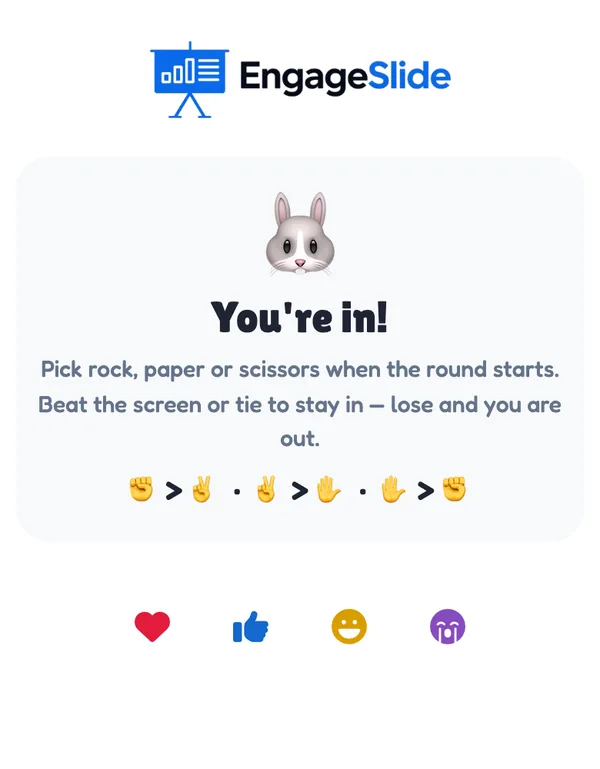
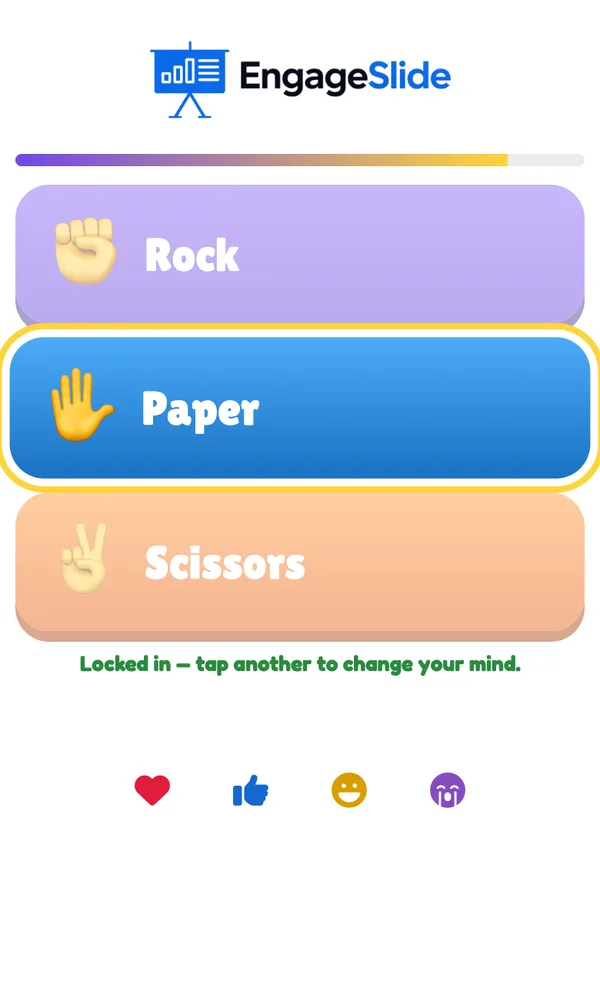
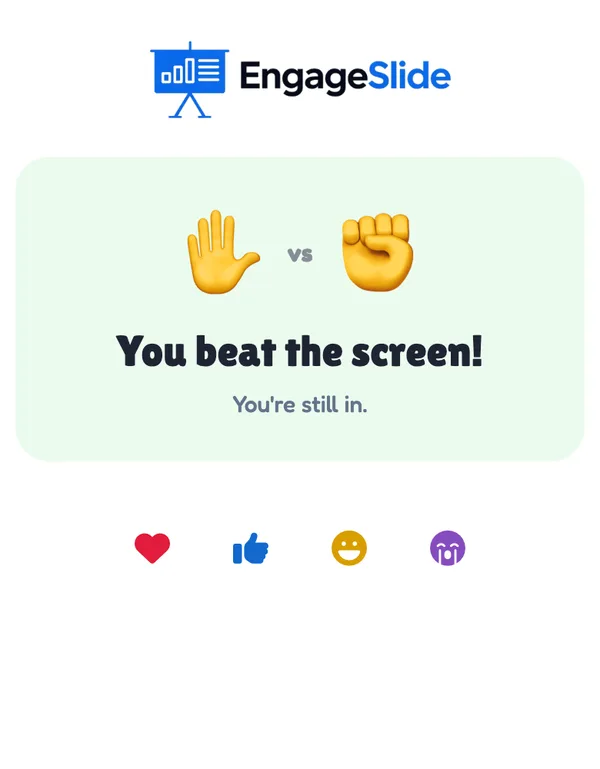
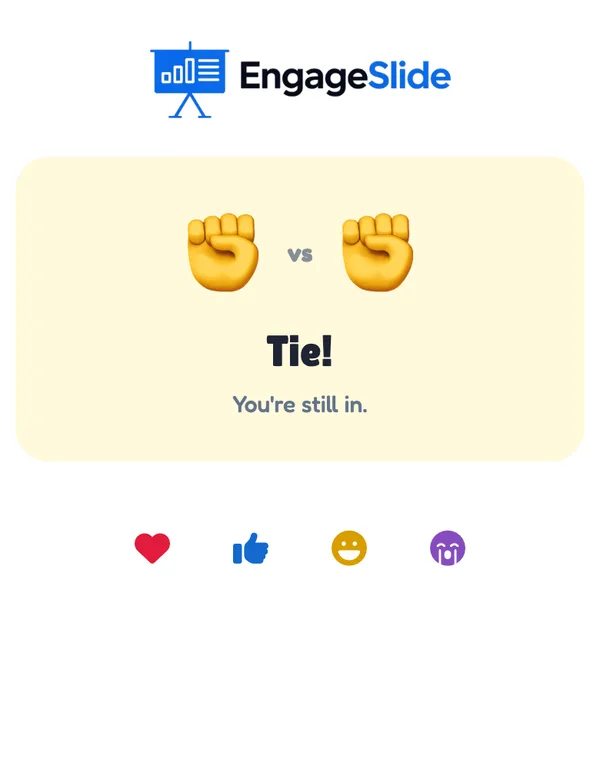
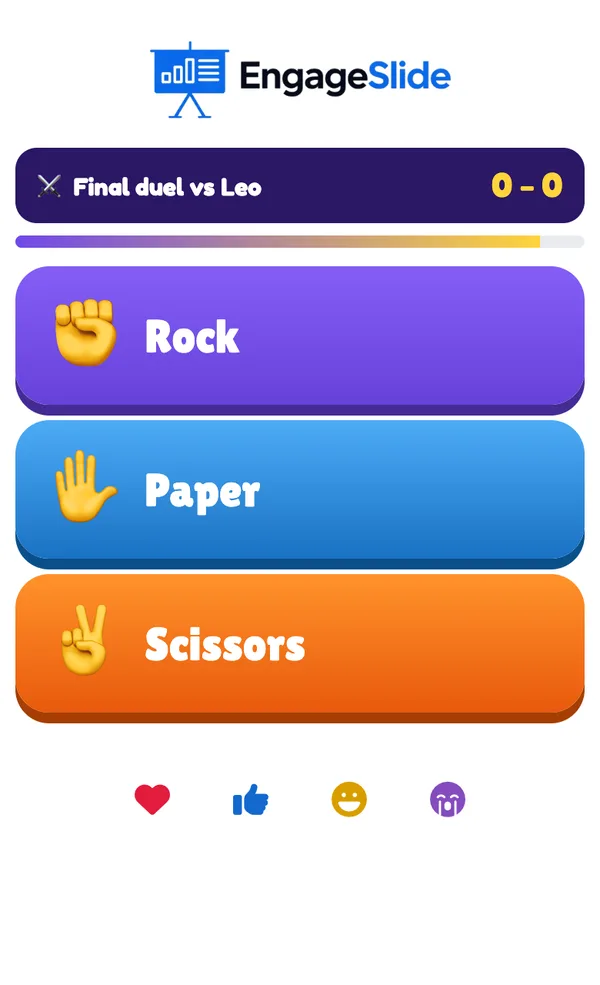
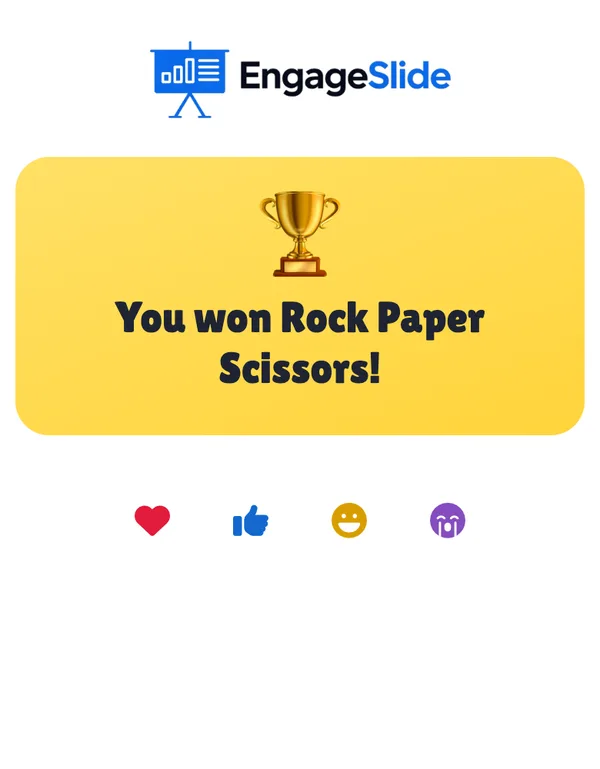
Players join with your code and pick a name and avatar; the phone says You’re in! and shows who beats whom (✊ beats ✌️, ✌️ beats ✋, ✋ beats ✊). During a throw the phone shows a time bar and three big buttons — Rock, Paper and Scissors. Tapping one locks it in (Locked in — tap another to change your mind.). During the chant the phone shakes a fist (Rock… paper… scissors…), then shows both hands and the result: You beat the screen!, Tie! or You’re out! (no pick counts as a loss). Players who are out see You’re out and watch the rest on the big screen. In the final duel the phone shows the opponent and the score, for example Final duel vs Leo — 1 – 0. At the end the winner sees You won Rock Paper Scissors! and everyone else their place. Players who join after the start watch until Play again.
View results
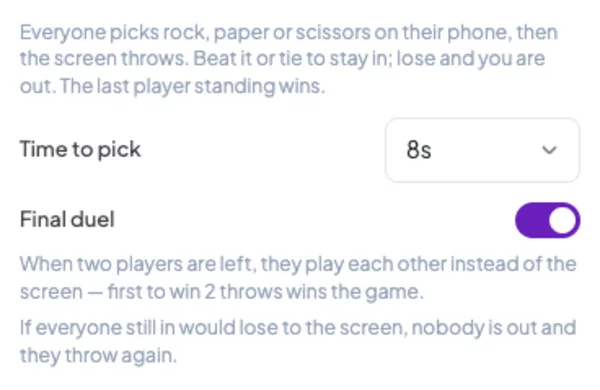
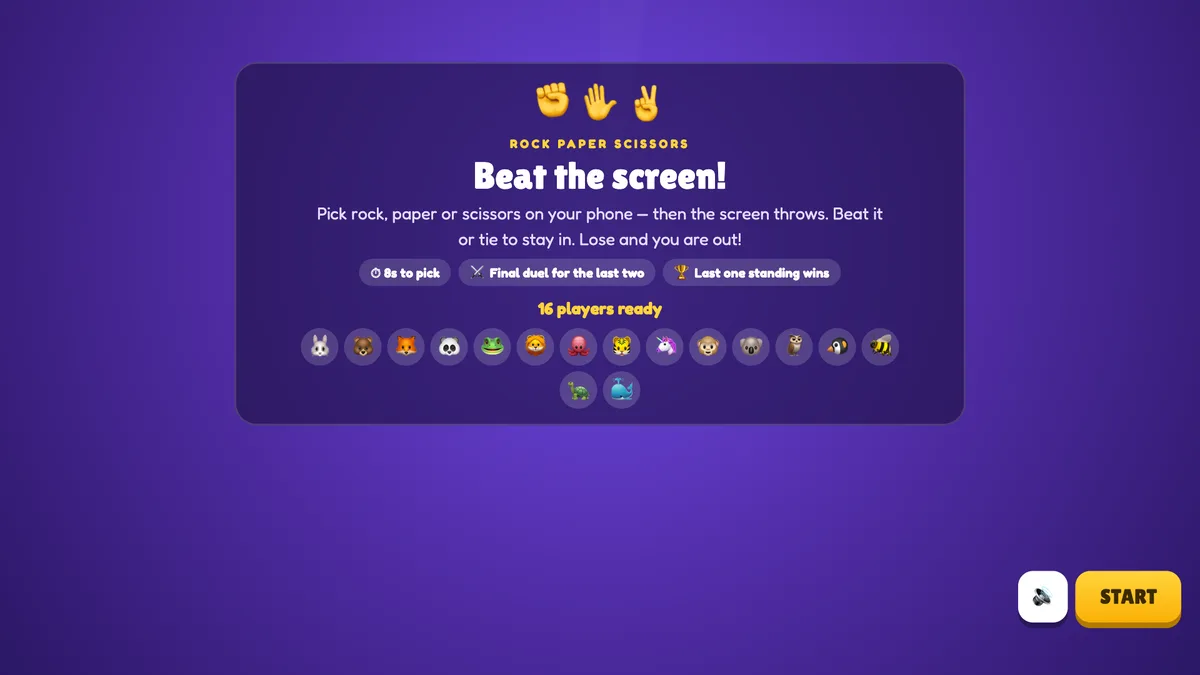
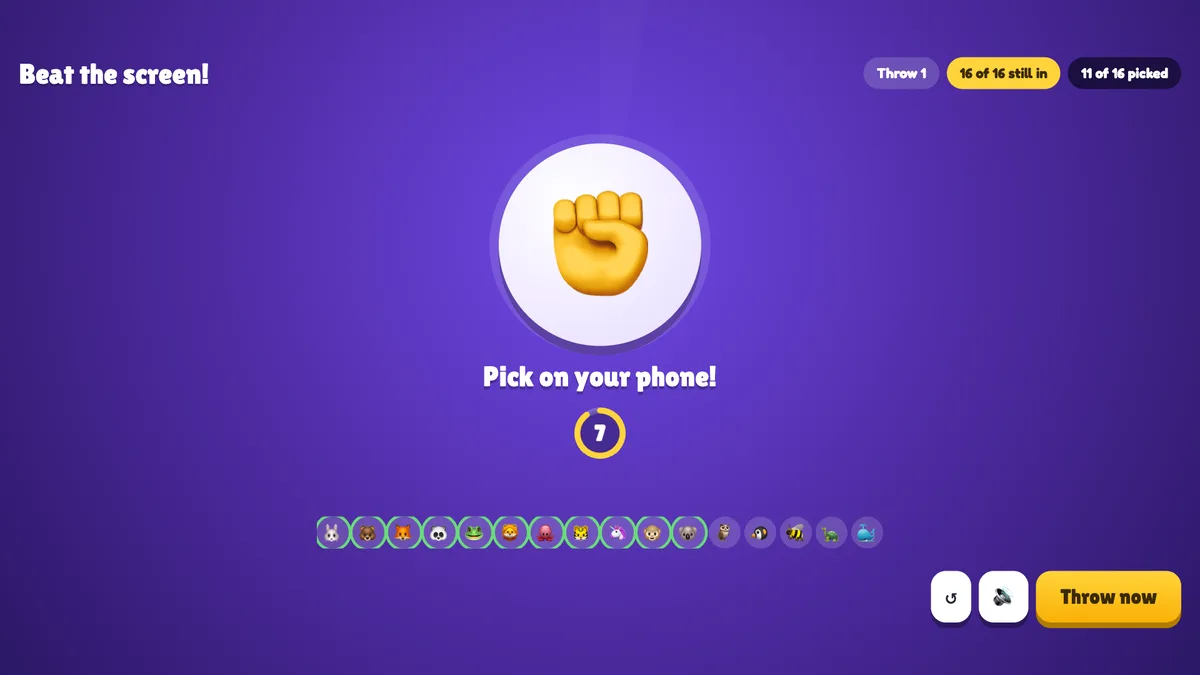
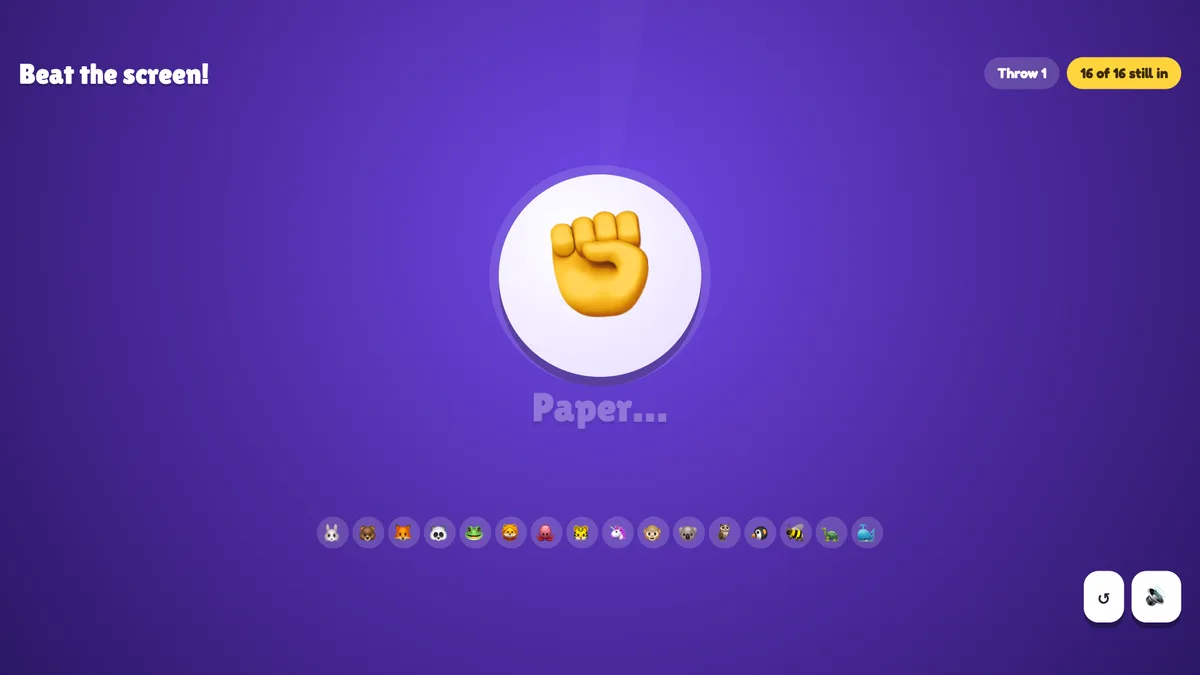
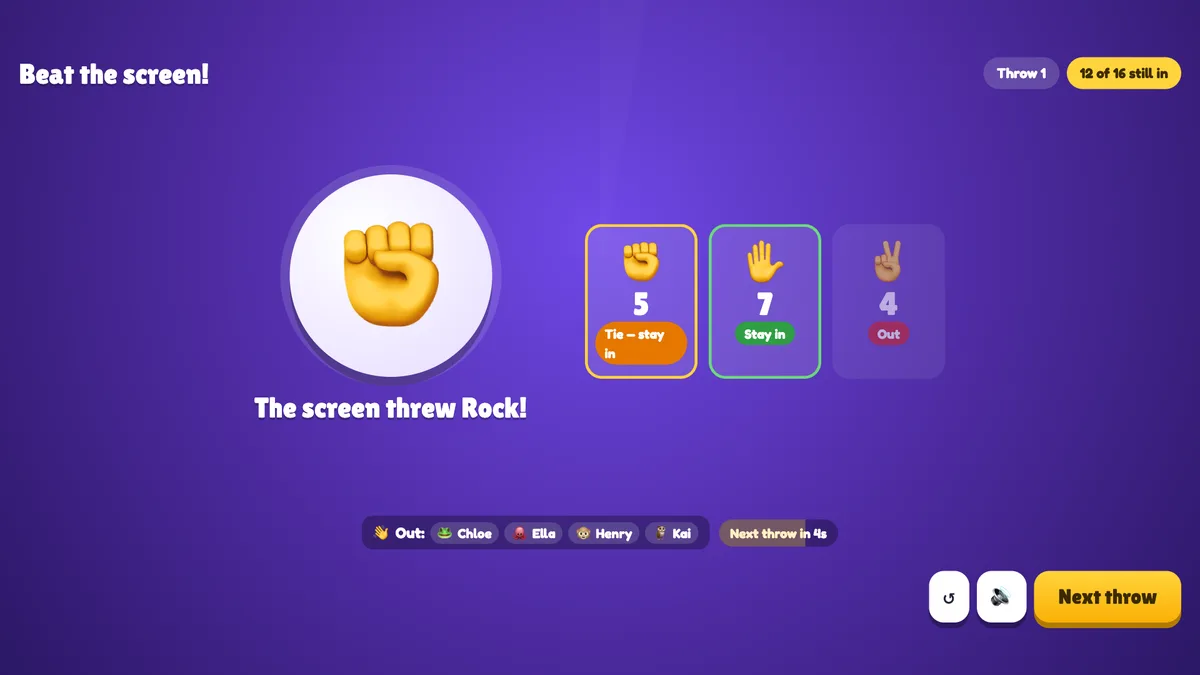
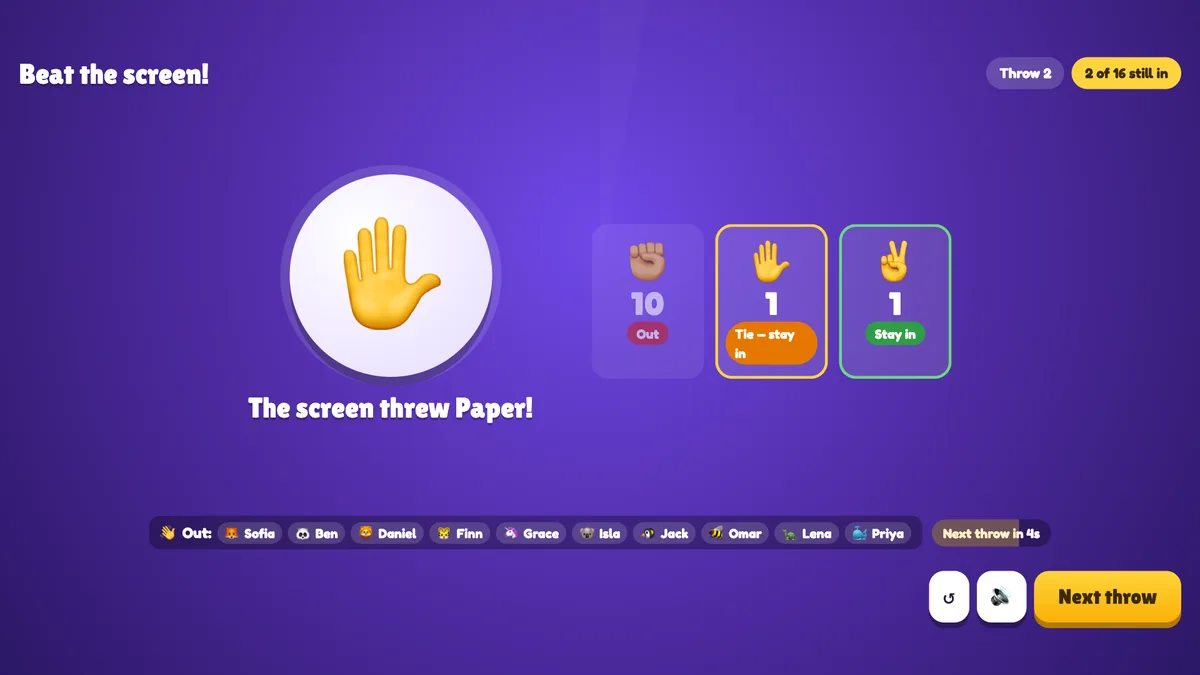
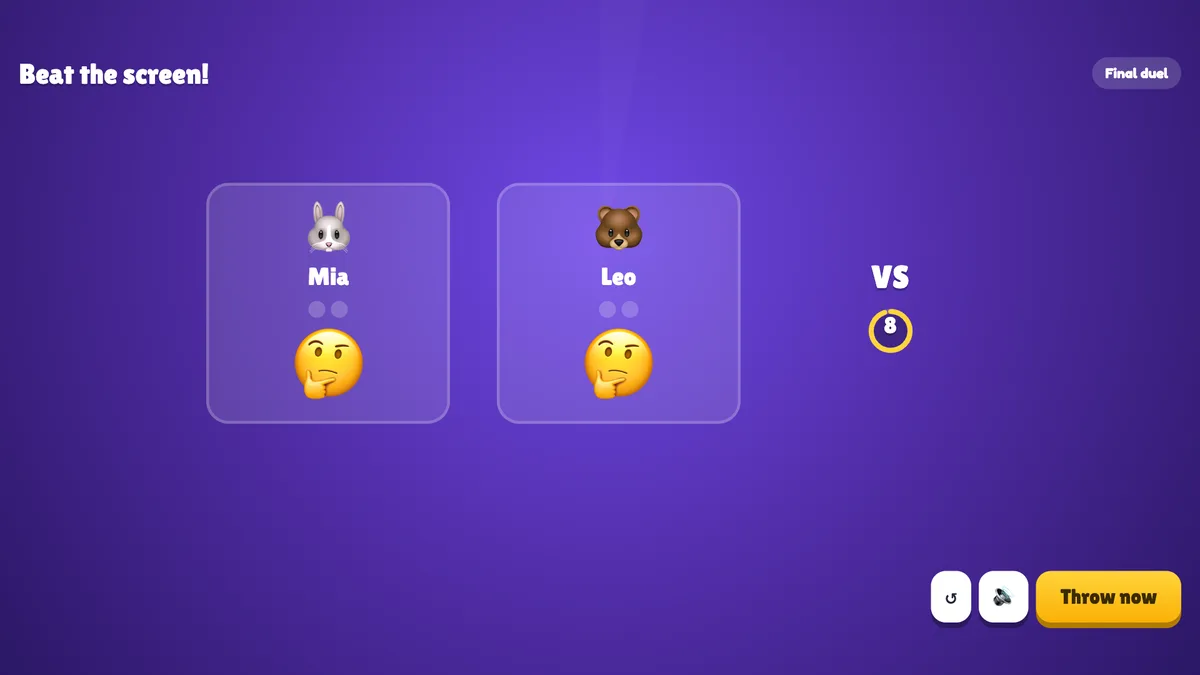
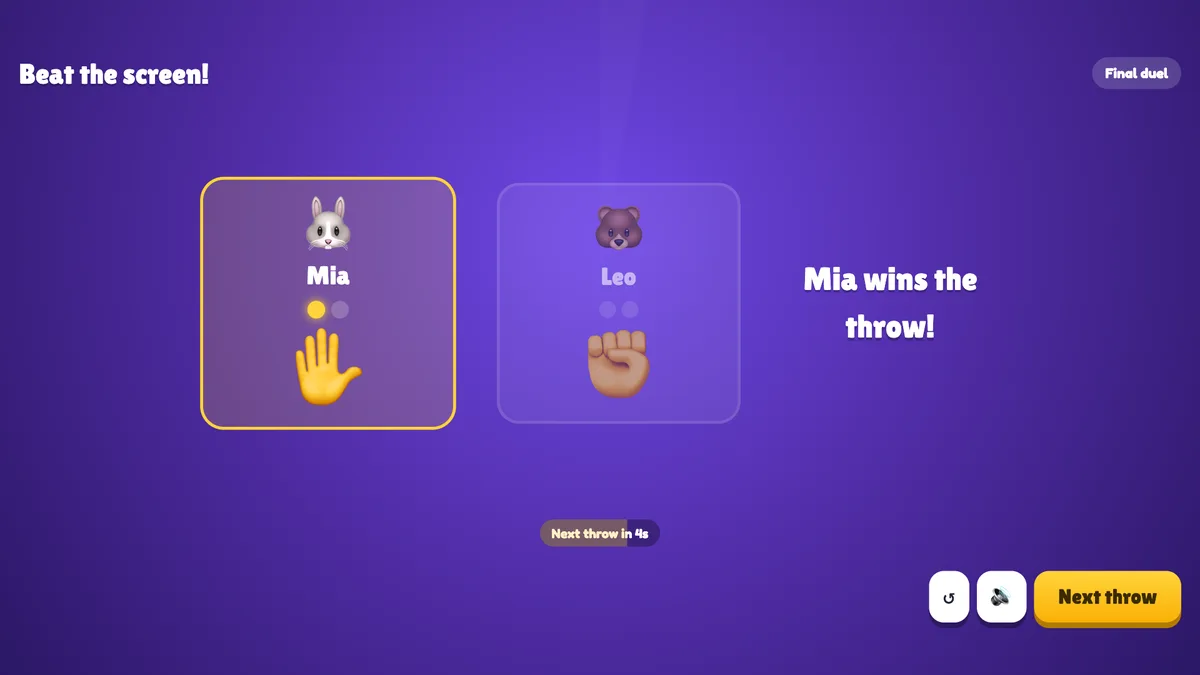
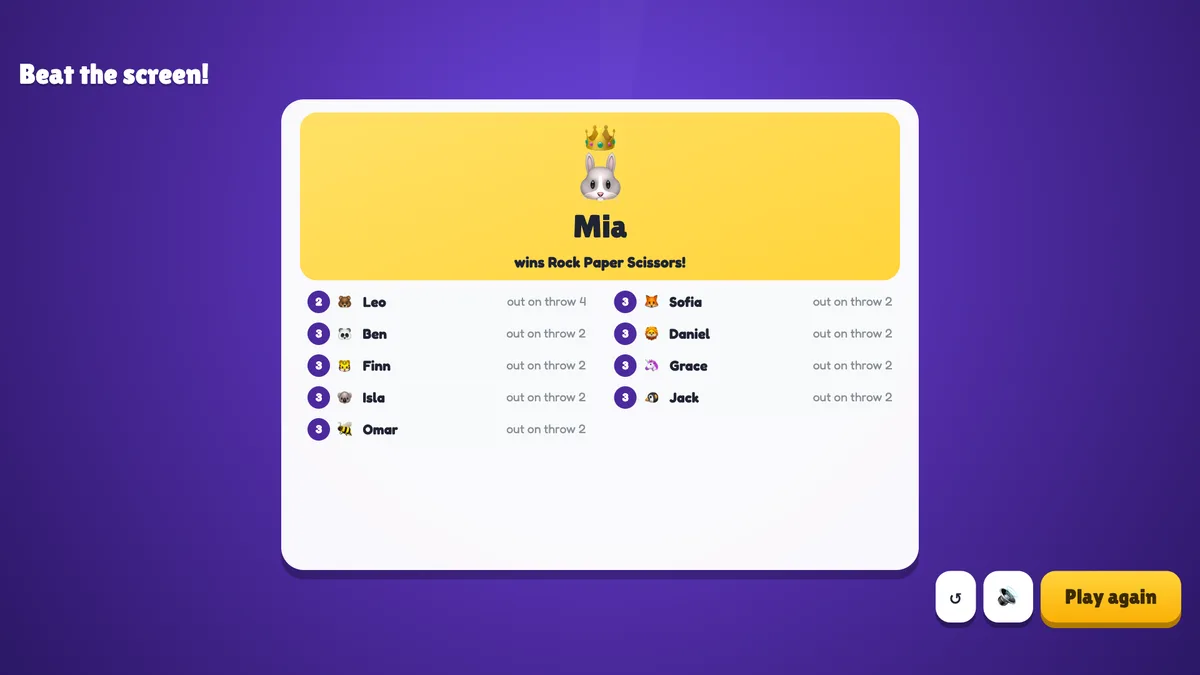
Before the game the big screen shows the title, the rules, the time to pick, whether there is a final duel and everyone who joined. Press START. A big white circle shows the screen’s fist with Pick on your phone! and a countdown ring; chips at the top show the throw number, how many players are still in and how many have picked, and the avatars of the players still in line up at the bottom (a green ring when they’ve picked). Press Throw now to throw before the timer ends. The screen chants Rock… Paper… Scissors… while the fist shakes, then throws: The screen threw Paper!. Three columns show how many players picked each hand and what happened to them — Stay in, Tie — stay in or Out — and the players who went out are listed under Out:. The next throw starts by itself after 5 seconds, or press Next throw. In the final duel the two players stand side by side with their points and their hands; the winner of each throw is announced. After the last throw press See results: the winner gets a crown, and everyone else is listed with the throw they went out on. Players who went out on the same throw share a place. Play again starts a new game with the same players; ↺ goes back to the start screen.
real screenshots
real screenshots
real screenshots
Ways to use Rock Paper Scissors
- Energizer: a minute of noise and laughter after a break or a long talk.
- Icebreaker: nothing to know, nothing to share — everyone can play from the first minute.
- Big events: a whole hall plays at once; the final duel makes a great on-stage moment.
- Picking a winner: the last one standing gets the prize, presents first or chooses the next topic.
Frequently asked
How does the screen choose its hand?
At random, at the moment the picking closes — nobody, including the host, knows it in advance.
What if I don’t pick in time?
No pick counts as a loss: you go out (unless everyone still in loses, in which case nobody does). In the final duel, a missing pick loses that throw.
Can the whole room be knocked out at once?
No. If every player still in would lose on the same throw, nobody goes out and the room throws again.
When does the final duel start?
When two players are left of a game that started with three or more. With only two players from the start, they keep playing the screen until one loses.
Can I play alone to try it?
Yes. You play the screen throw after throw until you lose.
Can players join late?
They can join, but they watch the current game and play when you press Play again.
What if I close or refresh the presenting window?
Everyone who joined shows up again straight away. If the slide is still open in another window, the game carries on with the same players still in; a throw that was still open starts again, and a result or the podium stays. If it was the only window, the game goes back to the start screen.