🎮Quiz & Game Slides 4 min read
Zombie Race
A Halloween race your audience runs from their phones — players pick a costume and tap to make their racer run faster.
What is Zombie Race?
Zombie Race is a spooky party game for your whole audience. Every player picks one of 20 Halloween costumes — zombies, pumpkin heads, skeletons, a mummy, a vampire, a witch, a ghost, a werewolf and more — and joins the race on the big screen. When you press GO, players tap their phones as fast as they can to make their racer run faster, while racers stumble, hop, spin and even lose their heads along the way. Whoever is in front when time runs out wins the crown.

Presenter creates the slide Click Present Share code / QR Audience enters code Respond & submit Real-time results
Create a Zombie Race slide
- 1On Home, click + Create new presentation (or add a slide to an existing one).
- 2In Choose Slide Type, pick Zombie Race. You can also type it into Search slide types….
- 3The slide is created and the right panel opens on the Content tab.
Set up the content
- 1Click New Slide, open the Games tab and choose Zombie Race.
- 2Set the Race Duration in seconds (at least 5; 15–30 seconds works well).
- 3Pick a Theme: Graveyard (moonlit tombstones and lightning), Ruined City or Toxic Swamp.
- 4Leave Let the audience boost on so players can tap to run faster — or turn it off for a hands-free race with a random winner.
- 5Present the slide, let everyone join and pick a costume, then press GO (or Enter).
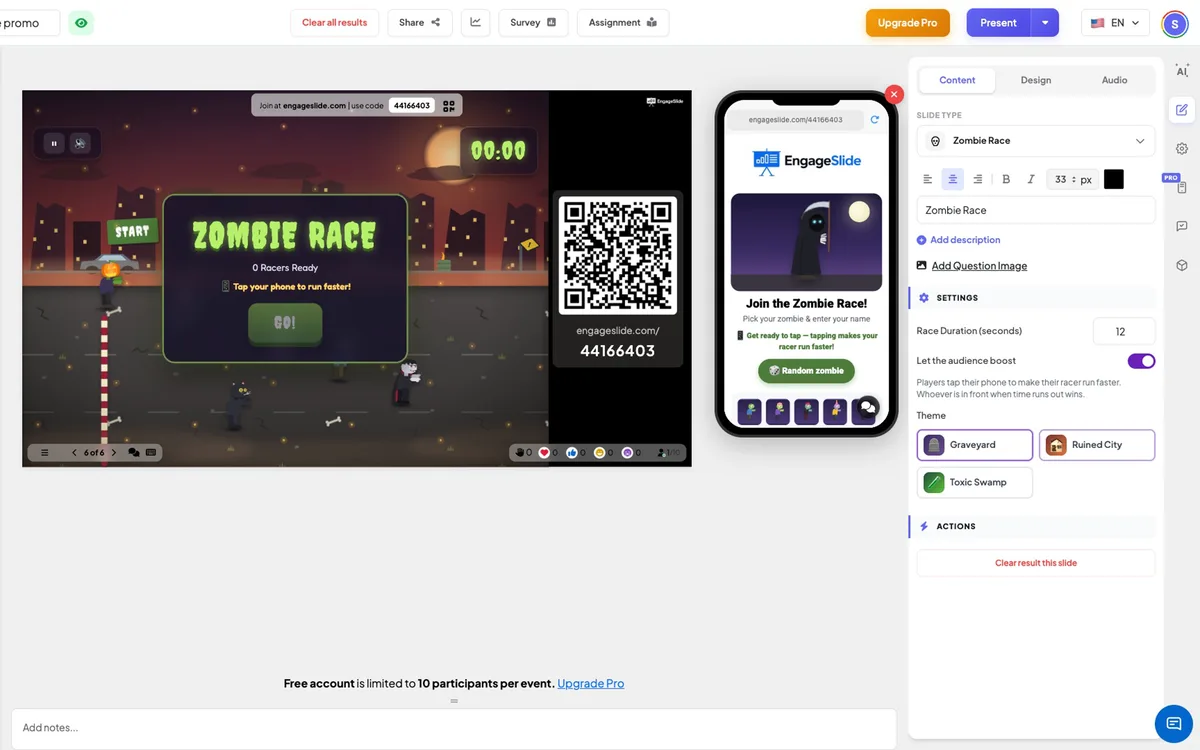
Zombie Race settings
Race Duration (seconds)
How long the race lasts. The finish line arrives exactly when the time runs out.
Let the audience boost
On (default): players tap their phones to run faster and the leader at the buzzer wins. Off: the winner is picked at random and phones just show the race status.
Theme
Graveyard, Ruined City or Toxic Swamp — each with its own scenery, fog and effects.
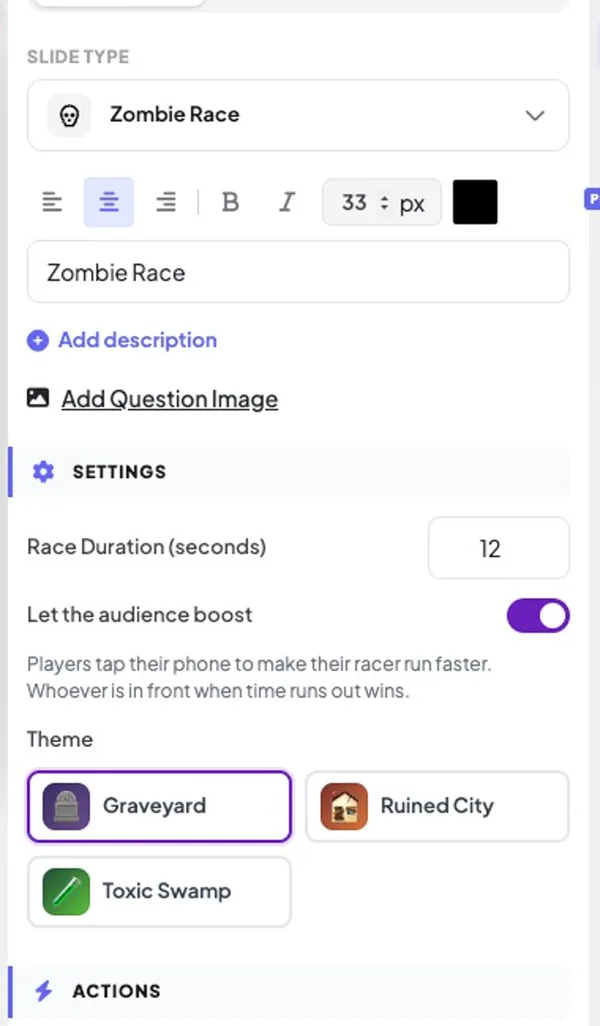
Present & share the join code
- 1Click Present in the top bar to put the slide on the big screen.
- 2A join code and a QR code appear (e.g.
36Y56). - 3Participants open the Audience app at join.engageslide.com, type the code and press Enter — or simply scan the QR.
- 4When everyone has joined, the responses start flowing in live.
How the audience responds
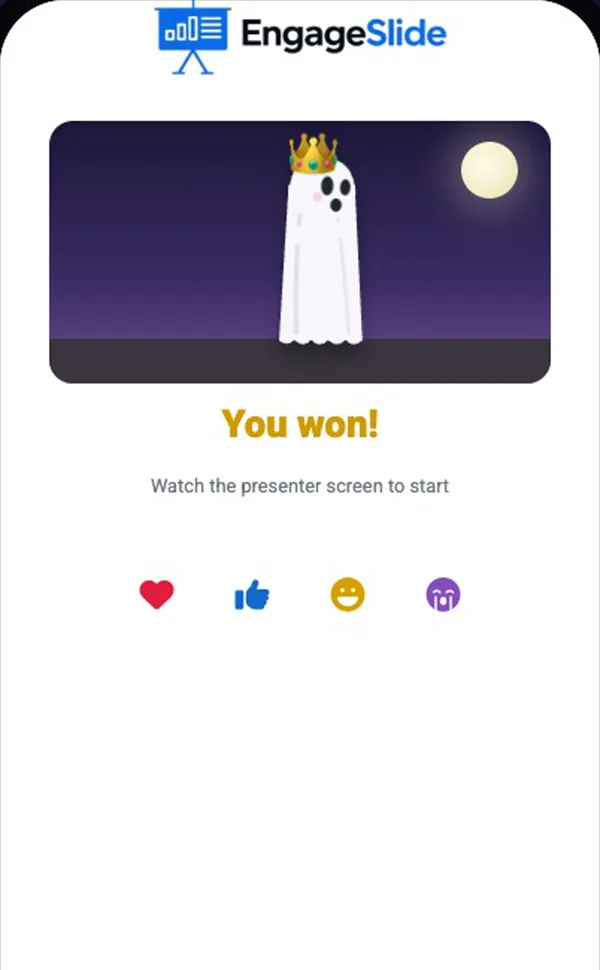
Players join with your code, pick one of 20 costumes (or tap Random zombie) and enter their name — they can switch costume until the race starts and the big screen updates instantly. During a boost race the phone shows a big TAP TO RUN! button, their live rank (for example #2 of 12) and a flame when they tap at full speed. When the race ends each phone shows You won! or the place they finished.
View results
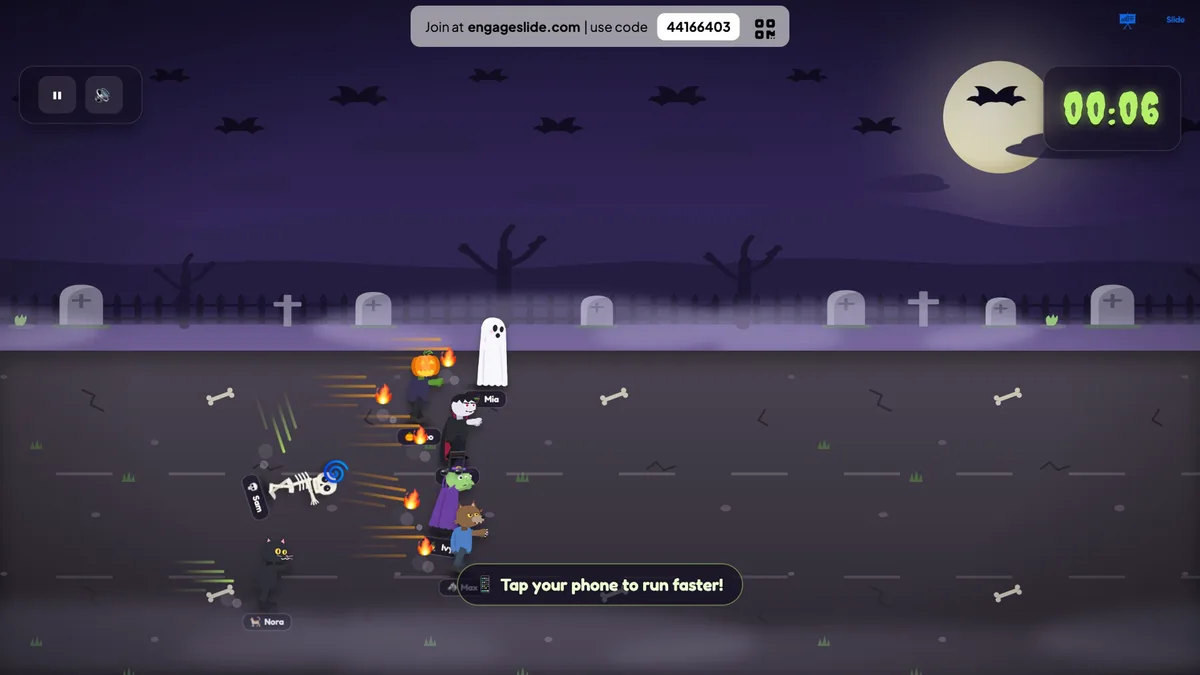
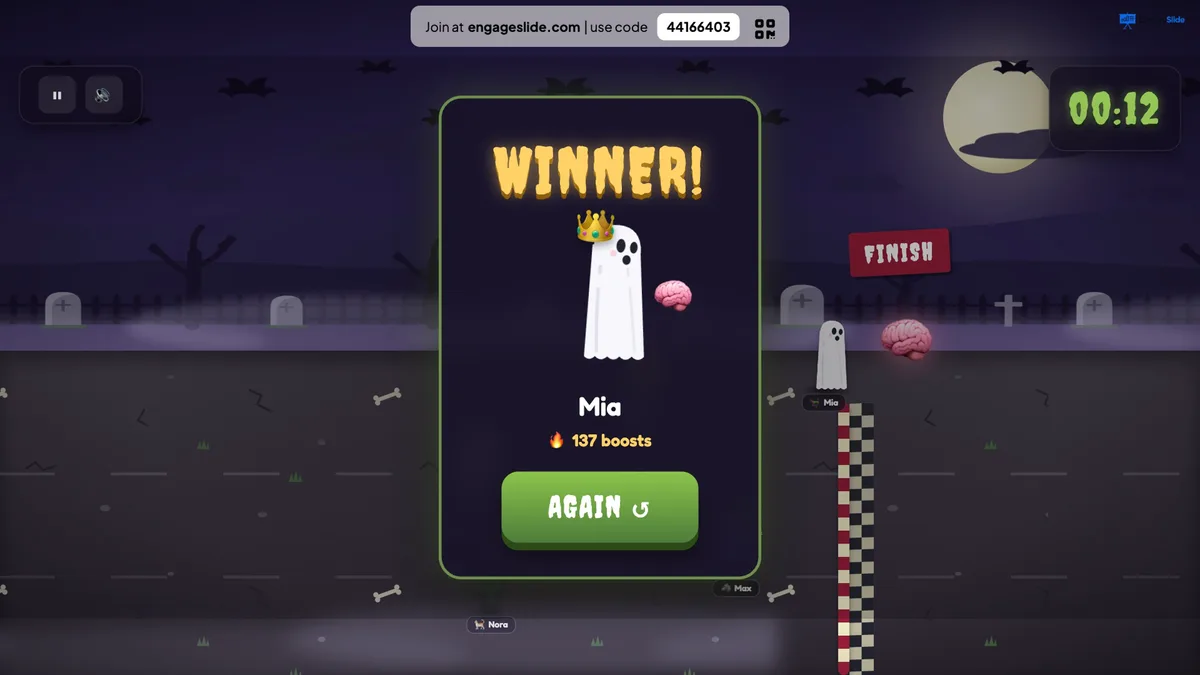
The big screen shows the racers running along the road with dust, speed lines and flames for the fastest tappers, plus random antics — stumbles, faceplants, hops, spins and spooky shouts like BRAAAINS! The finish line with a giant brain arrives when the clock runs out, the leader crosses it, and a WINNER! card shows their costume, name and how many boosts they tapped. Spooky music speeds up for the final sprint. Press AGAIN to race again.
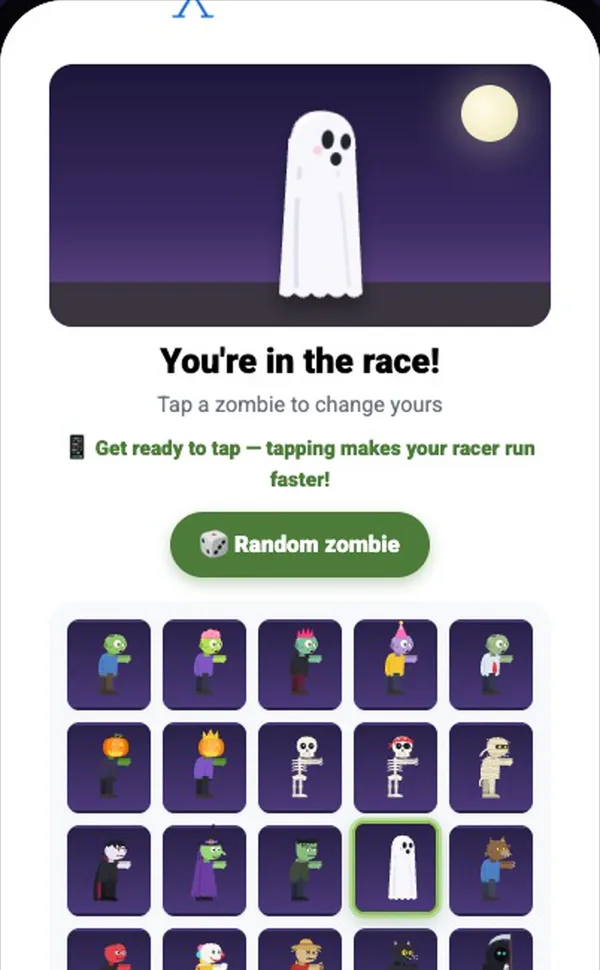
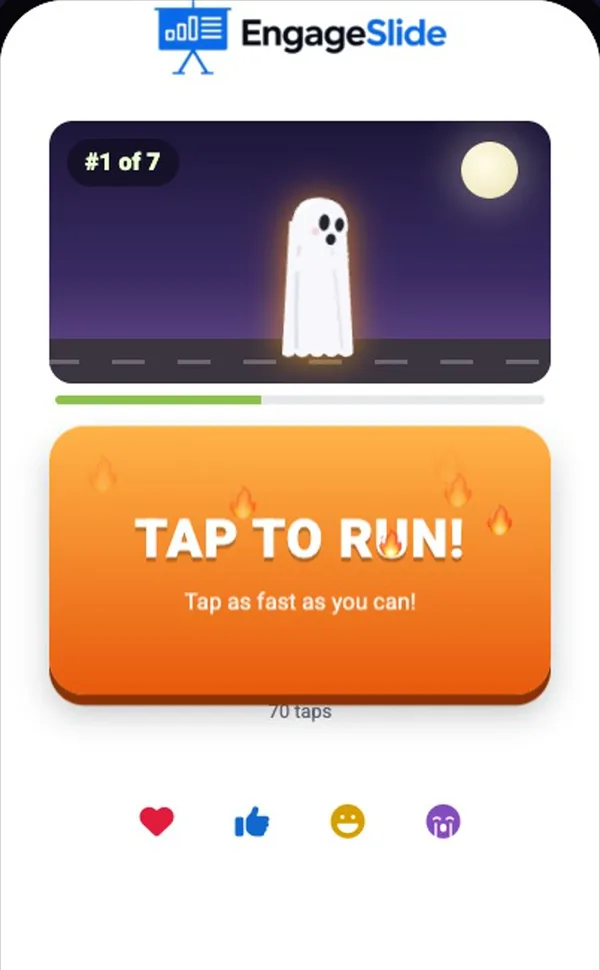
real screenshots
Frequently asked
How is the winner decided?
With audience boost on, whoever has run furthest when time runs out wins — tapping faster makes your racer faster. With boost off, the winner is picked at random, like a Duck Race.
Can players cheat with an auto-clicker?
No. Taps are capped at about 13 per second, so very fast tapping beyond that does not help.
Can players join in the middle of a race?
Yes. Late joiners start at the back of the pack and can still tap to catch up.
Does it use quiz scores?
No. Zombie Race is a standalone game — it does not need a quiz before it. Use a Leaderboard or Duck Race if you want to show quiz scores.
How many players can race?
As many as your plan allows. With bigger groups the racers shrink a little so every lane stays readable.