Interactive meetings directly inside Microsoft Teams.
Add live polls, word clouds, and competitive quizzes to your Teams meetings. Boost participation and capture real-time feedback without ever leaving the call.
No more sharing your entire screen or asking people to switch tabs. EngageSlide lives inside the Teams side panel and meeting stage.
Mobile & Desktop
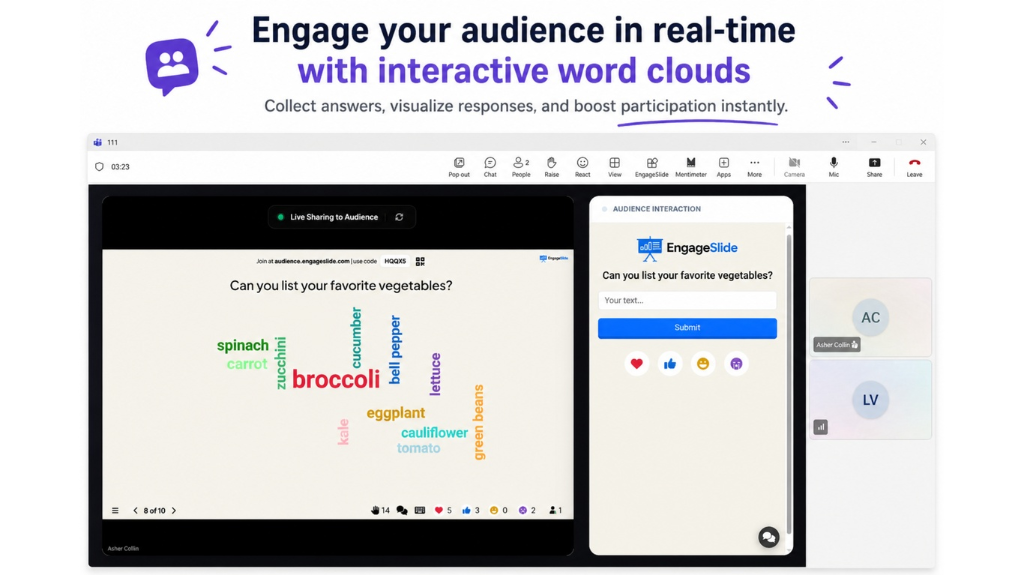
Audience members can join and interact instantly from their Teams mobile app or desktop client. One-click participation for everyone.
Interactive Word Clouds
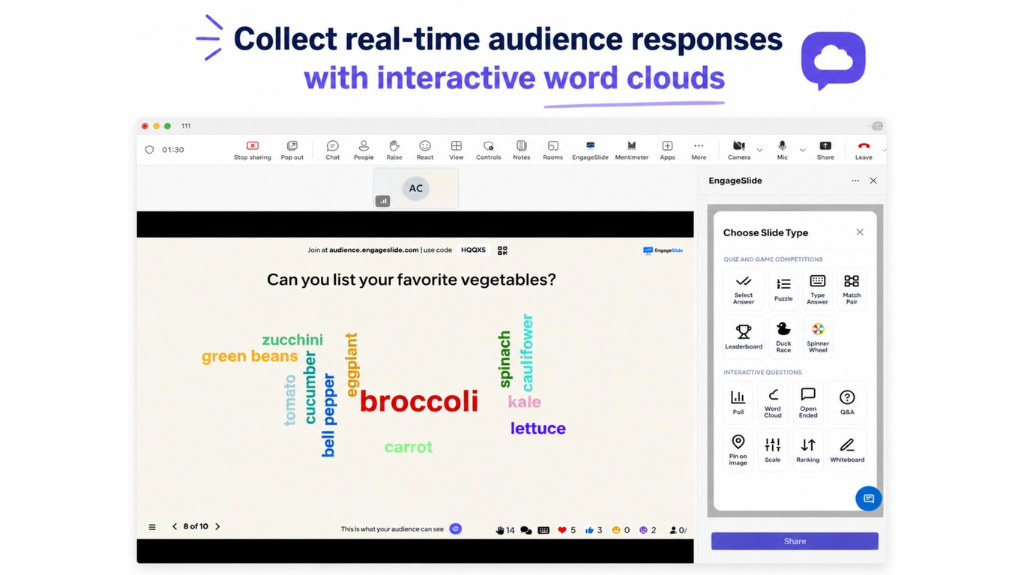
Visualize collective thoughts in real-time. Turn audience ideas into engaging word clouds that grow as more people contribute.
Turn audience ideas into engaging word clouds
Visualize responses instantly and spark more participation. Collect real-time audience responses and watch them bloom on the meeting stage.
Instant visualization
Dynamic growth as people vote
Perfect for icebreakers and brainstorming
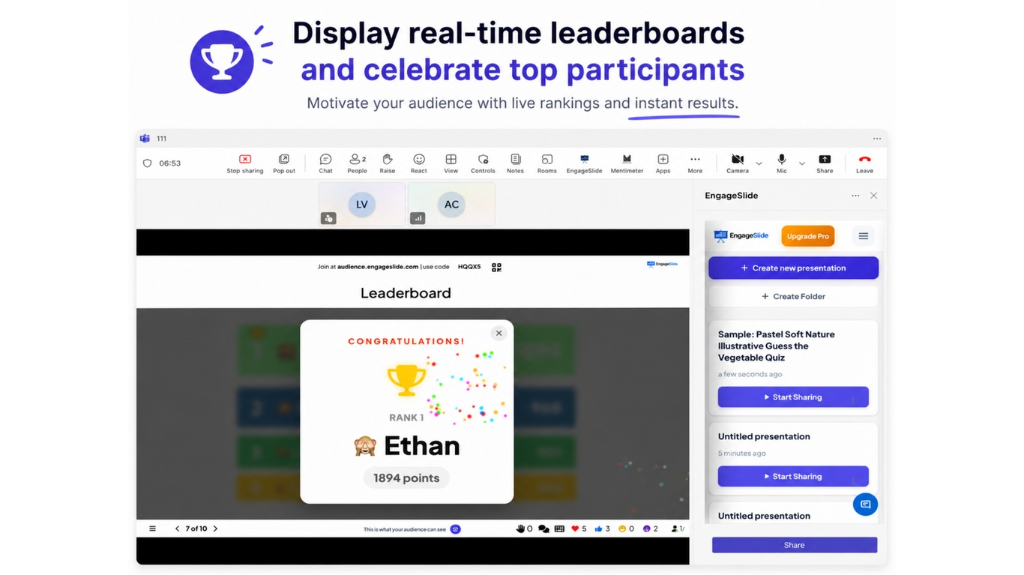
Celebrate together with live leaderboards
Motivate your audience with live rankings and instant results. Gamify your meetings and see who's leading the pack in real-time.
Motivate Participation
Healthy competition keeps participants focused and engaged throughout the session.
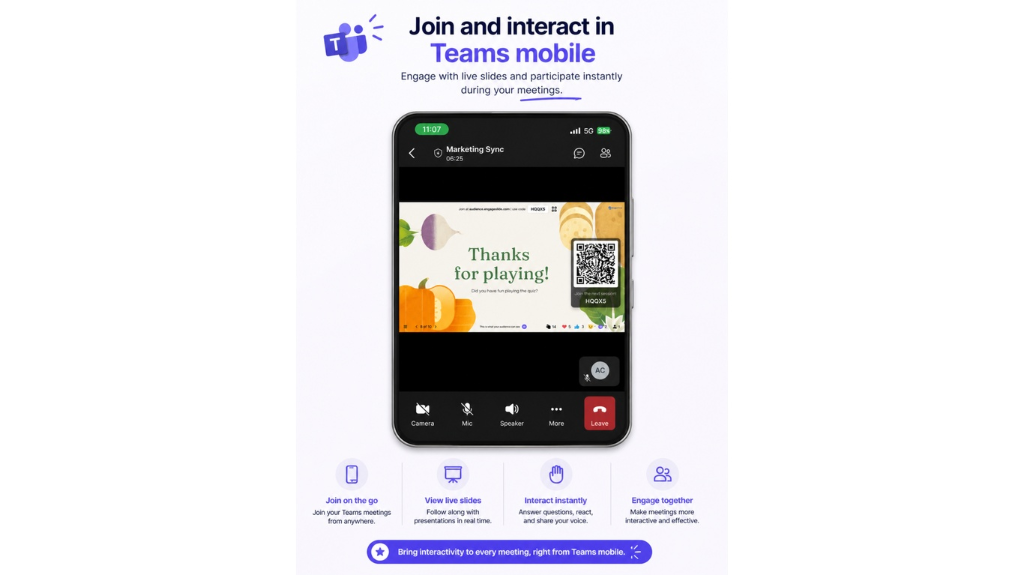
Seamless mobile participation
Join the meeting on the go. Your audience can vote, react, and compete directly from the Microsoft Teams mobile app with no extra setup.
Native mobile support
One-tap participation
Get started in minutes
Connecting EngageSlide to your Microsoft Teams is simple and takes less than 2 minutes.
1
Add the App
Find EngageSlide in the Teams App Store and add it to your client or specific team.
2
Login or Sign up
Sign in with your existing account or create a new one directly inside Teams.
3
Start Engaging
Create your slides and add them to your next meeting stage with a single click.
Why Use EngageSlide for Microsoft Teams?
Microsoft Teams is the hub for collaboration, but keeping everyone engaged during long remote meetings can be a challenge. EngageSlide for Microsoft Teams brings the power of interactive polling and gamified quizzes directly into your workflow.
By integrating directly with the Teams meeting stage, EngageSlide allows you to create a seamless experience where participants can vote, react, and see results without ever having to leave the Teams window. This increases participation rates and ensures that your message is truly landing.
Boost Participation in Remote Teams
Remote work often leads to "Zoom fatigue" or "Teams fatigue". Our integration helps break the monotony by introducing interactive elements like real-time word clouds and competitive leaderboards. Whether you are running a weekly sync, a global town hall, or a remote training session, EngageSlide makes it more fun and effective.
Easy Setup for IT Admins
We've designed our Teams app to be enterprise-ready. It follows all standard security protocols and can be easily whitelisted by IT administrators. Our single sign-on (SSO) support ensures that your team can get started quickly with their existing corporate credentials.
Ready to transform your Teams meetings?
Join thousands of organizations using EngageSlide to make every meeting count. Start for free today.