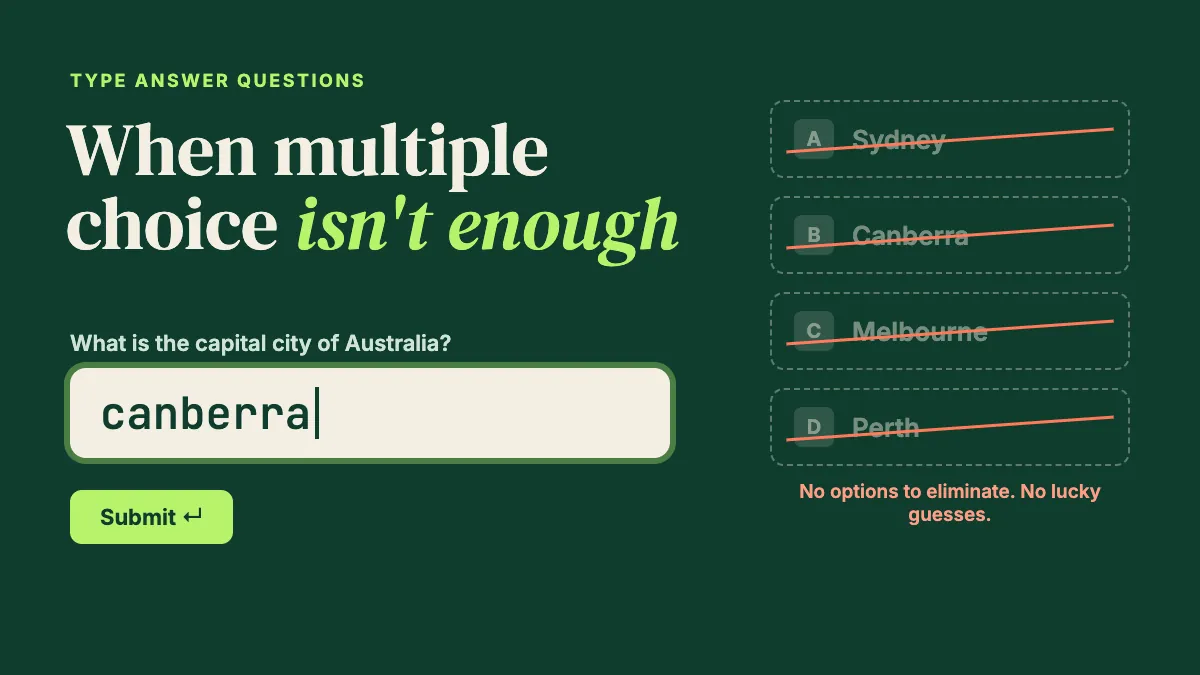
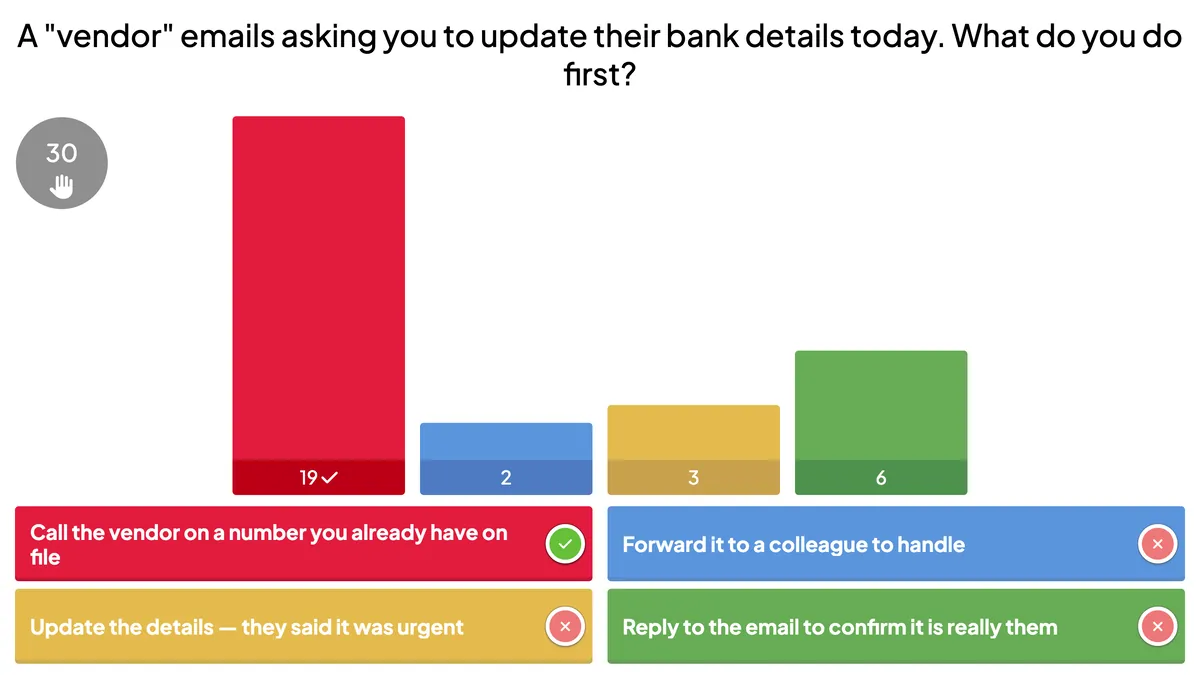
Type answer quiz questions test recall, not recognition. Learn when to use them, how to set accepted answers, and how to fix grading live in EngageSlide.
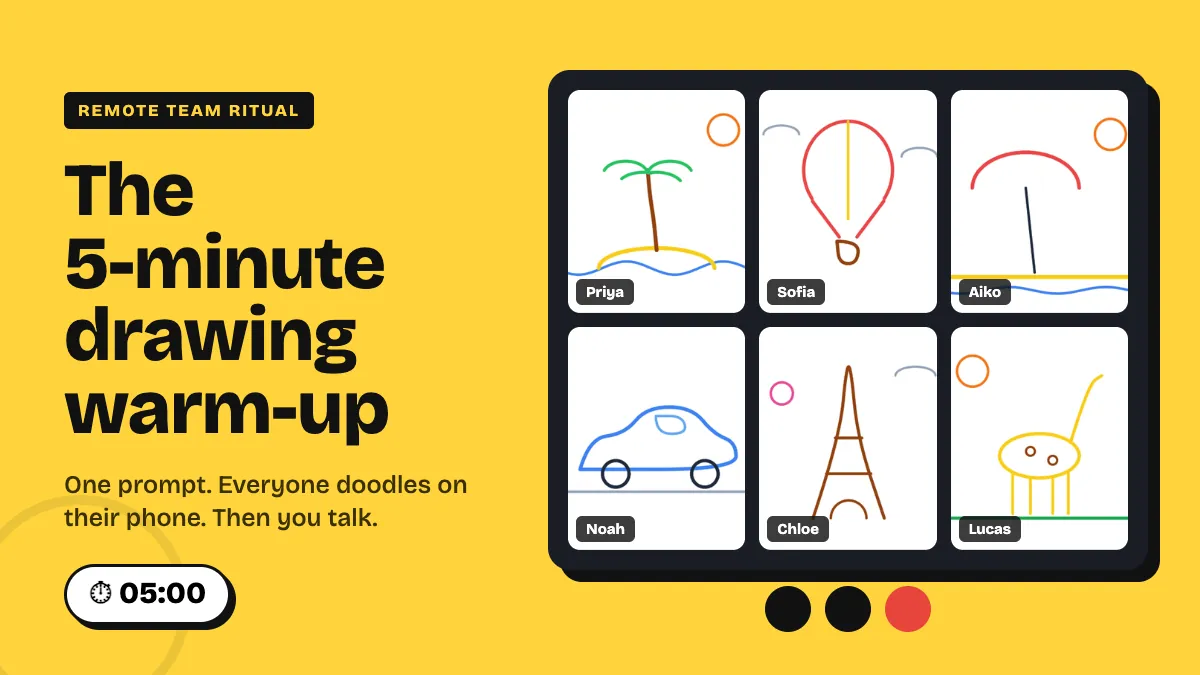
Start remote meetings with a 5-minute drawing warm-up: one prompt, phone doodles in a live gallery, two stories. Run of show, setup and prompts inside.
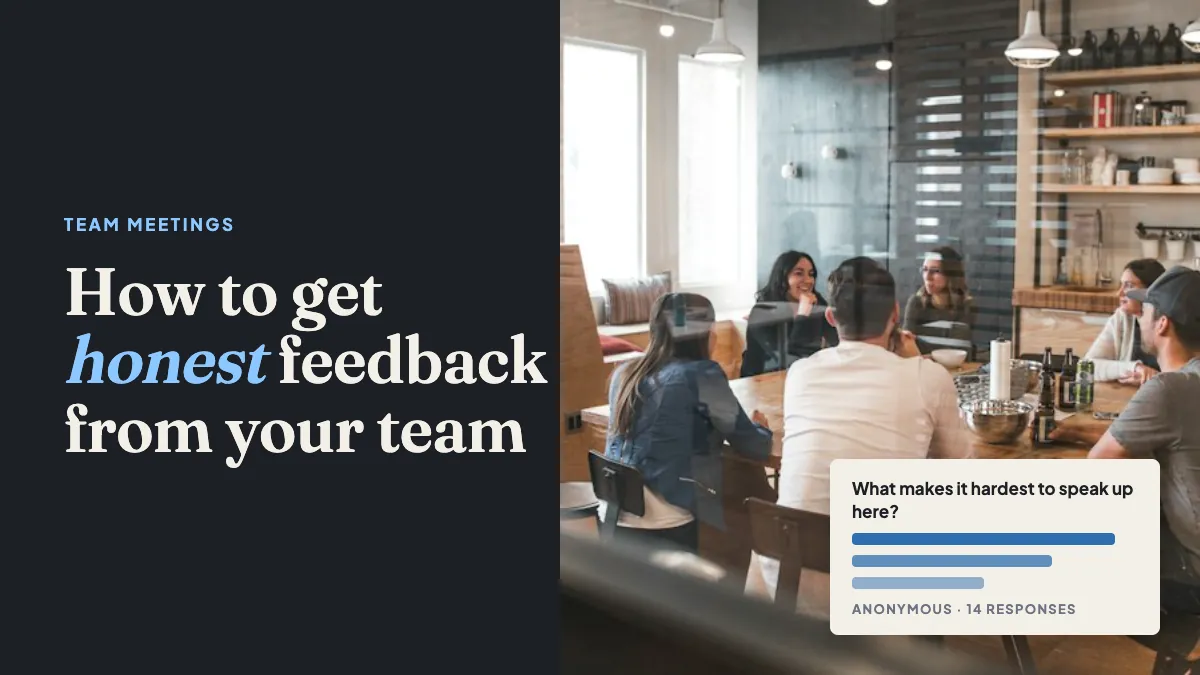
Why teams stay quiet in meetings and a repeatable 15-minute format for honest feedback, using anonymous polls, scales and upvoted Q&A to get candid answers.
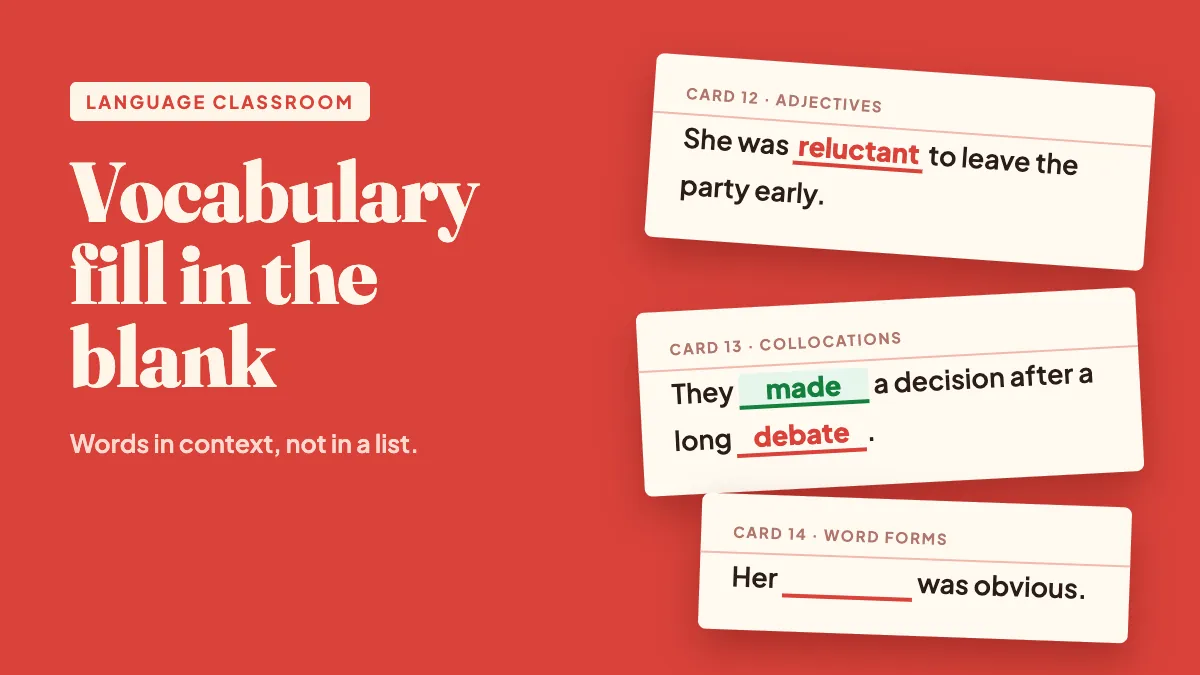
Build vocabulary fill in the blank quizzes that teach words in context: write strong gap-fill sentences, scaffold from word bank to typing, and run them live.
Put a live leaderboard on sales training: what to score, when competition backfires, team mode for mixed-tenure rooms, and a 20-minute format to reuse.
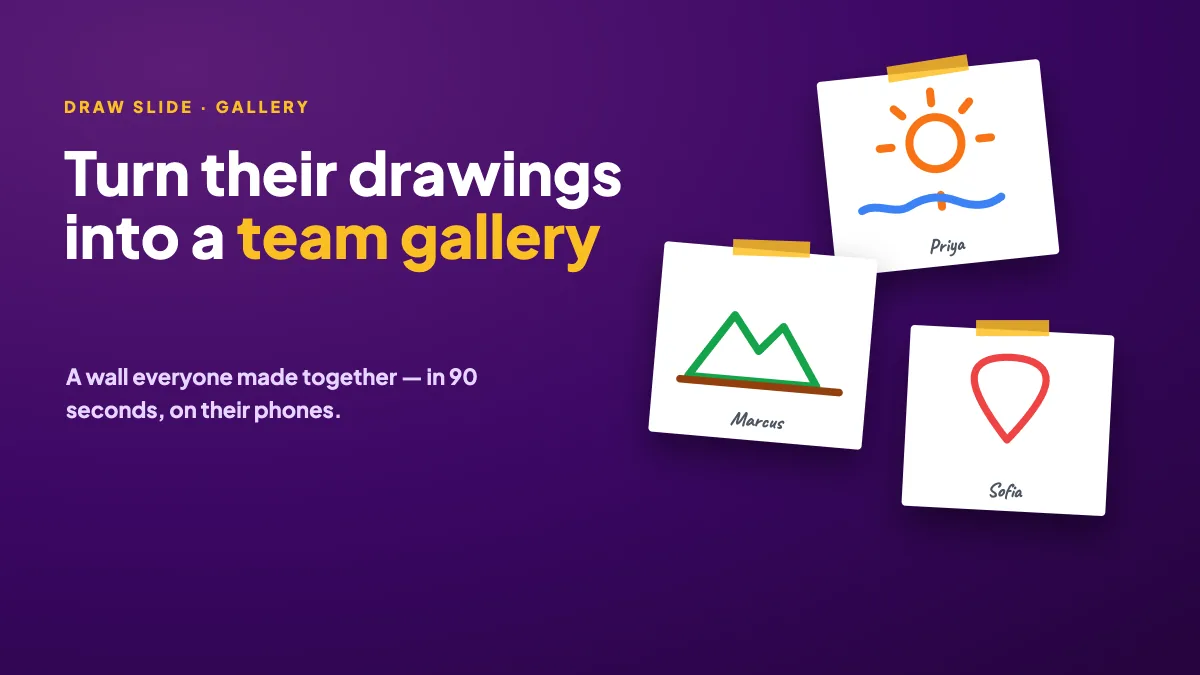
Collect a wall of drawings from your team in 90 seconds: prompts for offsites, retros and wrap-ups, how to set it up, and what to do with the gallery after.
Create a live fill in the blank quiz: bracket the missing words, pick typed answers or a word bank, and see which blanks everyone got right when you reveal.
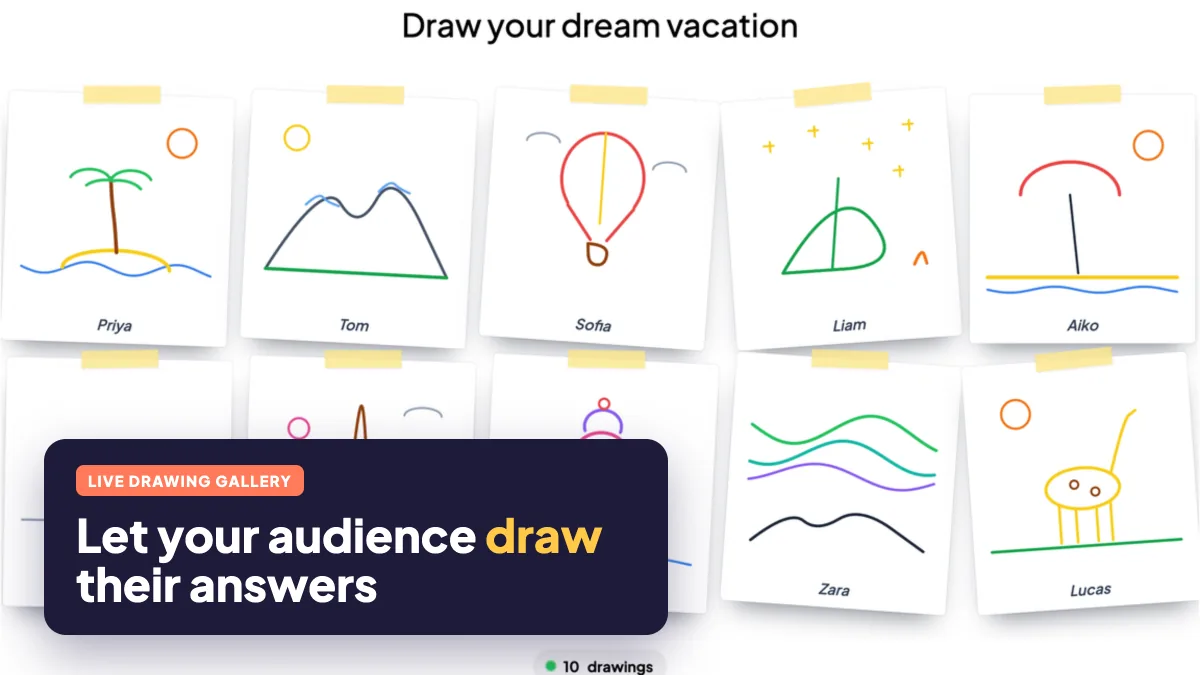
Run a live drawing activity: everyone sketches on their phone and drawings pop into a gallery on the big screen. Setup steps, 12 prompts and practical tips.
Looking for a Slido alternative for Q&A and live polls? Use this checklist to compare upvoting, moderation, poll types and exports, then test before you switch.
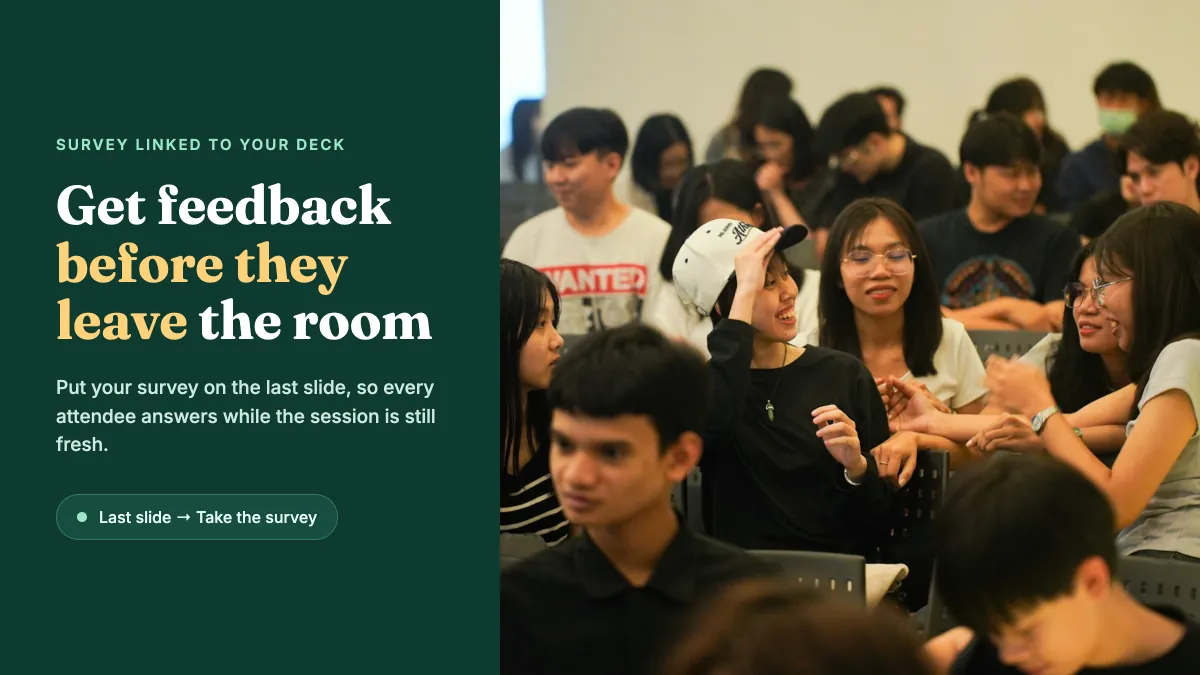
Link a feedback survey to your presentation and show it on the last slide, so attendees answer before they leave. Setup steps, questions and timing tips.
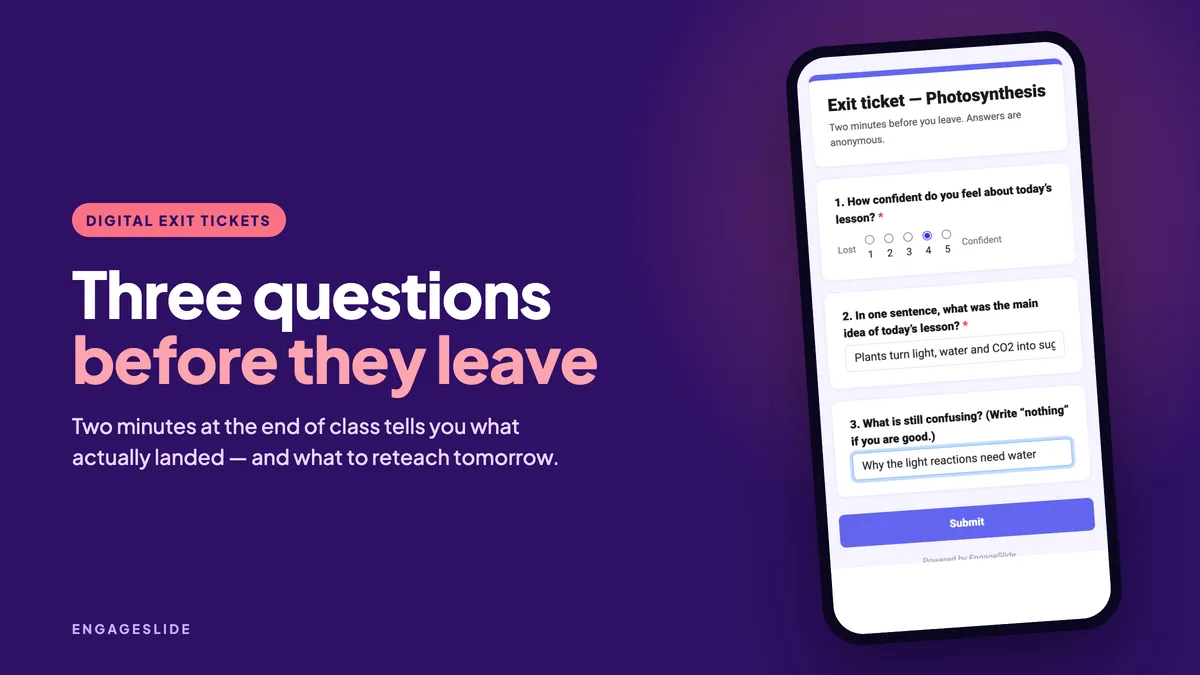
Digital exit tickets in two minutes: the questions worth asking, how to run them as a survey or live slides, and how to turn answers into tomorrow’s lesson.
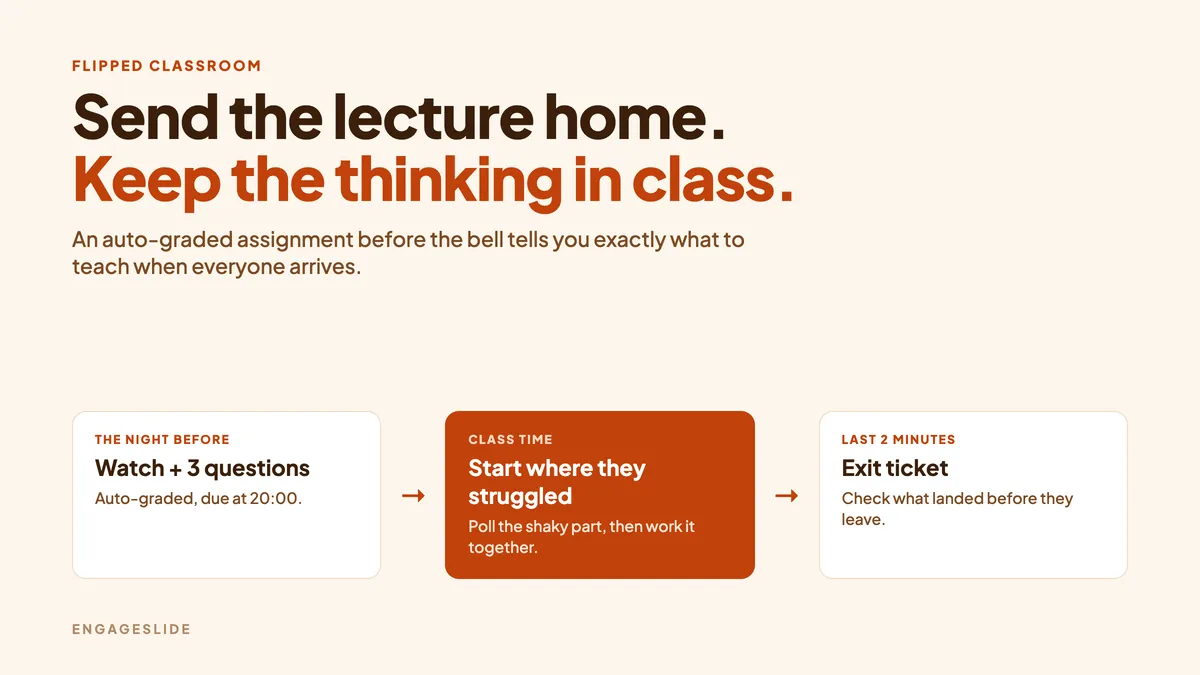
Run a flipped classroom with auto-graded assignments before class and live polls, Q&A and quizzes during class. A practical five-step guide for teachers.
Run a live whiteboard brainstorm where everyone sketches on their phone and you cluster the ideas on the big screen. Step-by-step guide, prompts and tips.
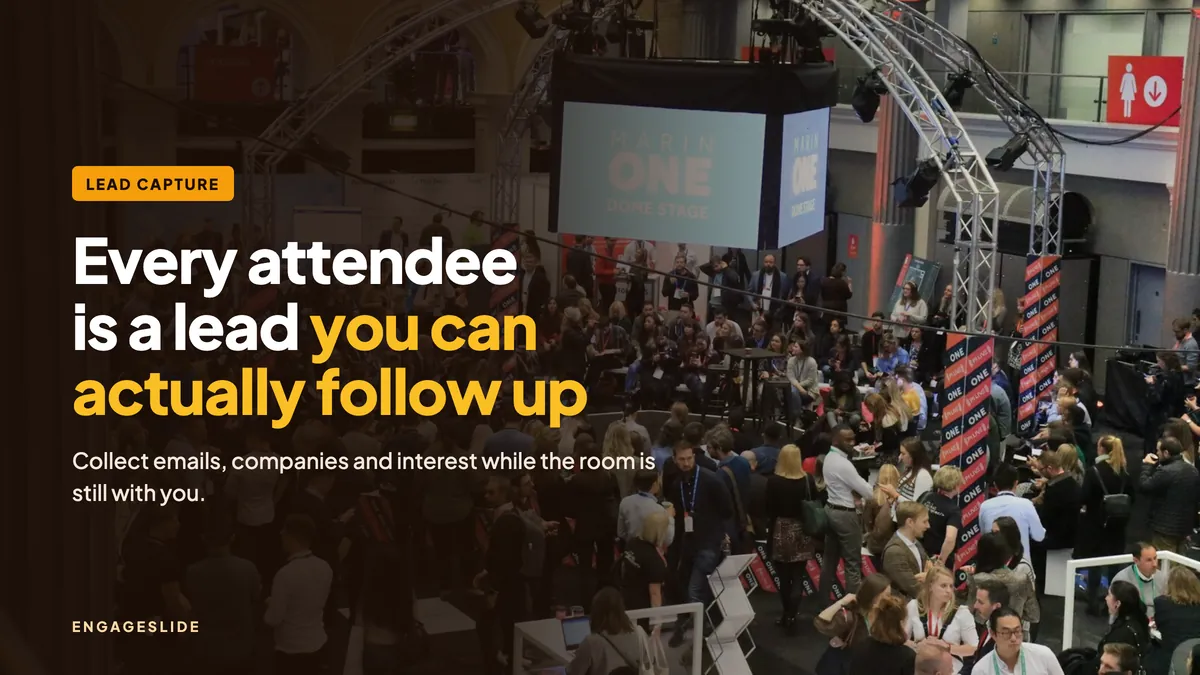
Collect emails and qualified leads during a live presentation with an audience join form, lead-qualifying polls, a Quick Form opt-in and a follow-up survey.
Use spaced training knowledge checks to beat the forgetting curve: live quizzes in session plus auto-graded follow-up assignments on day 1, day 7 and day 30.
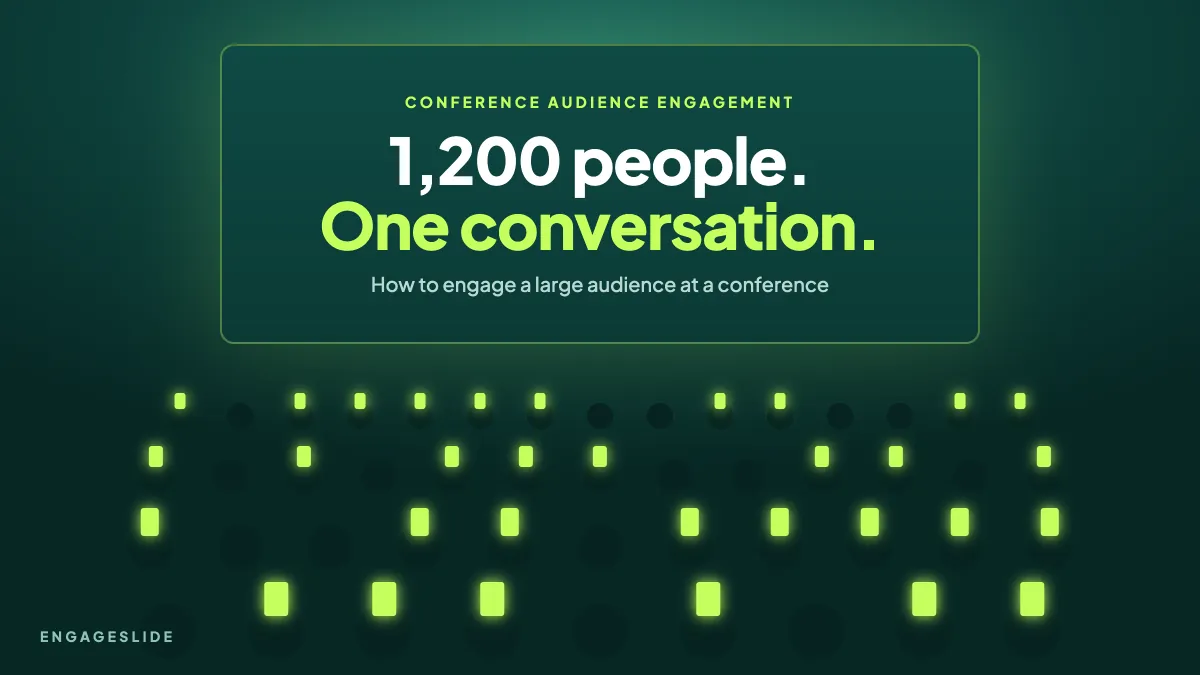
Practical ways to boost conference audience engagement: QR join, warm-up word clouds, live polls, quizzes and upvoted Q&A that work for hundreds of attendees.
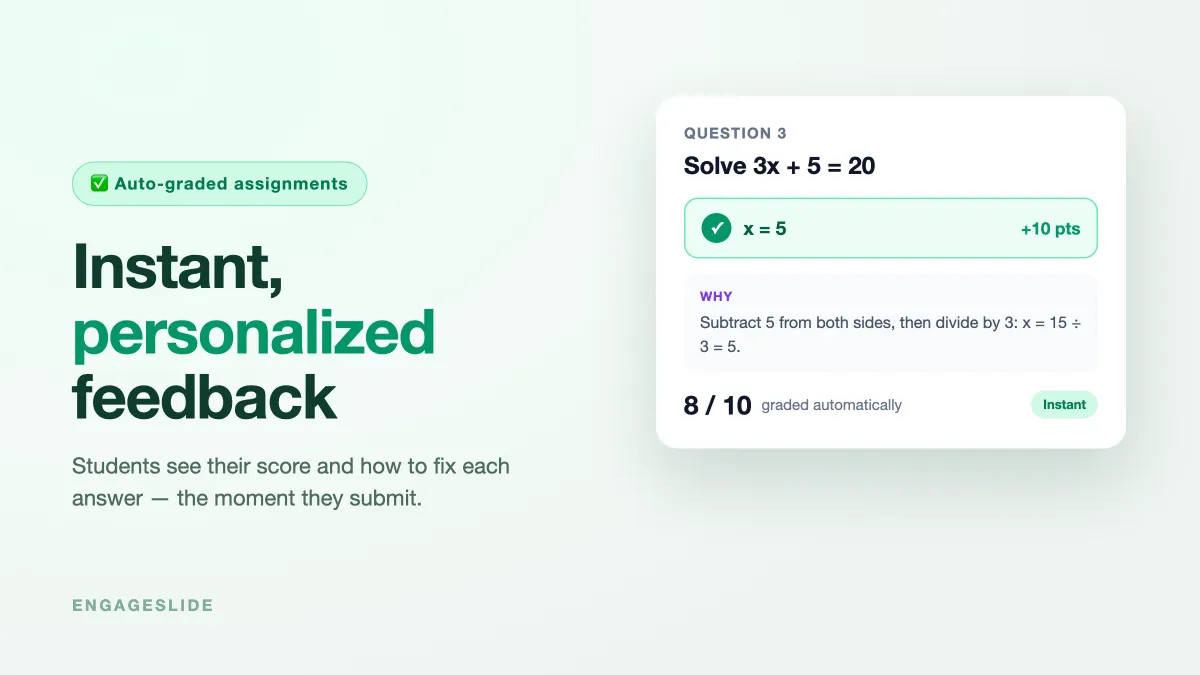
Give students instant, personalized feedback on assignments — auto-grading, numeric tolerance, and worked-solution explanations the moment they submit.
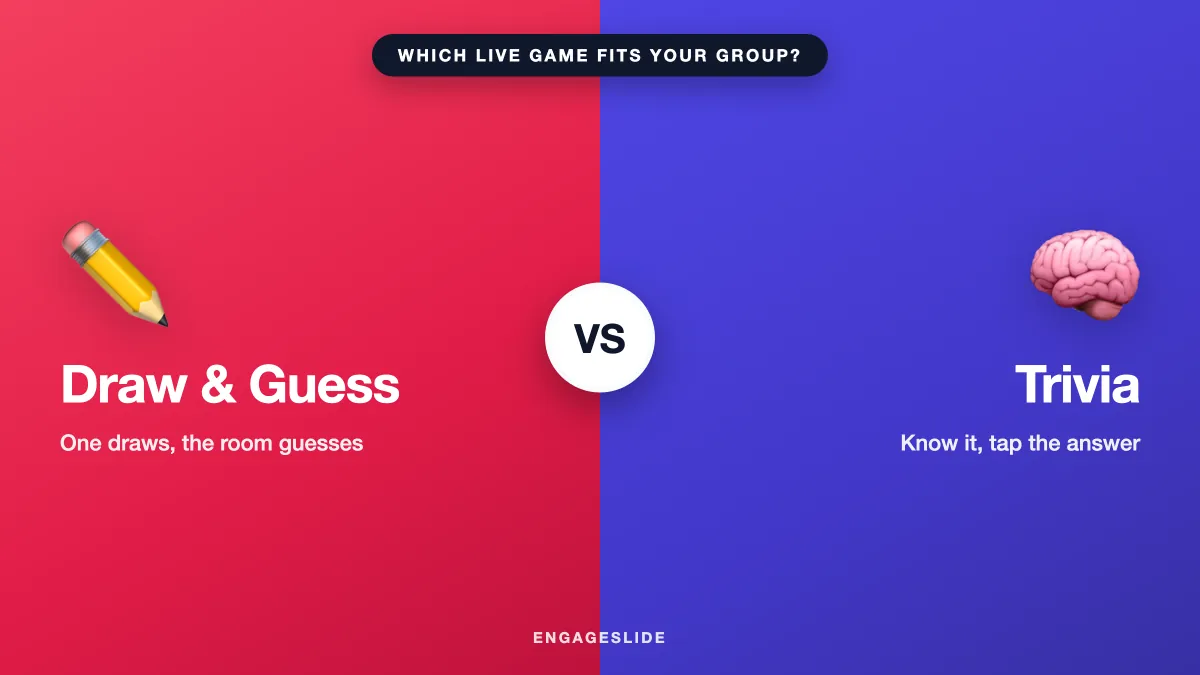
Draw & Guess or Trivia? Compare the two live games side by side — energy, prep, and what they measure — to pick the right one for your group, or run both.
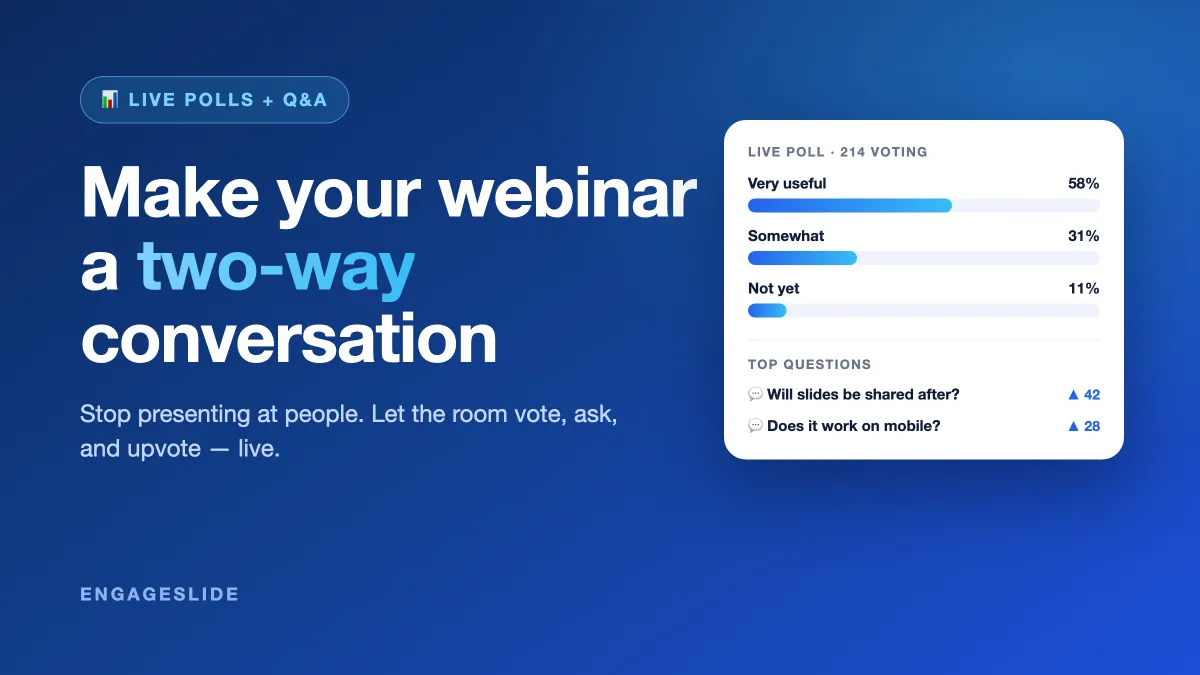
Make webinars interactive with live polls and Q&A. See how a two-way webinar keeps audiences engaged, plus a run-of-show for when to poll and take questions.
Turn any company event into a live Draw & Guess tournament: build teams, run heats to a final, and crown a champion on a real-time leaderboard everyone can see.