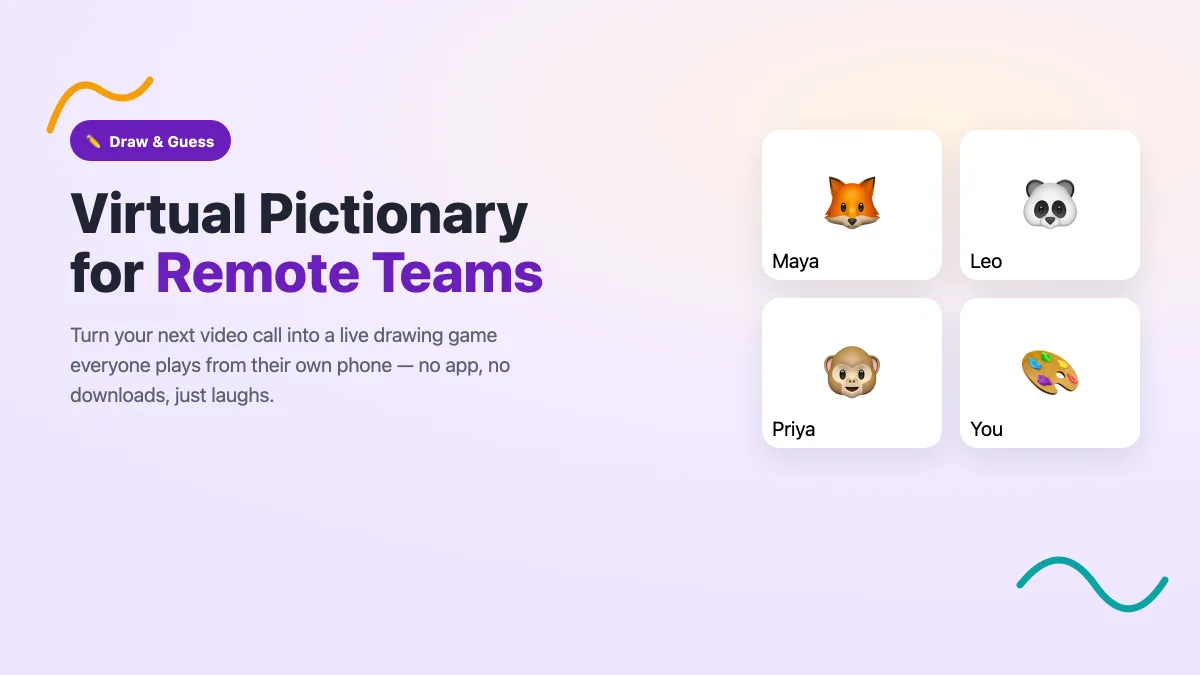
Turn your next video call into a live virtual Pictionary game your whole remote team plays from their phones — no apps, no downloads. A simple how-to guide.
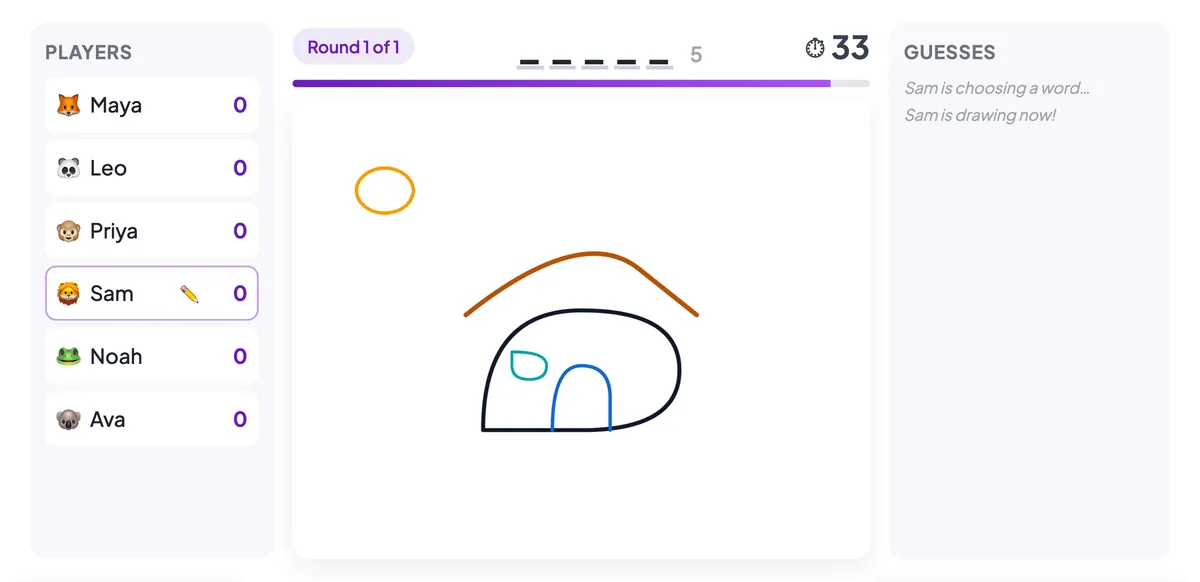
Draw & Guess turns your audience into a live Pictionary game — players take turns drawing while everyone else races to guess the word. Here's how to run it.
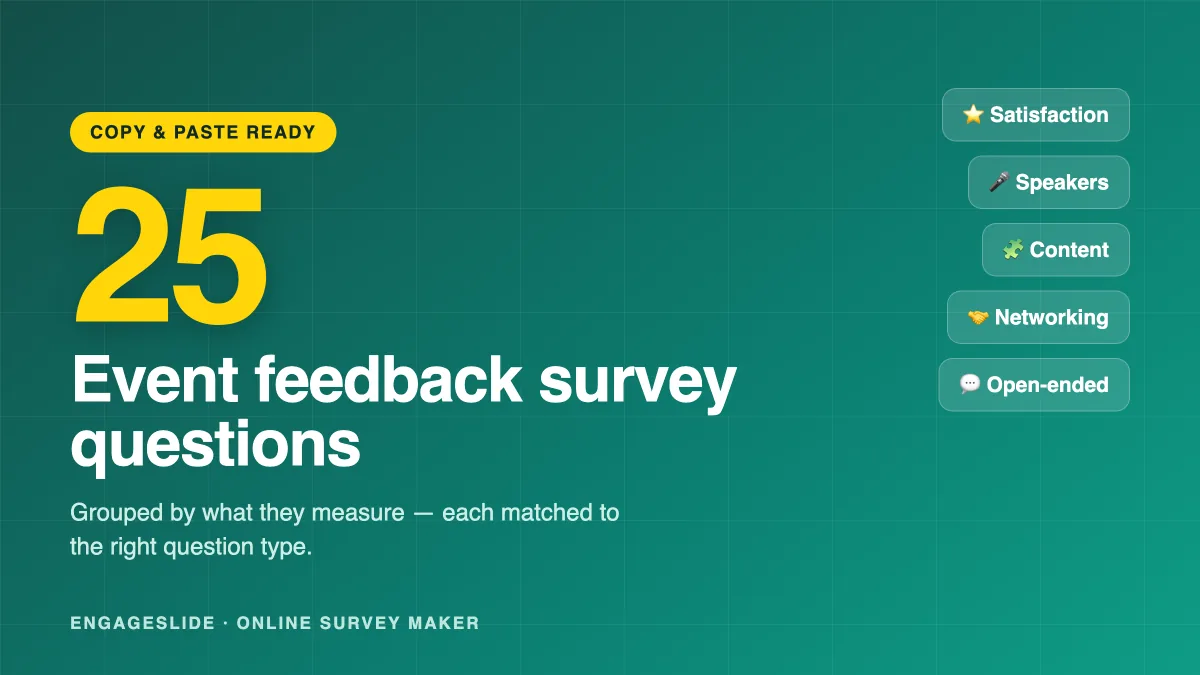
25 ready-to-use event feedback survey questions, grouped by what they measure and matched to the right question type. Copy them into an EngageSlide survey.
Most post-event surveys get a 4% response rate. Learn how to build a short, well-timed, mobile-first survey in EngageSlide that people actually finish.
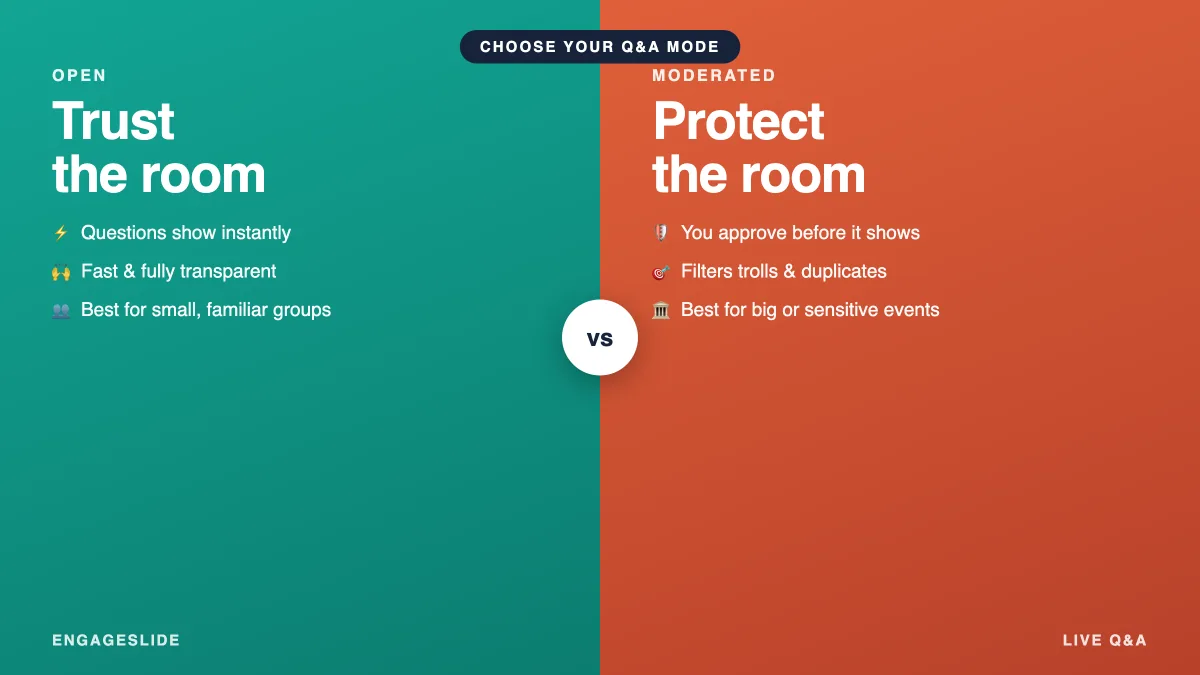
Should every question hit the screen, or should you approve first? Compare moderated vs open Q&A, see when each wins, and set either up in EngageSlide.
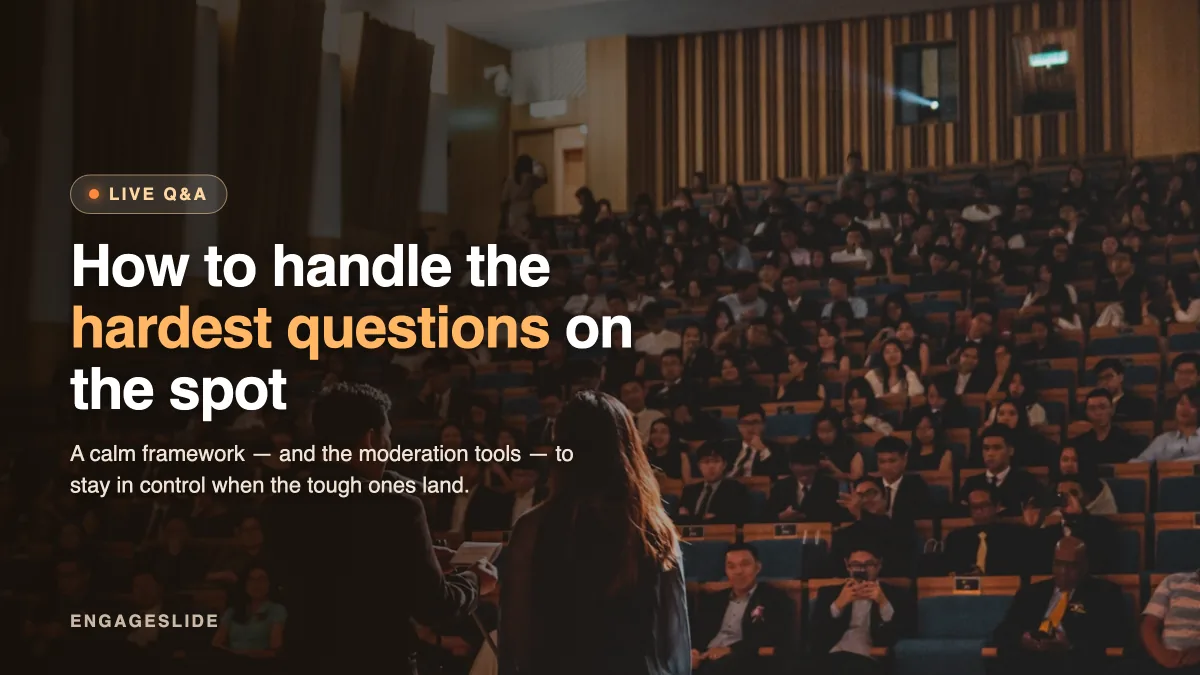
Hostile, off-topic, or unanswerable — every presenter faces hard questions. A calm framework plus EngageSlide moderation to stay in control on the spot.
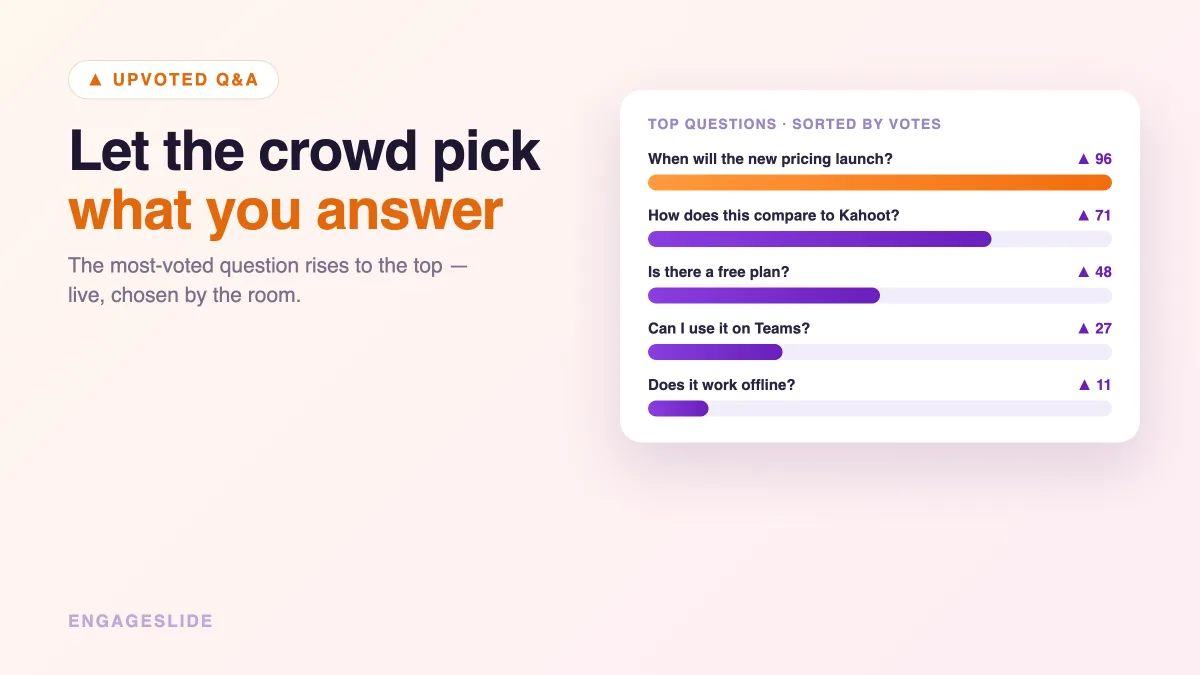
Stop letting the loudest voice run your Q&A. Learn how question upvoting lets the crowd rank what matters most — and how to run it live in EngageSlide.
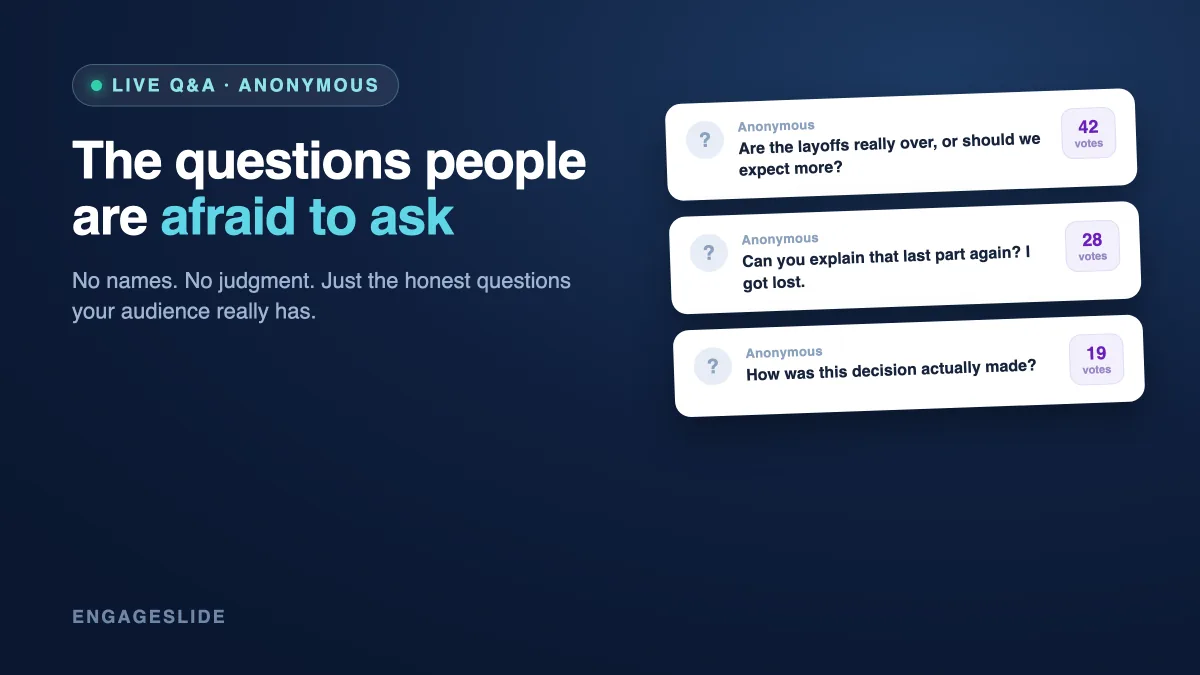
Tired of silence after 'Any questions?' Run a lively live Q&A in EngageSlide with anonymous questions and audience upvoting that surface what matters most.
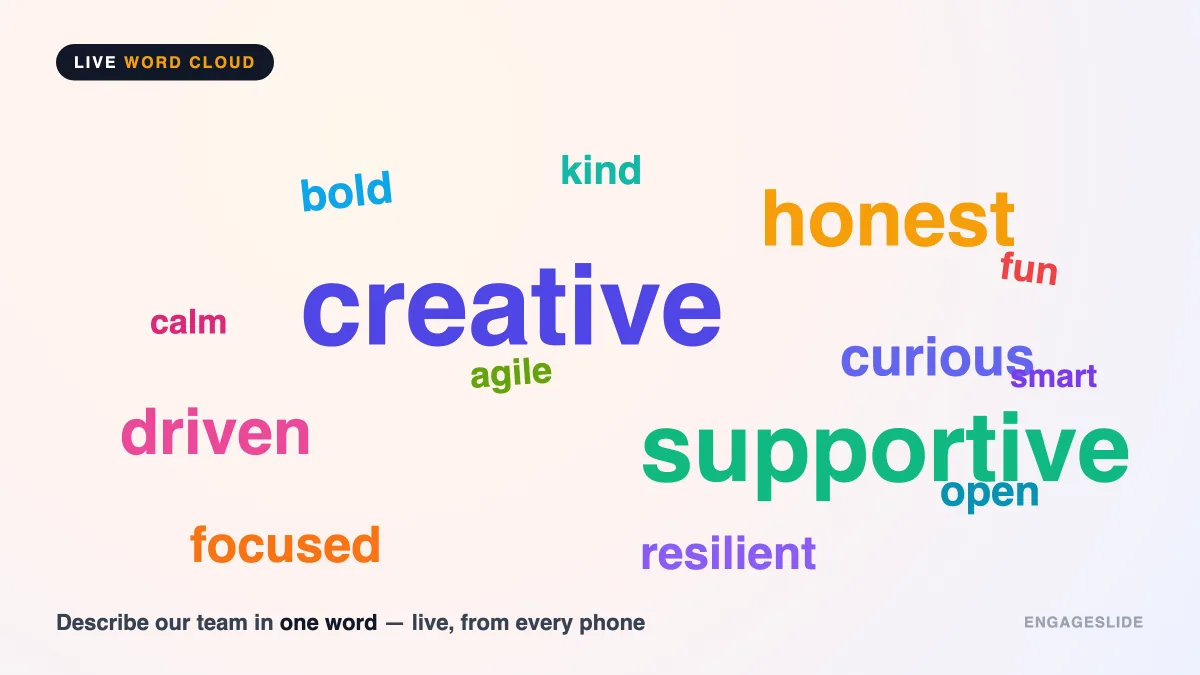
Run faster, fairer brainstorms with a live word cloud in EngageSlide: gather ideas from everyone at once, spot consensus instantly, and turn it into action.
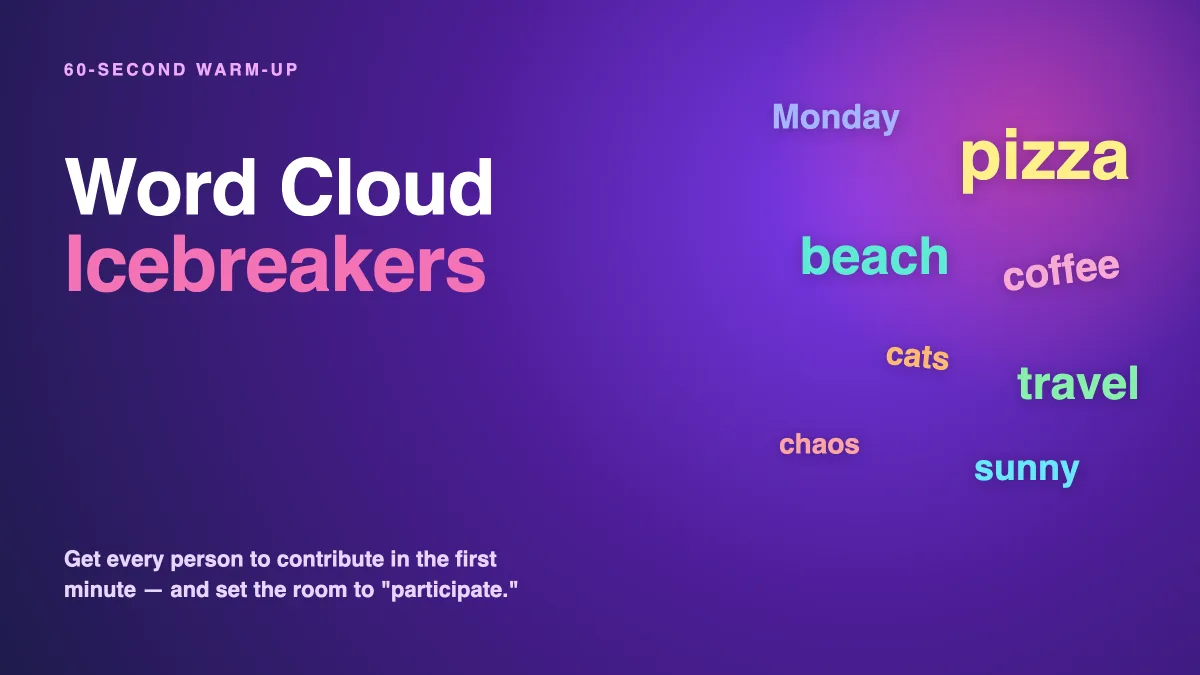
Break the ice in 60 seconds. 15 word cloud icebreakers for meetings, classrooms, and teams — plus how to run one and keep the energy going in EngageSlide.
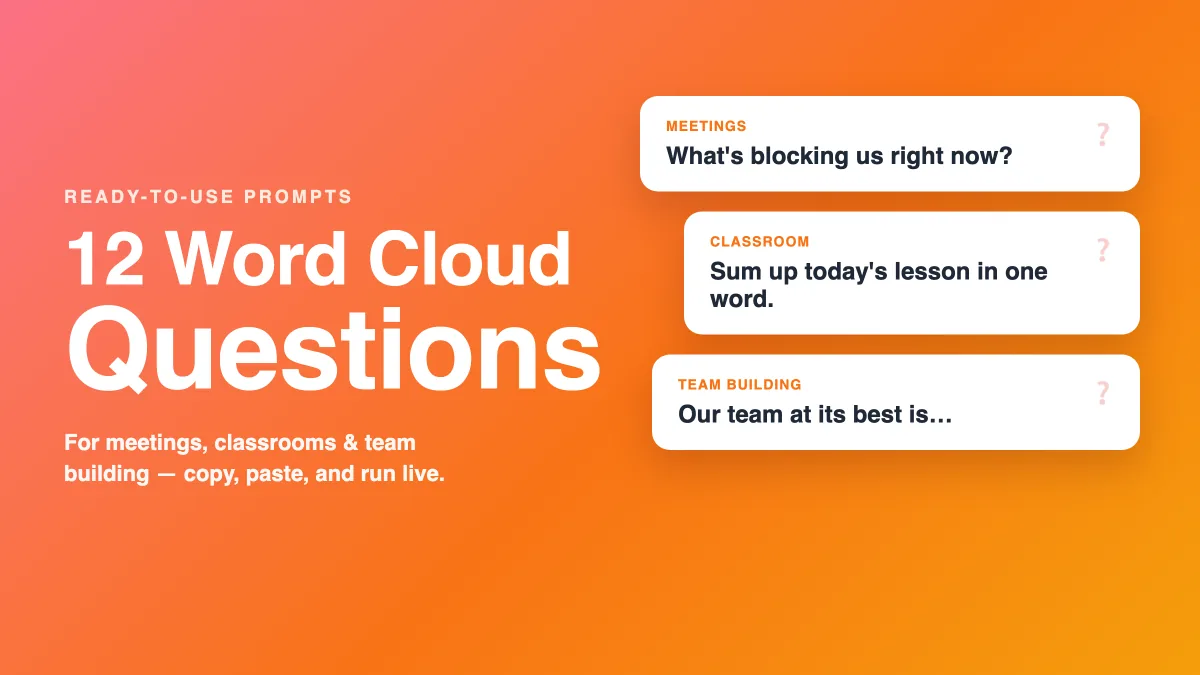
Copy-and-use word cloud questions for meetings, classrooms, and team building — 12 creative prompts that spark honest, real-time answers in EngageSlide.
Stuck meetings and loudest-voice bias? Learn how to use live polls for group decisions — dot voting, ranking and 100-point splits — to decide faster in EngageSlide.
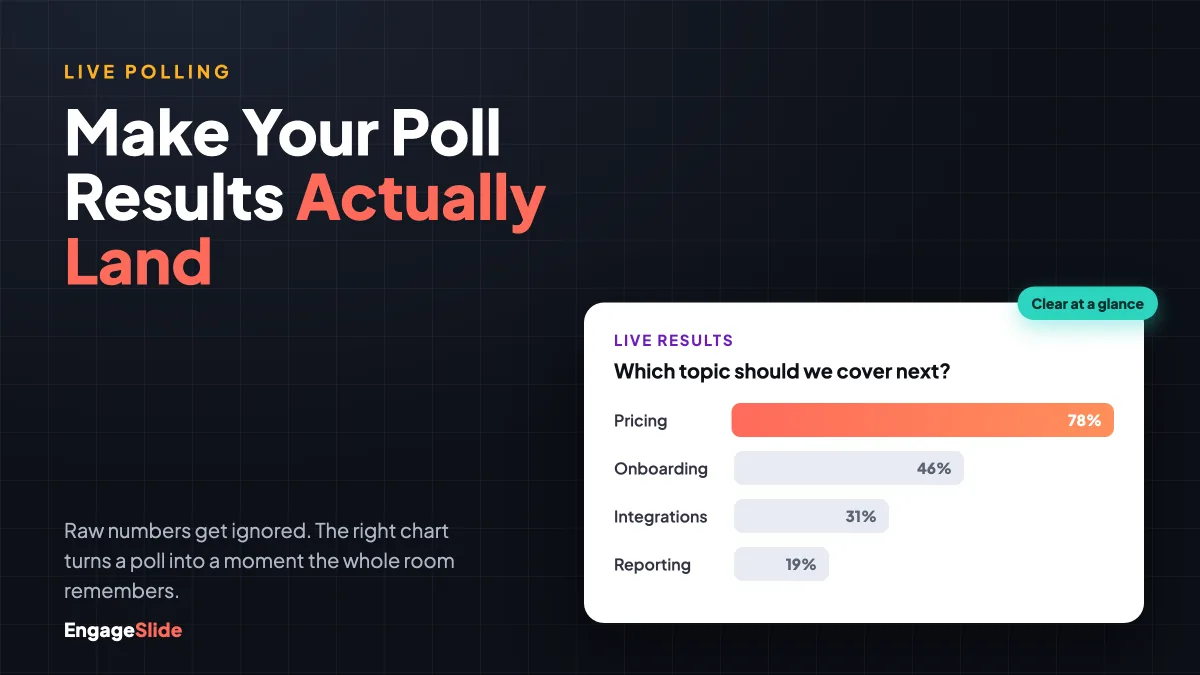
Live poll results only work if people can read them. Learn how to visualize poll results with the right charts, live reveals, and clean design in EngageSlide.
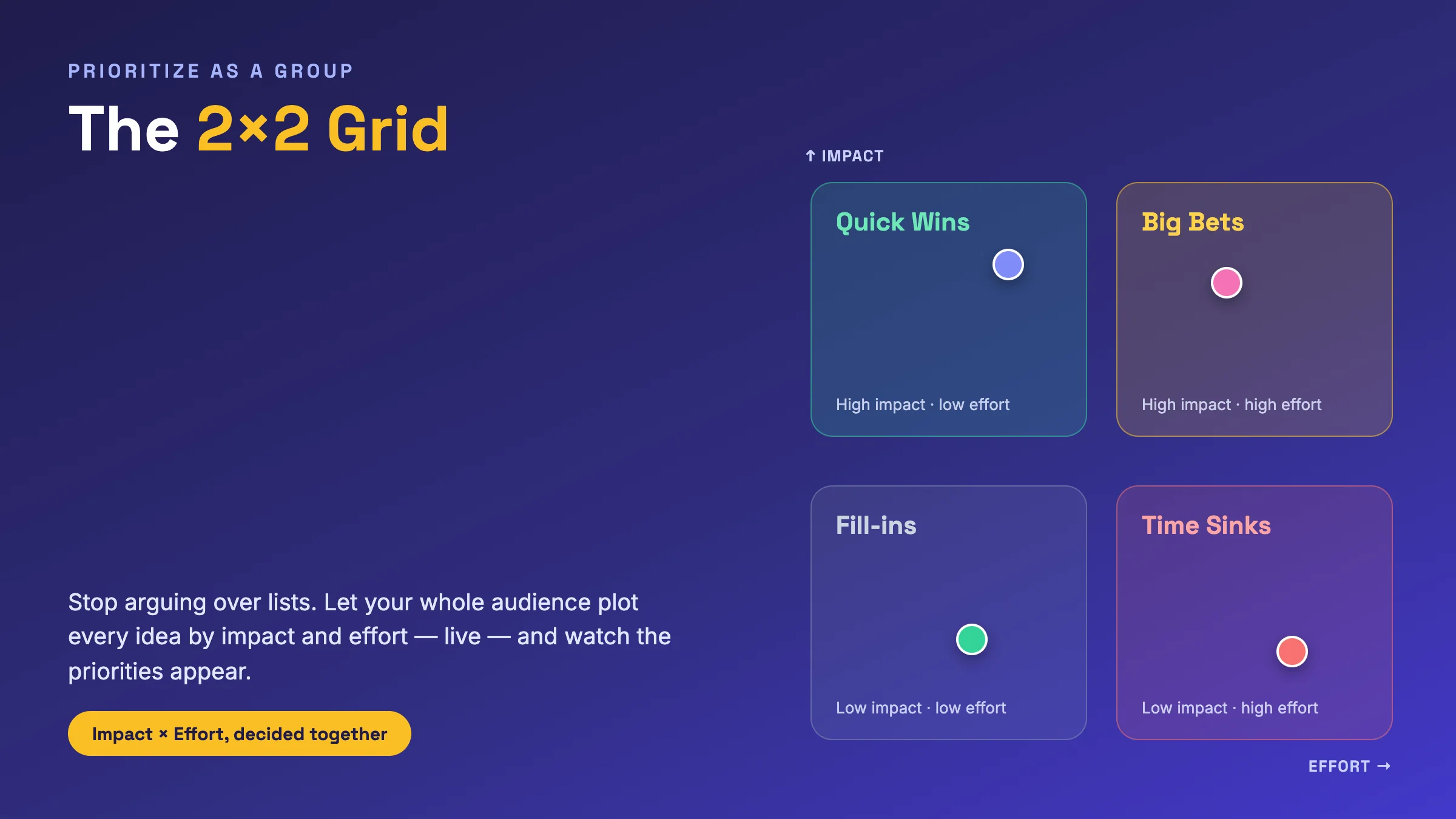
Turn messy priority debates into a clear decision. See how the 2x2 grid slide in EngageSlide lets your whole audience plot ideas by impact and effort, live.
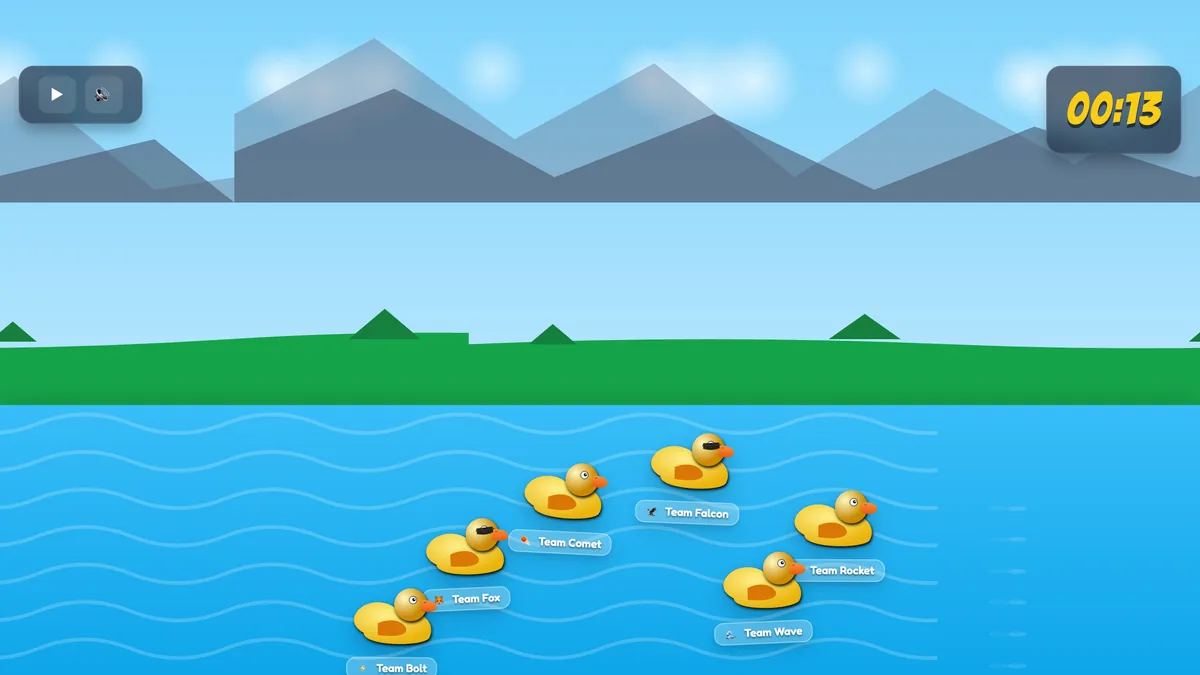
The Duck Race slide turns your audience into ducks in a live, no-knowledge game. Learn how it works, when to use it, and how to run one in EngageSlide.
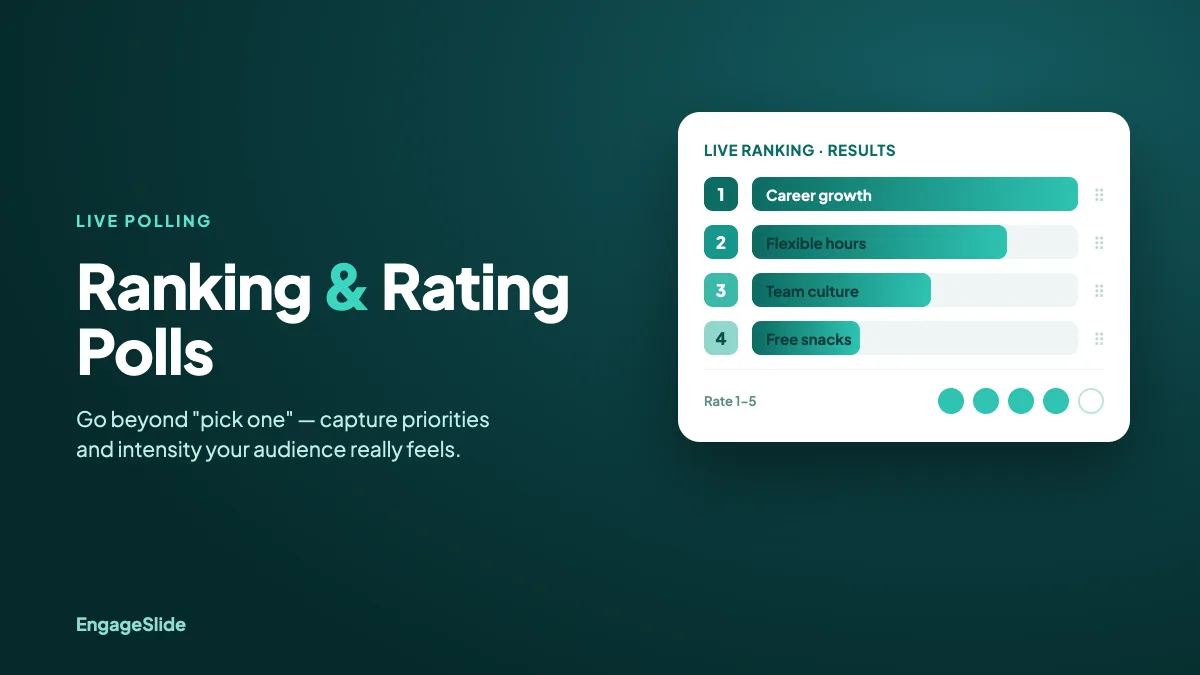
Ranking and rating polls reveal priorities and intensity a simple multiple-choice poll can't. Learn when to use each and how to run them live in EngageSlide.
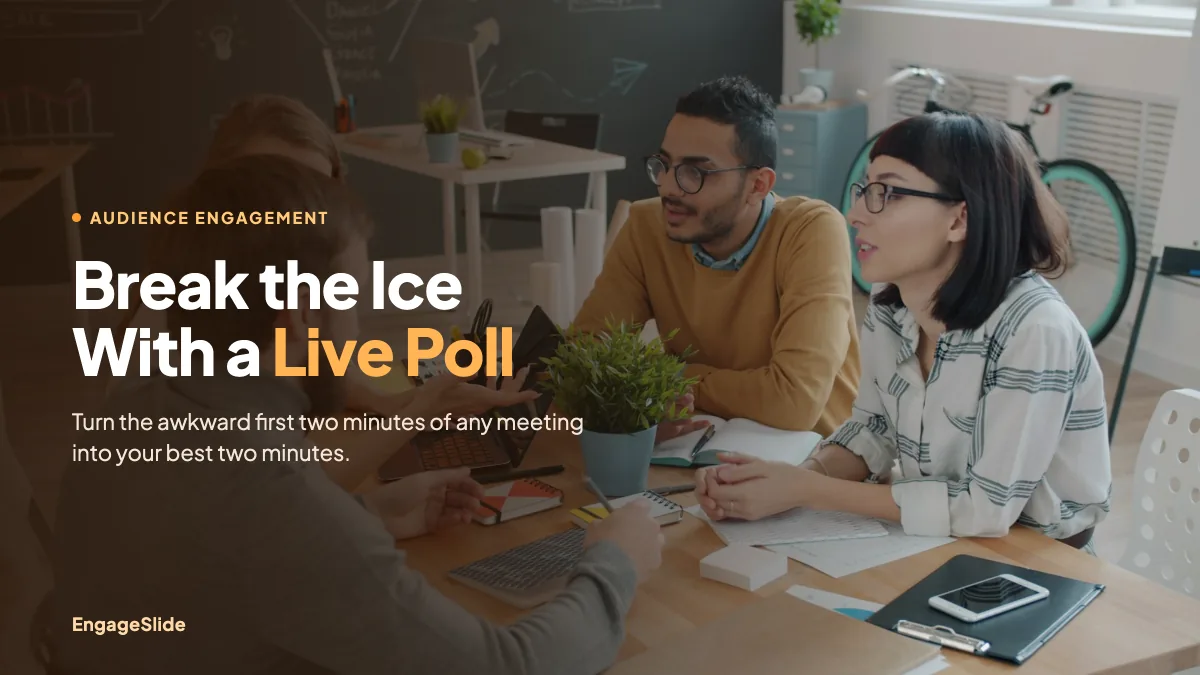
Turn awkward silences into instant engagement. Learn how to use live polls as meeting icebreakers, with 7 ready-to-run poll questions you can set up fast.